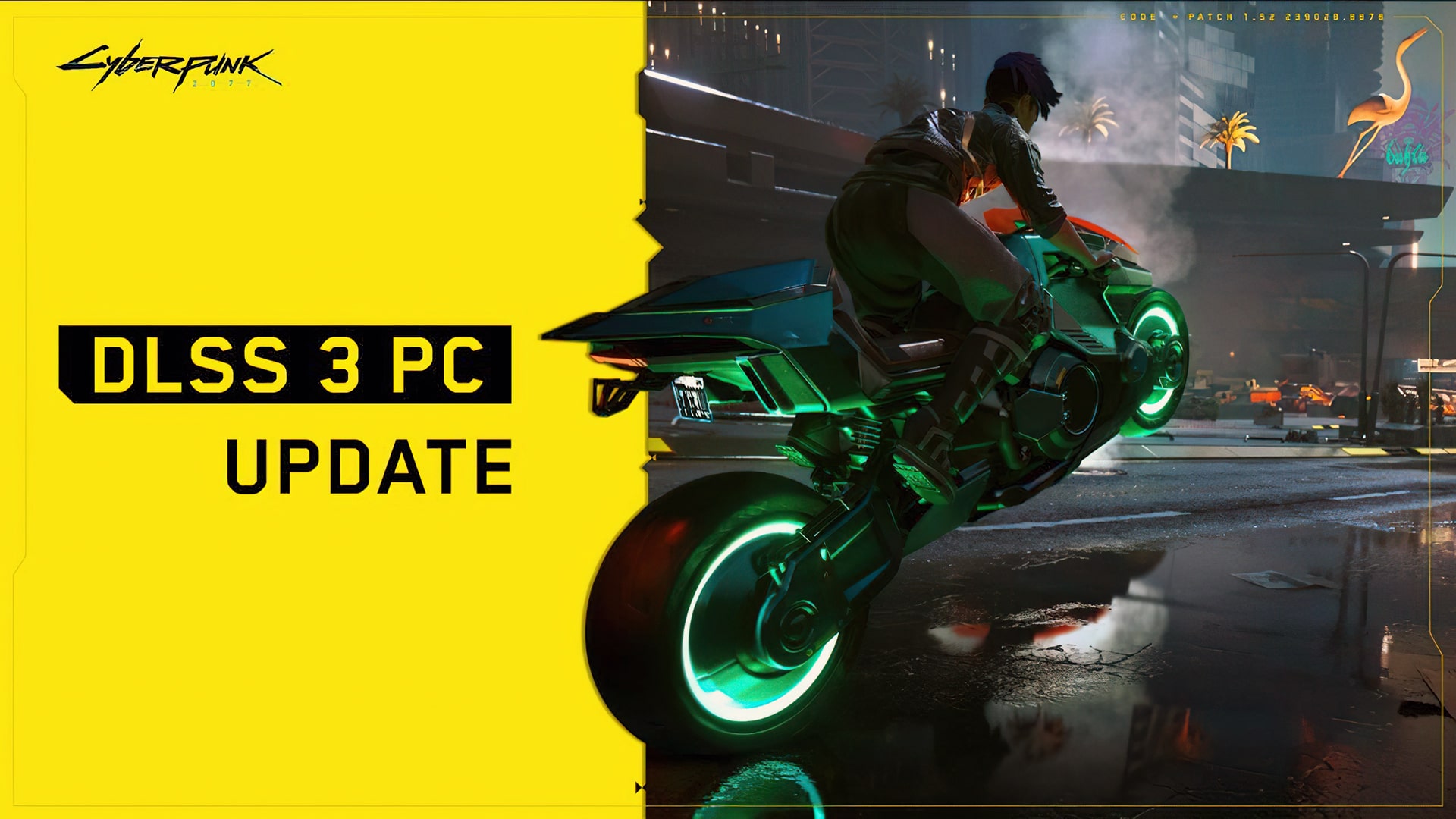
Cyberpunk 2077 update with DLSS 3 support released
The Cyberpunk 2077 update has been released for PC, which includes support for NVIDIA DLSS 3 framing and NVIDIA Reflex low-latency on compatible hardware.
How to enable GPU scheduling with hardware acceleration
DLSS Frame Creation” requires a GeForce RTX 40-series graphics card and hardware-accelerated GPU scheduling enabled. In Windows 11, this feature is enabled by default.
How to enable GPU scheduling with hardware acceleration in Windows 10:
- Press the Windows key on your keyboard, type “Graphics Settings” and select this option.
- From the “Graphics Settings” menu, turn on the “Hardware Accelerated GPU Scheduling” option.
- Restart your computer.
Source: cyberpunk.net
Related articles
 Cyberpunk 2077 – Patch 2.31: AutoDrive, Photo Mode, and quest fixes
 Cyberpunk 2077 Update 2.3: AutoDrive, four new rides, and a Mac debut
 Cyberpunk 2077 – Patch 2.21: DLSS 4, Photo Mode, Vehicle Customization
 Cyberpunk 2077 – Patch 2.2: Auto customization, photo mode
 Cyberpunk 2077 – Patch 2.13: New Features and Improvements
 Cyberpunk 2077 – Patch 2.12: Key bindings, Enhanced performance, and tweaks
 Cyberpunk 2077 – Patch 2.11: Enhanced Combat, Rayfield Treats
 Cyberpunk 2077 – Patch 2.1: Subway, dating and racing