
Update 04.26.22
Sandbox: Contraption Weapons
I introduced this functionality a few weeks ago, but it truly excels now with the integration of the Rocket Launcher and comprehensive support for the Physics Gun. This means your contraptions can now fire rockets…
…or utilize tools like a tractor beam.
Sandbox: Real-Time Screens
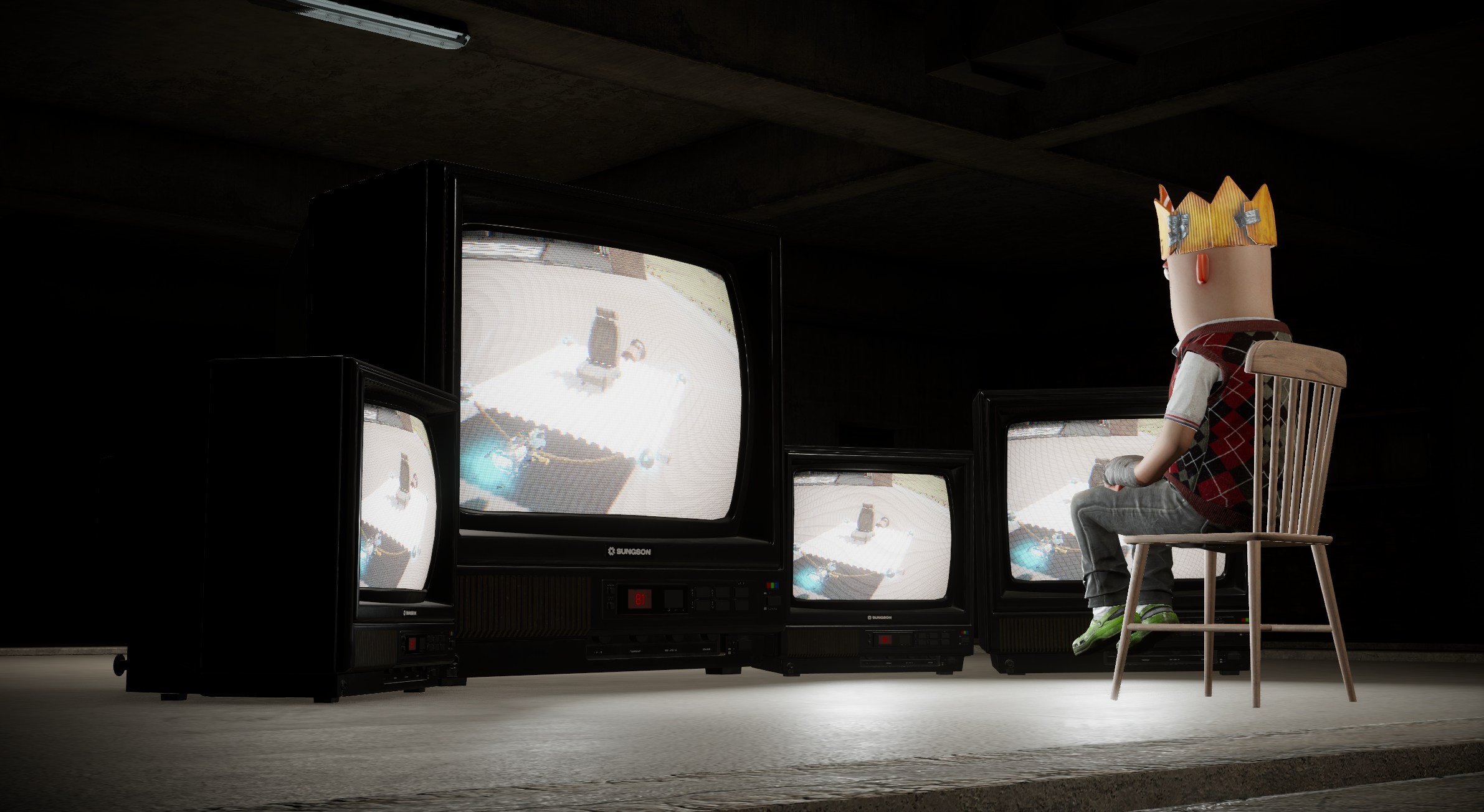
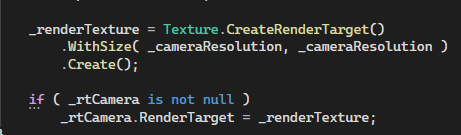
You can now link cameras directly to televisions, perfect for custom contraptions or simply experimenting. While this has been possible for some time, I wanted to showcase how you can implement this in your own projects. Simply create a render target texture with specific dimensions and link it to the RenderTarget property of a CameraComponent.
Automated LOD Generation
We have introduced the ability to automatically generate Level of Detail (LOD) models directly within ModelDoc. The heavy lifting is managed by Arseny’s meshoptimizer library.
Video courtesy of Northbound RP
The system is designed for ease of use, providing excellent results with default settings. However, you retain the flexibility to fine-tune individual parameters or even combine hand-crafted LODs with the auto-generated ones.
Spritesheet Importer
Importing sprites from a spritesheet is now streamlined, eliminating the need for manual cropping. Simply define the number of rows and columns, then select the specific frames you wish to import.
When importing a sprite strip (either vertically or horizontally), the system automatically detects the rows and columns and selects all frames, allowing for a frictionless workflow.
Mapping Bridge Tool
Another powerful feature ported from Hammer to our mapping tool: the ability to easily bridge edges and faces.
Improved Connection Feedback
Previously, encountering a connection issue often meant being unceremoniously dropped back to the menu with little indication as to why. We have overhauled the connection flow this week, cleaning up the backend logic and introducing much clearer user feedback.
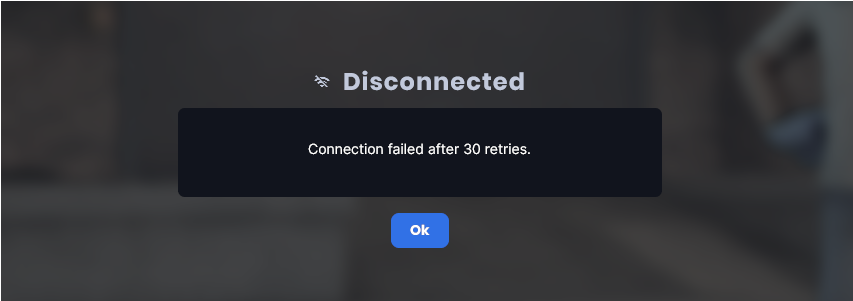
Players will now receive detailed error messages if a connection fails or if they are disconnected from a server. This applies to server kicks as well. We have also resolved a bug that occasionally caused these messages to appear garbled, ensuring that when you are kicked for rule-breaking, the reason is perfectly clear.
Bindless AMD Artifact Fixes
Following the integration of UI batching and new lighting features, we observed varying degrees of artifacting on AMD graphics cards.
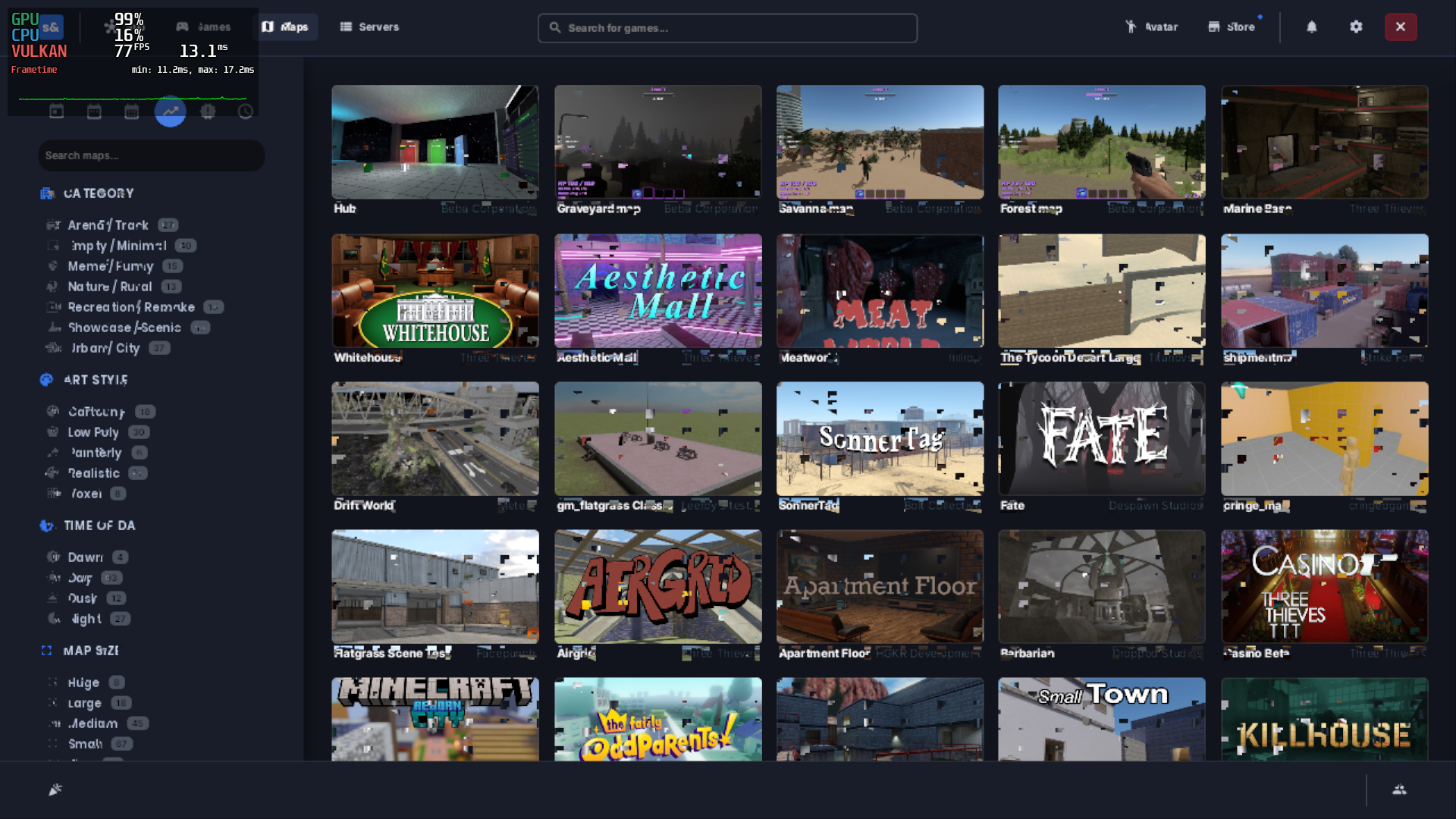
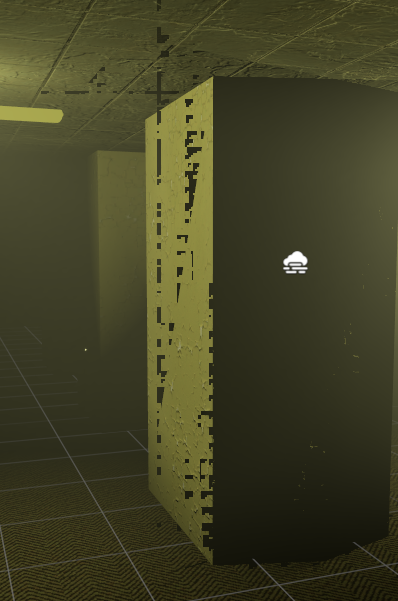
We migrated our shaders to utilize bindless textures; however, these required explicit marking with NonUniformResourceIndex for non-uniform scenarios. We discovered that simply adding this to function parameters was insufficient; the marking needed to occur at the descriptor heap level.
The fix involved baking the NonUniformResourceIndex logic directly into our Bindless::GetTexture2D implementation, abstracting the complexity away from the developer. The result is total elimination of these artifacts on AMD hardware.
Media Framework Overhaul
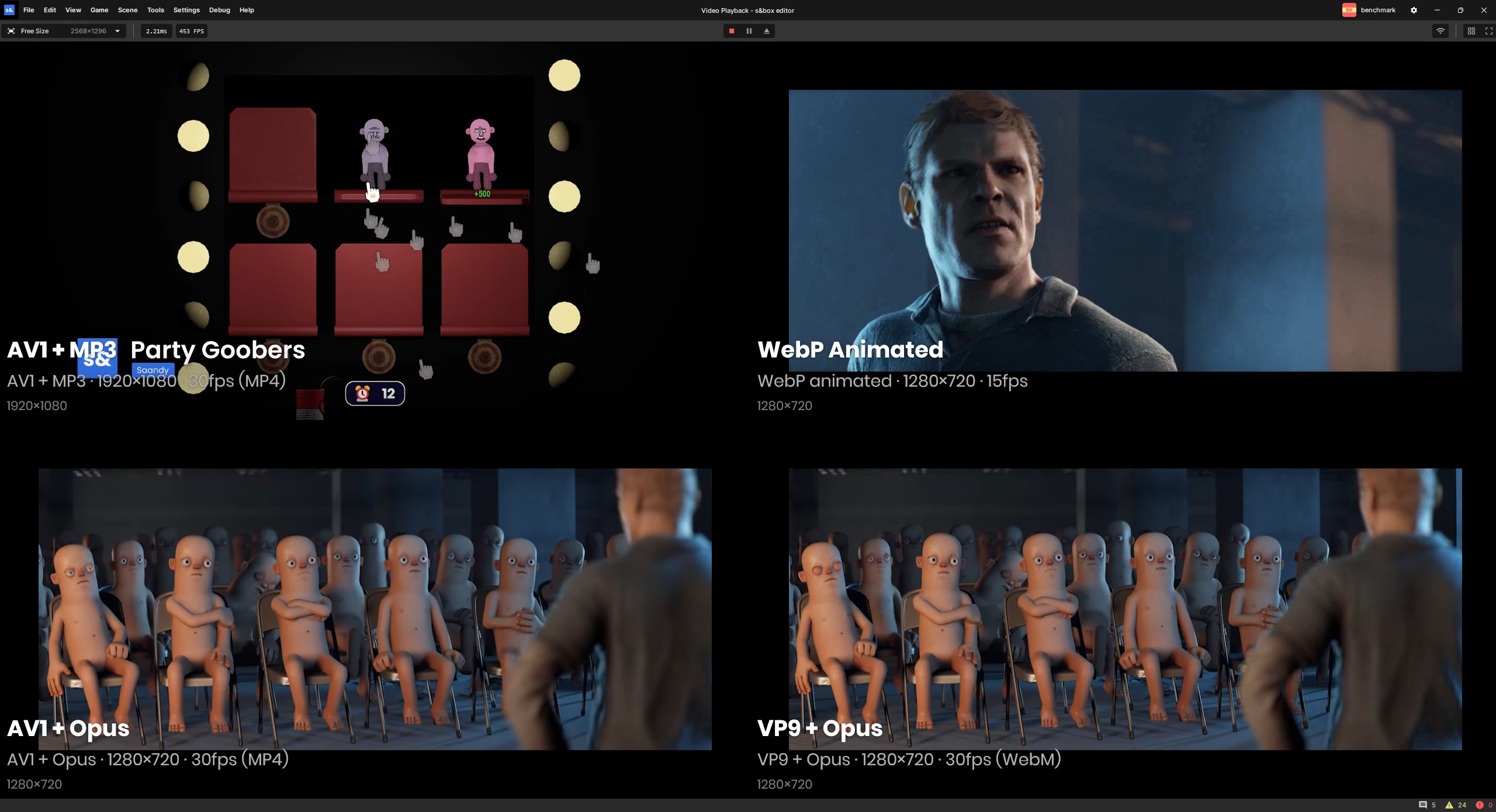
While FFmpeg served us well initially as a rapid solution for media playback, its inherent licensing complexities necessitated a change. We have removed our dependency on FFmpeg and shifted to a curated selection of modern, widely-used codecs, including AV1, WebM, and Opus.
Supported Video:
- Decode: VP9, AV1, animated WebP, H.264 (Windows only via MMF)
- Encode: VP9, AV1, animated WebP
- Containers: .webm, .mp4
Supported Audio:
- Decode: Opus, FLAC, MP3, WAV/PCM, AAC (Windows only via MMF)
- Encode: Opus, WAV/PCM
- Containers: .ogg, .wav, .flac, .mp3, .opus
Network Playback: HTTP/HTTPS
Note: H.264 and AAC decoding are handled via Windows Media Foundation. For custom video content, we strongly recommend using AV1 or VP9.
Full documentation is available here. If you find a critical format is missing, please open an issue; while we won’t support every legacy codec, we are open to adding widely-used standards.
AV1 Backend Encoding
In conjunction with our media framework updates, we have upgraded our workshop video encoding pipeline. We have transitioned from H.264/MP4 to AV1/WebM and are currently re-encoding our existing video library.
The efficiency gains are significant:
  Dark Descent (1080p 60fps, 27.8s)
   ║ Variant │ MP4 Size │ AV1 Size │ Saving │ MP4 SSIM │ AV1 SSIM ║
   ║ High    │  41.80MB │  16.29MB │  -61%  │  0.9719  │  0.9538  ║
   ║ Medium  │  17.65MB │   9.93MB │  -44%  │  0.9598  │  0.9535  ║
   ║ Low     │   3.41MB │   3.02MB │  -11%  │  0.9284  │  0.9499  ║

  Sausage Survivors 2 (1080p 30fps, 24.6s)
   ║ Variant │ MP4 Size │ AV1 Size │ Saving │ MP4 SSIM │ AV1 SSIM ║
   ║ High    │  12.94MB │   5.99MB │  -54%  │  0.9889  │  0.9603  ║
   ║ Medium  │   6.11MB │   3.31MB │  -46%  │  0.9835  │  0.9551  ║
   ║ Low     │   1.39MB │   1.00MB │  -28%  │  0.9638  │  0.9479  ║

  Sandbox (720p 50fps, 21.2s)
   ║ Variant │ MP4 Size │ AV1 Size │ Saving │ MP4 SSIM │ AV1 SSIM ║
   ║ High    │   8.45MB │   6.49MB │  -23%  │  0.9328  │  0.9760  ║
   ║ Medium  │   8.45MB │   5.65MB │  -33%  │  0.9328  │  0.9741  ║
   ║ Low     │   1.53MB │   1.46MB │   -5%  │  0.9135  │  0.9700  ║
- File sizes: 5–61% smaller, with the most substantial reductions seen in high-bitrate 1080p content.
- Quality: All AV1 variants maintain an SSIM above 0.95 (excellent), with Sandbox showing notable quality improvements.
Financial Transparency
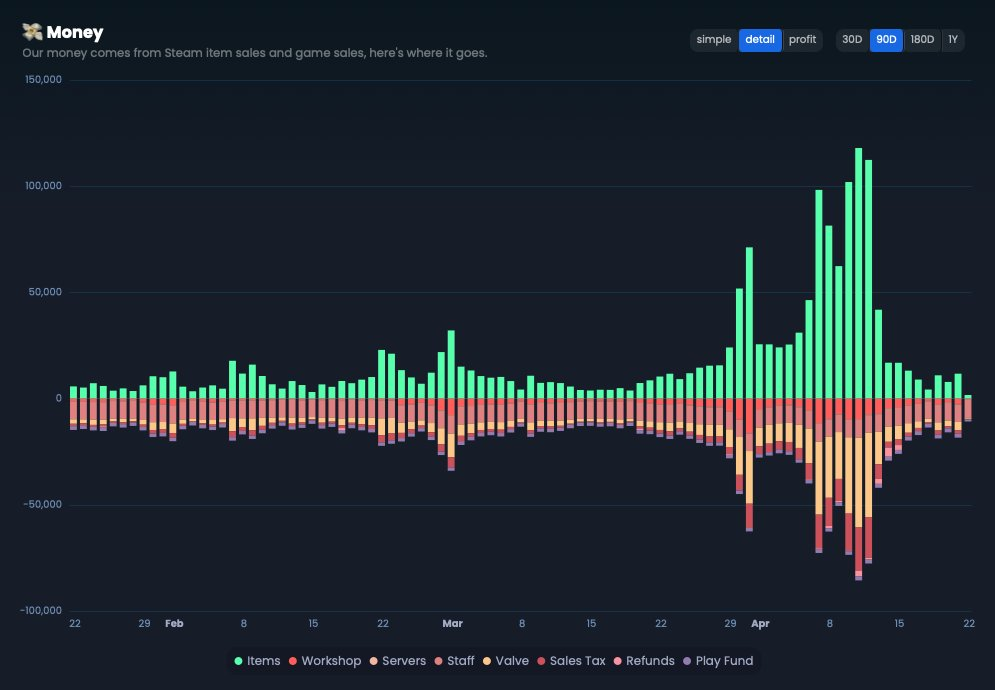
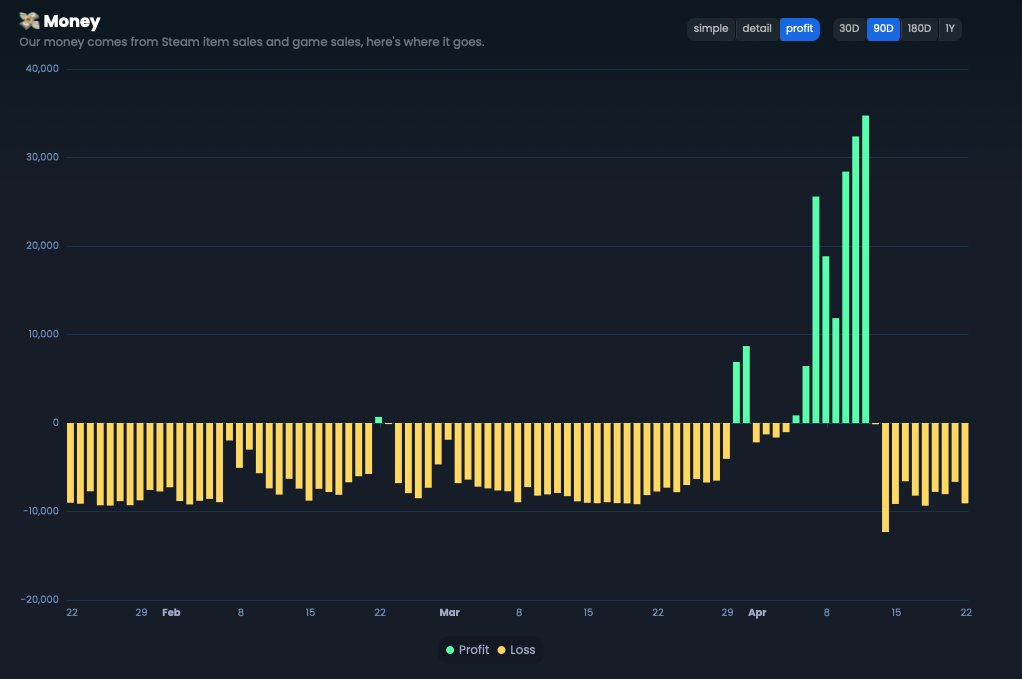
I have expanded our open finance metrics to offer greater granularity, including company overhead, salaries, server infrastructure costs, taxes, and the play fund. While some may find this level of transparency unconventional, I believe it is vital for the community to understand the platform’s long-term sustainability. We are building for the future, not just seeking immediate financial gains.
UI Batching Refinements
Last week’s introduction of UI batching significantly reduced draw calls and improved frame rates. As with any substantial architectural change, some issues arose, which we have now addressed. 💪
Blend Modes
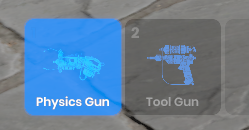
The most prominent issue involved incorrect blend modes, which resulted in sub-optimal text rendering. This was particularly noticeable in the Sandbox inventory system.

Deferred Batching
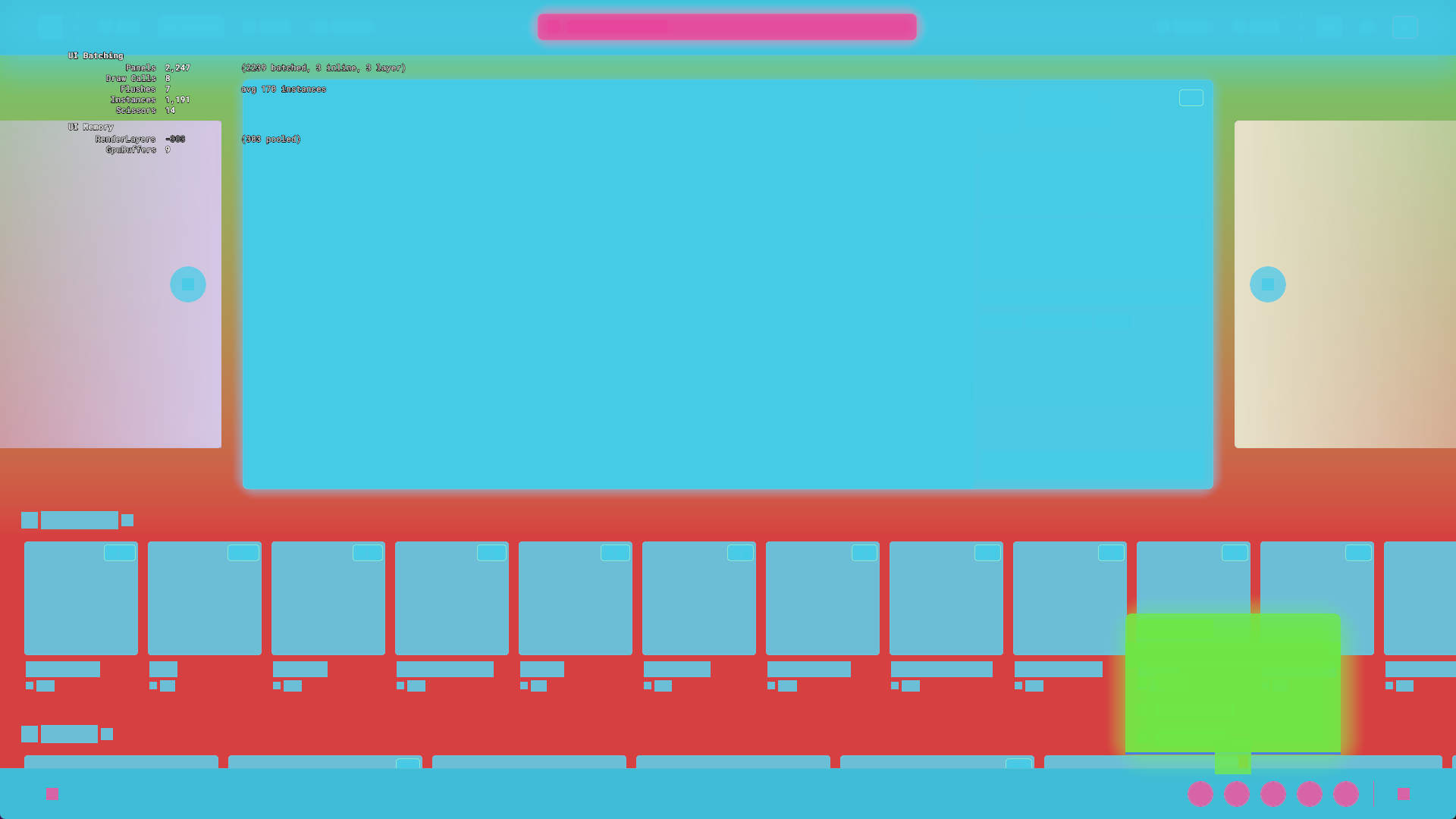
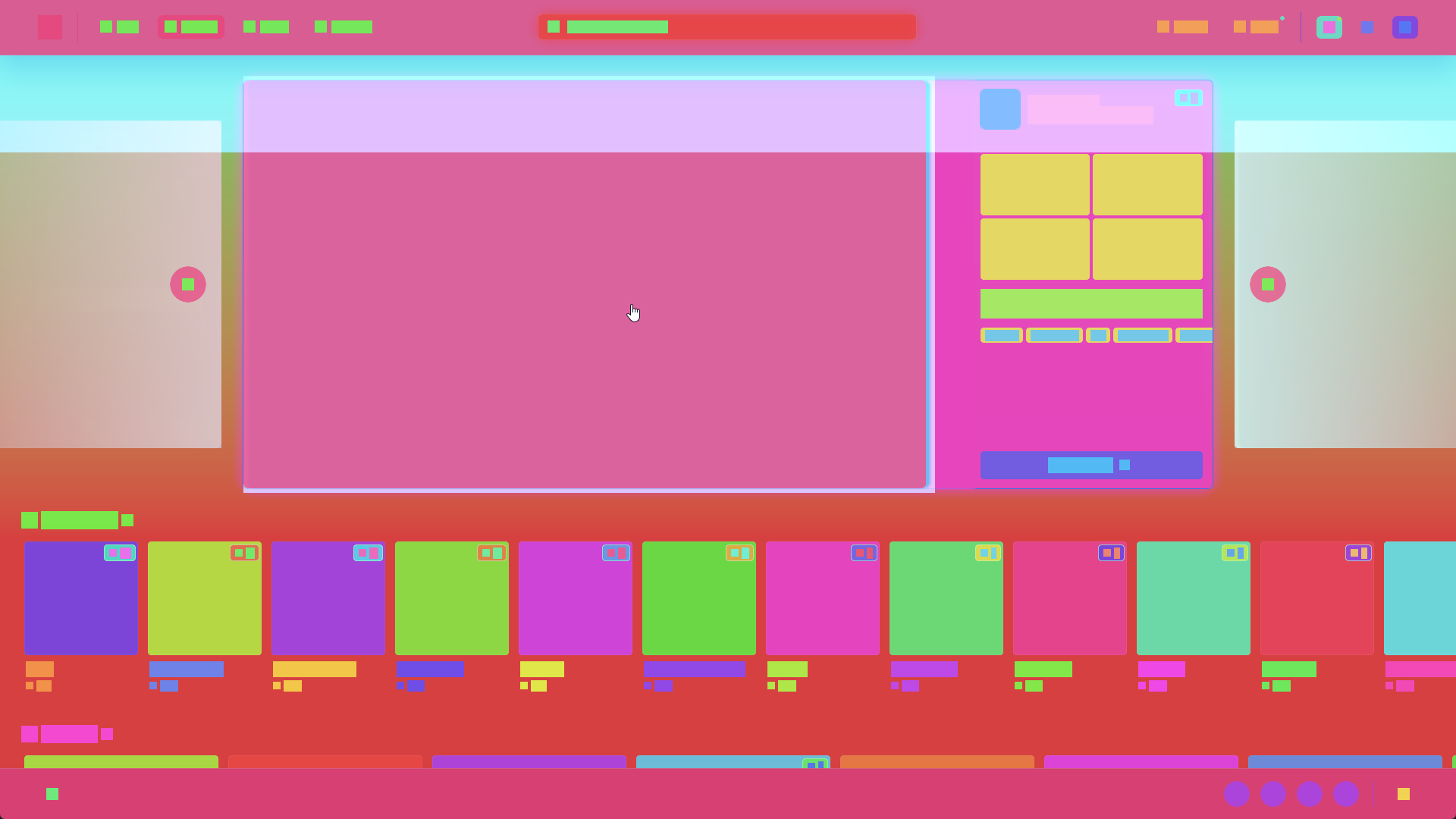
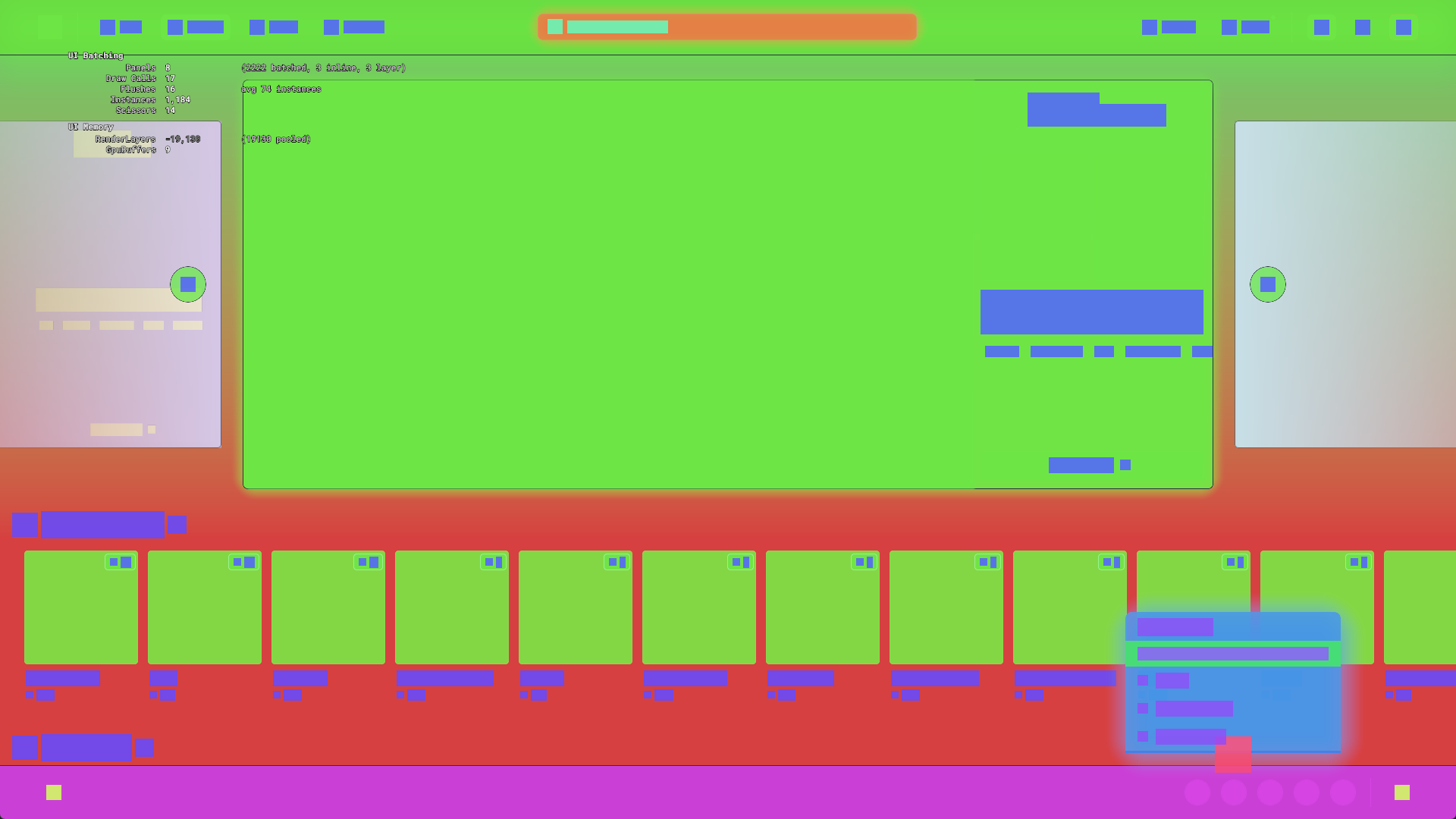
Initial attempts at immediate mode batching led to frequent flushes, undermining the performance gains. We have transitioned to a deferred batching approach: it collects all render elements, sorts them based on a key (incorporating Z-index, layer, and blend mode), and flushes them in an optimized order.
Refining Parties

Parties have been a staple of S&box for a while, but this week we gave them a comprehensive refresh to streamline the UI and integrate them more deeply with newer systems.
Previously, parties were somewhat isolated within the main menu. Now, the system is always active in the background. Inviting friends is seamless, and we handle the underlying setup automatically. We have also introduced several enhancements: only the party leader can initiate game joins, players can be kicked, Steam overlay integration is now fully supported, and party voice chat has been reinstated. Furthermore, we’ve improved feedback—you’ll now receive clear notifications if a party is full or no longer exists.
Parties are the easiest way to explore S&box with friends. Invite your group, and they will follow you wherever you go. 🥳
AO Optimizations #2
We have completed the second phase of our Ambient Occlusion (AO) optimizations. AO now runs at half resolution, making it 4x faster while maintaining the same sample count (16x faster on the Low preset). Thanks to an updated upscaler, the visual quality remains virtually unchanged.
The previous denoising approach resulted in poor quality, so we have implemented a completely new denoiser that delivers results comparable to temporal solutions. We have deprecated temporal denoising in favor of a single-frame approach—our priority is to provide a stable, clear, and pleasant visual experience rather than chasing photorealism at the cost of performance.
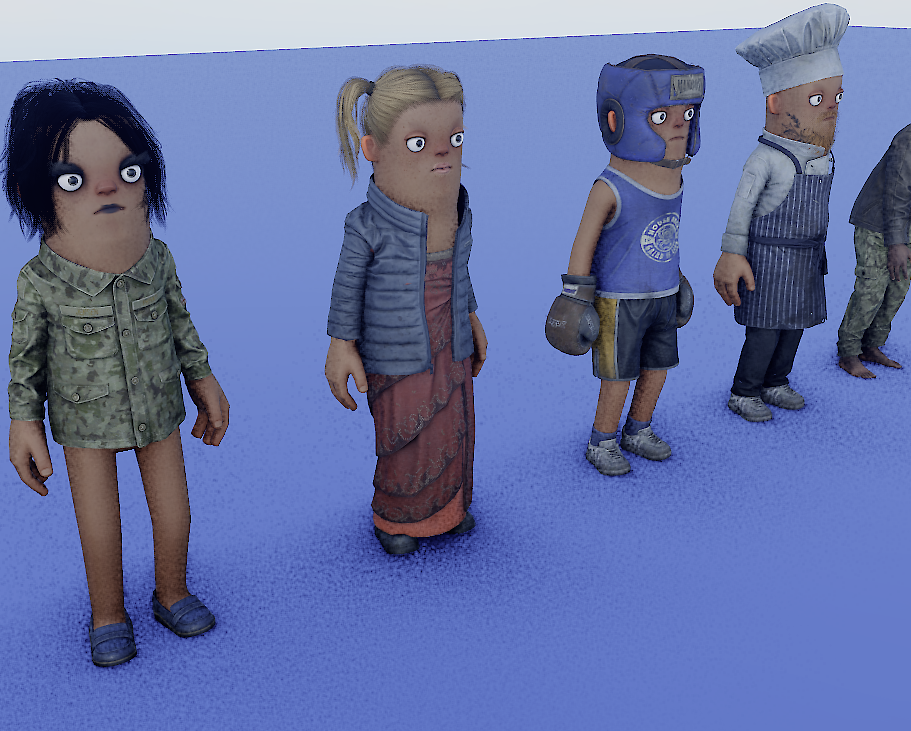
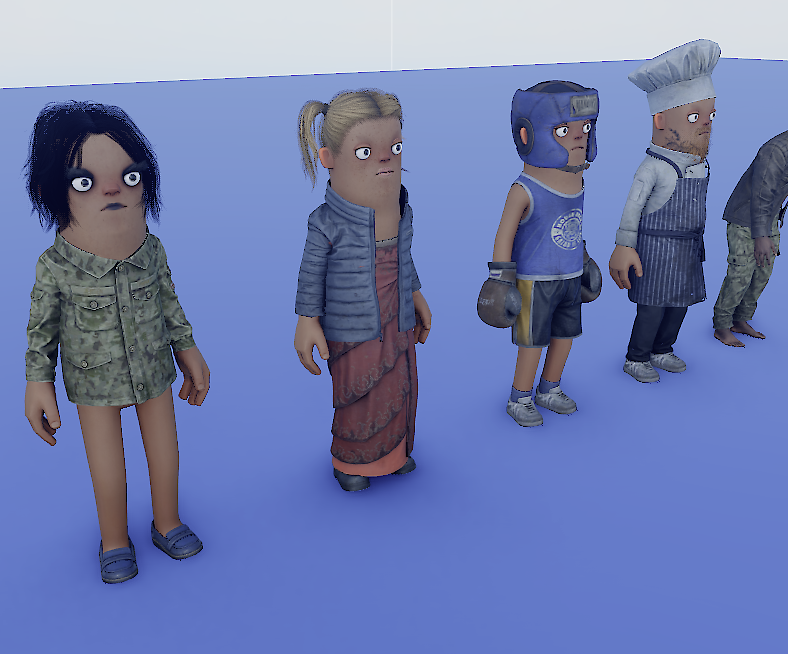
Also, disabling AO now actually turns it off. 🙈
 Update 26.09.15
 Update 26.09.08
 Update 26.09.01
 Update: August 26, 2019
 Update 26.08.05
 Update July 26, 2022
 Update July 26, 2015