
PSA: You Can Say No to Face Scans for Airplane Boarding

“Attention passengers. As part of our boarding process today, you won’t scan your boarding pass. Instead, remove any face covering you may be wearing and look into the camera next to the gate, which will scan your face. That will identify you for boarding.”
Wait. What?
I was waiting to board a US domestic flight on Delta out of Atlanta when I heard that announcement. Delta has been testing face scan boarding since 2018, according to The New York Times, but it was the first time I had encountered it. The gate agent repeated the information at least twice more, but with no further detail.
Before I rant and rave about all the reasons the announcement was so problematic or why the casual use of facial recognition technology is the biggest mistake being made with technology today, let me cut to the chase and tell you the two most important things:
- You can opt out of using facial recognition technology for boarding a flight, at least in the United States. Boarding a flight and crossing a border are not the same, however, which I’ll get into later.
- If you opt out, it is no big deal. It doesn’t cause a scene. It doesn’t hold up the line. You get checked in and board with the same speed it takes to scan your face.
Now, back to my rant.
No One Explained Face Scanning Is Optional
When I heard this announcement before boarding my flight, I was both appalled and angry for a few reasons. What infuriated me most was that the gate agent didn’t say that face scanning was optional. She never said it was mandatory either, but the tone was, this is what we’re doing.
In airports, we tend to do what we’re told, like take off our shoes and throw out a perfectly good bottle of moisturizer because it’s 3.5 ounces. We all know that if you don’t follow the rules, you could get pulled aside, hassled, detained, or worse.
Source: diymag.com
Related articles
 Creating and Utilizing a Synthesized ‘Personal Voice’ on Your iPhone
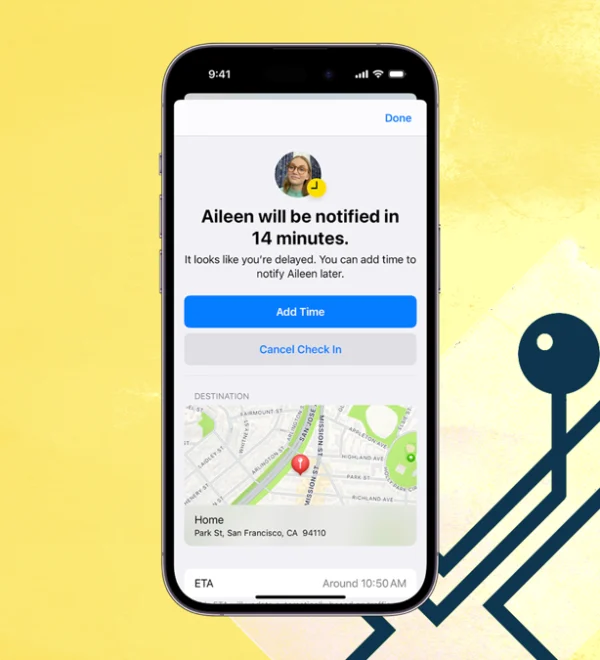 How to Use Your iPhone to Track the Live Location of Family and Friends
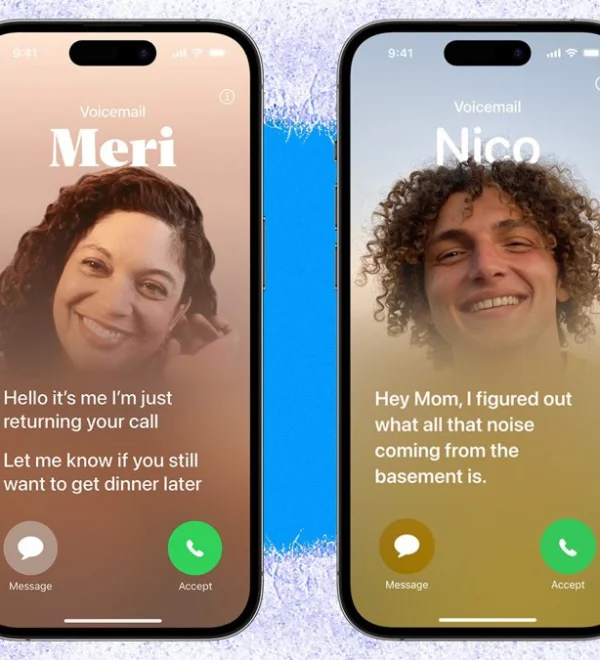 Utilize Live Voicemail on the iPhone With iOS 17: A Guide to Screening Your Calls
 Using Apple’s Journal App in iOS 17: A Guide to Writing It Out
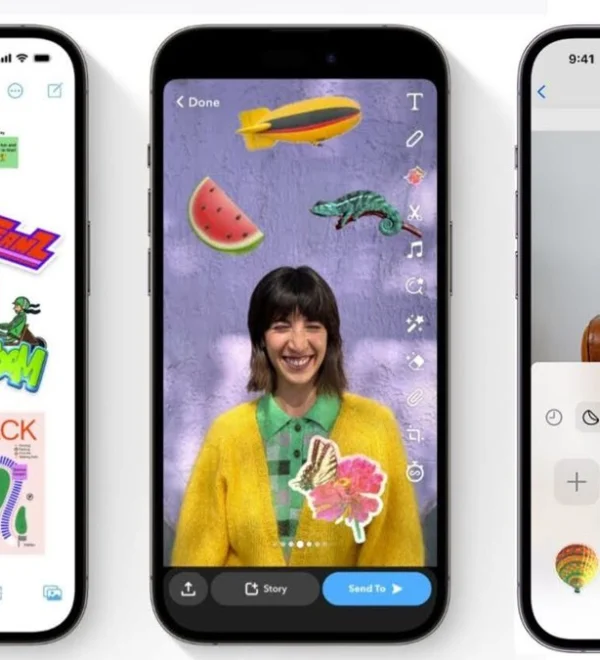 Creating Stickers for Apple Messages from Your iPhone Photos
 Wirelessly Sharing Contact Information on iPhones and Apple Watches Using NameDrop
 Creating and Personalizing a Contact Poster in iOS 17: Unleash Your Unique Identity
 Discover How Apple’s Reminders App Enhances Productivity with 15 Essential Features