
How to get Whetstone in V Rising
:format(webp)/cdn.vox-cdn.com/uploads/chorus_image/image/70893407/VRising_2022_05_20_15_12_19.0.jpg)
Image: Stunlock Studios via Polygon
Getting Whetstone in V Rising is an awkward loop, as you need Whetstone to make more Whetstone. However, you can find enough early on by looting camps. Our V Rising guide explains where to find Whetstone and how to craft more.
Where to get Whetstone early
You’ll need to grab at least four Whetstone from bandit camps as drops in order to make a Grinder. You can loot chests, defeat enemies, or even break barrels and structures to get Whetstone. While we did find Whetstone in random bandit camp chests, we found a ton in the Bandit Armory, specifically.
:format(webp):no_upscale()/cdn.vox-cdn.com/uploads/chorus_asset/file/23577734/jlee_220520_1001_v_rising_whetsone.jpg)
Graphic: Julia Lee/Polygon | Image sources: Stunlock Studios
The enemies in the Bandit Armory range from level 20-30, so you’ll want to be prepared to duke it out if you head over there.
Once you get the required Whetstone, make a Grinder (under “refinement” in the build menu) and throw some stone in there to make Stone Bricks and Stone Dust, which you’ll need to make Whetstone.
How to make Whetstone
To make Whetstone, you need to use the Blood Altar to hunt down Grayson the Armorer. He’s found in the Bandit Armory, as marked in the map above, and he’s level 27.
Grayson isn’t a particularly hard fight, as his attacks are telegraphed and you will be given plenty of time to dodge. He does drop traps all over the floor during the fight, which can be cleared by using the nearby armor to turn invincible and break them. We were able to beat him at level 24.
Once you take him down, you will unlock the ability to make Whetstone in the Furnace. You’ll need Stone Dust and Copper Ingots to make Whetstone, which should be no problem, as long as you unlocked the Grinder in the above step.
Source: Polygon
Related articles
 Creating and Utilizing a Synthesized ‘Personal Voice’ on Your iPhone
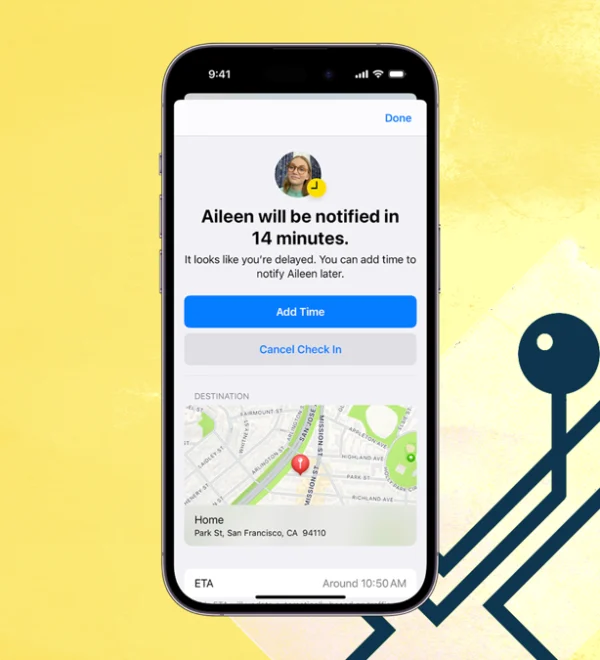 How to Use Your iPhone to Track the Live Location of Family and Friends
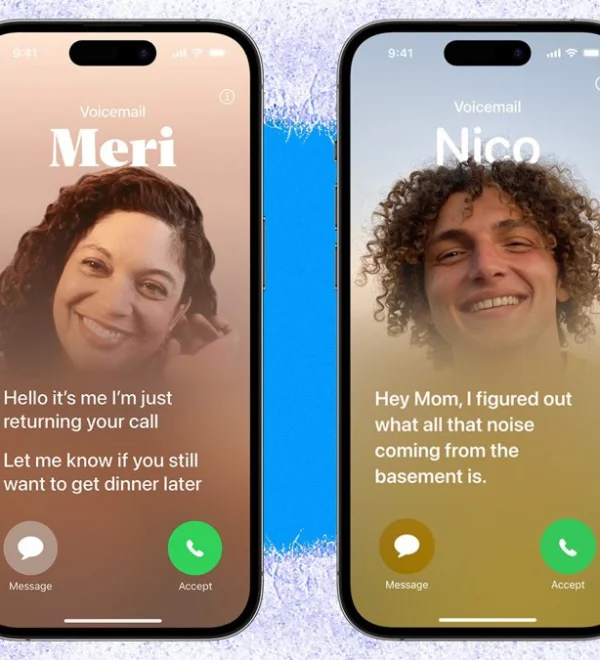 Utilize Live Voicemail on the iPhone With iOS 17: A Guide to Screening Your Calls
 Using Apple’s Journal App in iOS 17: A Guide to Writing It Out
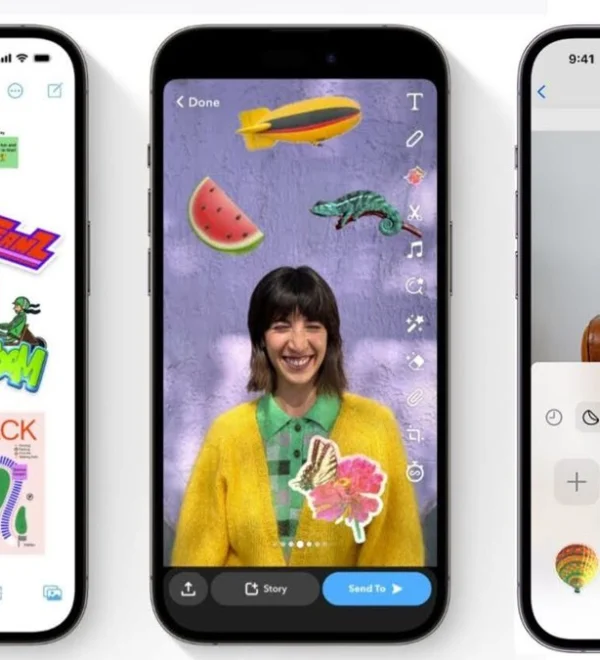 Creating Stickers for Apple Messages from Your iPhone Photos
 Wirelessly Sharing Contact Information on iPhones and Apple Watches Using NameDrop
 Creating and Personalizing a Contact Poster in iOS 17: Unleash Your Unique Identity
 Discover How Apple’s Reminders App Enhances Productivity with 15 Essential Features