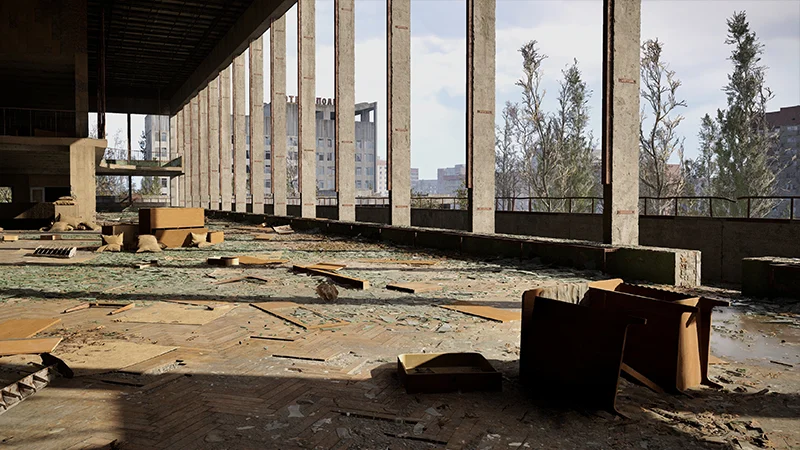
Important Notice About Mod Compatibility After Game Updates
When a fresh update for S.T.A.L.K.E.R. 2: Heart of Chornobyl is launched, certain game file modifications might lead to compatibility challenges, crashes, or erratic behavior. Below is a detailed list of modifications that could create issues after updates.
-
Files added or installed in the \\S.T.A.L.K.E.R. 2 Heart of Chornobyl\\Stalker2\\Content\\Paks\\~mods folder

-
Alterations to the original game files—whether manually modified, downloaded from external sources (such as Nexus Mods), or changed using external tools—may clash with new patches. This includes utilization of:
-
UE4SS
-
SimpleModLoader
-
Fmodel
-
UnrealPak
-
UAssetGUI
-
GIMP or similar asset editors
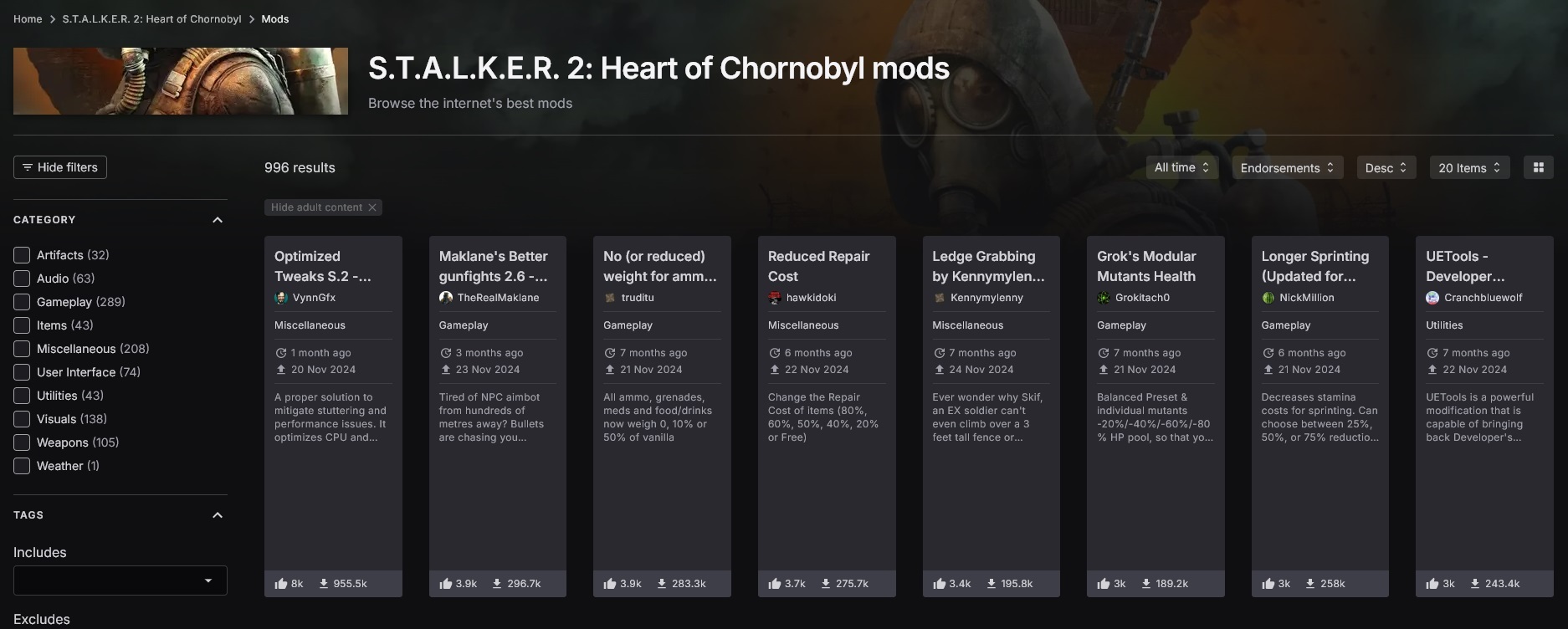
Despite not being traditionally classified as “mods,” the following user-side alterations might cause problems post-update:
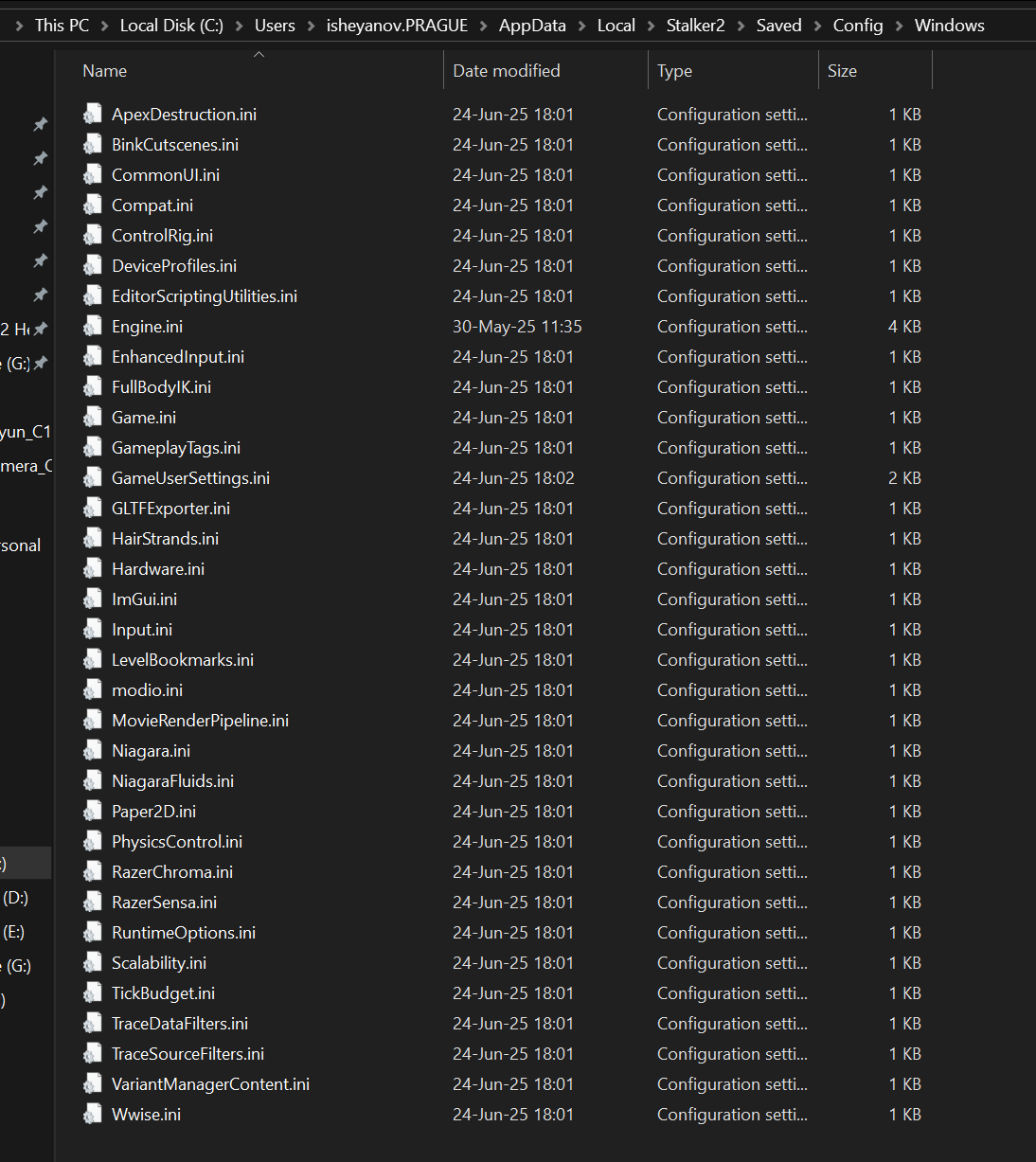
1. Any modifications to configuration files (especially GameUserSettings.ini)
These are generally found at: \\AppData\\Local\\Stalker2\\Saved\\Config\\Windows
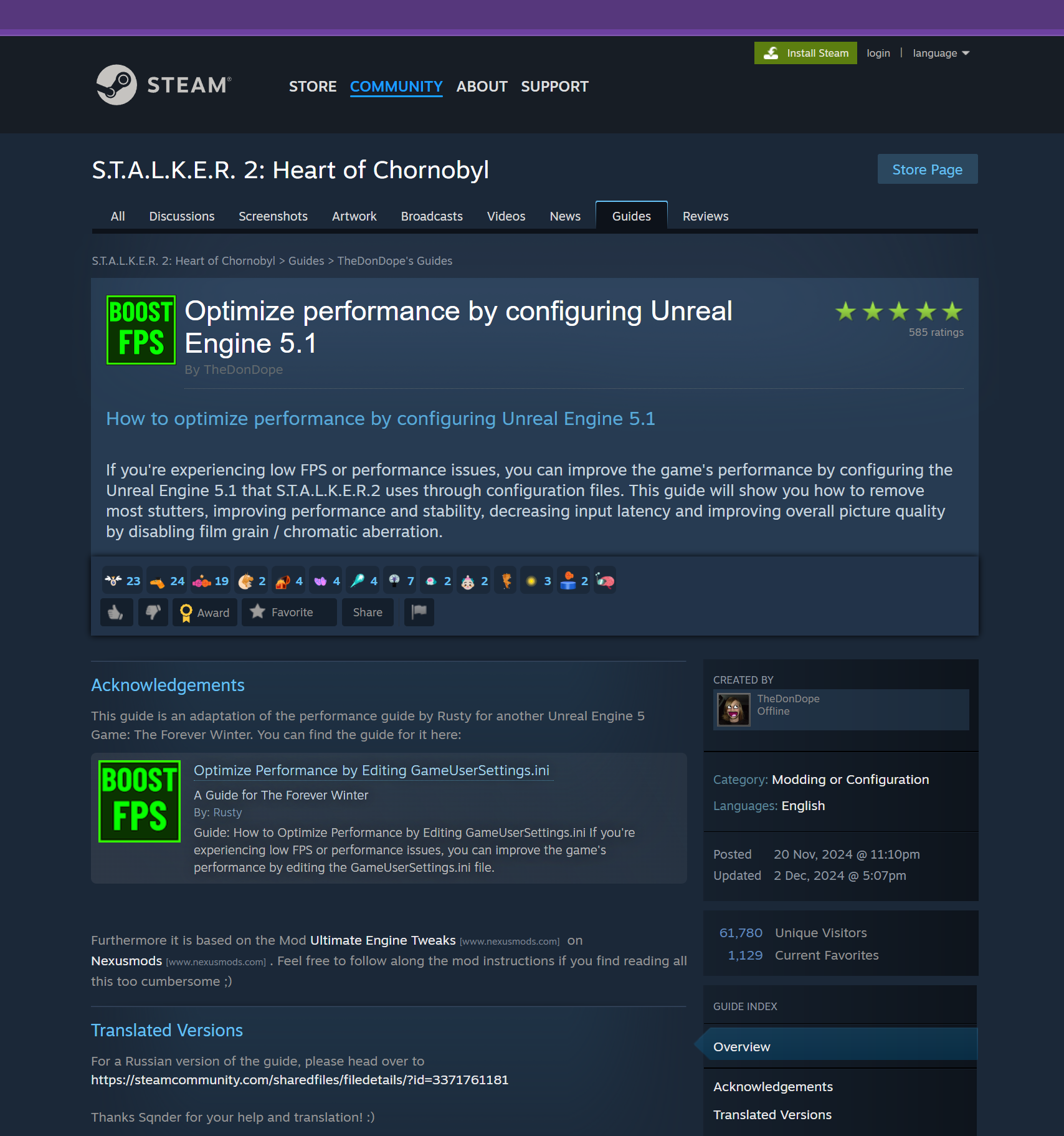
2. “Optimization” changes by configs, third-party software, and anything not released as part of an official S.T.A.L.K.E.R. 2: Heart of Chornobyl patch
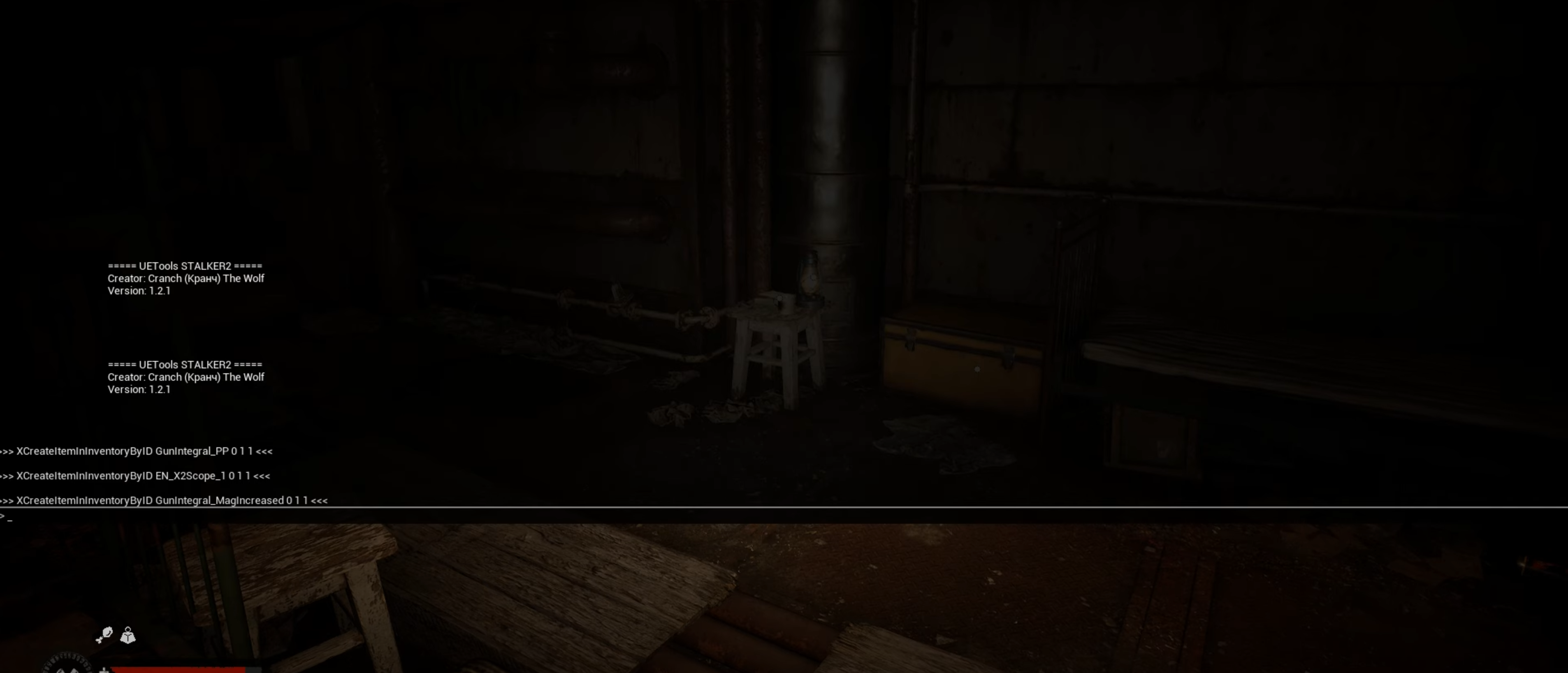
3. Use of In-Game Console/Debug Tools
The Zone is ever-evolving, and a new Patch can alter Her fabric. If you’ve opted for a modified path, be aware: they may not endure the latest changes. If you encounter performance or stability issues after a new Patch, it is advisable to disable your mods. Should problems persist, please visit https://support.stalker2.com/hc for further troubleshooting guidance and support.
Related articles
 S.T.A.L.K.E.R. 2: Cost of Hope and 2.0 Update Receive Accolades Trailer
 Stalkers! Patch 2.0.6 Released
 Patch 2.0.5 Released With Over 200 Fixes
 S.T.A.L.K.E.R. 2: Heart of Chornobyl receives The Zone Kit Phase 2
 Patch 2.0.4 Out Now!
 The Sound of The Zone 🎧
 Patch 2.0.3 Is Now Live
 Steam Releases Patch 2.0.2