
Bridges & Ports — Development Diary #1
Hello, Mayors!
With our first expansion, Bridges & Ports, looming on the horizon, we want to share what you can expect. We’ve prepared two developer diaries — “Bridges” and “Ports” — that highlight the features we’re most enthusiastic about. Dive in and discover everything Bridges & Ports brings when it launches on October 29.
Why waterfronts? Why ports?
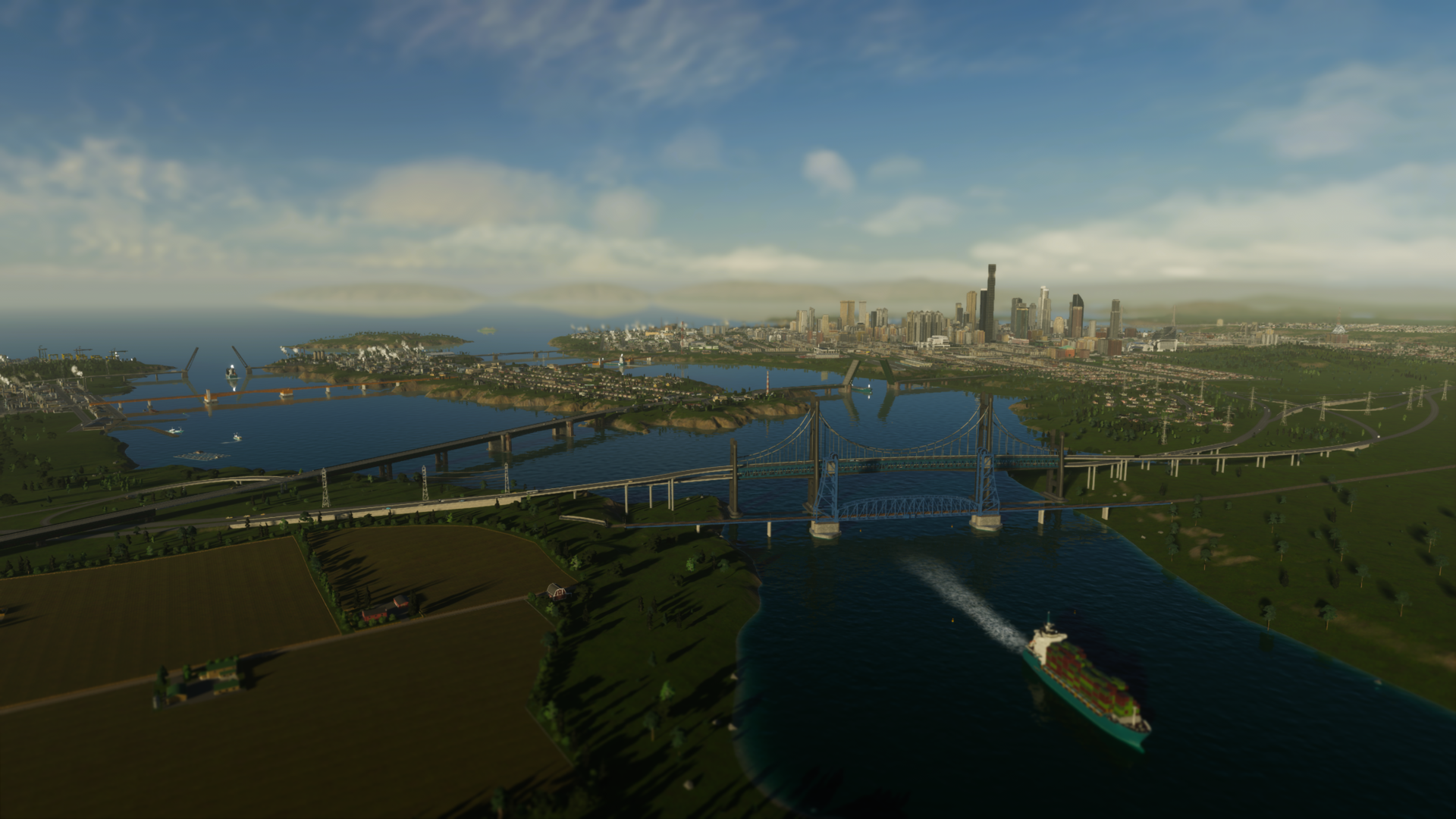
Cities: Skylines II suggested many directions, and after weighing ideas from both the team and the community, we settled on a waterfront theme. That scope was broad, so for this expansion we focused on ports. With modular ports, offshore oil operations, industrial fishing and ferry services, your waterways will soon teem with vessels — which means designing bridges with sufficient clearance becomes a major consideration. To help, the expansion adds 20 new bridges to your toolbox.
Move that bridge
We’re introducing ten movable bridges that pause traffic to let ships pass. Mechanically they’re placed like existing bridges, but the movable segment appears only when spanning a Narrow Seaway — meaning you can place them anywhere in the city, not exclusively over water.
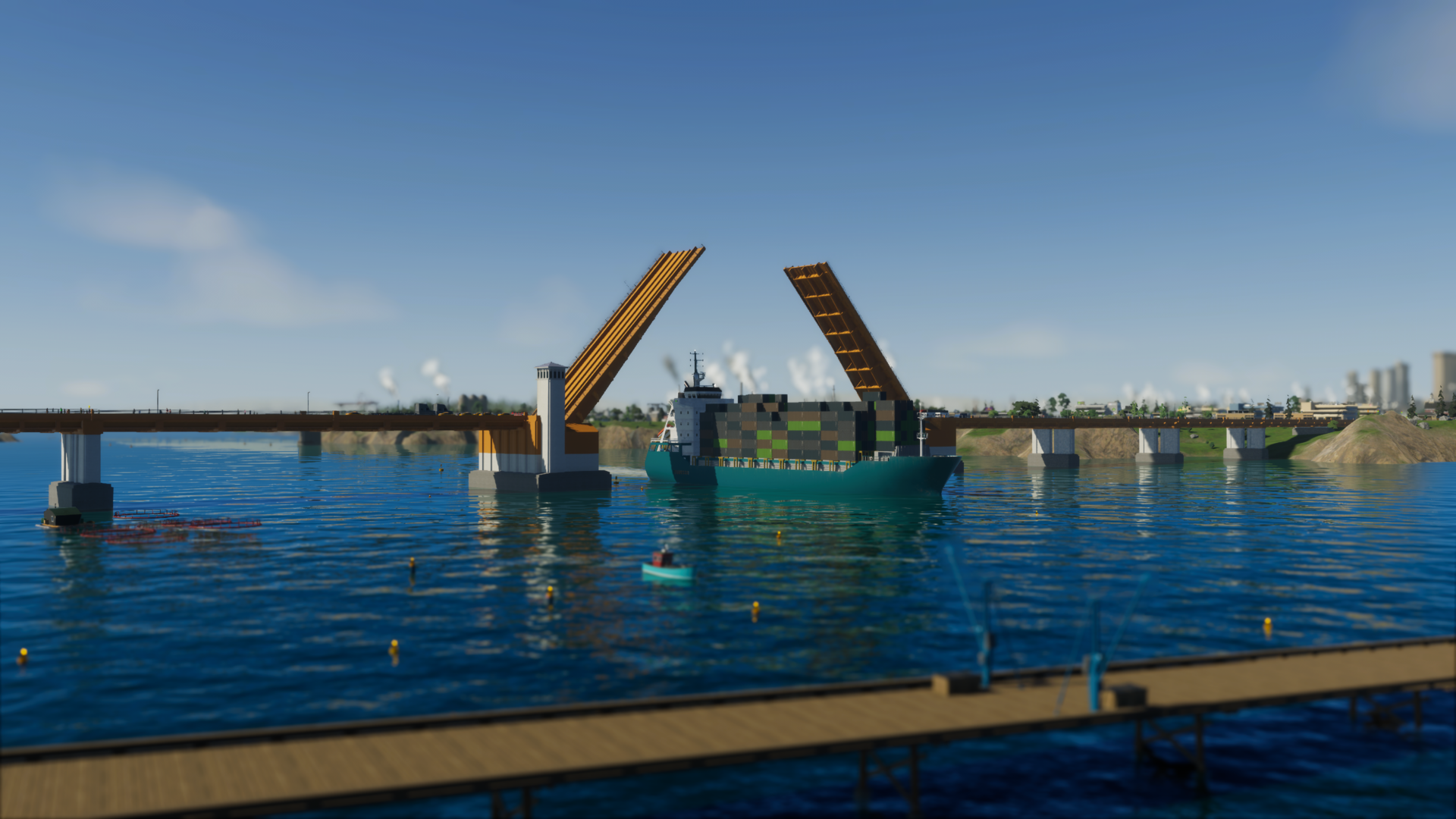
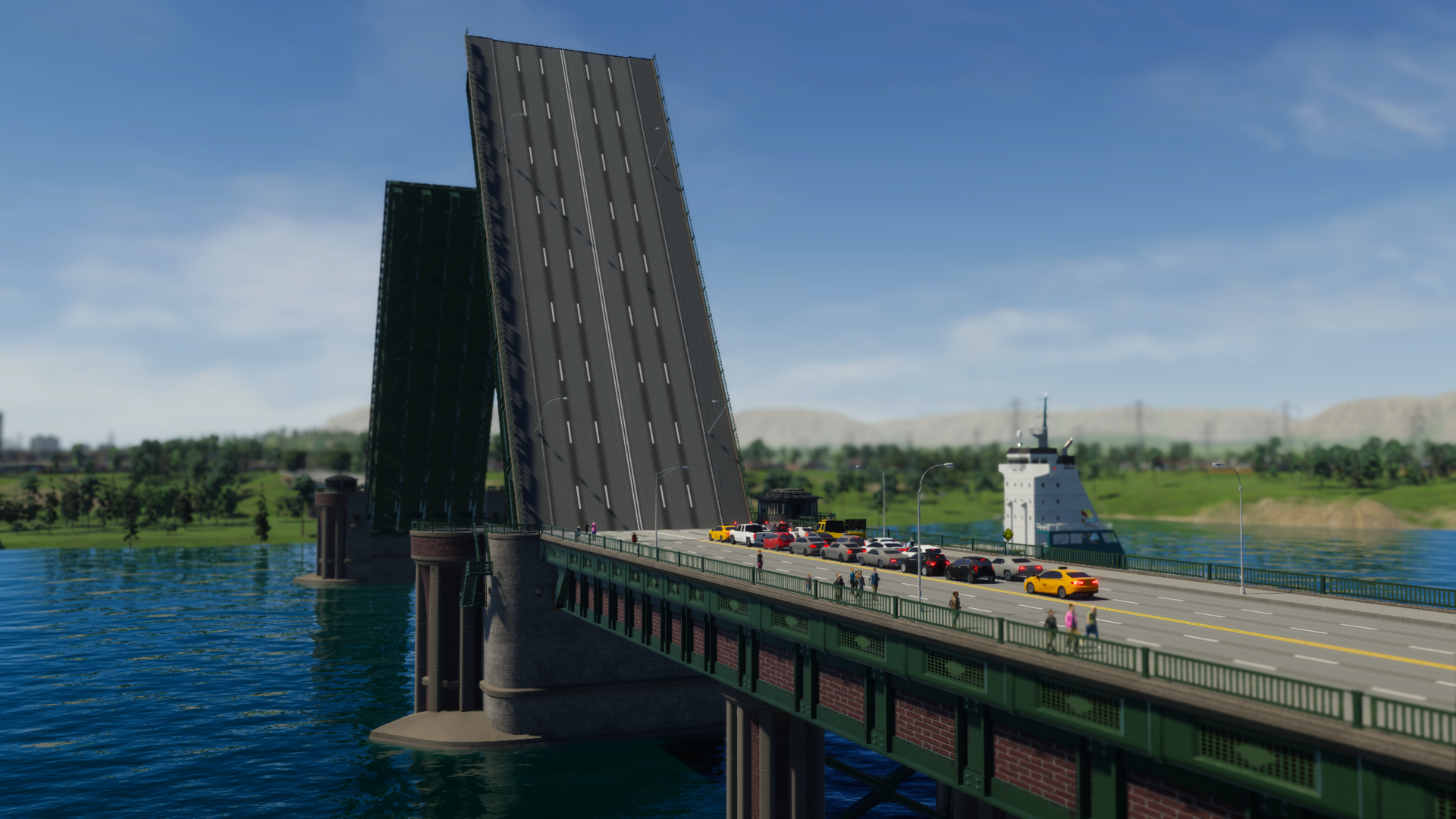
Five of these are drawbridges (bascule bridges). Each has two leaves that lift to clear a passage for ships while road traffic waits. They come in multiple sizes and appear across the Small, Medium and Large Roads menus; pedestrian-only drawbridge versions are available under Landscaping > Paths.
The other five are vertical-lift bridges. These raise a central span vertically to allow vessels through and are structurally efficient for heavy loads, which is why many rail crossings use this design. Four lift bridges serve rail, tram and subway networks (found in their Transportation menus), while a double-decked lift — combining twin train tracks with a four-lane highway — is located in the Highway Roads menu.
Hold up — ship coming through!
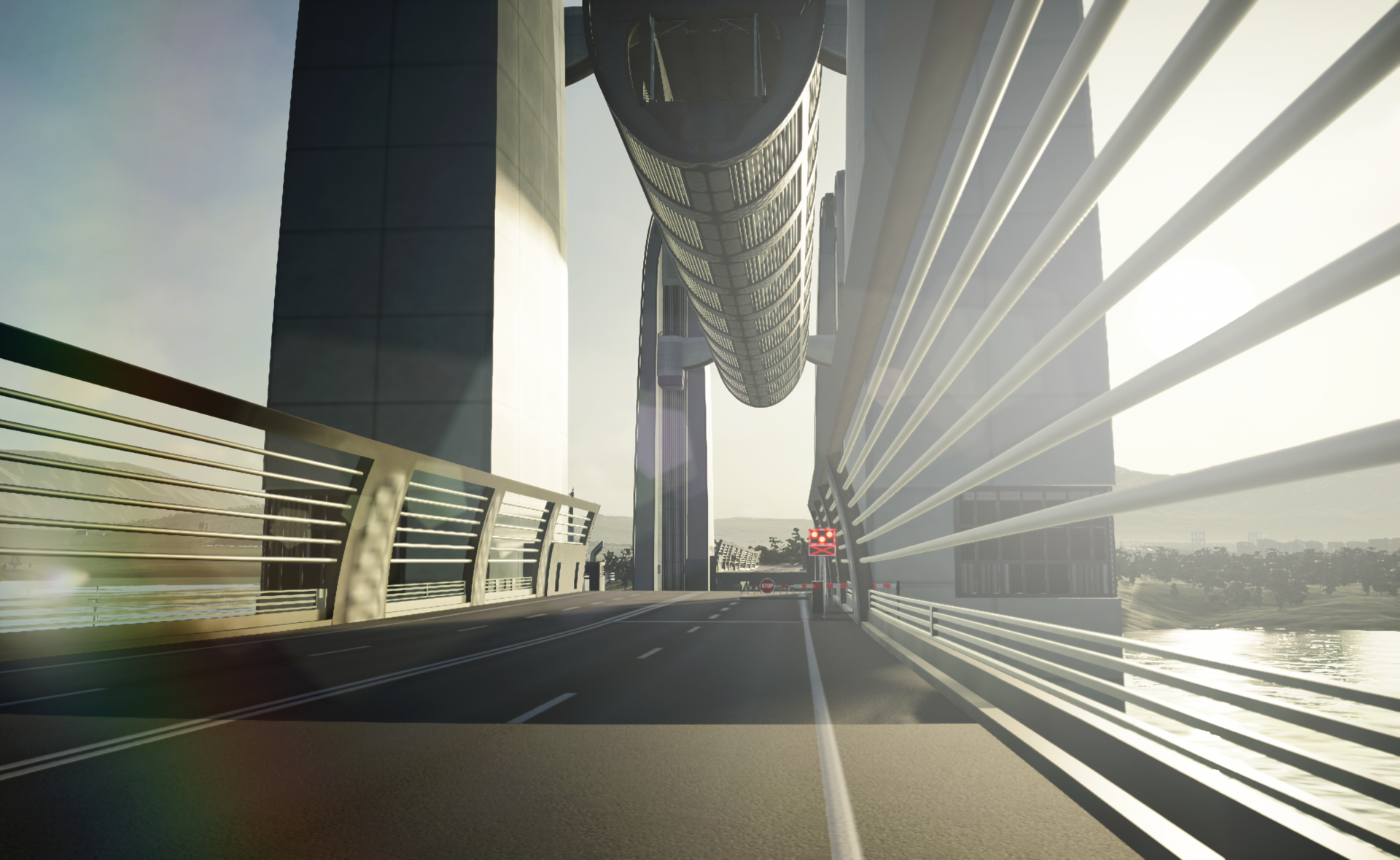
Movable bridges remain closed by default so pedestrians and vehicles cross uninterrupted. When a ship approaches, traffic at the bridge entrances stops, those already on the span clear the bridge, and the opening sequence begins. Once the vessel passes, the bridge returns to the closed position and traffic resumes.
This sequence takes longer than a typical traffic signal cycle, so movable bridges can introduce significant delays if placed on a vital thoroughfare. Keep that in mind when planning high-traffic routes near busy ports.
Double the deck, double the possibilities
Beyond the double-decked lift bridge, the expansion includes two more stacked bridges that combine networks. In the Medium Roads menu you’ll find an extradosed bridge with a two-lane road perched above a four-lane road — perfect for linking tiered districts without building separate spans.
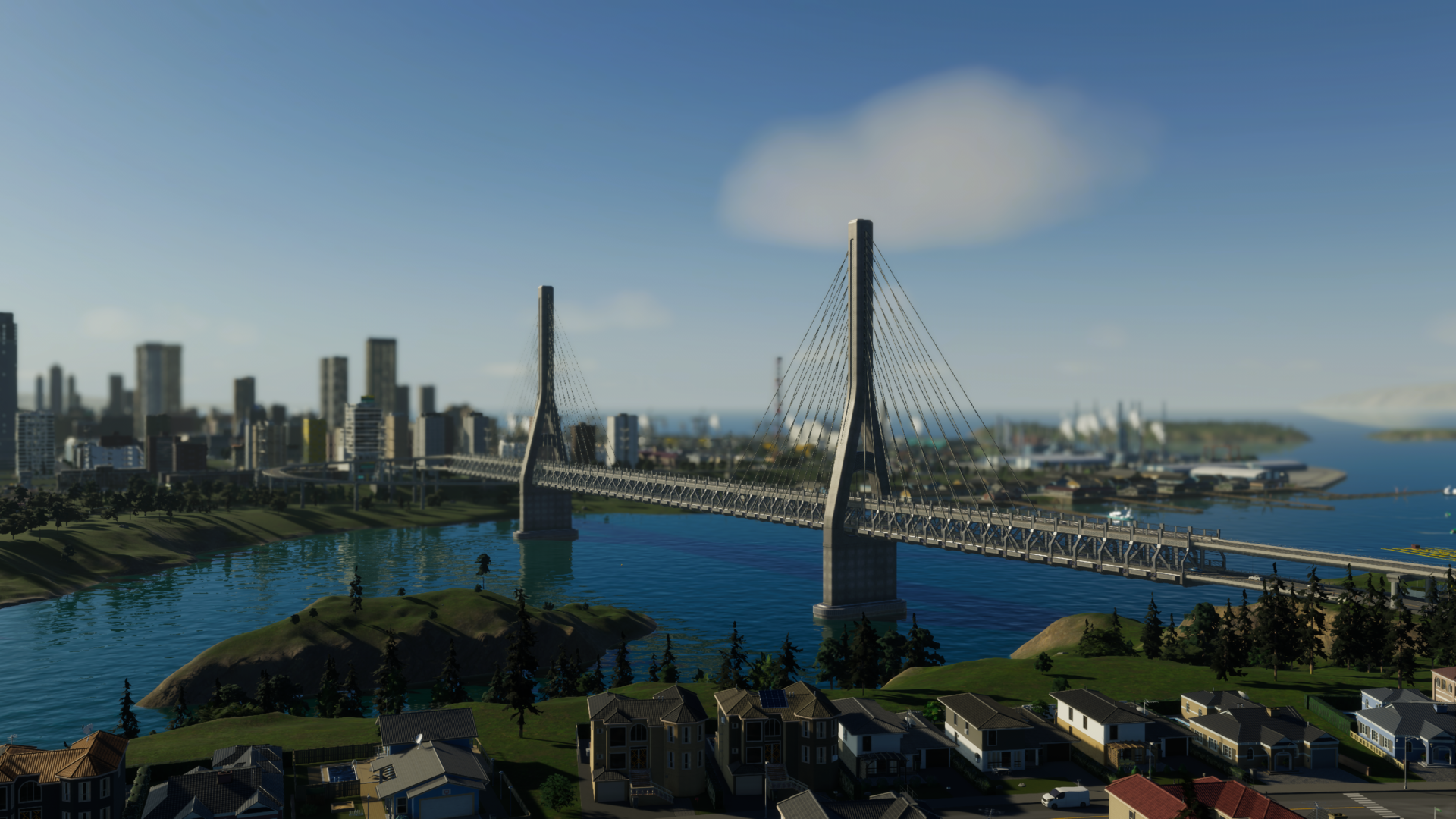
In the Highway Roads menu there’s a Three-Lane Highway double-deck suspension bridge, giving you two stacked three-lane highways in a single structure — an efficient solution for expanding your express network.
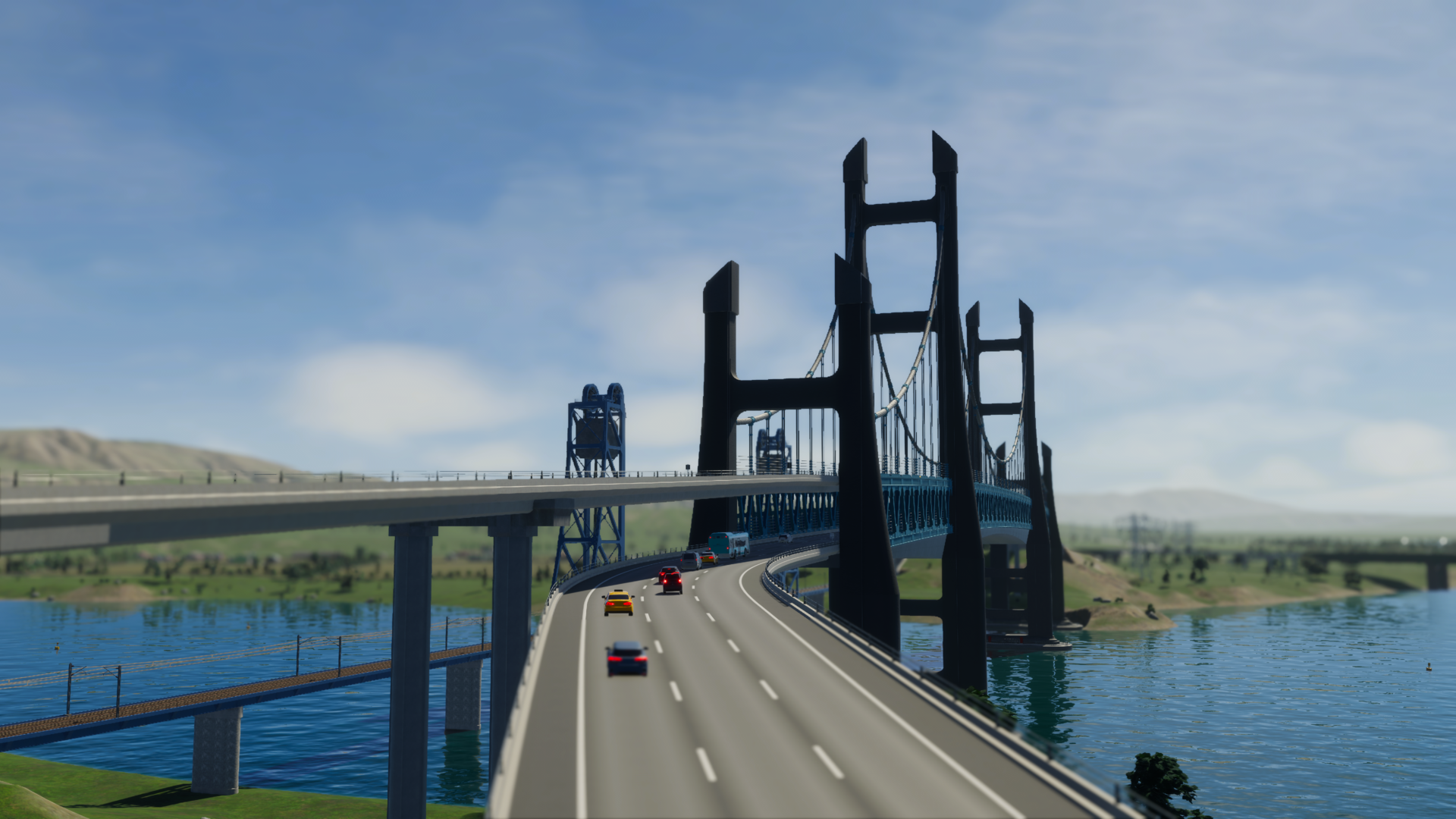
Just bridging the gap
Not every bridge needs moving parts or stacked networks — sometimes simplicity and style are enough. We’ve added eight straightforward bridge designs across multiple menus. For pedestrians, a new covered wooden bridge pairs with the Wide Pedestrian Path for busy walkways. Subway players gain a Double Subway Track Truss Arch Bridge, while the Small Roads menu features an ornate Two-Lane Suspension Bridge with protective pedestrian barriers.
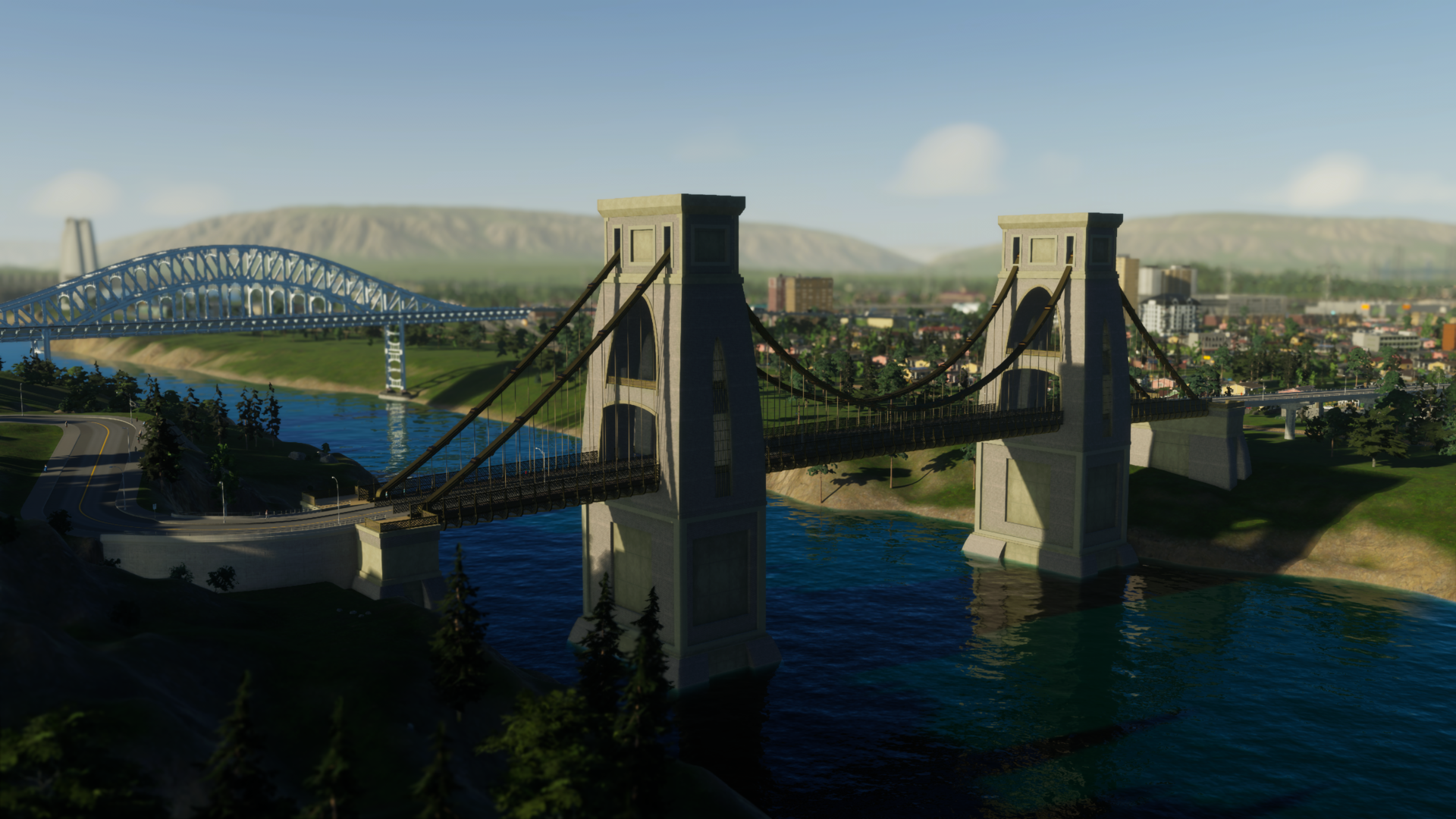
For Medium Roads we introduce three options, including the classic Four-Lane Truss Arch Bridge and the more contemporary Four-Lane Extradosed Bridge, available in one-way and two-way variants. All medium-road bridges can be upgraded with bus lanes or tram tracks to support public transit corridors.
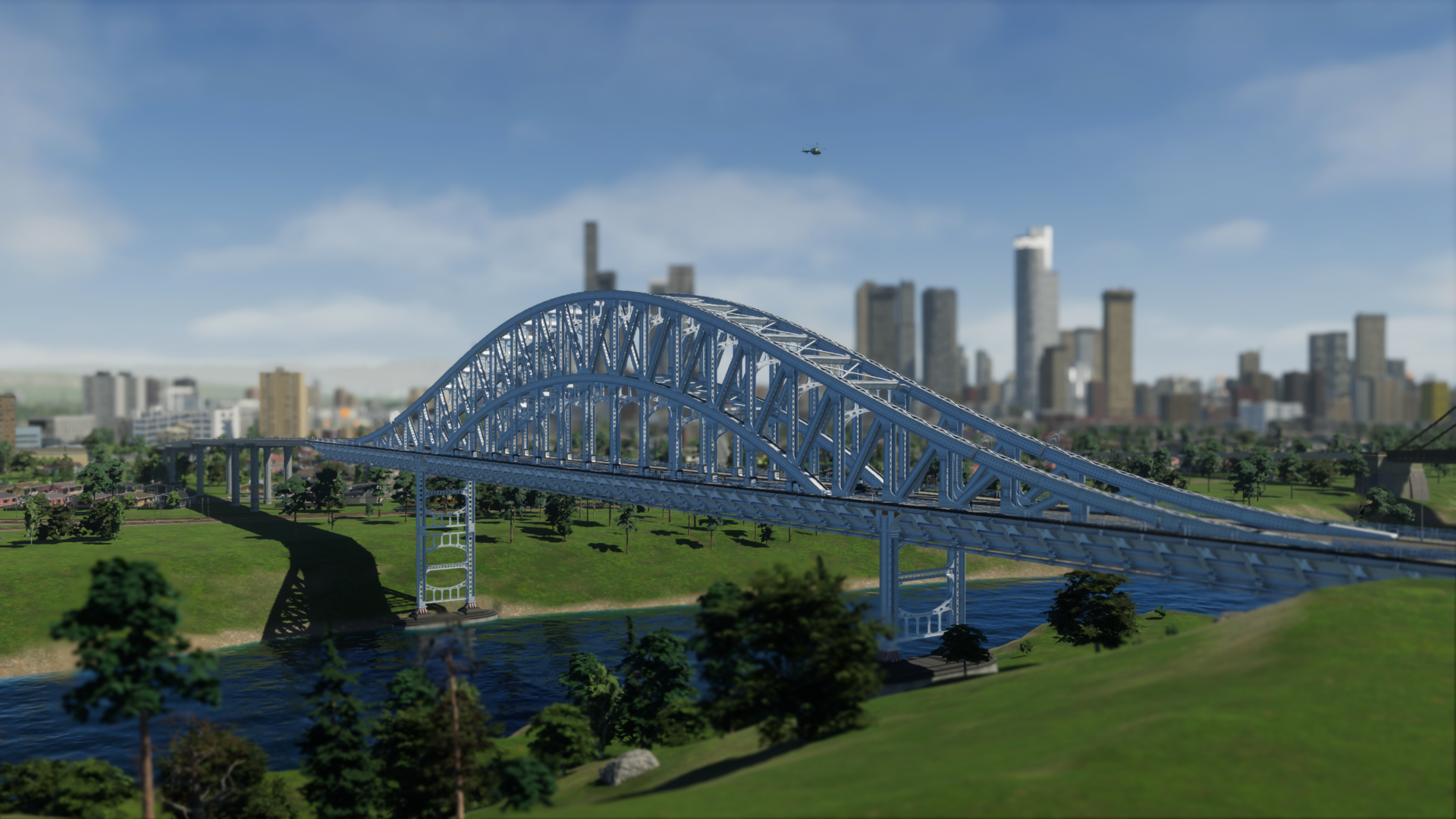
In the Large Roads category, two new suspension bridges span Narrow, Medium and Wide Seaways — ideal for fjords and broad bays. The Six-Lane Suspension Bridge provides three lanes each way, and there’s a one-way variant for focused traffic flows.
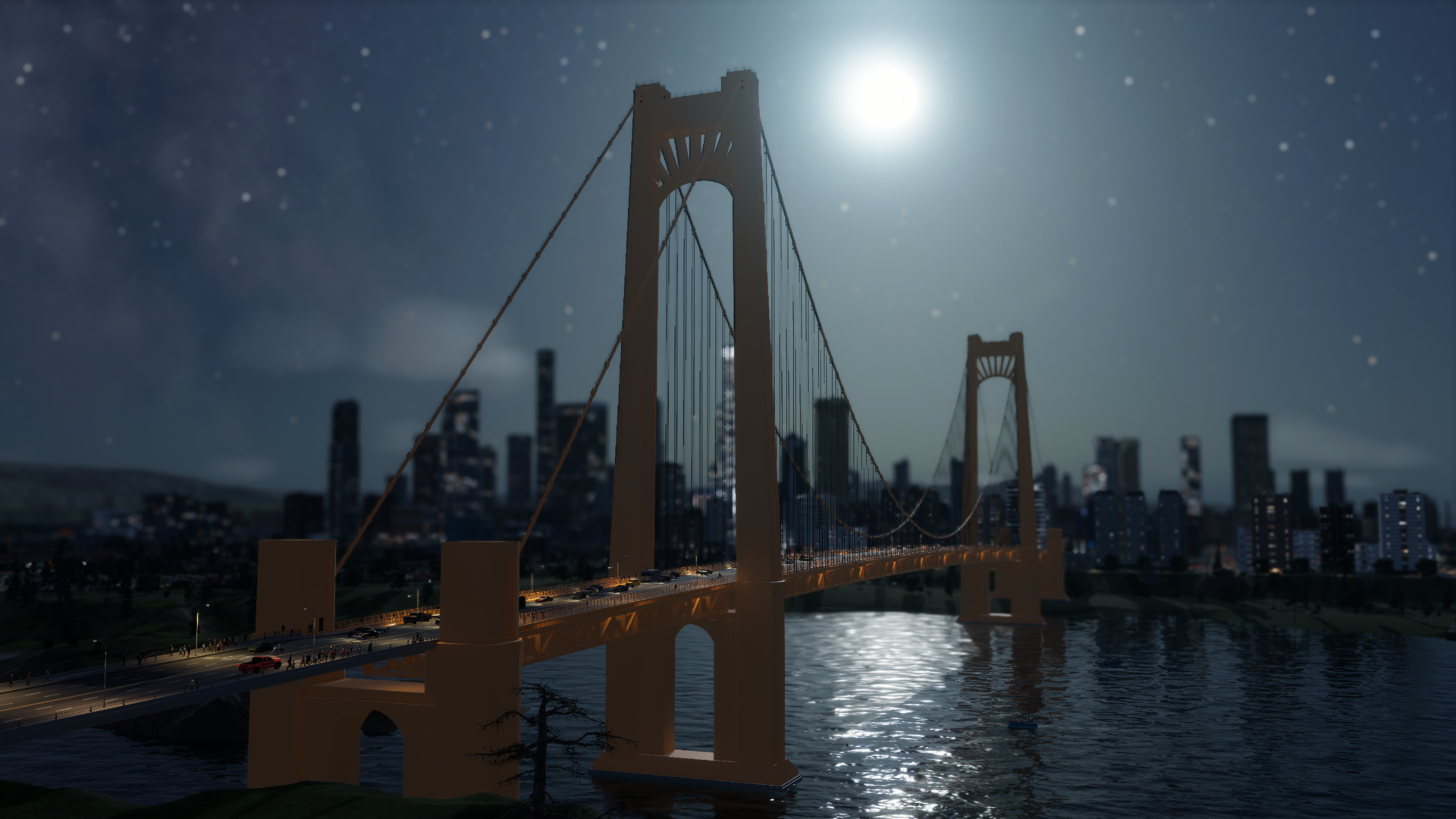
With such a wide selection of new bridges, we hope you’ll discover designs that fit both the function and the aesthetic of your city. Have a location in mind that’s begging for an upgrade? Tell us in the comments below. Next up: we’ll explore how the Port systems work and preview the port-focused features in Bridges & Ports on October 21.
 Official Q&A Thread | 2026
 City Corner #12: Collected Questions
 City Corner No. 11: Autumn Breeze
 City Corner #10 – Expanding the Modding Tools
 City Corner #9 – Happy Six-Month Anniversary!
 Patch 1.6.0f1 – Summer Solstice
 City Corner #8 – Reshaping the Landscape
 Hotfix: Patch 1.5.10f1