
Open Beta Live: Euro Truck Simulator 2 — Update 1.57
We’re pleased to announce the Open Beta for Euro Truck Simulator 2 Update 1.57 is now available. If you decide to join the beta, please report any bugs you encounter in the relevant sections of the official forums so the team can address them quickly. Report issues on the SCS forum.
Scandinavia Refresh
Update 1.57 includes a comprehensive refresh of the Scandinavia DLC. The region has been modernised to match the visual and structural quality of newer map content, improving immersion across the Nordic routes.
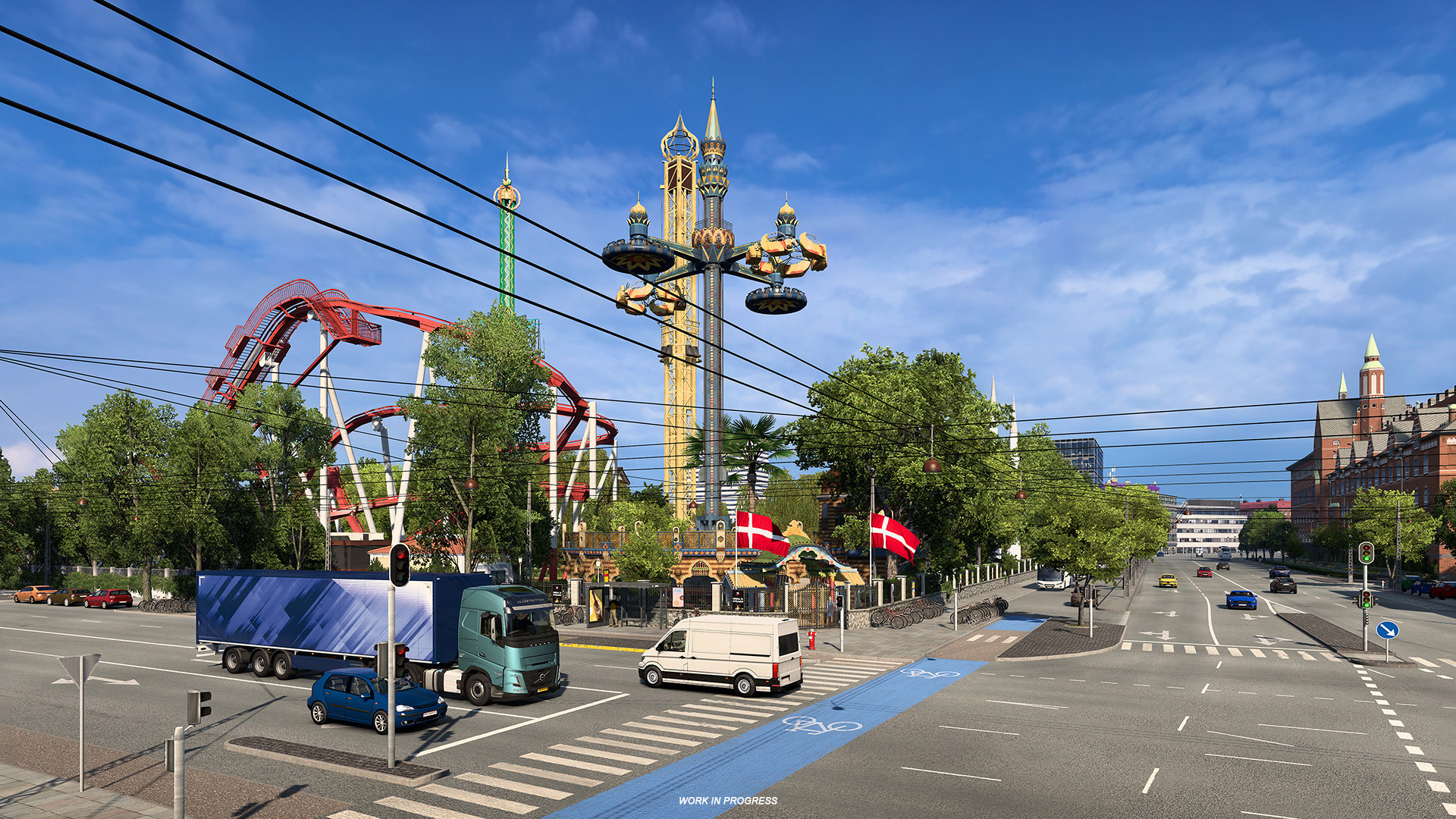
Highlights of the refresh:
- Region-wide visual overhaul with updated textures, vegetation, and road assets, plus new rest stops and fuel stations.
- Significant road-network improvements: custom junctions replace older prefab intersections, especially along Danish motorways and Sweden’s major E-corridors.
- New and rebuilt cities — including Aarhus (Denmark), Karlstad (Sweden), and a fully reworked Copenhagen with modern infrastructure and notable landmarks.
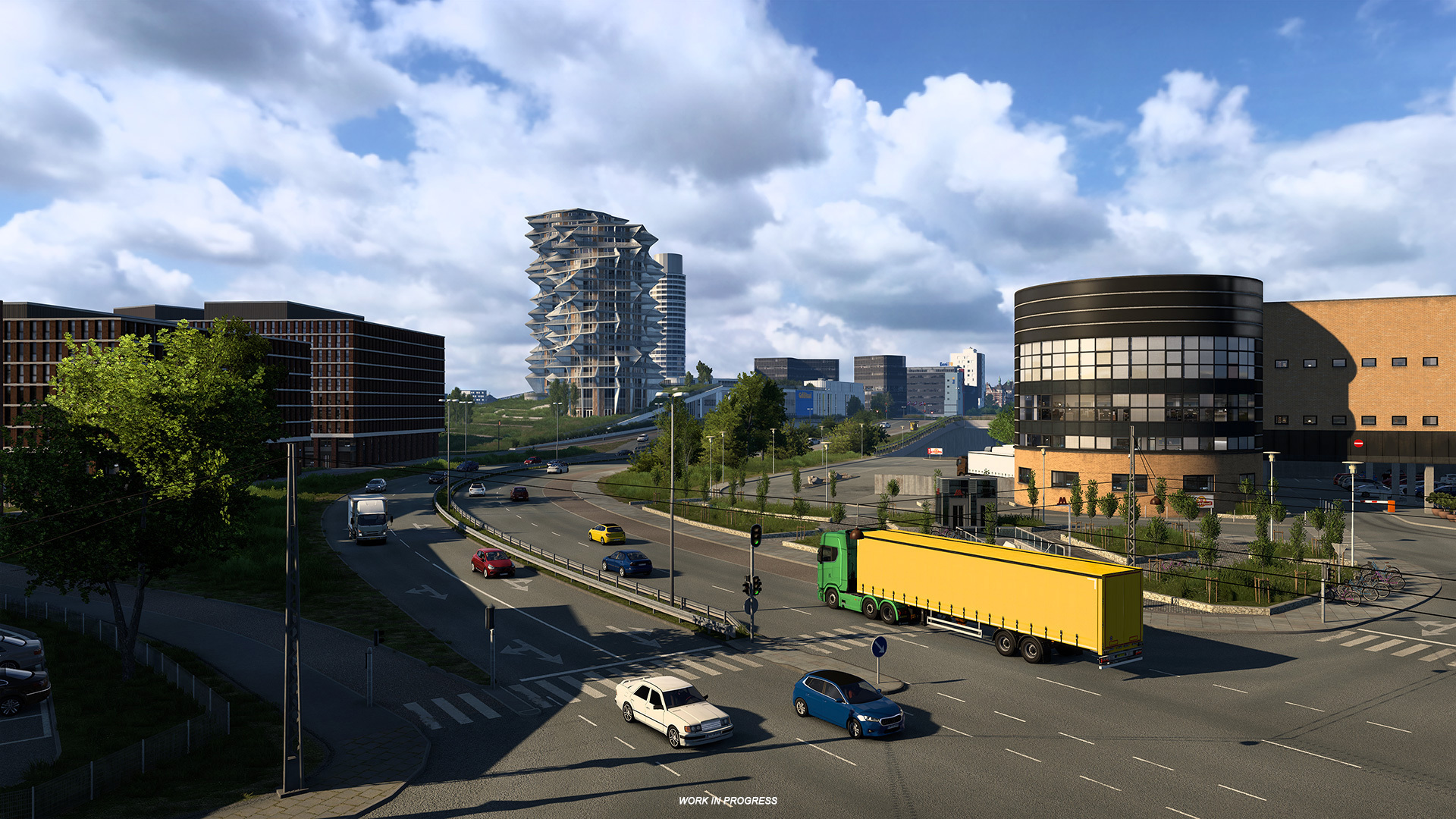
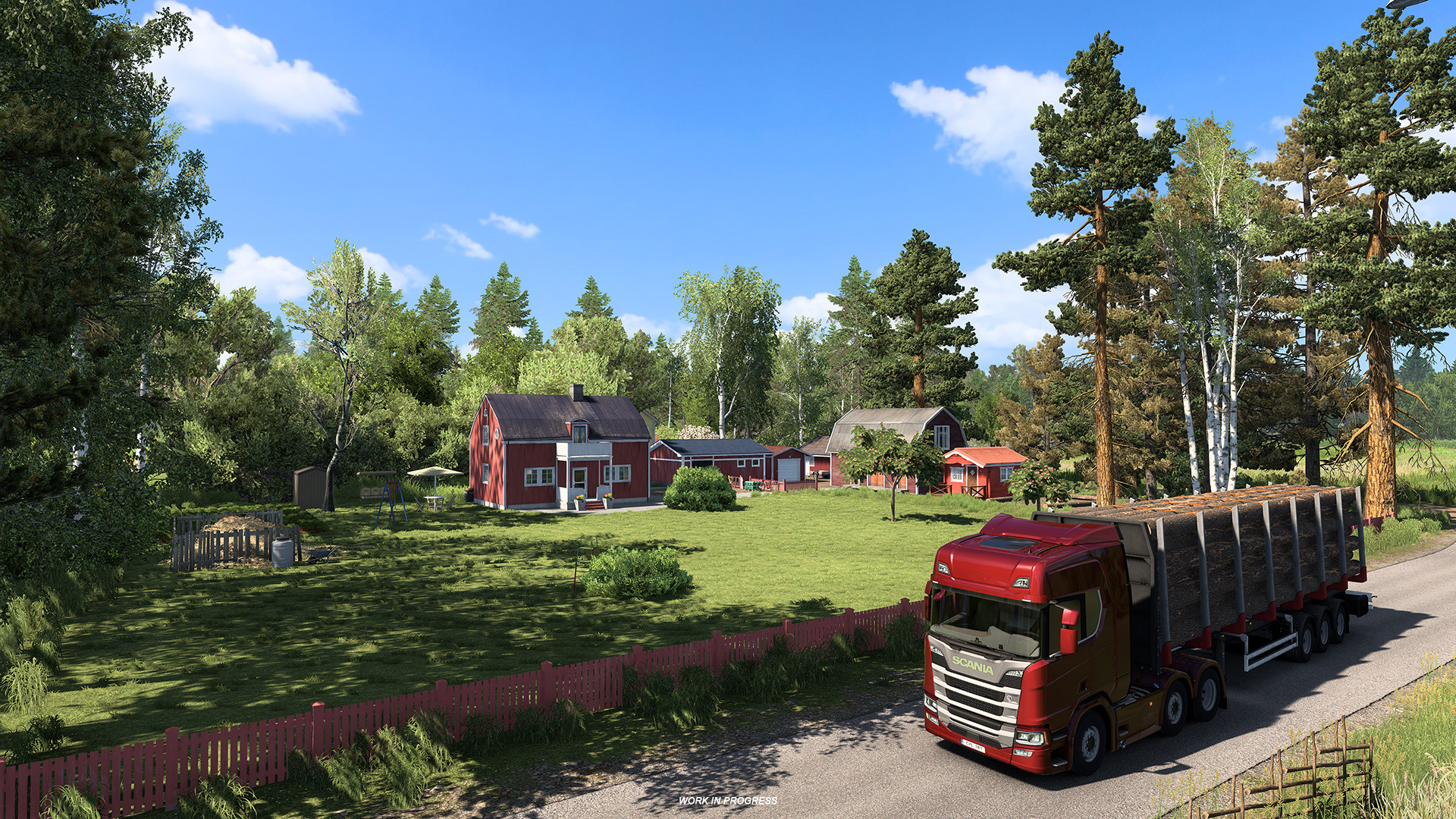
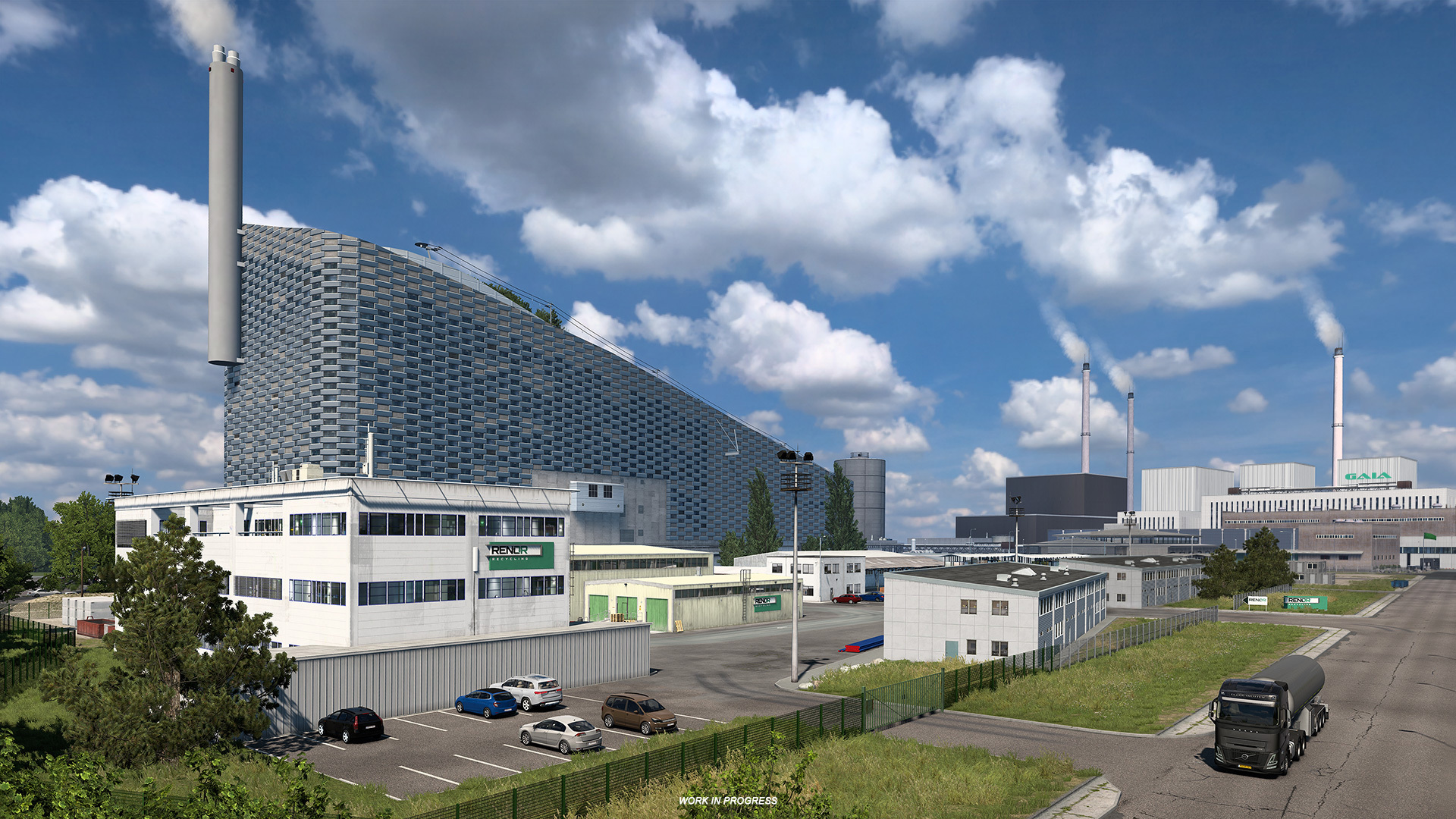
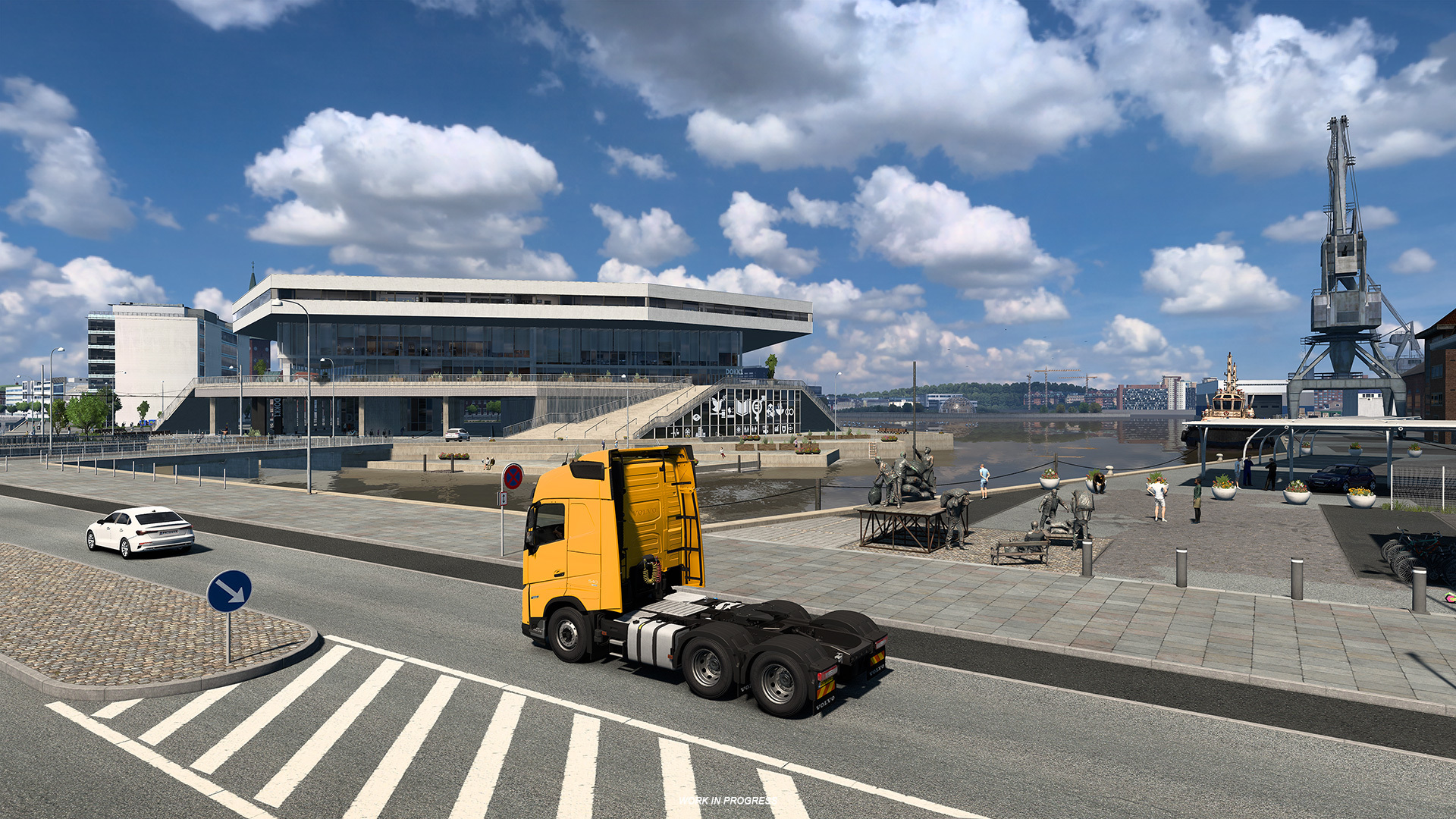
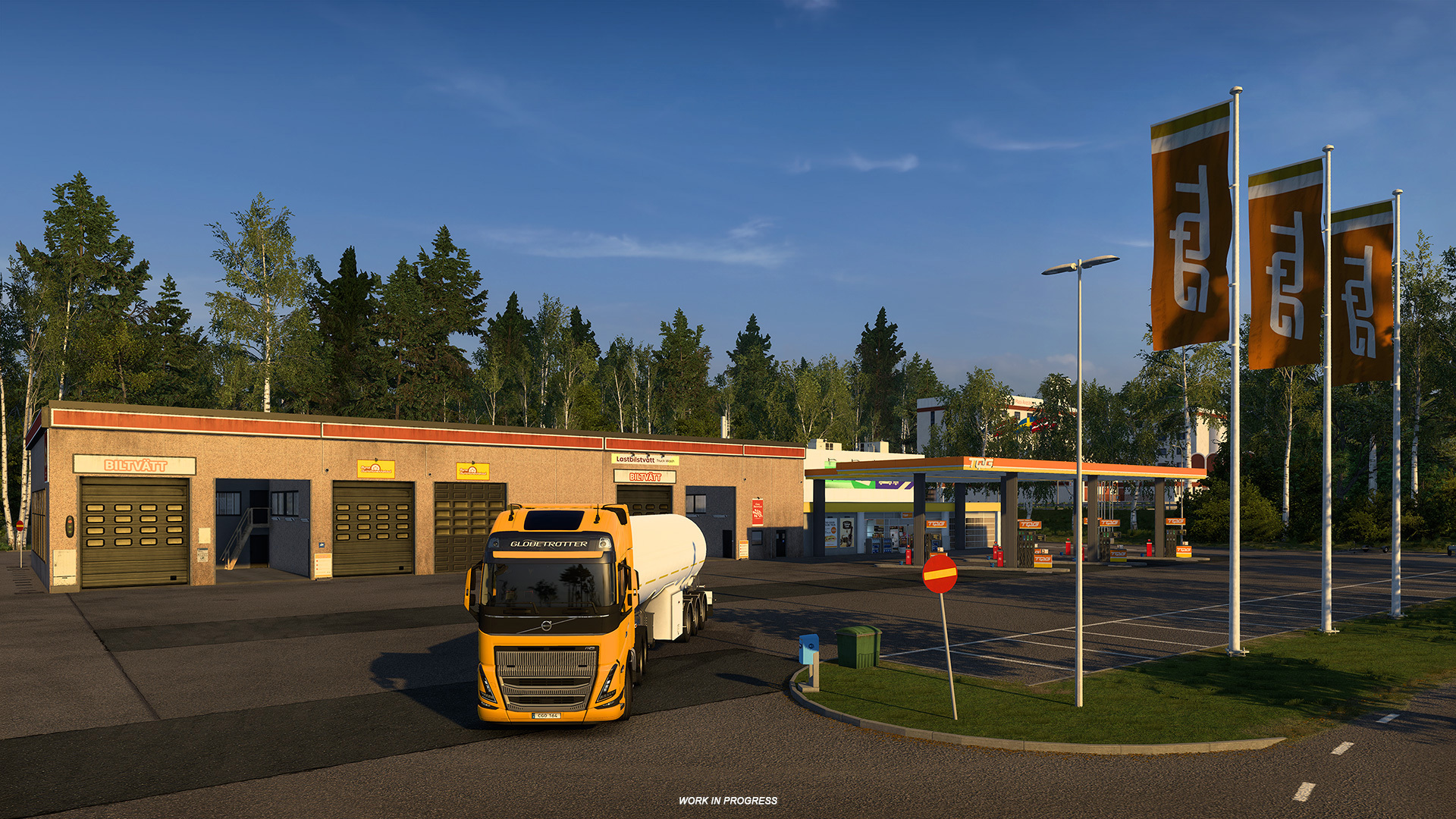
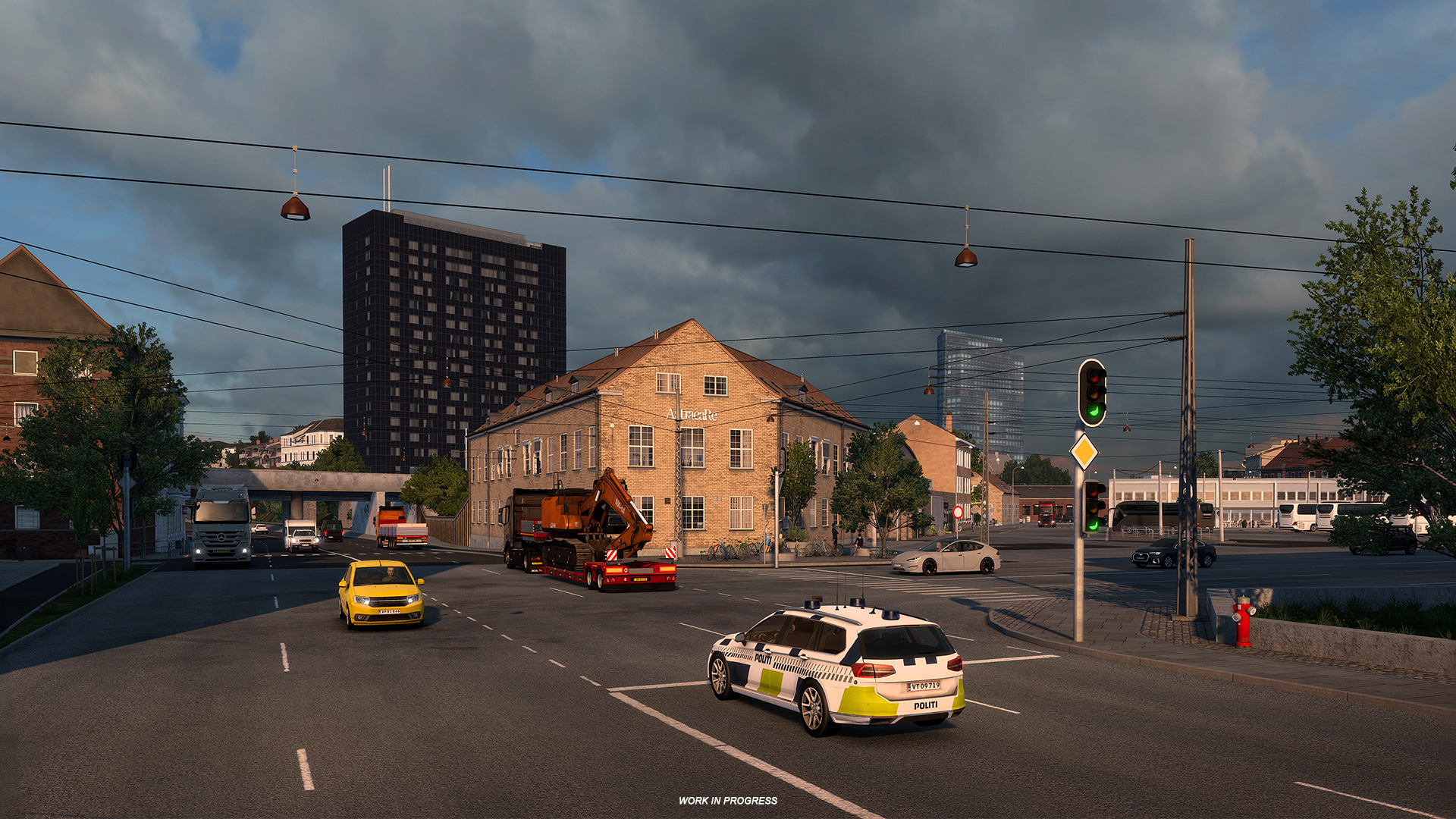
This refresh ensures the Scandinavia region integrates smoothly with the upcoming Nordic Horizons expansion, providing a consistent visual and gameplay transition.
HDR Support
The update introduces High Dynamic Range (HDR) support to enhance colour depth and contrast for players with HDR-capable displays. An upgraded brightness setup and calibration workflow will let you preview and fine-tune HDR settings directly from an in-game screen, including a slider for HDR calibration.
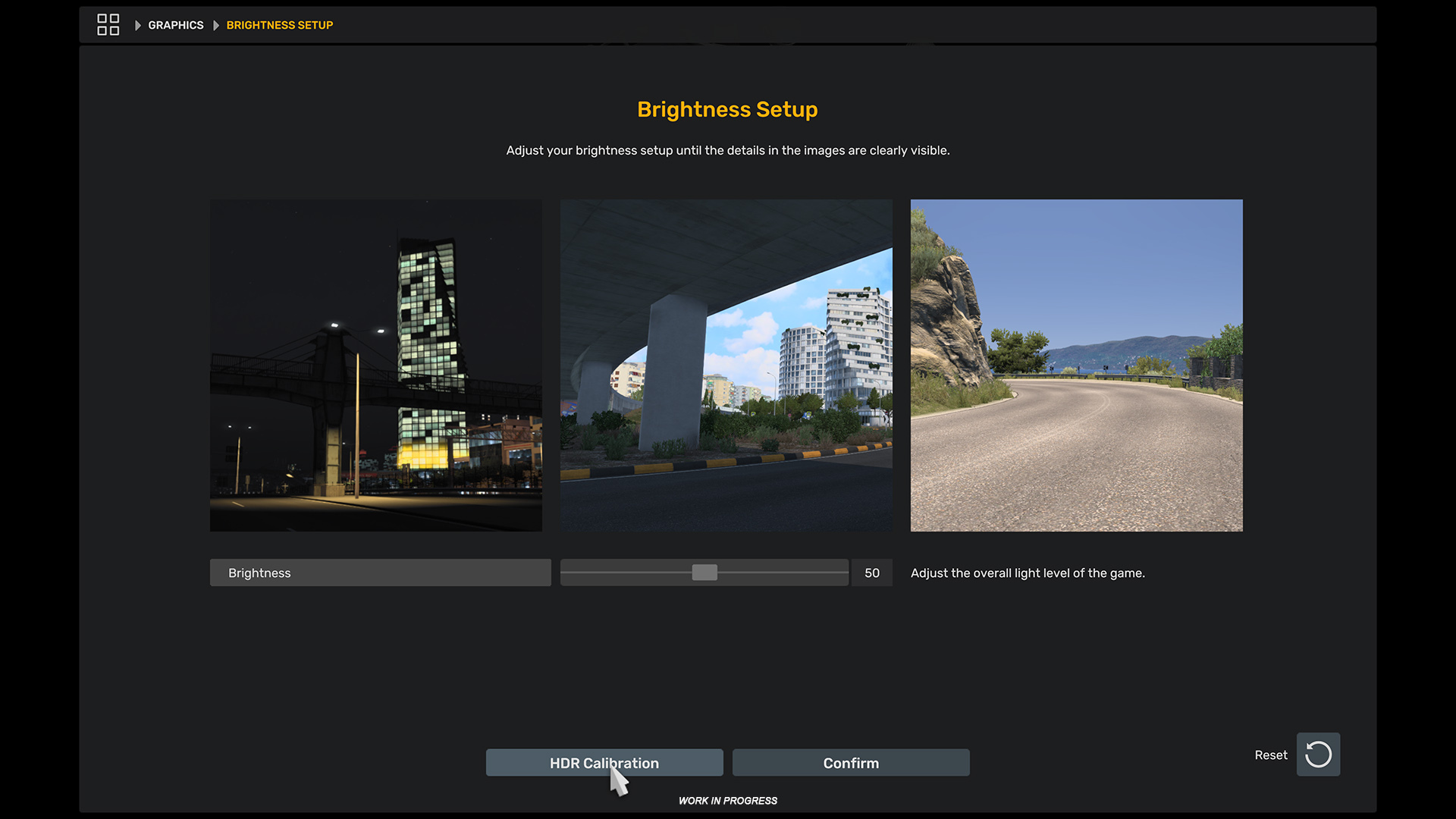
On compatible monitors and TVs, HDR will be enabled automatically so you can enjoy improved visuals as soon as you start the game.
Cursor Navigation Improvements
Cursor movement has been refined for a steadier experience across all resolutions. Controller cursor speed and precision have been slightly increased, making menu navigation smoother and more responsive.
Dynamic Cargo Loading & Unloading
Dynamic loading and unloading—originally introduced in American Truck Simulator—arrives in ETS2, adding a new layer of realism to cargo operations.
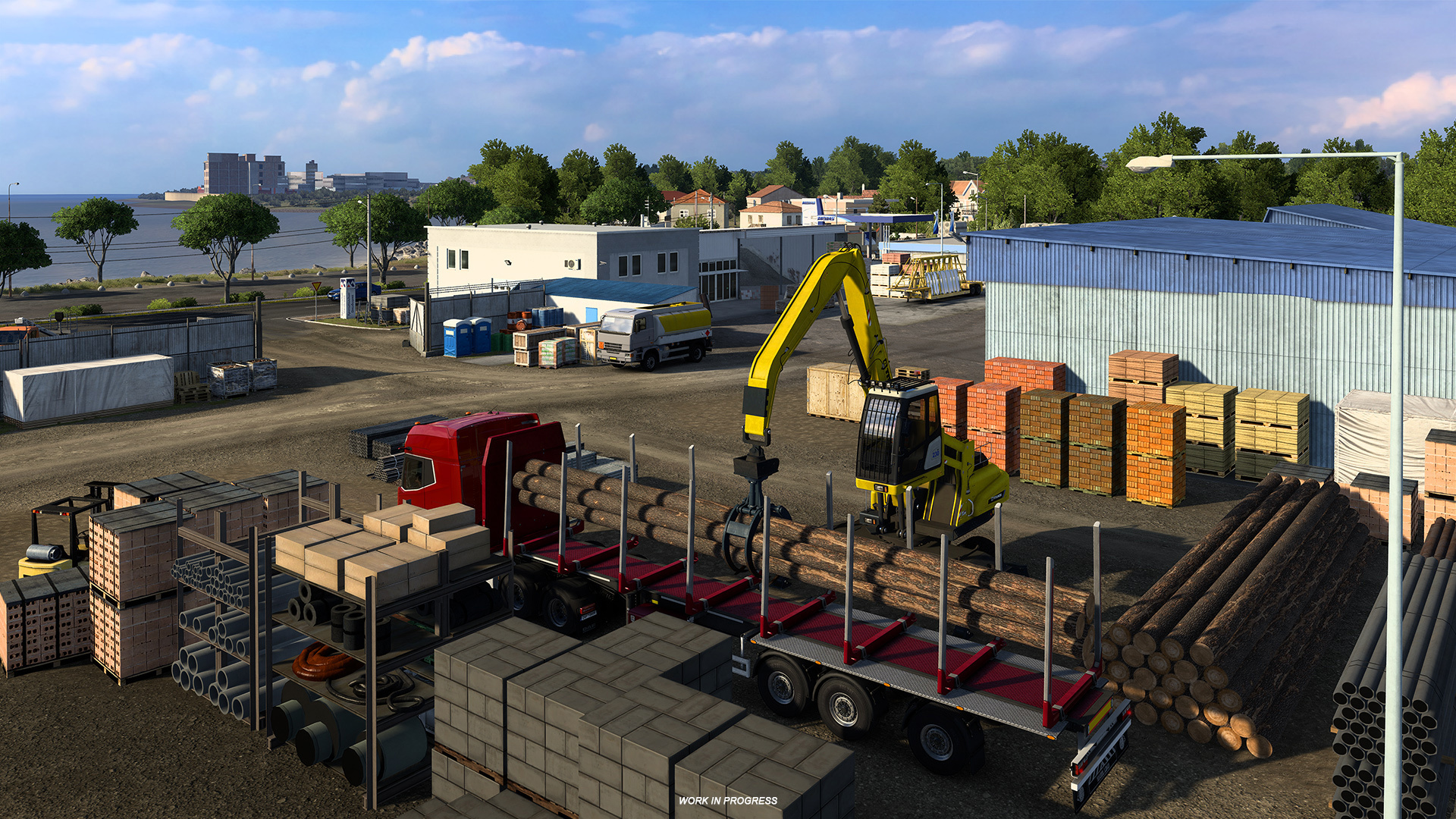
The feature will appear at selected custom and prefab depots, starting with locations in the Nordic Horizons DLC and expanding to appropriate depots across the base map and other DLCs. A custom shipyard in Athens is also included in the rollout.
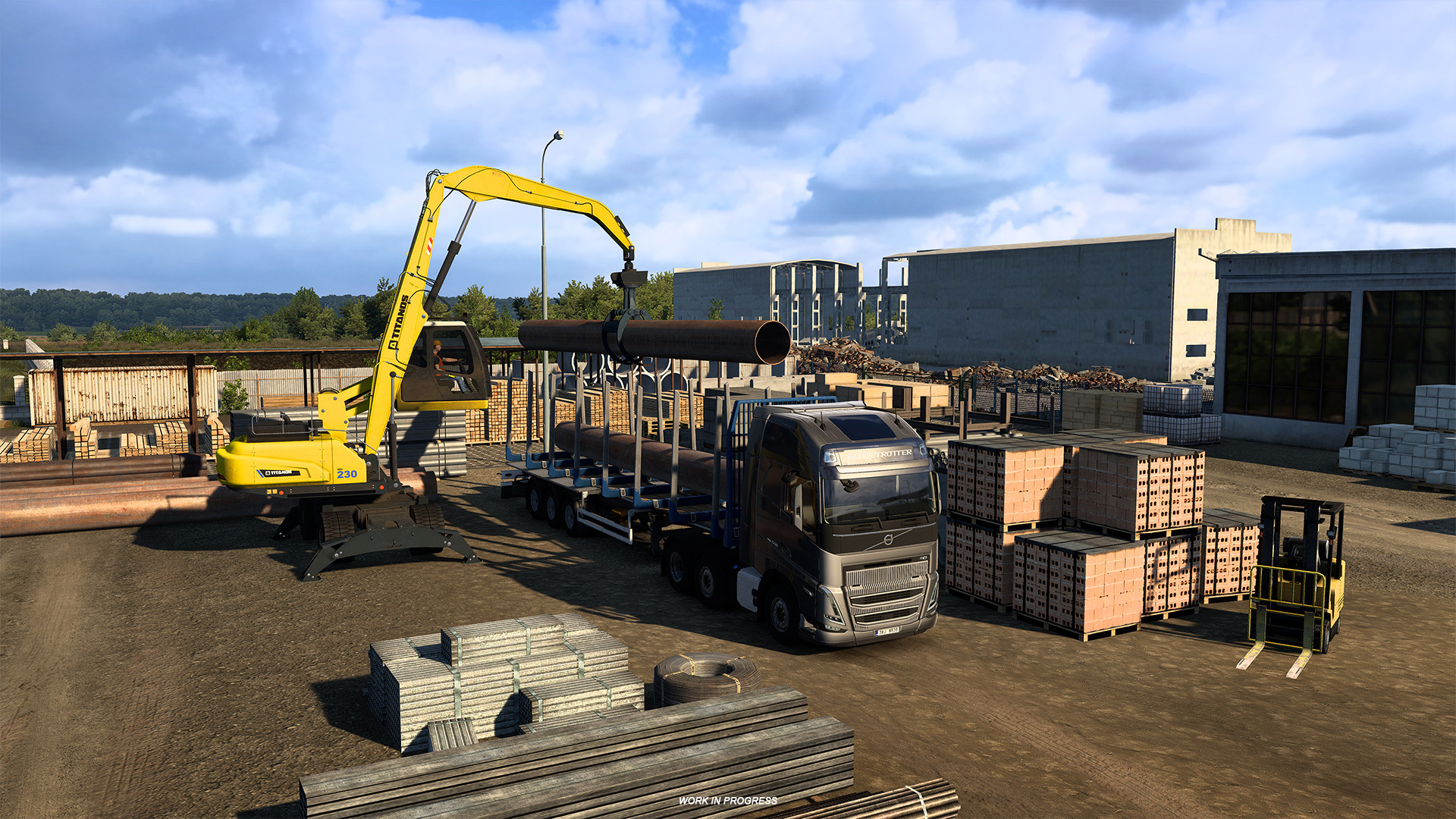
Initially, logging trailers are the first cargo type to use dynamic handlers: Logs, Large Tubes, and Iron Pipes will be loaded and unloaded by material handlers or crawler excavators when you park your trailer in the designated zone—the process starts automatically.
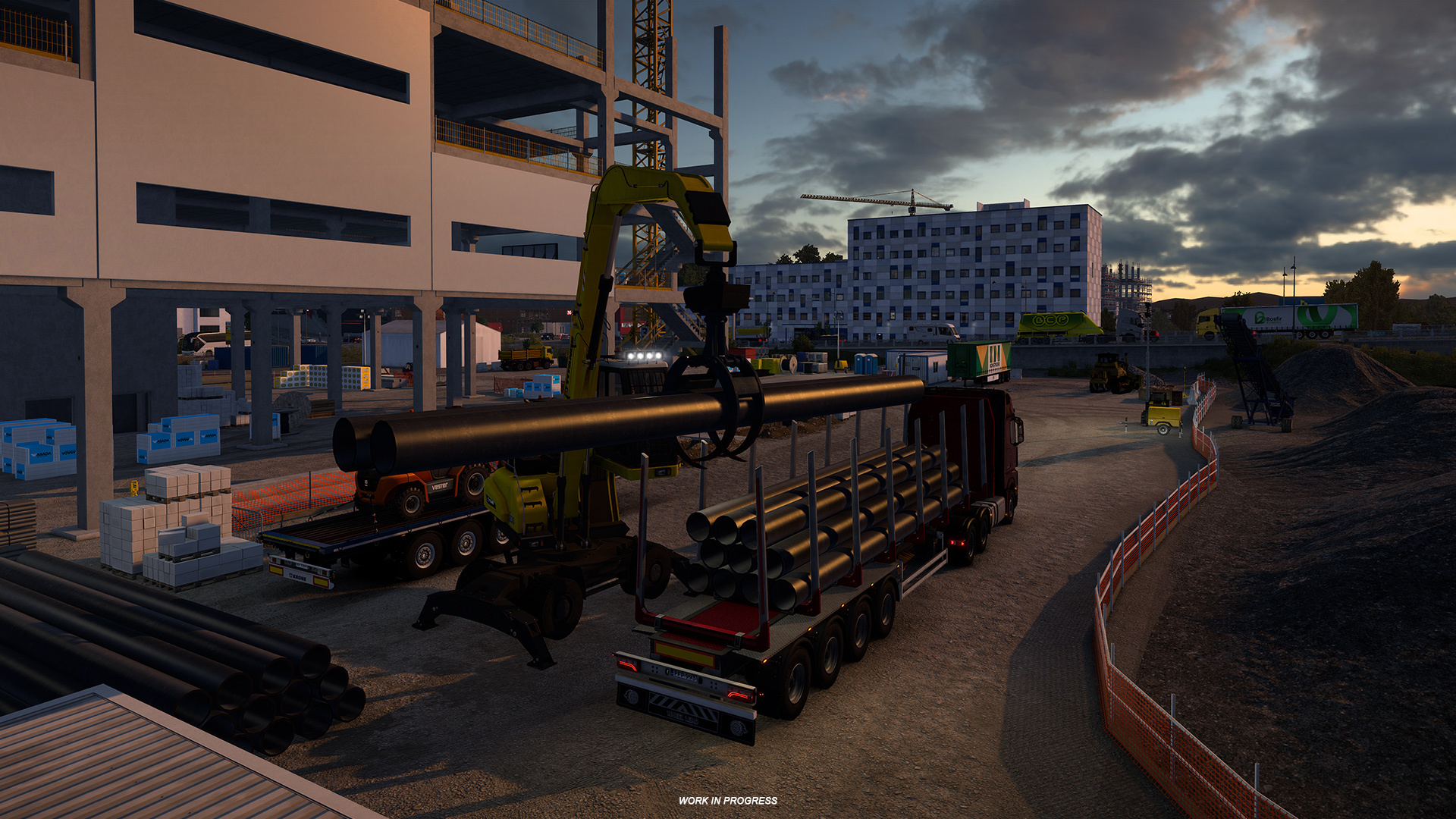
Expect to find this system at sawmills, construction sites, steelworks and material stores. The team plans to add more cargo types and locations in future updates. Further details are available in the official blog post: Dynamic Cargo Loading — 1.57 blog.
Scania R & S: SUPER, 770 V8 and Smart Dash
The Scania R and S series receive a substantial update in 1.57. New SUPER engines (420–560 hp) and V8 powerplants (590, 660, 770 hp) are available, together with Opticruise transmissions (G25, G33, G38 CM, CMR).
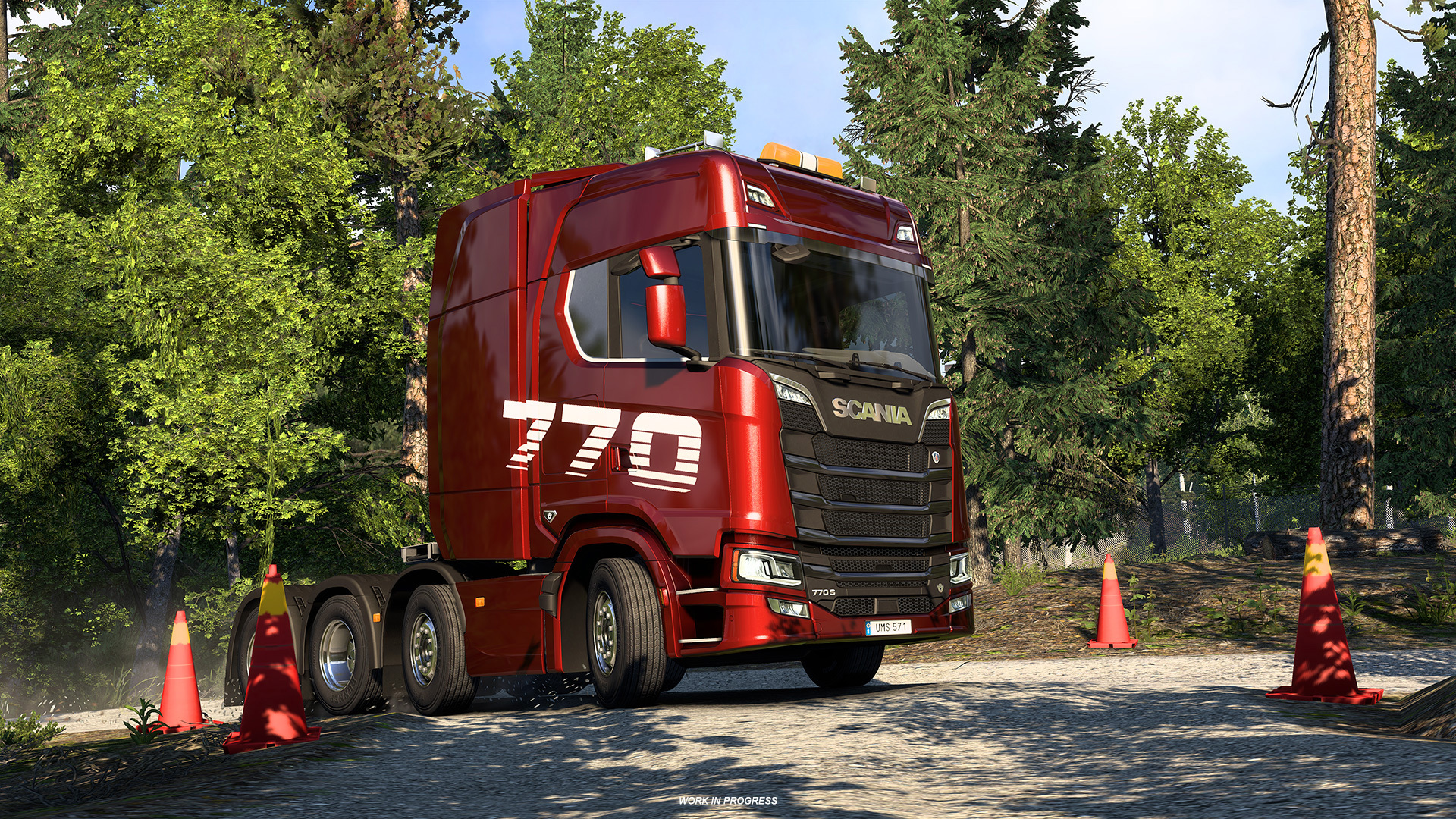
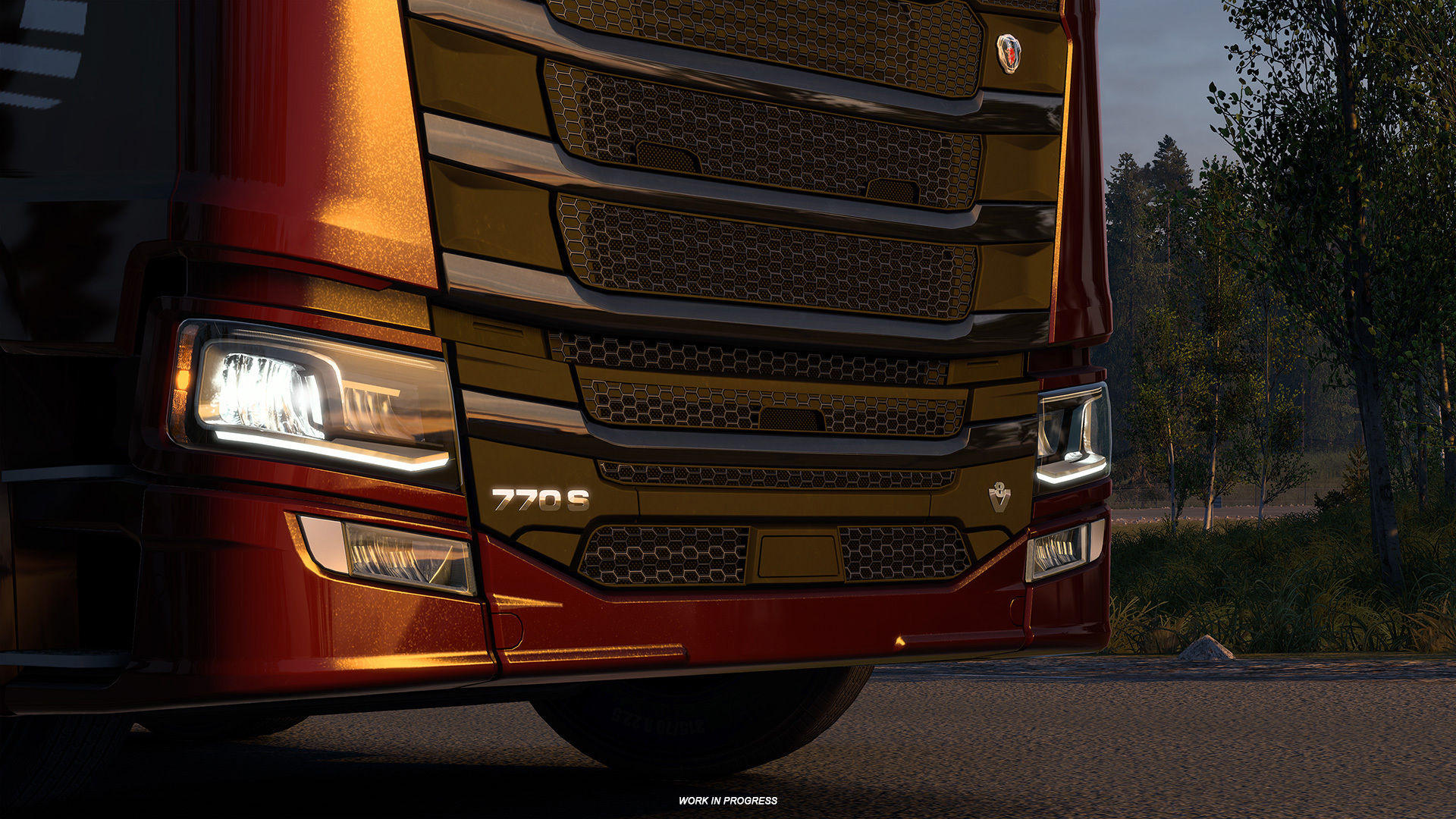
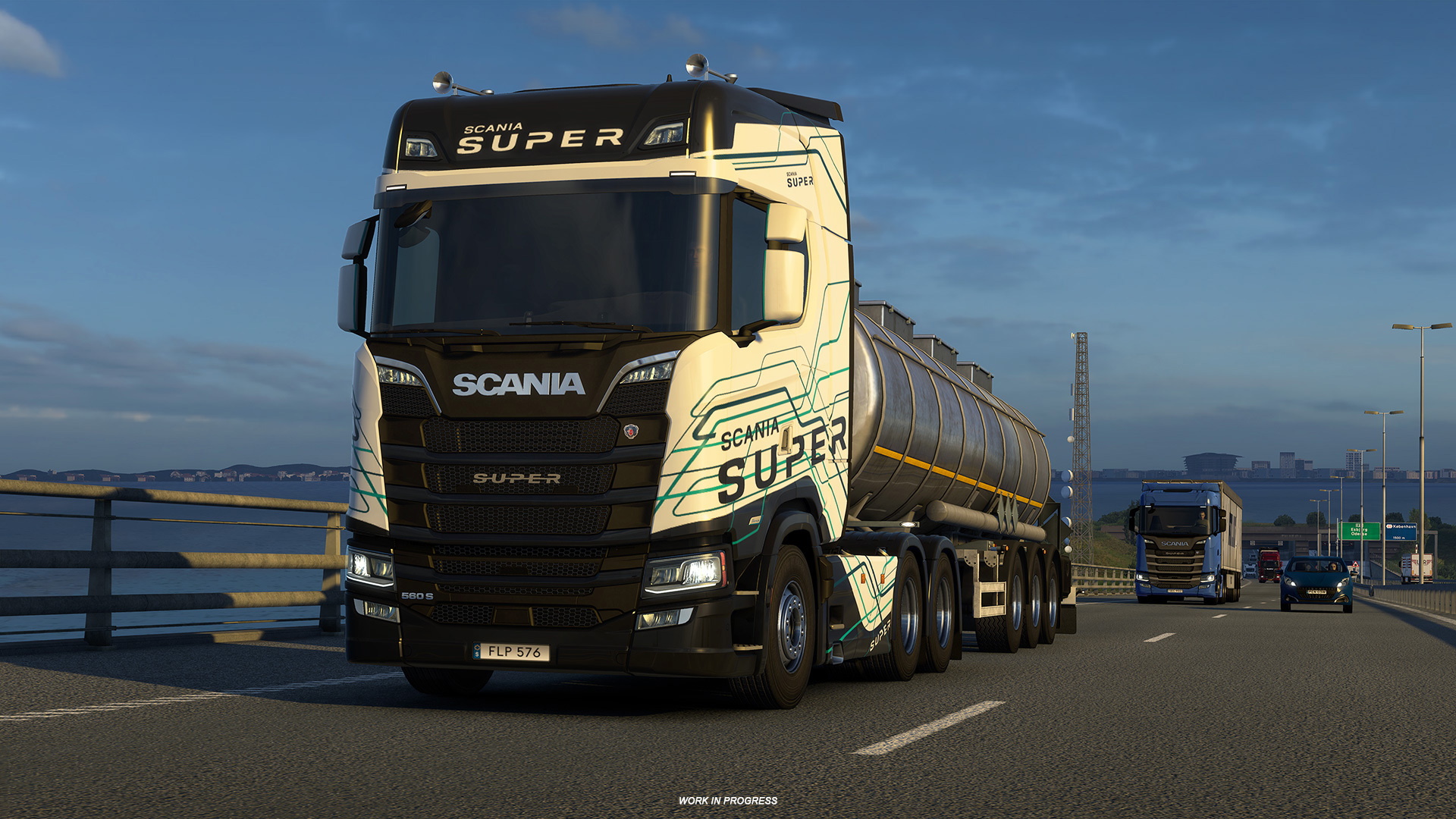
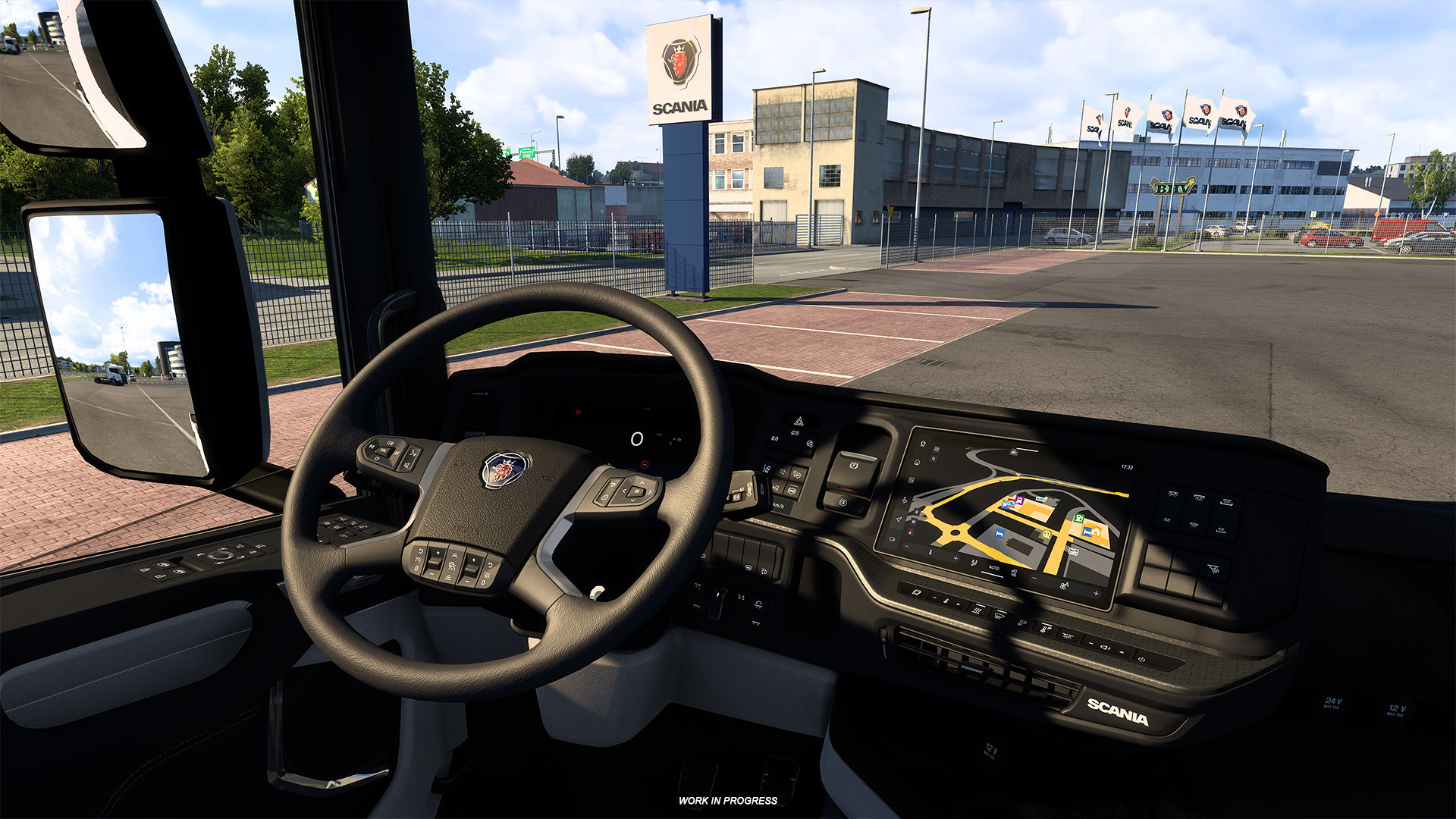
Cab options include the new Smart Dash and Smart Dash Advanced interiors. Exterior upgrades add SUPER badges, sensor-equipped fenders, and official Scania SUPER and 770 paint schemes for trucks and trailers. Learn more in the Scania update blog: Scania R & S Trucks Update.
Special Transport DLC — New Cargo
Owners of the Special Transport DLC get two new oversized cargos designed to challenge your precision driving.
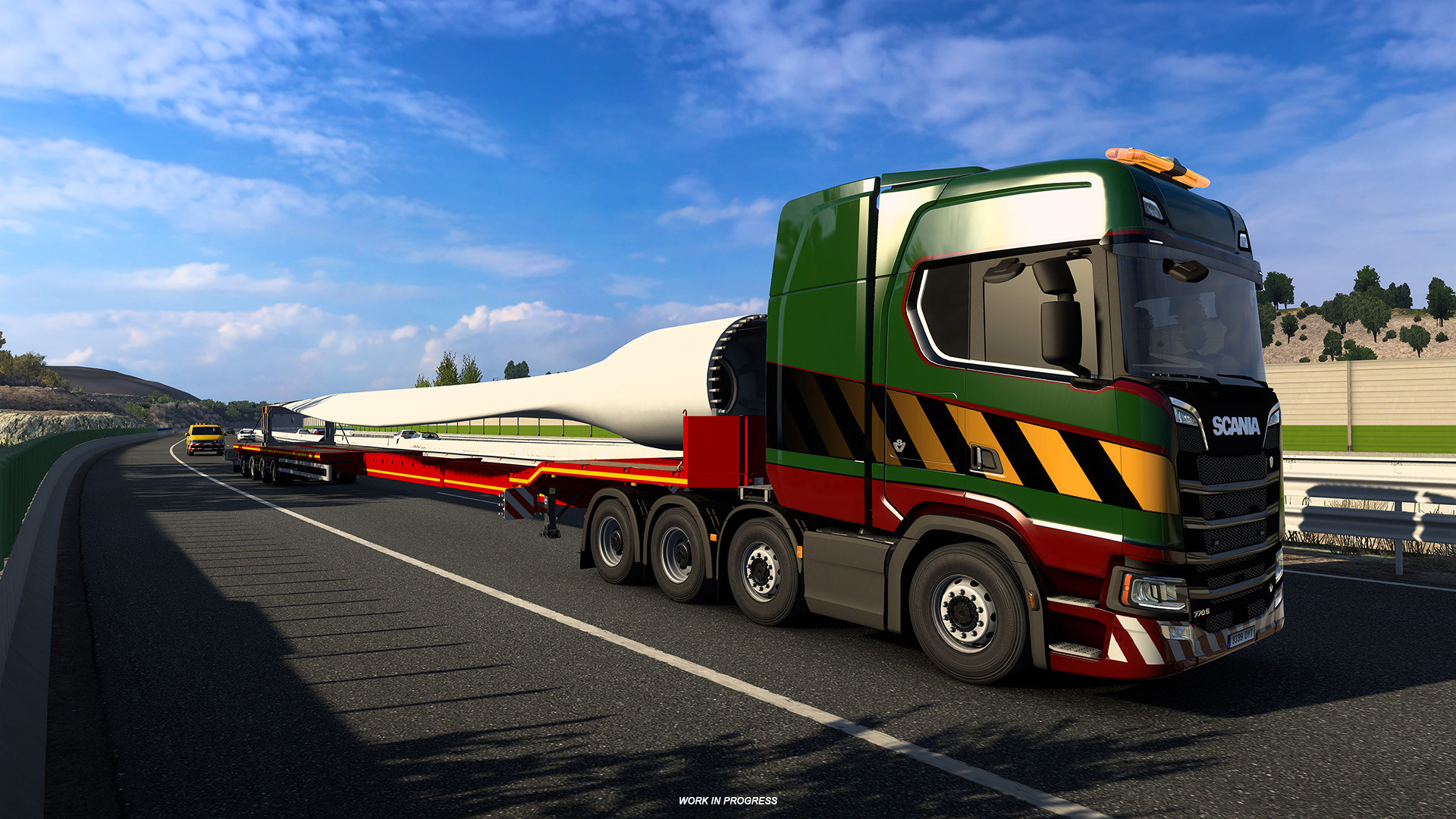
Wind Turbine Blade
A 30-metre Wind Turbine Blade transported on a 4-axle steerable trailer. This contract is available between Rostock and Berlin in Germany, and between Jyväskylä and Vaasa in the upcoming Nordic Horizons region.
Underground Loader
The Underground Loader is a heavyweight mining machine carried on a 6-axle low loader trailer. Routes include Dortmund→Hannover and Narvik→Kiruna (Nordic Horizons).
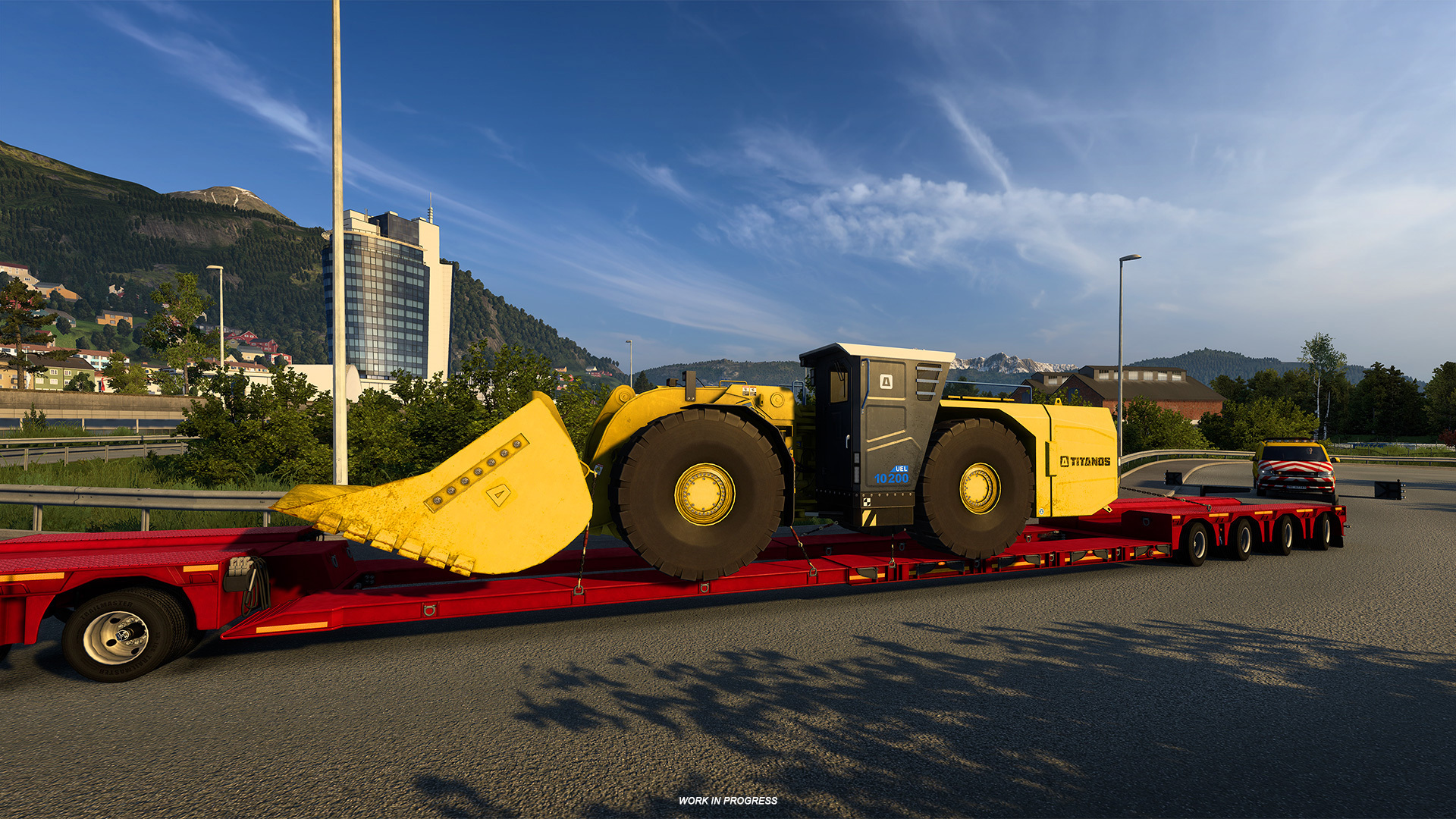
More information is available in the Special Transport blog: Special Transport DLC update.
Krone Trailer Pack DLC Update
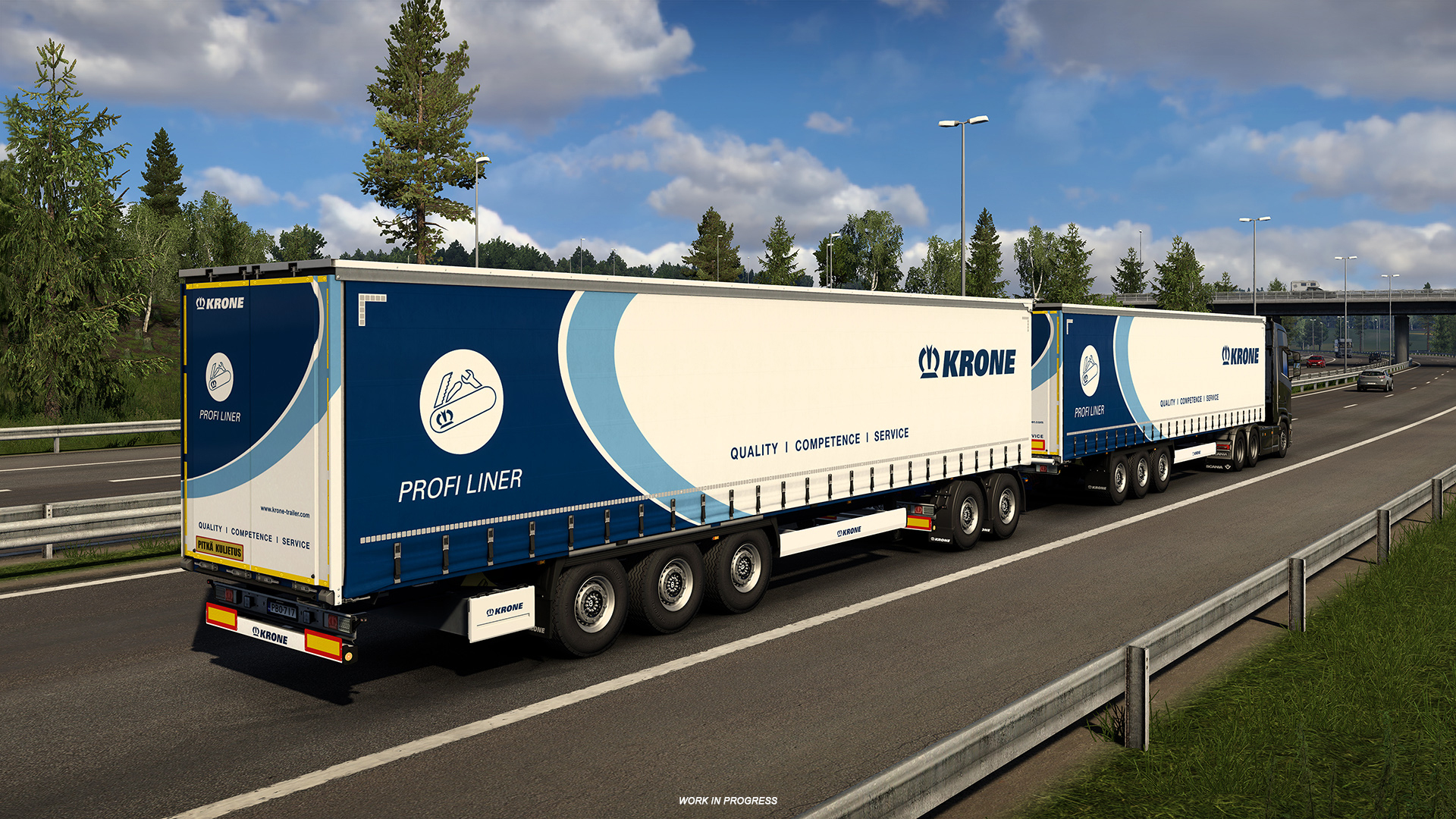
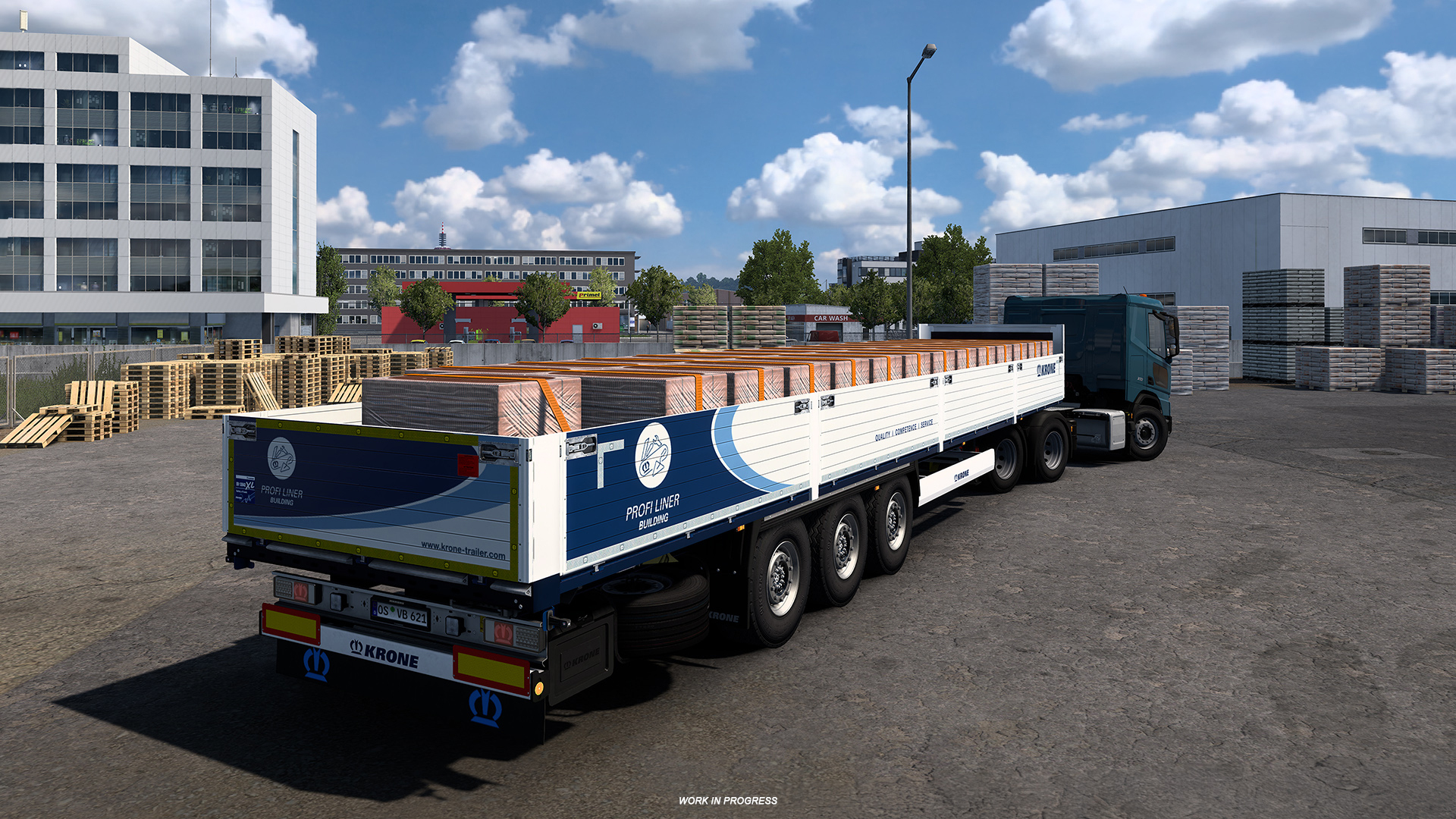
The Krone Trailer Pack gains several city-focused variants with steerable axles to improve manoeuvrability in tight urban areas.
- Profi Liner City
- Cool Liner City
- Dry Liner City
- Profi Liner HCT
Reworked Company Logos & Paint Jobs
Player company branding has been refreshed with updated logo designs and enhanced paint-job options. You’ll be able to pick colours via an RGB picker or choose from curated presets to create a distinctive livery.
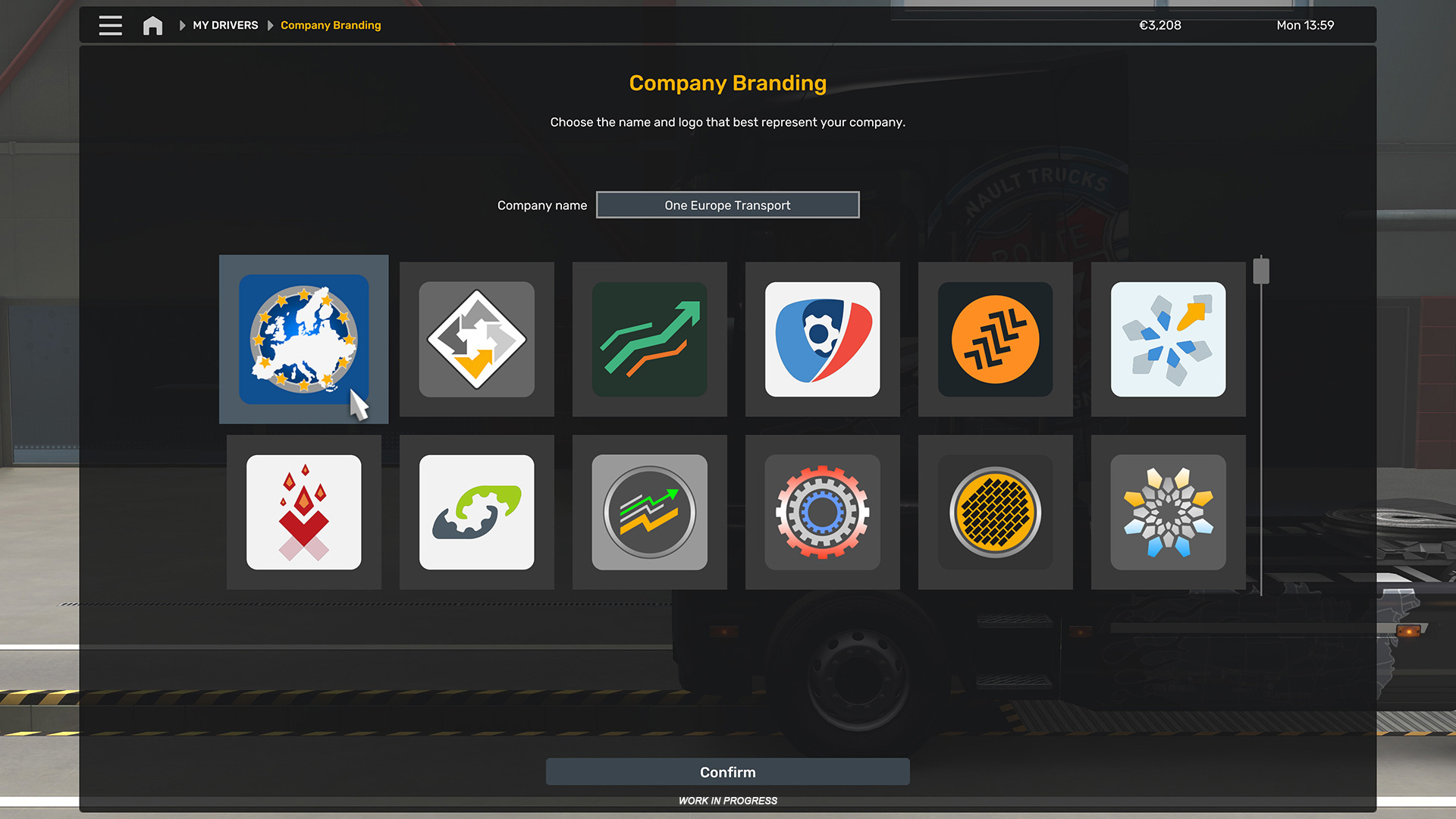
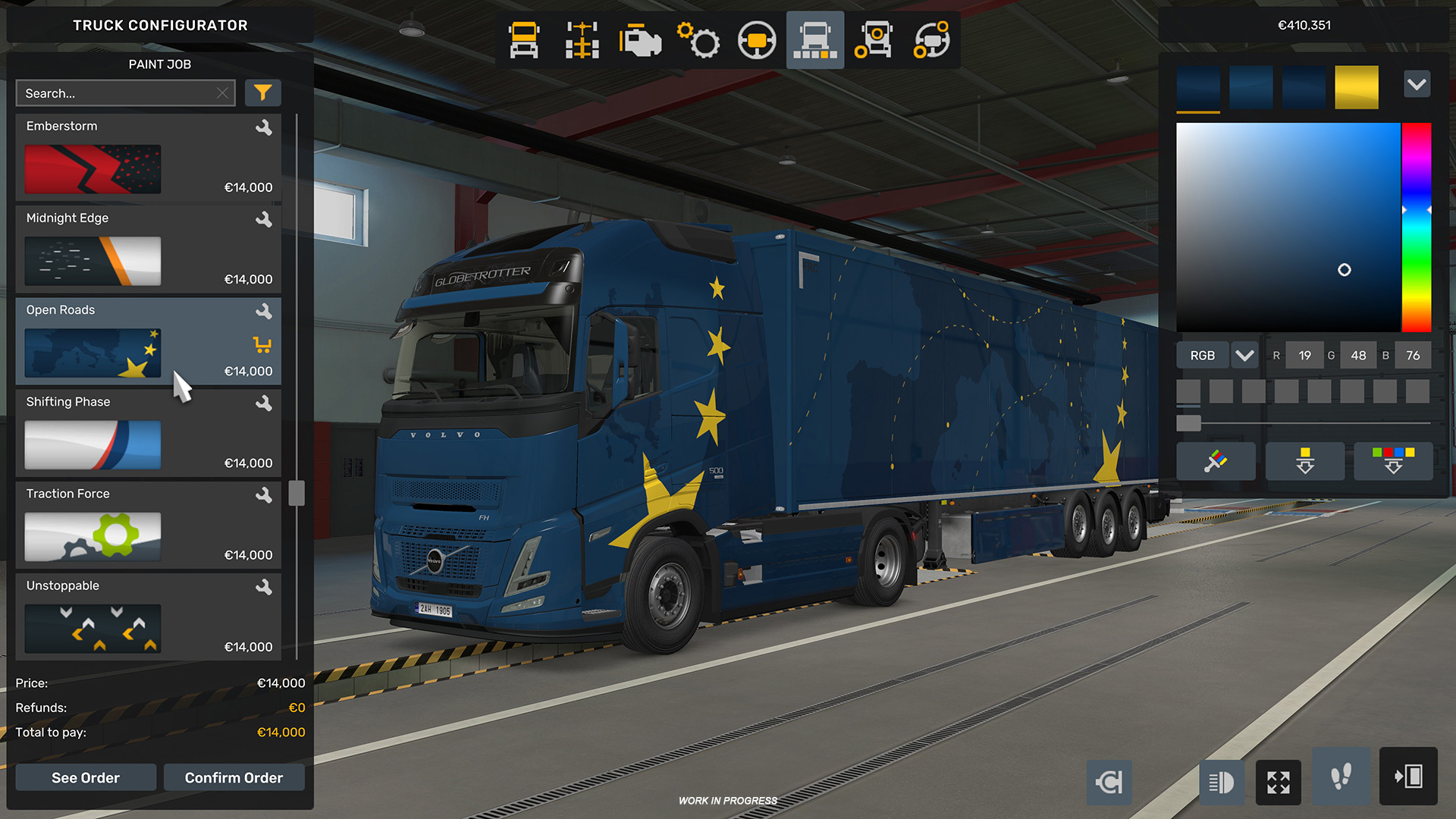
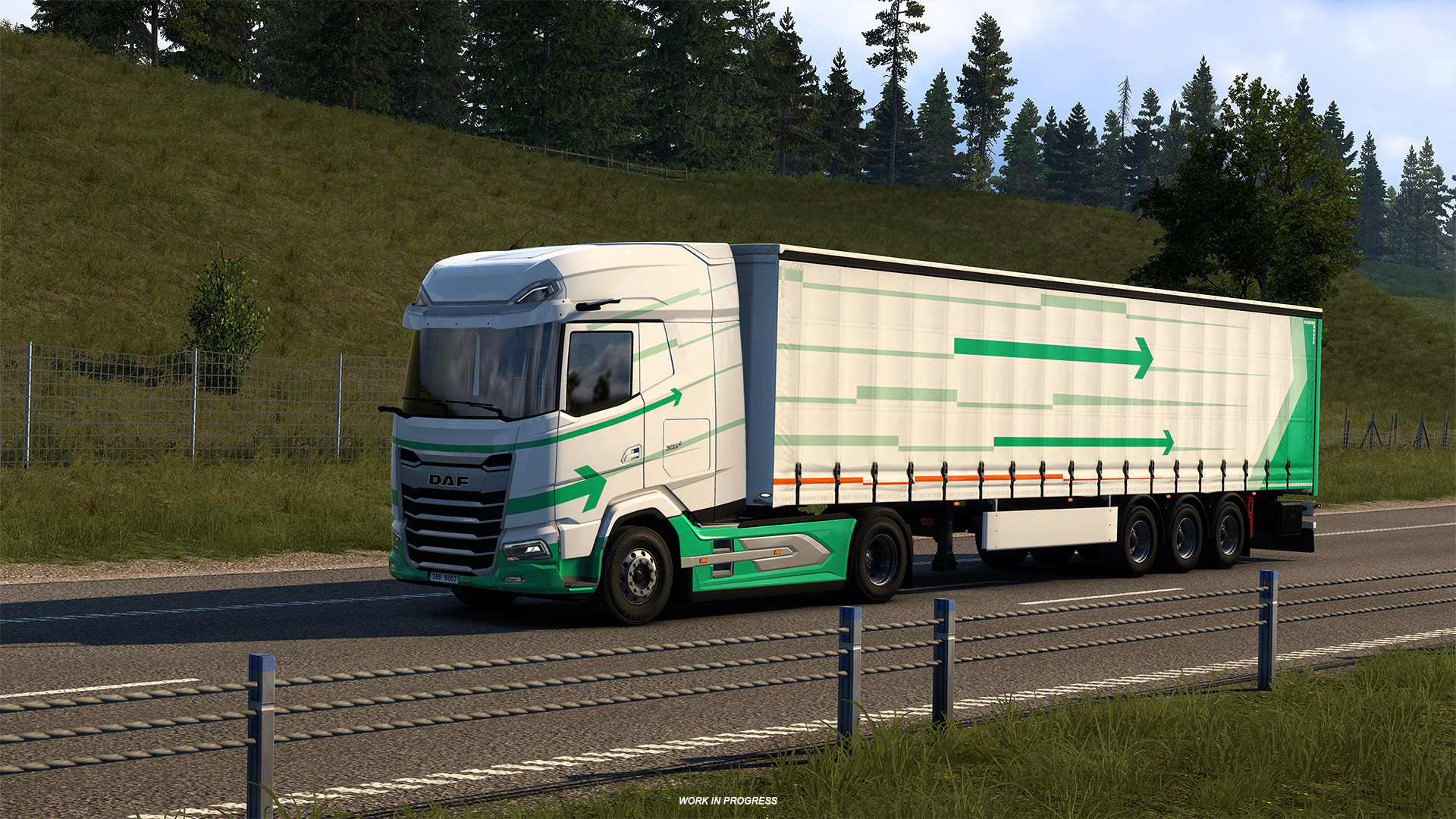
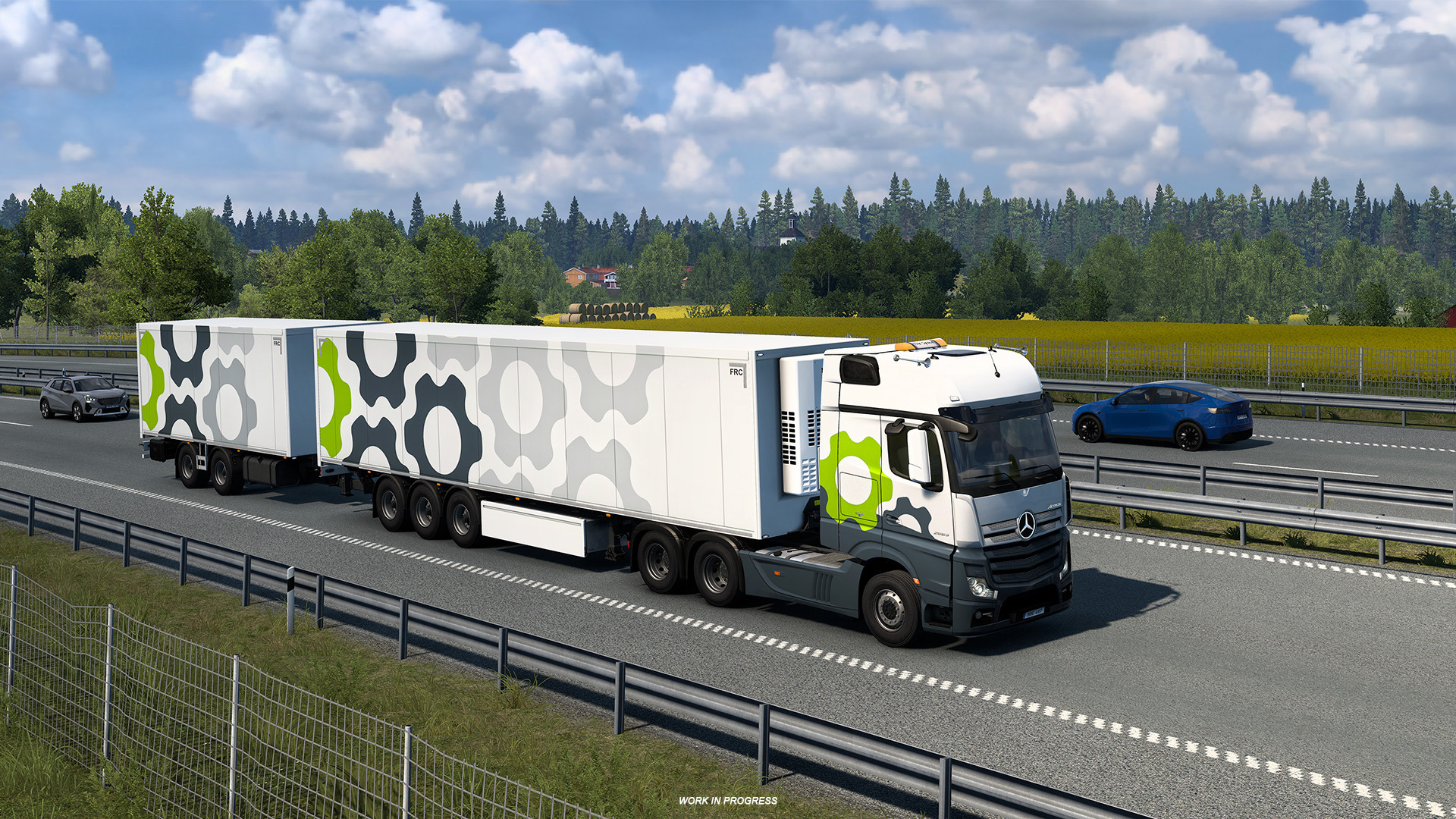
Read the full blog post on the reworked logos and paint jobs: Reworked Players’ Company Logos & Paint Jobs.
Changelog (Highlights)
Vehicles
- Dynamic Cargo Loading & Unloading
- Scania R/S SUPER, 770 V8, and Smart Dash
- Special Transport DLC additions
- Krone Trailer Pack expansions
Map
- Scandinavia Refresh
Visual
- HDR Support
- Reworked company logos and paint job options
UX
- Cursor navigation improvements (consistent speed and refined controller handling)
Please remember: this is an Open Beta — instability, crashes, or bugs are possible. If you prefer a stable experience, wait for the final release. If you want to help improve the update, please post feedback and bug reports on the forum’s dedicated beta section: SCS Beta forum.
For mod authors and users, consult the modding wiki for details about compatibility and recommended practices.
How to Opt Into the Public Beta
To try the Open Beta via Steam:
- Open the Steam client and go to LIBRARY.
- Right-click Euro Truck Simulator 2 → Properties.
- Open the Betas tab and select the public_beta branch from the Beta Participation dropdown.
- No password is required. Restart Steam if the branch does not appear immediately.
Steam store page: Euro Truck Simulator 2 on Steam
 Euro Truck Simulator 2: Version 1.61 Update Released
 SCS On The Road: Iceland Research Trip
 World of Trucks: Events Resume
 Community Stories: Trucker Cassie
 Cavan: Ireland’s Lake District
 UK Rework: Historic Bristol
 IAA Transportation 2026
 SCS On The Road: Isle of Ireland Research Trip