
American Truck Simulator: Update 1.57 — Open Beta
We’re pleased to announce that the Open Beta for Update 1.57 of is now available. If you’d like to help us test this build, please report any issues in the relevant section(s) of our official forums so our team can address them promptly.

Your feedback is invaluable — it helps us polish features and fix problems faster. Thank you in advance for taking the time to test and report any bugs. Below is a summary of the main additions and improvements in the 1.57 update.
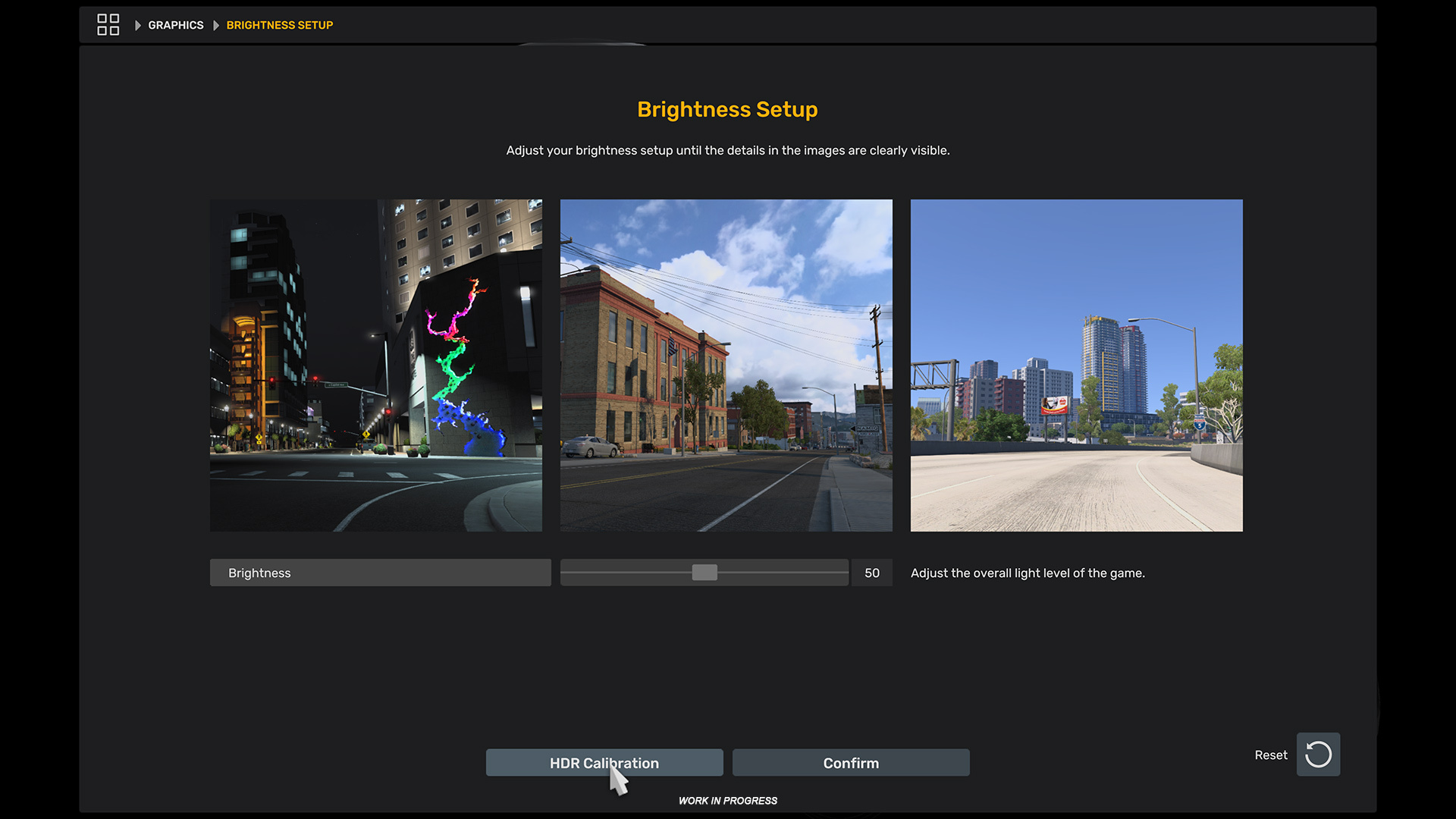
We’ve added native HDR (High Dynamic Range) support to enhance color depth and contrast for players with HDR-capable monitors and televisions. The update also expands brightness controls with a dedicated setup screen that previews adjustments using real in-game scenes.
An HDR Calibration tool is included so you can fine-tune the intensity via a simple slider and preview the results instantly. For compatible displays the game will detect HDR automatically to provide the optimal visual experience from the moment you launch it.
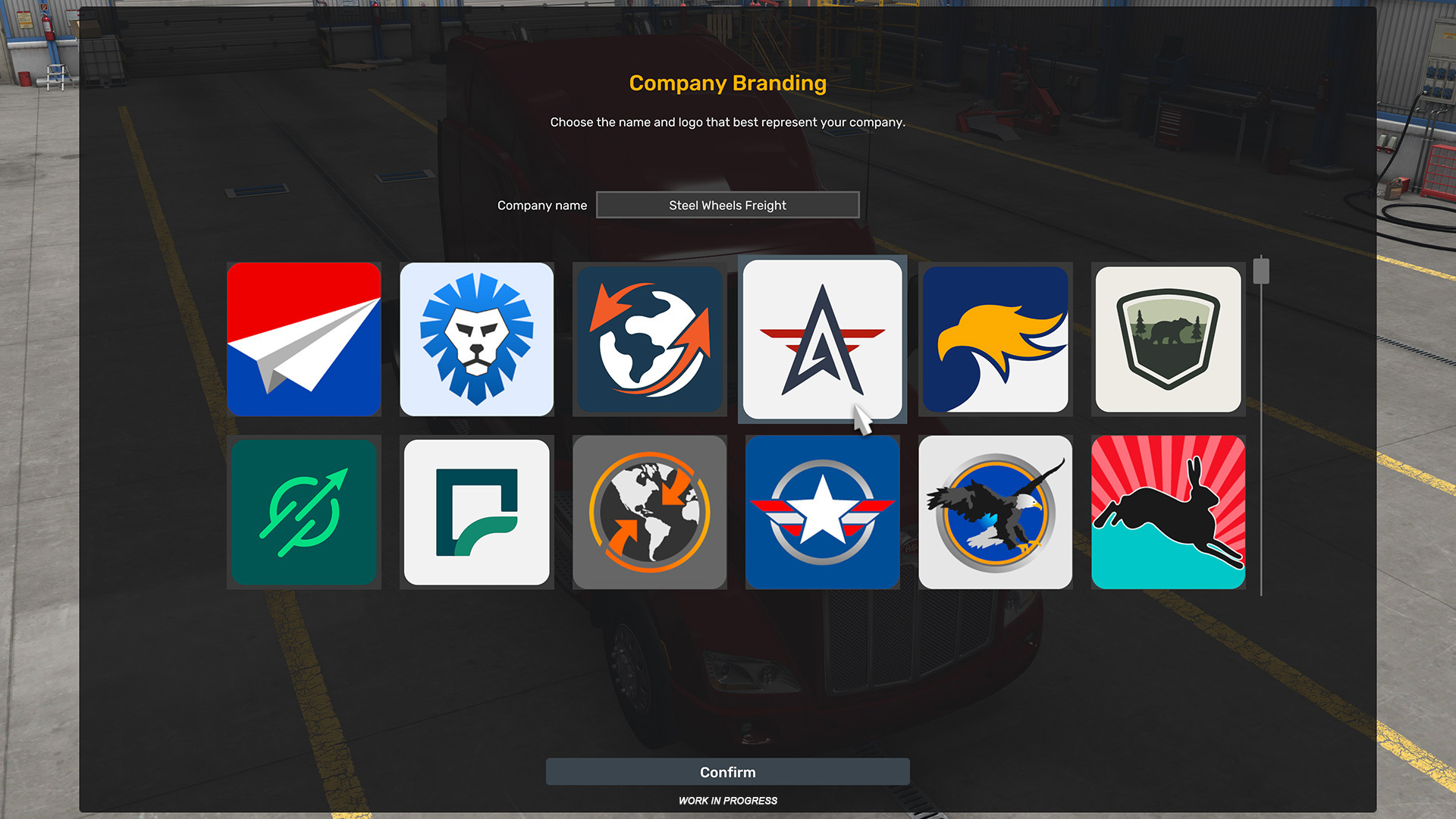
Update 1.57 introduces a redesigned selection of company logos. We’ve modernized the classic motifs to give profiles a contemporary, cohesive appearance while keeping the original spirit intact.
Cursor handling has been refined: cursor speed is now consistent across resolutions, and controller-driven cursor movement has been slightly accelerated for smoother menu navigation and a more responsive UI experience.
Map
-
Minor adjustments to existing gas stations (preparatory work for Road Trip).
Visual
-
Added HDR support.
-
Refreshed set of players’ company logos.
UX
-
Cursor navigation refinements for consistent speed and improved controller responsiveness.
Enjoy exploring the new features — but please keep in mind this is an open beta and not a final release. You may encounter bugs, instability, or crashes; if you prefer to wait for the stable build, that’s completely understandable. If you want to help accelerate the release, please submit bug reports and feedback on our forums: .
Check the modding wiki for details about mod compatibility and guidelines.
To opt into the open beta on Steam: open the Steam client → LIBRARY → right-click on American Truck Simulator → Properties → Betas tab → choose public_beta from the Beta Participation dropdown. No password is needed. If the branch doesn’t appear immediately, restarting the Steam client may help.
Related articles
 Indiana Research Expedition
 Euro Truck Simulator 2: Version 1.61 Update Released
 SCS On The Road: Iceland Research Trip
 American Truck Simulator: Update 1.61 Released
 Freight Market & Quick Jobs Road Trip
 World of Trucks: Events Resume
 World of Trucks: Resuming Events
 Community Stories: Trucker Cassie