Under the Hood: UI/UX Quality Assurance
Today, we’re taking you behind the curtain of Euro Truck Simulator 2 and American Truck Simulator development to explore a vital cog in our production machine. We’re shining a spotlight on our UI/UX Quality Assurance team—the specialists dedicated to ensuring that every interface is as intuitive and polished as it is engaging.

To walk you through this process, we sat down with Petr and Jan. They’ll share insights into their daily workflows, their methodology, and how they ensure that every menu, button, and interaction feels natural before a feature goes live.
Petr – Console & UI/UX QA Lead
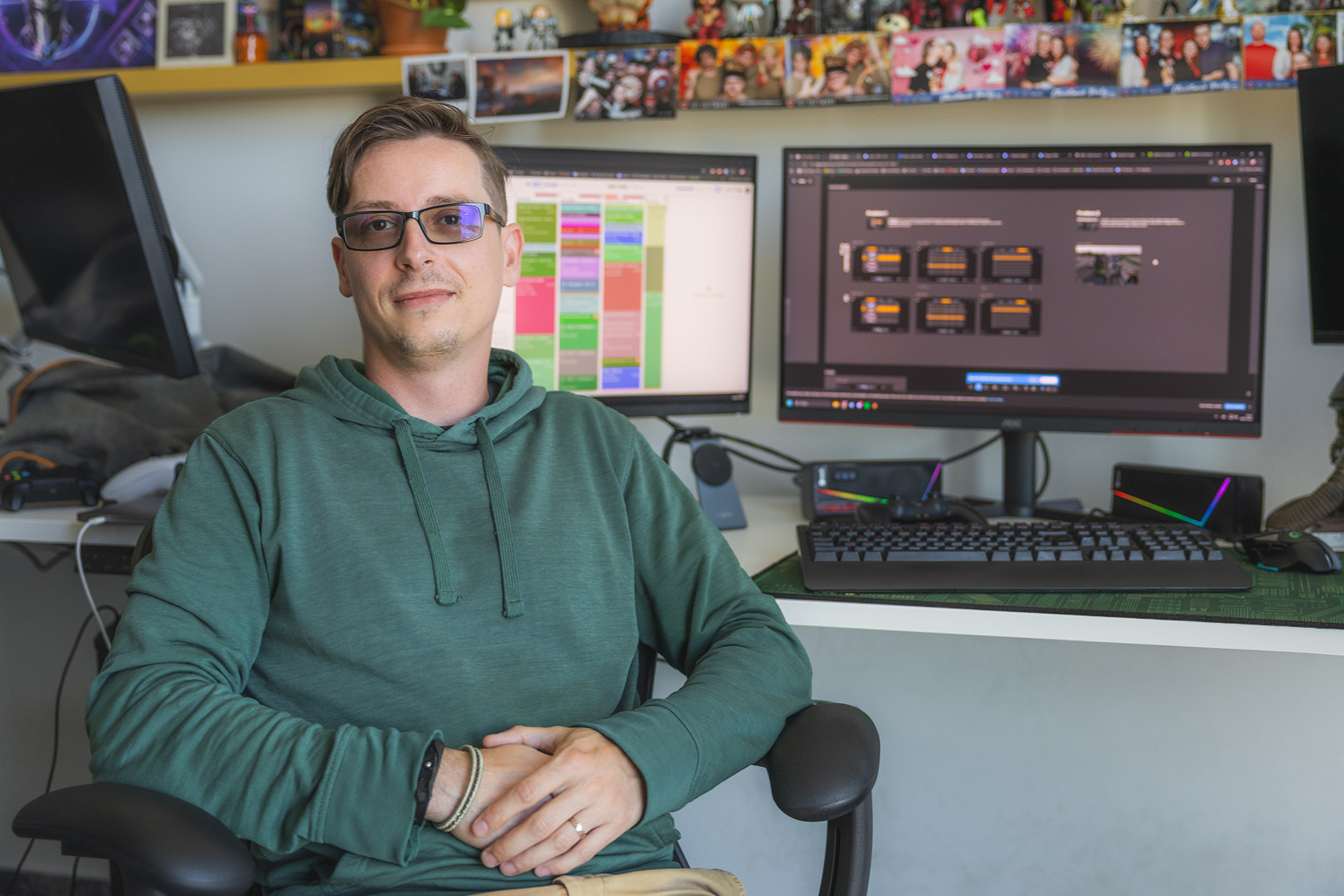
“I’m Petr, the Console & UI/UX QA Lead. Along with my colleagues, I’ve had the privilege of building two specialized teams that ensure our games aren’t just functional, but offer a seamless user experience across the board.
Our scope covers both Euro Truck Simulator 2 and American Truck Simulator on every platform, from PC and Steam Deck to VR, PlayStation, and Xbox Series X/S. We also oversee testing for special projects like the Driving Academy and our expansion modules. My day-to-day is focused on strategy, planning, and data analysis. By collaborating with other departments early on, we can identify potential UX roadblocks before they escalate, keeping the development cycle efficient and stress-free for the team.
I still love to get my hands dirty with manual testing. It provides invaluable perspective and helps me identify exactly where we can iterate and improve. My primary goal, however, is to support my team, fostering a collaborative, positive environment where everyone feels empowered.”
Jan – Senior UI/UX Tester
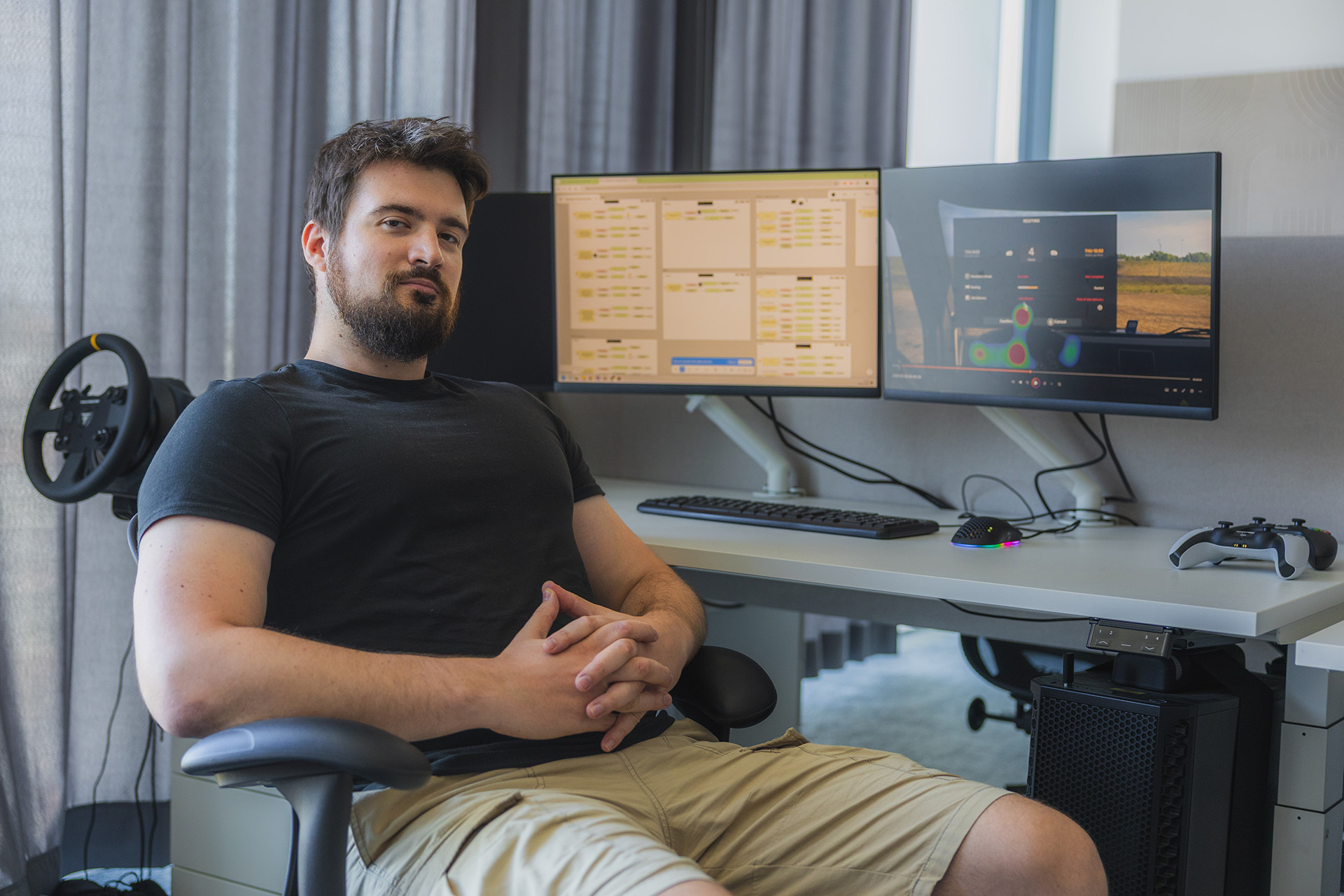
“I’m Jan, a Senior UI/UX Tester. I’ve been with SCS Software for two years now, initially starting as a general Junior Tester. As I grew into the role, I realized that user experience was where I wanted to focus my energy. With Petr’s mentorship, I helped formalize our internal playtesting pipeline, which we continue to refine today.”
The Anatomy of UI/UX QA
“Features don’t appear out of thin air. From the initial concept to the final implementation, our UI/UX team is heavily involved. We collaborate with Game Design (GD) to bridge the gap between vision and reality. Whether it’s a total redesign or a fresh addition, we constantly ask: Is this intuitive? Is it accessible? Will it be legible on a smaller display? We essentially stress-test these ideas long before a single line of code is written.”
The Testing Journey: From Concept to Console
“Once we have a playable prototype, our perspective shifts. We have to act as a ‘blank slate’ player—someone who has never encountered our sim before. Whether they are a veteran of the genre or a complete novice playing on a handheld device, the design must feel logical to them.
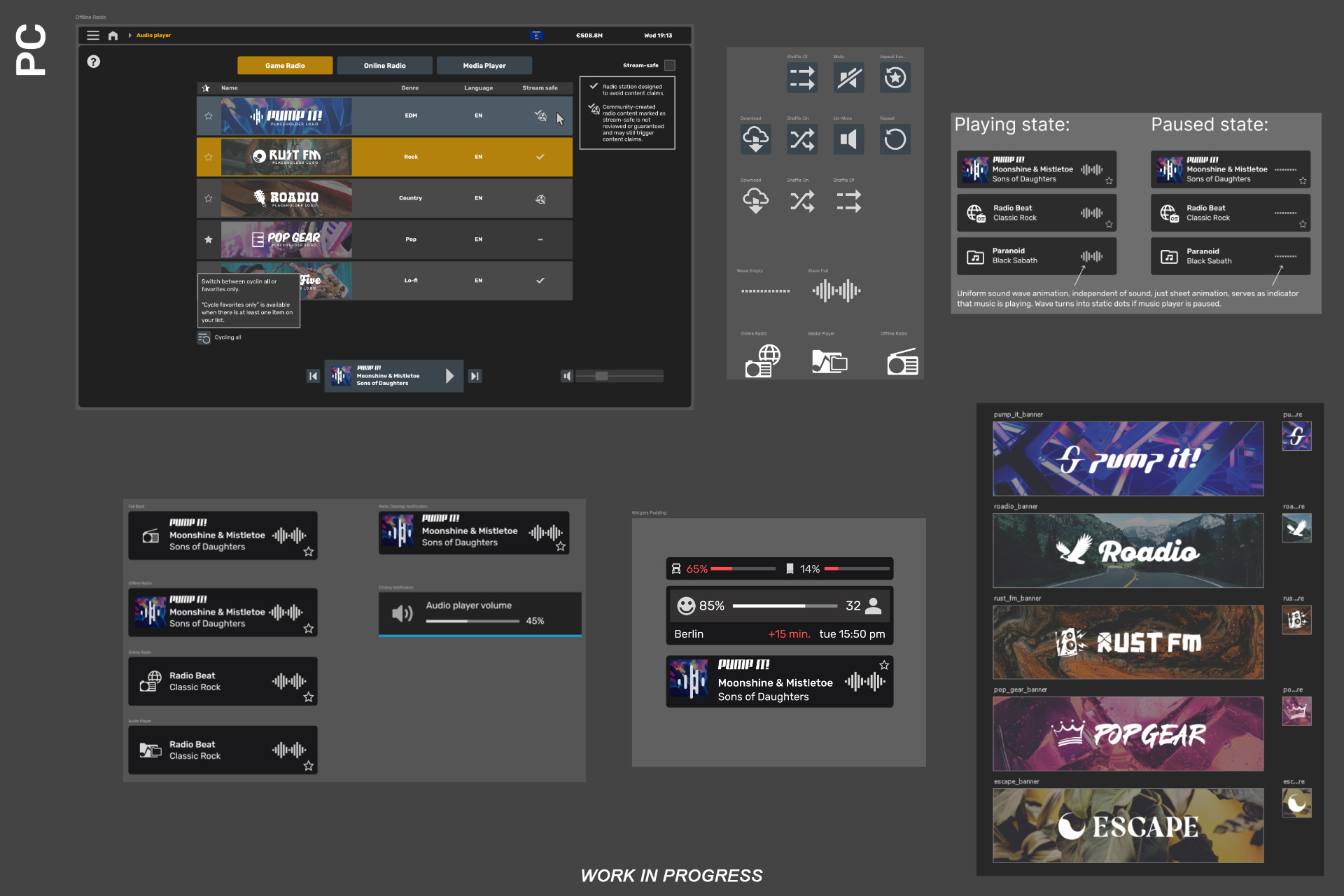
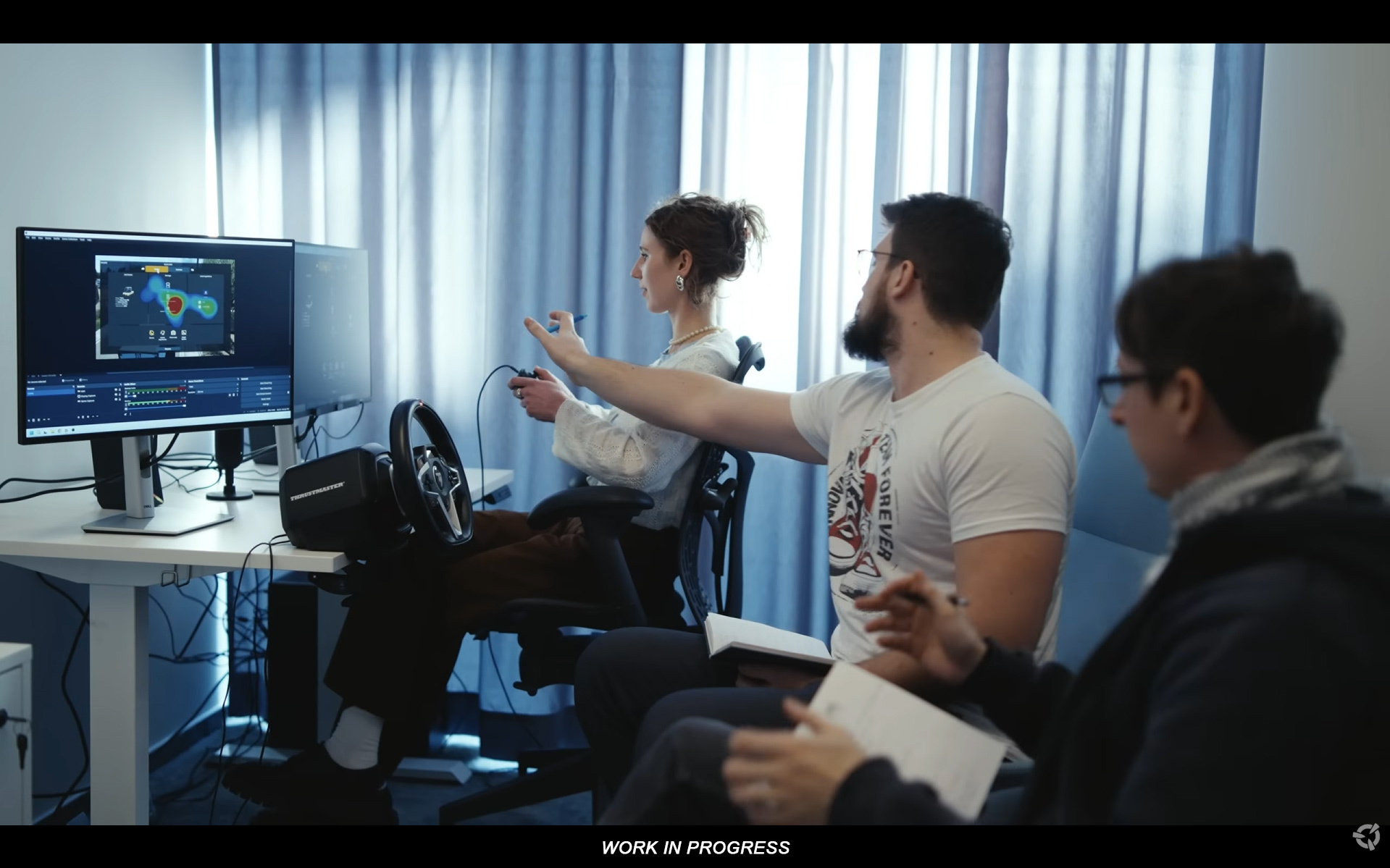
We then move to internal playtesting. We invite staff from various departments—people who haven’t seen the design docs—to interact with the feature. We use scenarios to simulate real gameplay loops and even utilize eye-tracking technology to see exactly where a player’s attention lands on the screen. By the time the playtest wraps, we have a wealth of qualitative data, which we analyze to find recurring patterns and pain points.
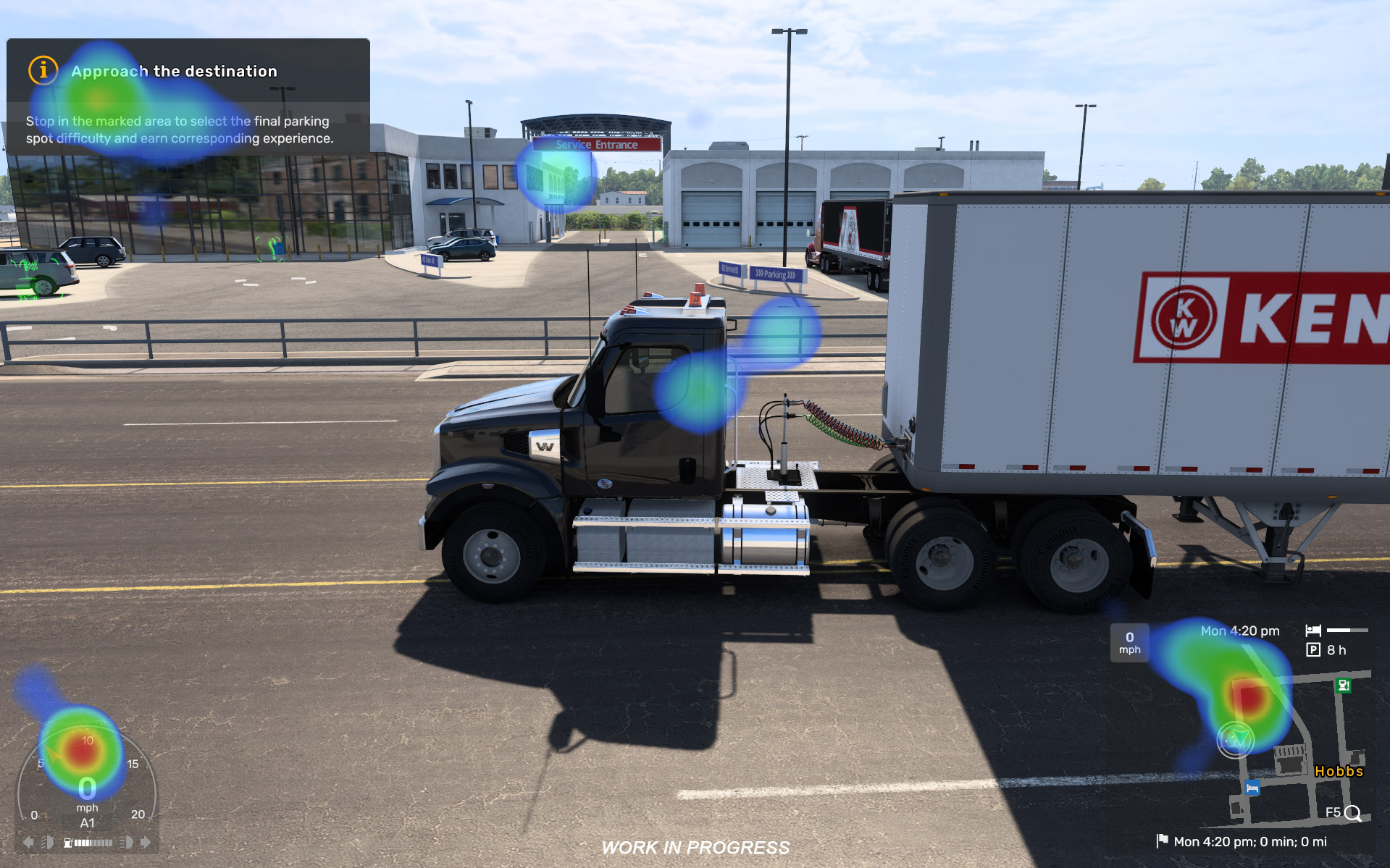
A recent example of this was the update to the ‘Skip Time’ and ‘Rest’ mechanics. Initially, the division between ‘Fatigue’ and ‘Mandatory Break’ caused confusion among testers. Because we caught that early in the playtesting phase, we were able to completely overhaul the logic to make it far more accessible before it ever hit the public branch.”
What makes the work rewarding?
Petr: “It’s the creative freedom. We get to challenge ‘tunnel vision’ in design and provide a fresh perspective. Our goal is to balance complexity with accessibility, ensuring the game stays fun for newcomers while remaining deep for veteran drivers.”
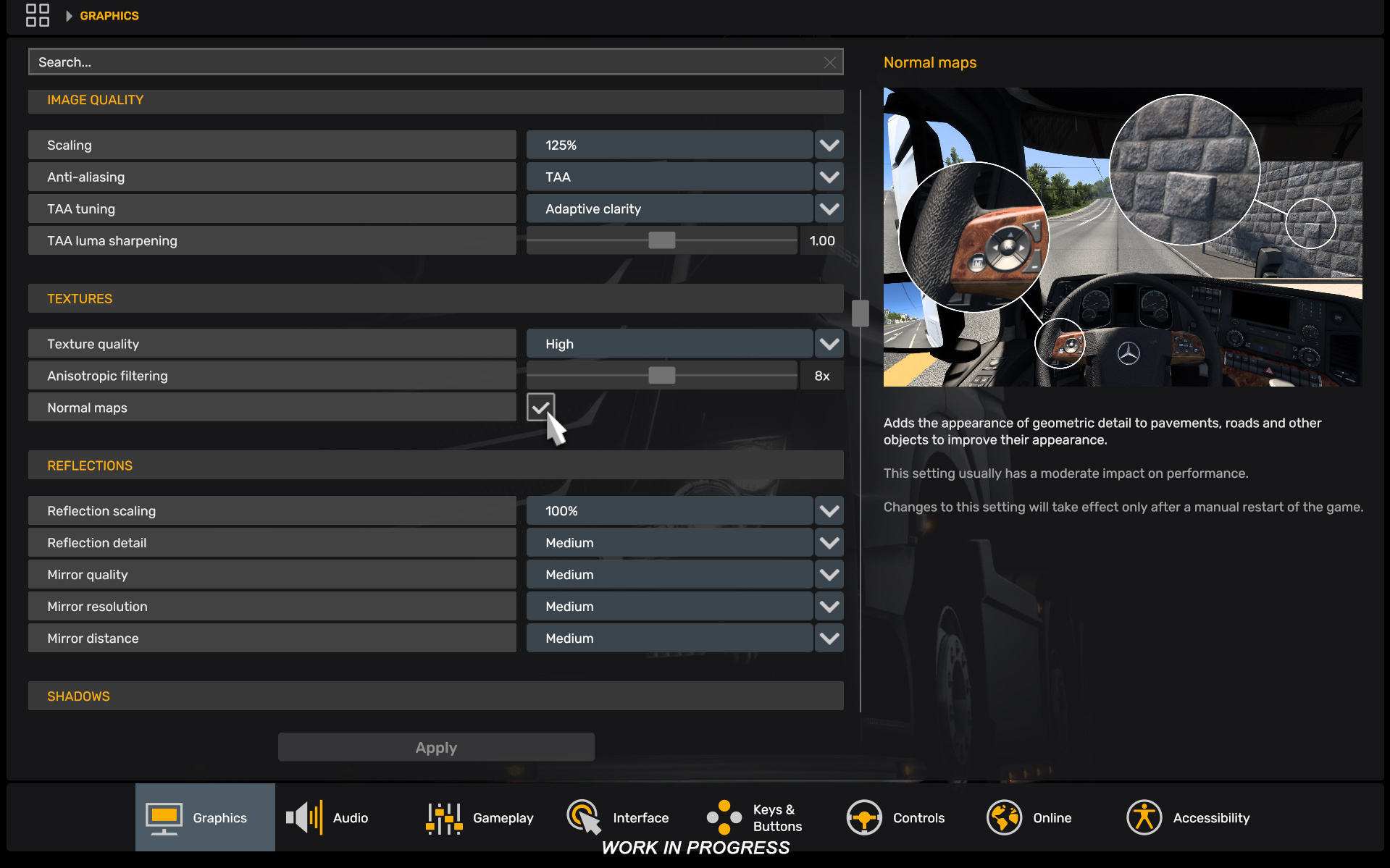
Jan: “I love the marriage of the technical and the human. UI is really just a conversation between a person and a machine. Projects like the visual representation for Graphics Settings are perfect examples—it’s about making sure the player instantly understands the impact of their choices.”
A Note to Our Community
“Your feedback is our fuel. We want to be clear: we are listening. We meticulously collect your suggestions into extensive documents that guide our future development. While we can’t implement every request due to technical limitations or engine constraints, please know that your voice helps shape the direction of these games. Thank you for riding alongside us on this journey—your input makes the road ahead better for everyone.”
Related articles
 Return to Brackreach: Conclusion
 Coaches Release Date and Video Trailer Premiere
 Iceland: Ferries and Transparent Water
 Iceland: Viewpoints
 Iceland Release Date and Video Trailer Revealed
 Euro Truck Simulator 2: 1.62 Update Open Beta
 Edinburgh: The UK Reworked
 1.62 Update: DAF XG+ Emerald, Sapphire & 30 Years in Czechia Editions