
Update July 26, 2022
Introducing AnimGraph 2
This week, we officially pushed the initial build of AnimGraph 2 to a dedicated Steam branch. We invite our developer community to dive in, experiment with the new systems, and share your early impressions.
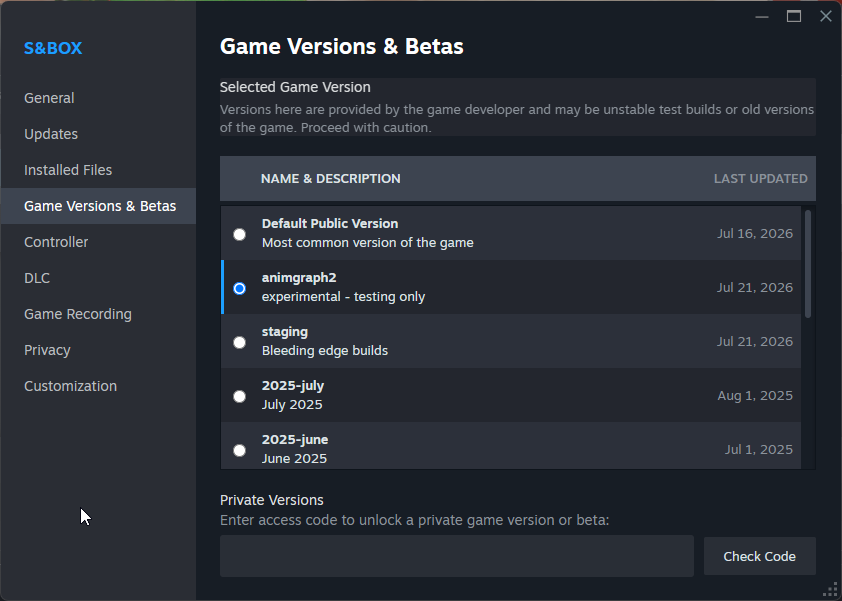
To get started, simply switch to the animgraph2 branch in your Steam settings.
Automatic GameObject Bounds
You can now snap Box Colliders to the dimensions of an attached GameObject instantly. This feature is accessible via a new button within the inspector or can be triggered directly through your code.
Edge Loop Cutting
The edge cut tool has been upgraded, now supporting seamless loop cuts for faster geometry editing.
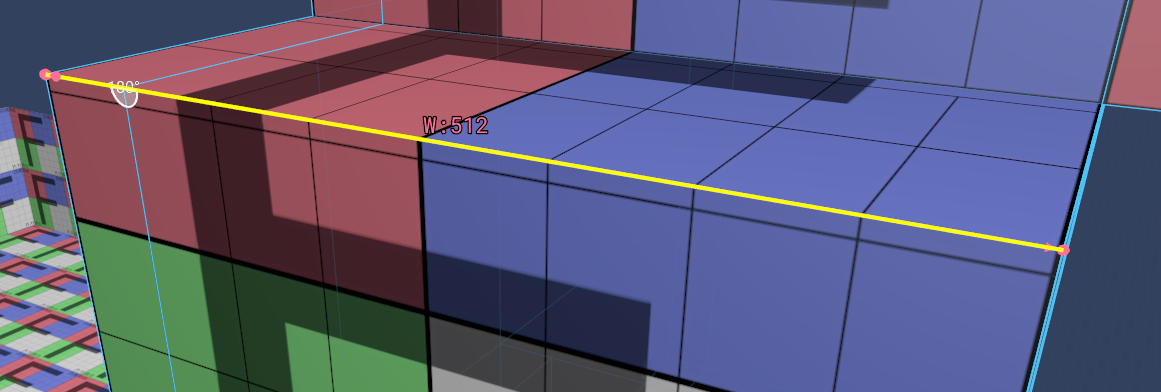
Enhanced Selection Bounds
Gain better clarity while working in the viewport. We’ve added informative overlays that display precise edge lengths and vertex distances for your selections.
Edge Path Extrusion
Streamline your workflow with the new edge path extrusion feature. By extruding a selected edge along an existing path, you can create trims and complex geometry with significantly fewer clicks.
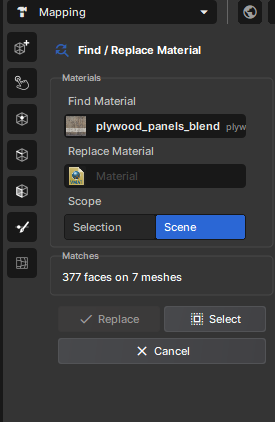
Global Material Find & Replace
We’ve introduced a new utility for map design that allows you to efficiently search for and swap materials across specific faces within your scene.
Improved SteamInput Support
Following our transition to SDL3 for gamepad handling, we previously recommended disabling SteamInput. We have since refined our compatibility; controllers should now function perfectly with SteamInput enabled, removing the need for manual workarounds.
Customizable Object Pivots
You now have full control over object pivot points. When adjusting the origin, the object’s physical bounds will remain locked in place, ensuring your scene layout stays intact.
Custom External Code Editors
Rather than managing a massive list of VS Code forks, we’ve adopted a more flexible approach. You can now define your preferred code editor by pointing to its specific executable file.
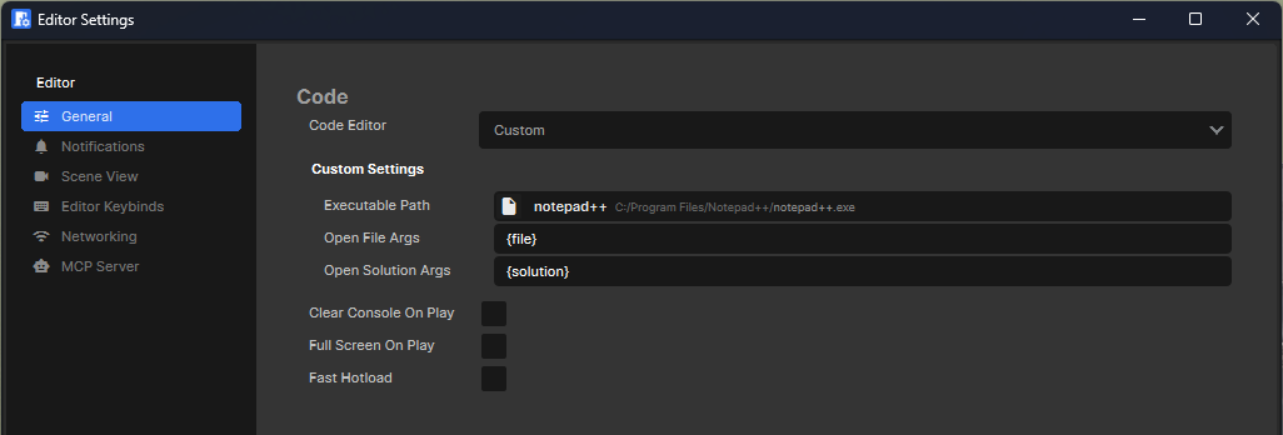
Supported replacement tokens: {file}, {line}, {column}, {solution}, {project_root}
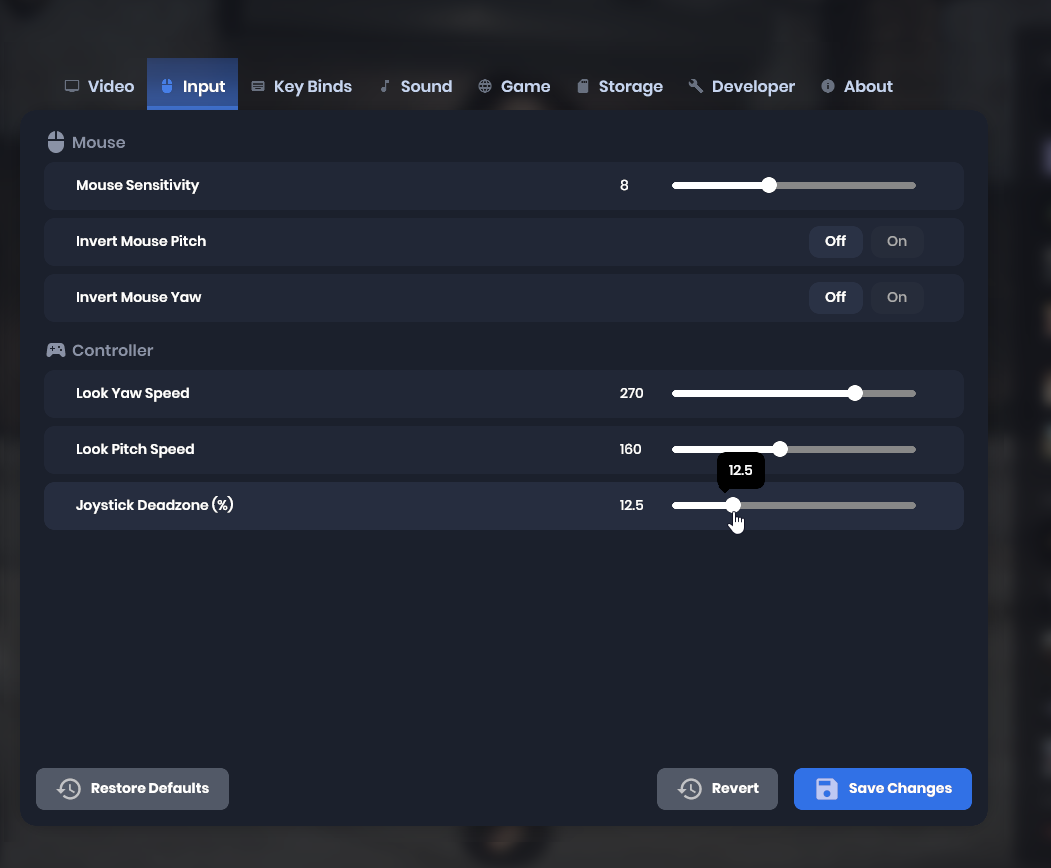
Adjustable Joystick Deadzones
For those playing with controllers, we have added a dedicated setting to customize joystick deadzones, replacing the previous hard-coded 12.5% default.
Closing Thoughts
While this was a slightly quieter week as some of our team members attend industry events, we have made significant progress. Our primary focus remains refining AnimGraph 2; please join the branch, experiment with the new tools, and share your unfiltered feedback. Your input is vital in shaping these major features.
See you in the next update!
 Rethinking
 Neck and Neck
 Update 26.09.15
 Update 26.09.08
 Update 26.09.01
 Update: August 26, 2019
 Update 26.08.05