Painter
Painter is a lightweight utility structure designed to replace HudPainter and the legacy panel rendering architecture. It now powers the entire panel rendering pipeline, enabling you to effortlessly draw UI elements, HUDs, overlays, and world panels using an intuitive, straightforward API.
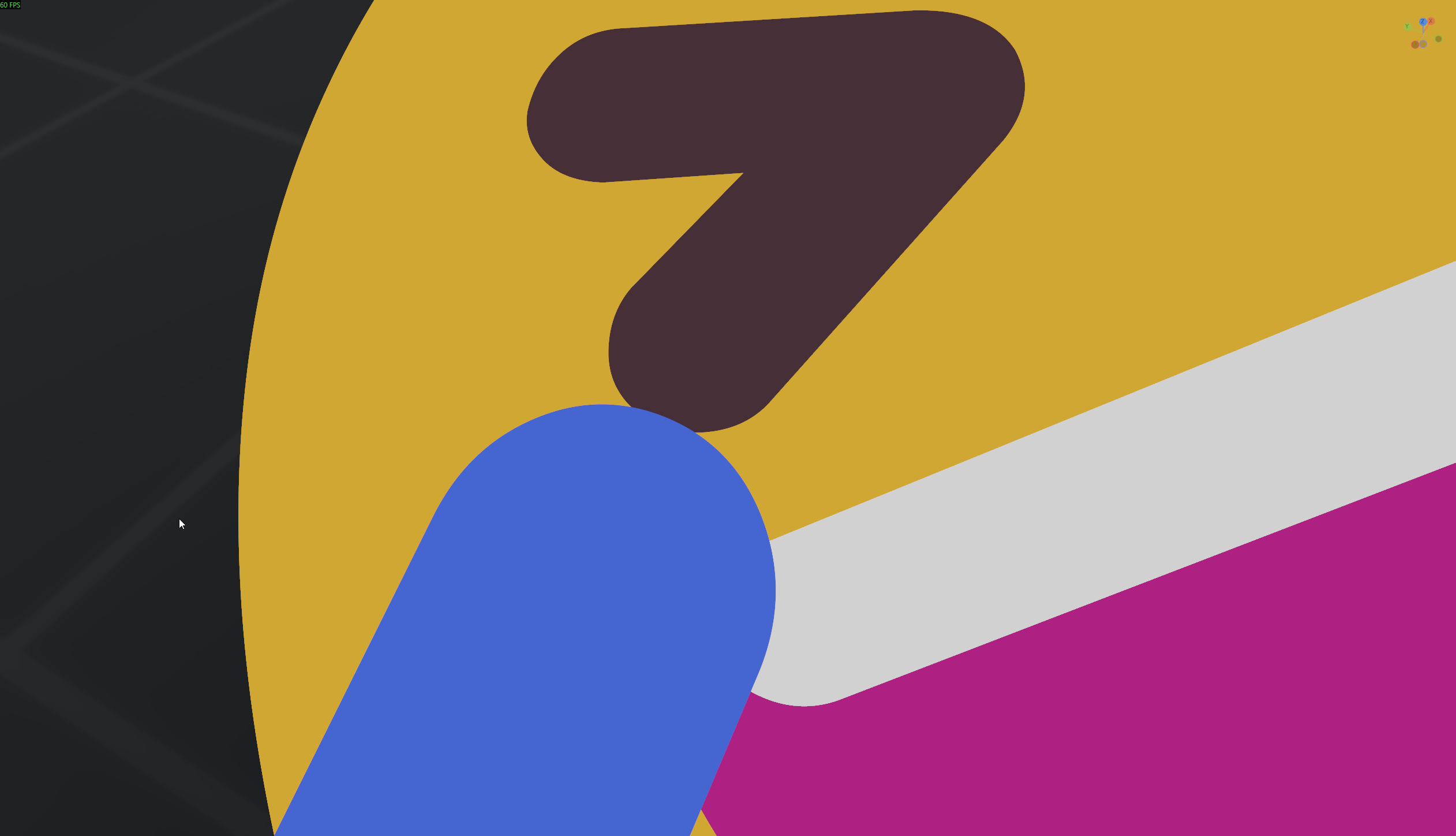
To ensure pristine visuals, all geometric shapes utilize Signed Distance Field (SDF) rendering, resulting in natively anti-aliased and remarkably crisp aesthetics.
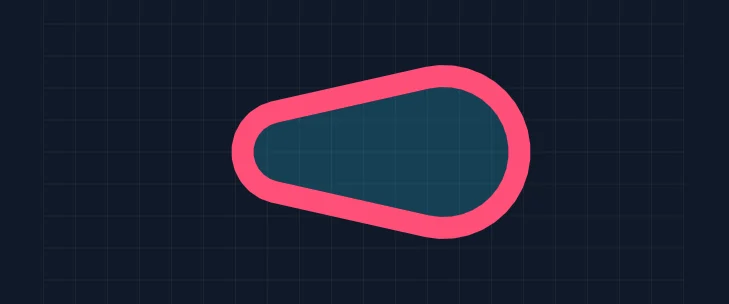
The library features comprehensive support for drawing Arcs, Arrows, Bézier Curves, Capsules, Circles, Crescents, Crosses, Hearts, Lines, Polylines, Polygons, Quads, Rectangles, Rings, Stars, Ticks, and Triangles.
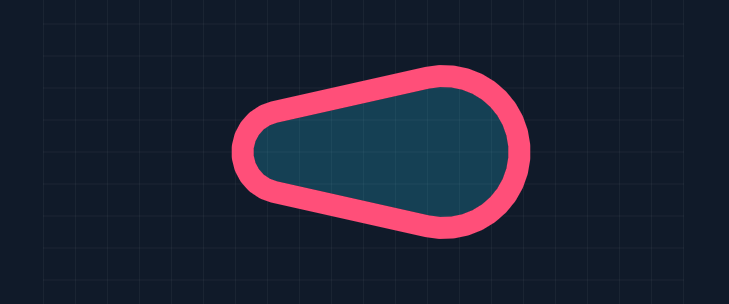
We’ve implemented versatile stroke positioning—supporting inner, center, and outside alignments—alongside solid, dashed, and dotted line styles.
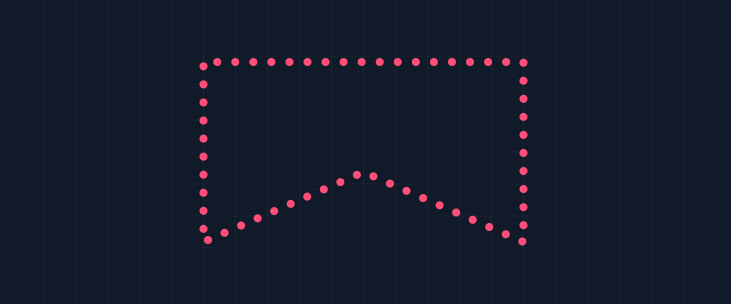
Fills offer incredible flexibility, accepting flat colors, images, radial gradients, linear gradients, or conic gradients.
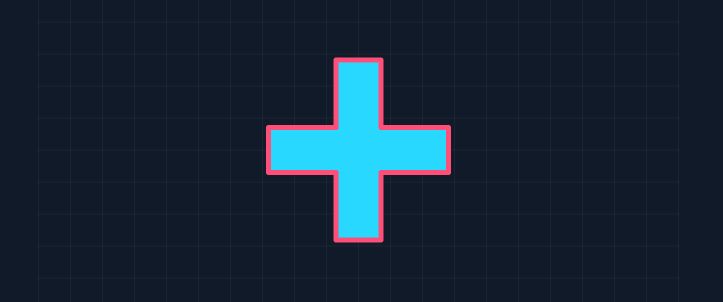
Advanced line rendering accommodates multiple miter types, such as bevel and round joins, complete with custom miter limits.
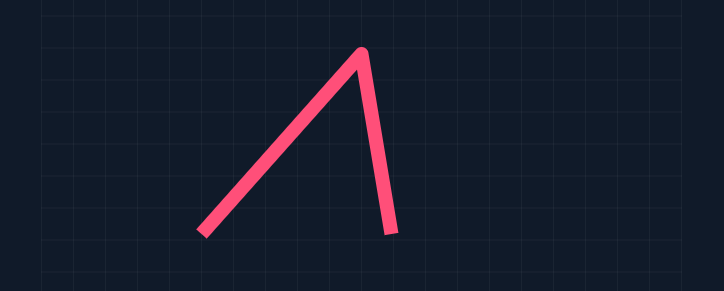
Under the hood, everything operates on an advanced batching mechanism, yielding exceptional performance. As a testament to its efficiency, the entire demonstration scene above is rendered in a single draw call.
Here is what the implementation looks like within a component:
void Update()
{
    using var painter = Camera.BeginHud();

    var color = Color.Green;
    painter.Fill = Fill.LinearGradient( Color.Red, Color.White, 45.0f );
    painter.Stroke = Stroke.Solid( color, 3 );
    painter.Circle( new Vector2( 100, 100 ), 50 );
}
As a byproduct of these updates, IPanelDraw is now deprecated; you can seamlessly override the OnDraw( Painter painter ) method instead.
GPU Text Rendering
Text rendering has been a foundational part of our engine for years. While functional, it relied heavily on CPU generation, which often introduced blurriness whenever transforms were applied.
With our expanding focus on building robust developer tools via our UI system, elevating text fidelity to top-tier status was essential.
Building upon the research shared during a previous hackweek, we have fully integrated GPU-accelerated text rendering based on the Lengyel algorithm. While retaining the familiar API, vector curves are now pushed directly to the GPU and processed entirely on the shader.
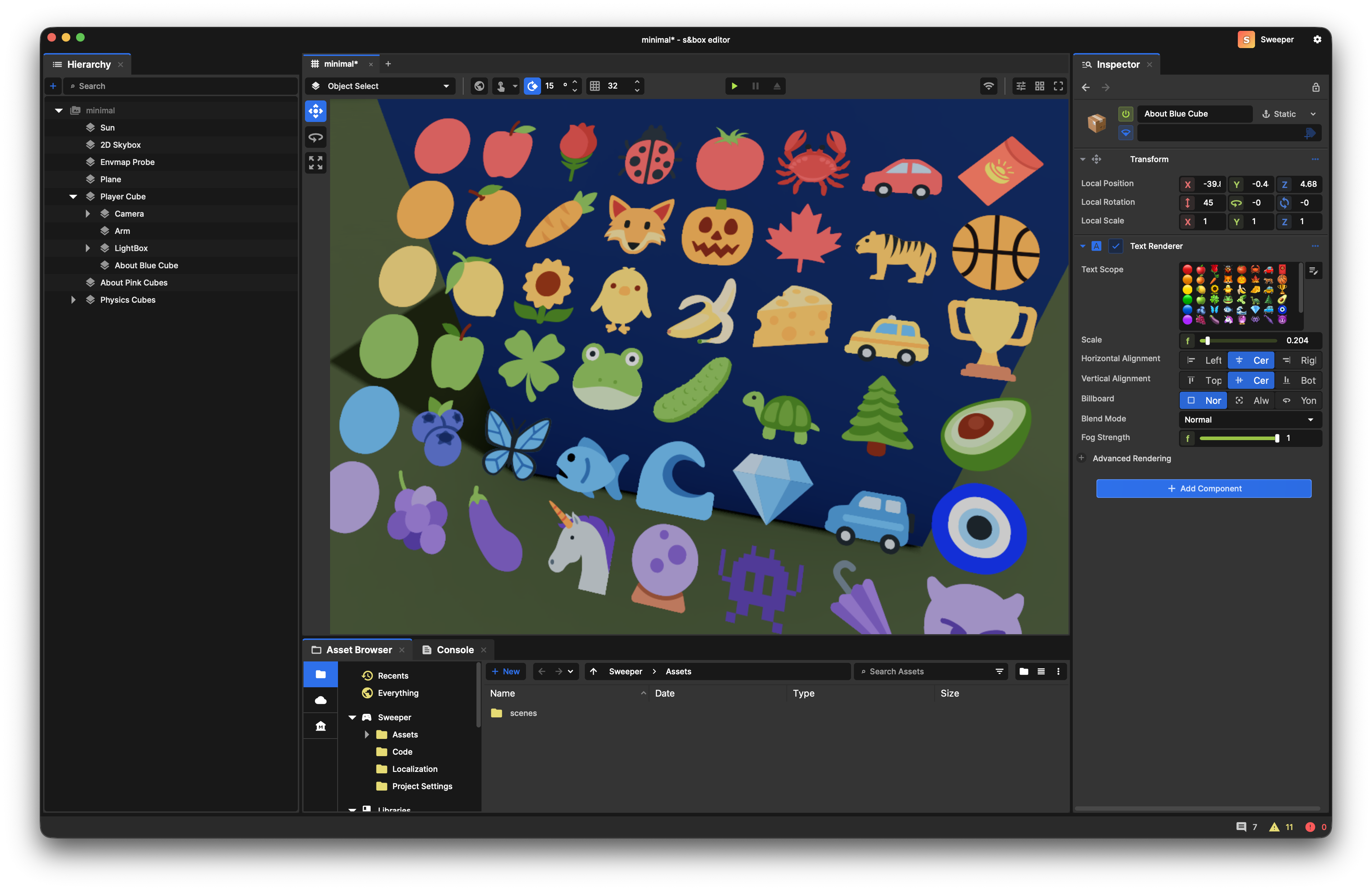
It works entirely out of the box with zero configuration required, maintaining full support for CJK characters, emojis, drop shadows, outlines, and all legacy features—while remaining remarkably razor-sharp, even when viewed from millimeters away.
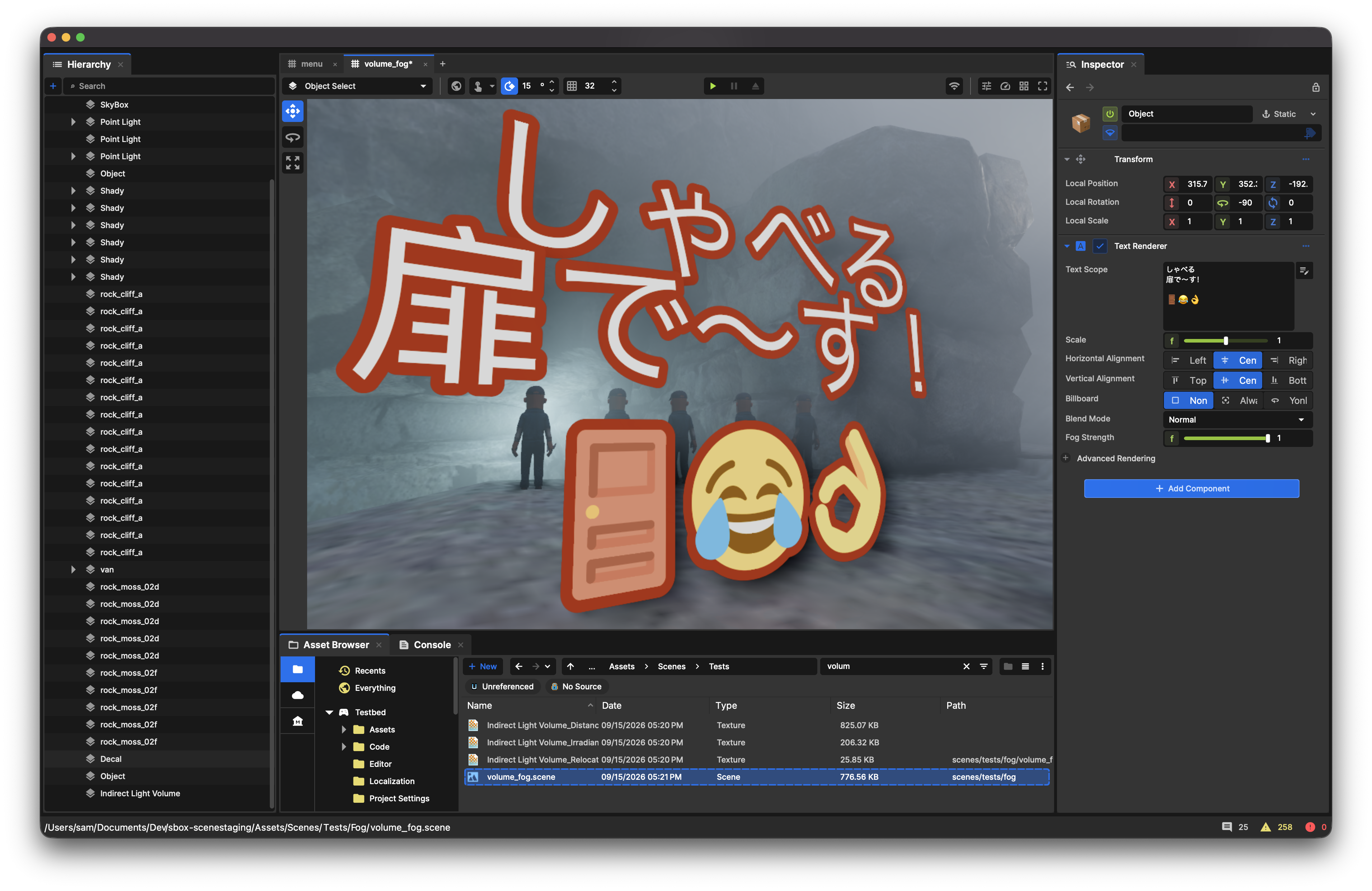
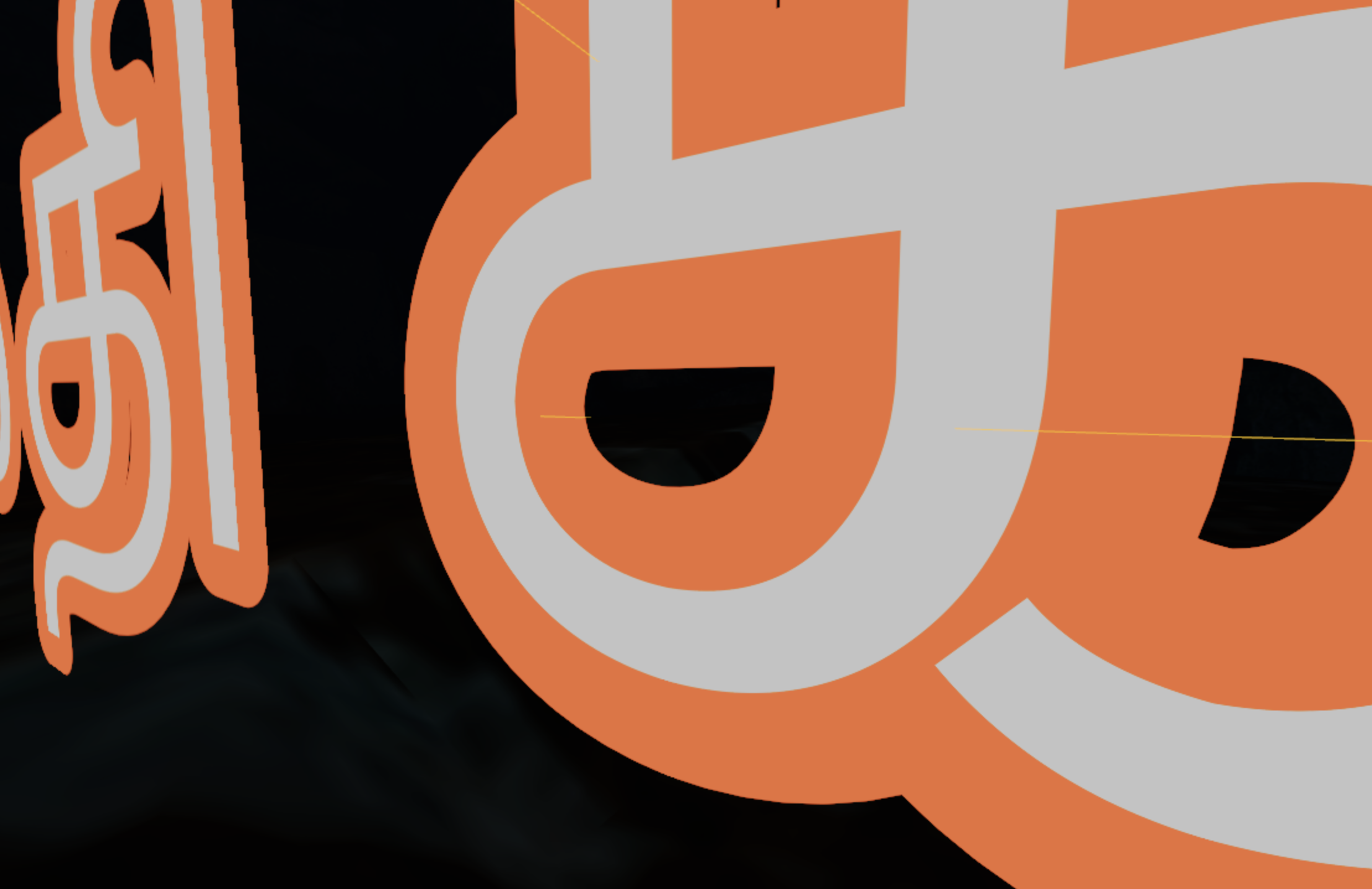
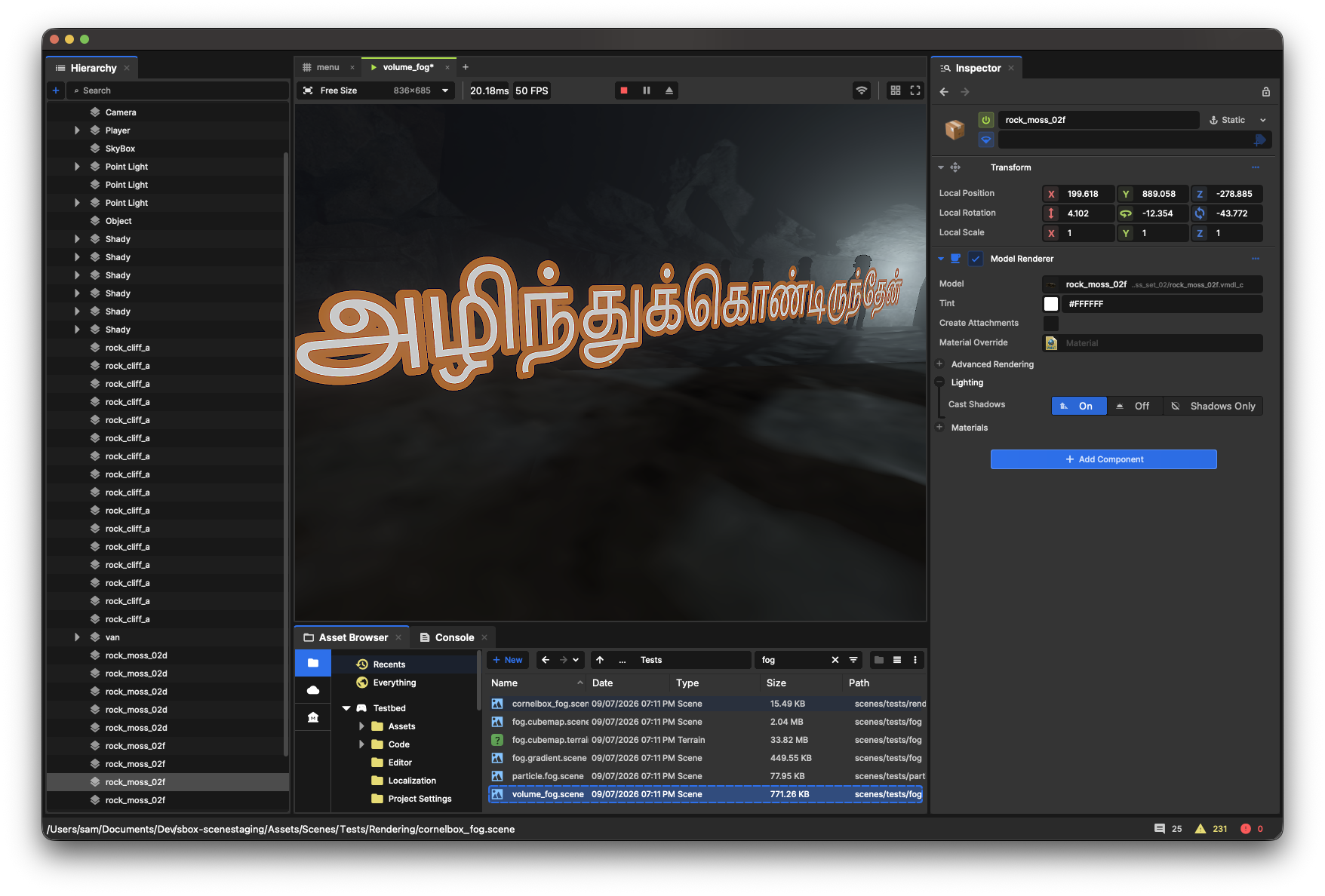
The new pipeline delivers substantial performance gains over the legacy system without ever compromising visual quality.
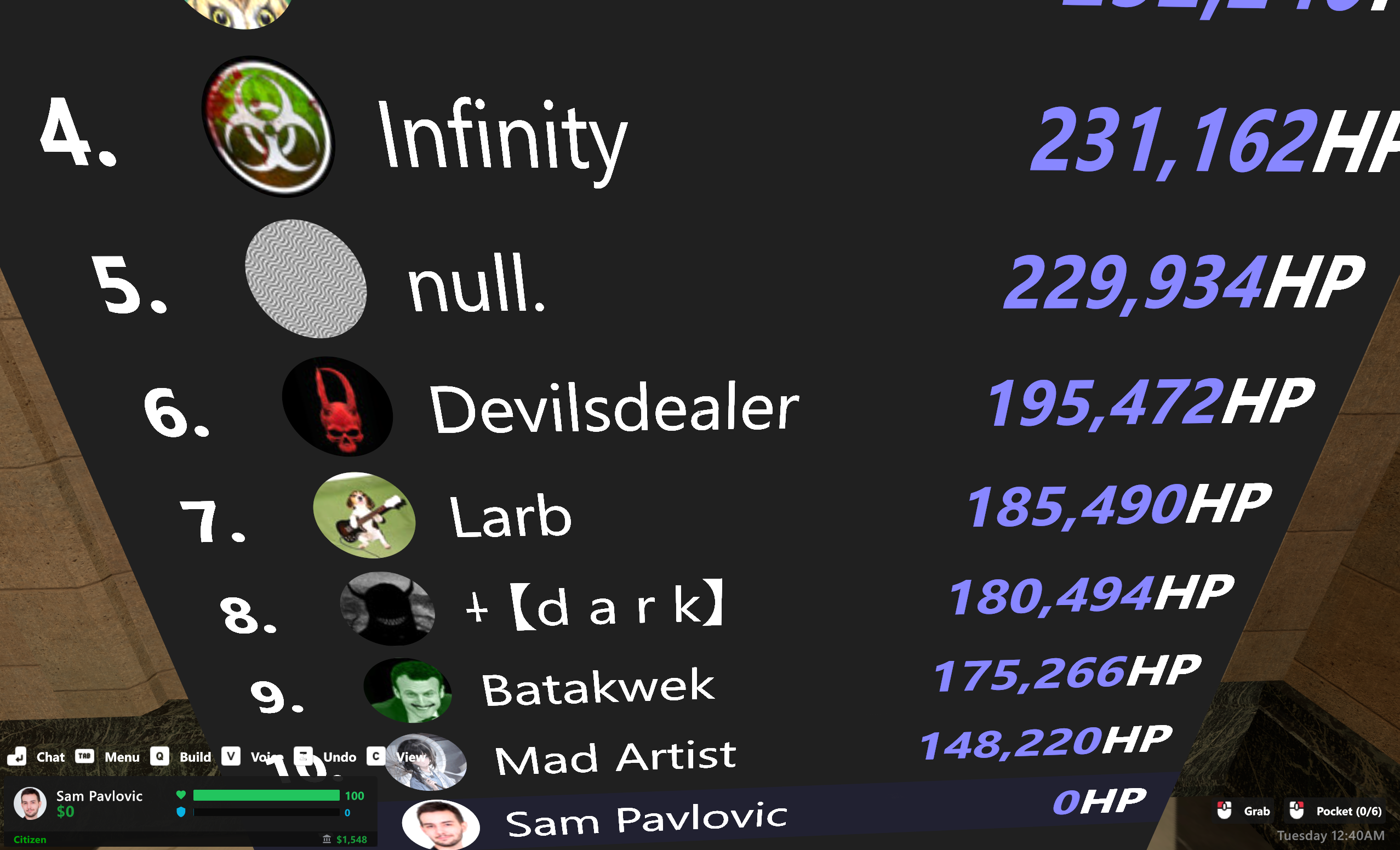
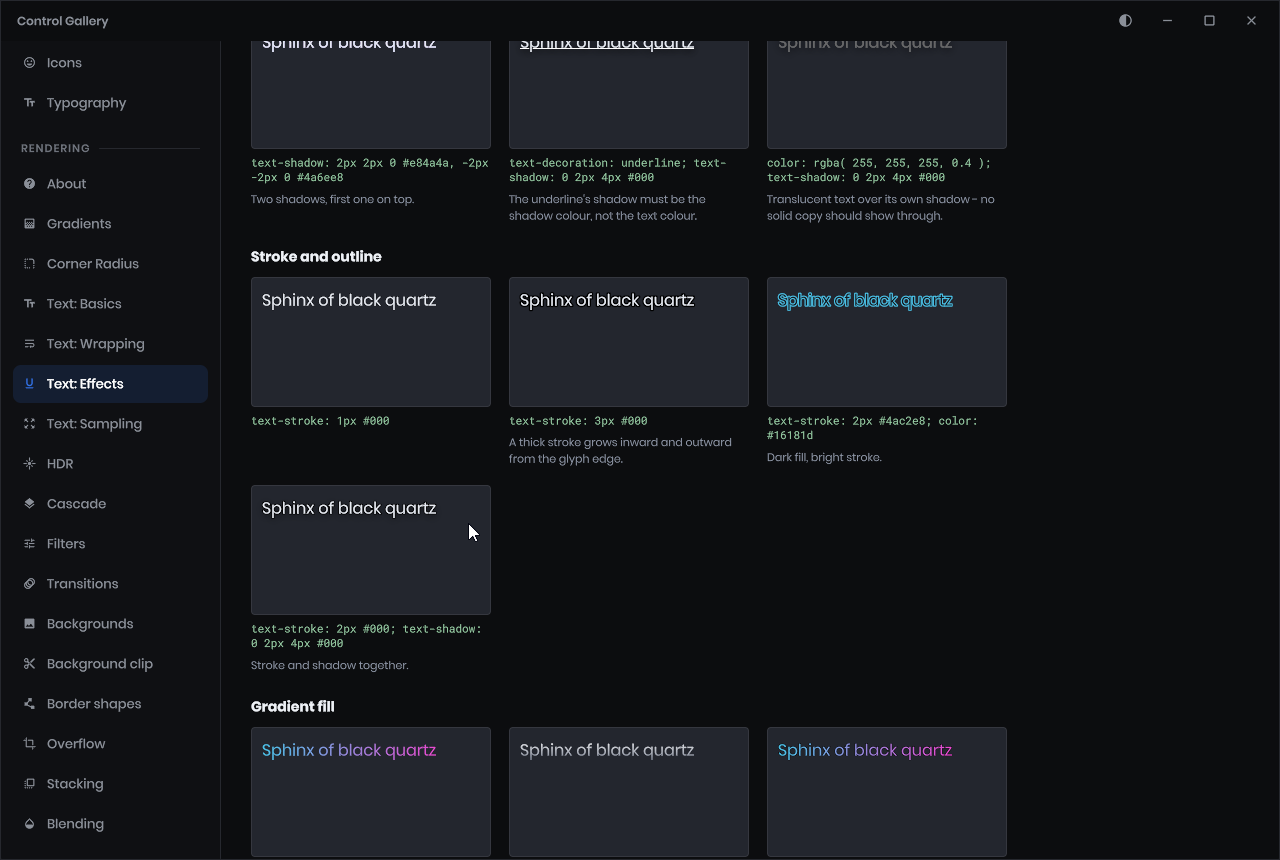
All of the above continues to be rendered efficiently through our UI renderer in a single draw call.

Host Migration
When a host disconnects, their serialized snapshot state is now accurately restored on the incoming host, including host-exclusive objects. If your game state successfully handles late joiners, it will now seamlessly survive host migration.
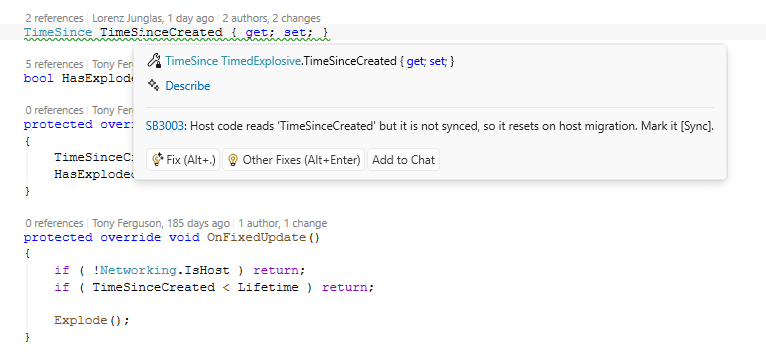
Note that active execution states do not transfer over; processes currently in-flight must be manually resumed on the new host. To assist with this, we have introduced static code analyzers to help verify that your game states and behaviors are fully migration-safe.
Further technical details can be found in the official documentation.
Hover Cards
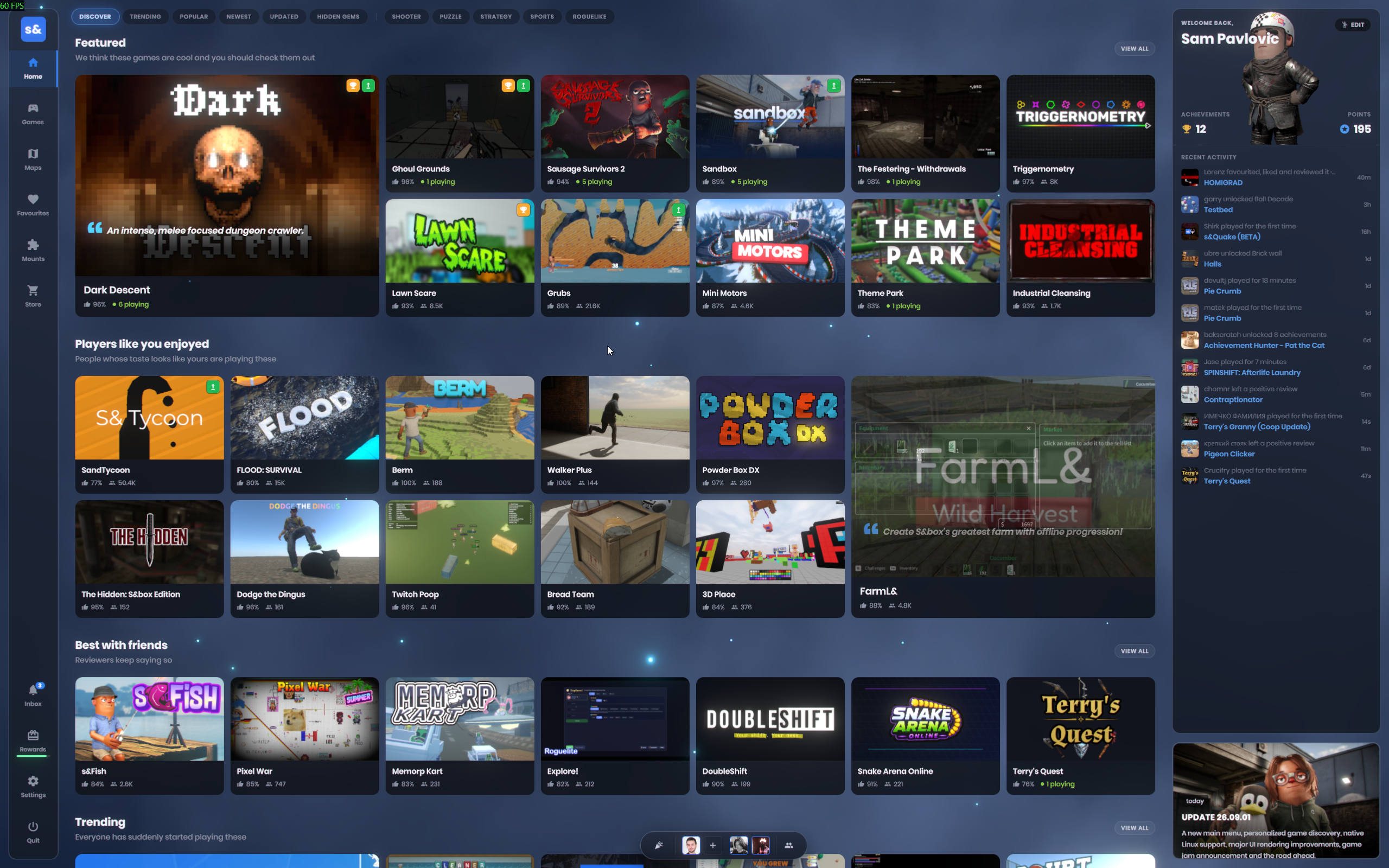
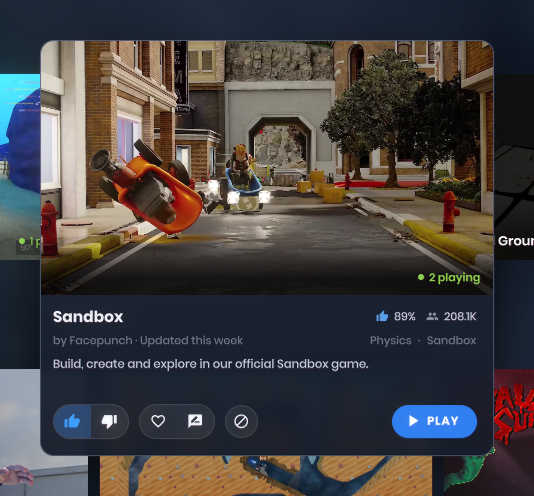
We have introduced interactive hover cards to the main menu. Hovering over any game title now surfaces instant contextual details, helping you quickly decide whether to jump into a session.
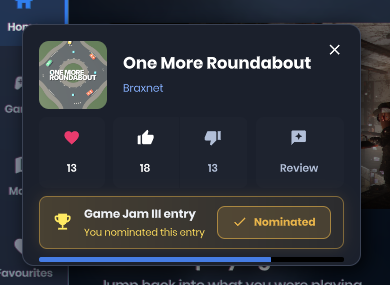
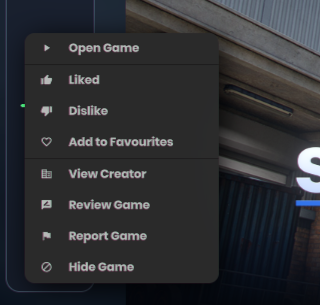
Additionally, we have overhauled menu modals and notification toasts across the interface, making common game interactions—such as writing reviews, bookmarking favorites, or hiding titles—far more accessible and uniform.
Editor Quality Settings
Previously, adjusting graphical settings inside the editor required launching an active scene and digging through the in-game options menu.
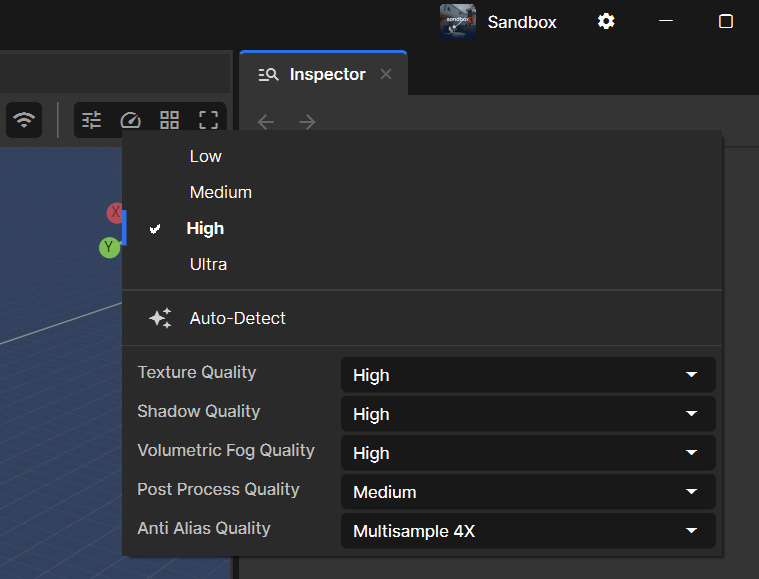
We have now integrated a convenient dropdown menu directly into the viewport controls, allowing developers to switch quality presets on the fly.
Block Party
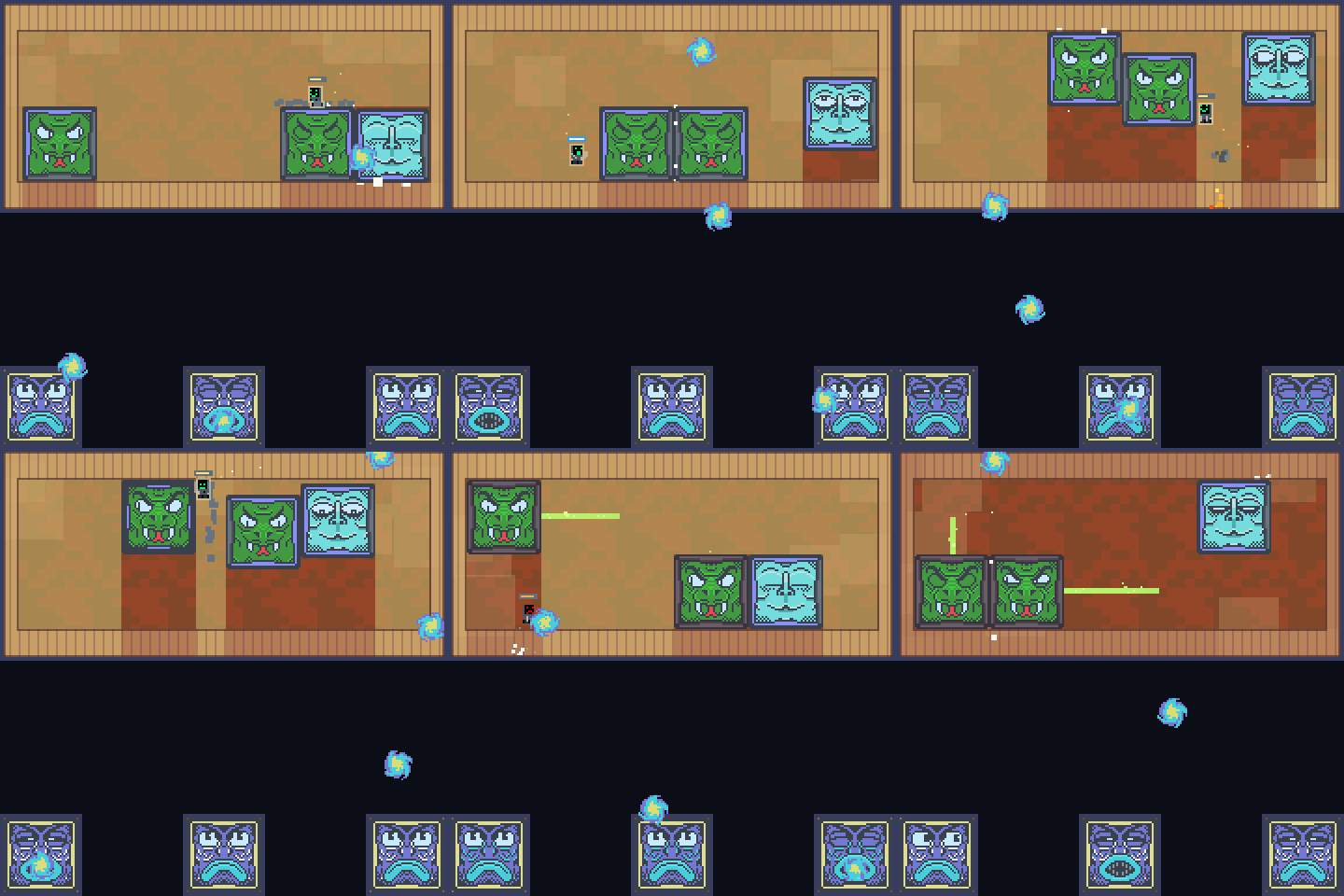
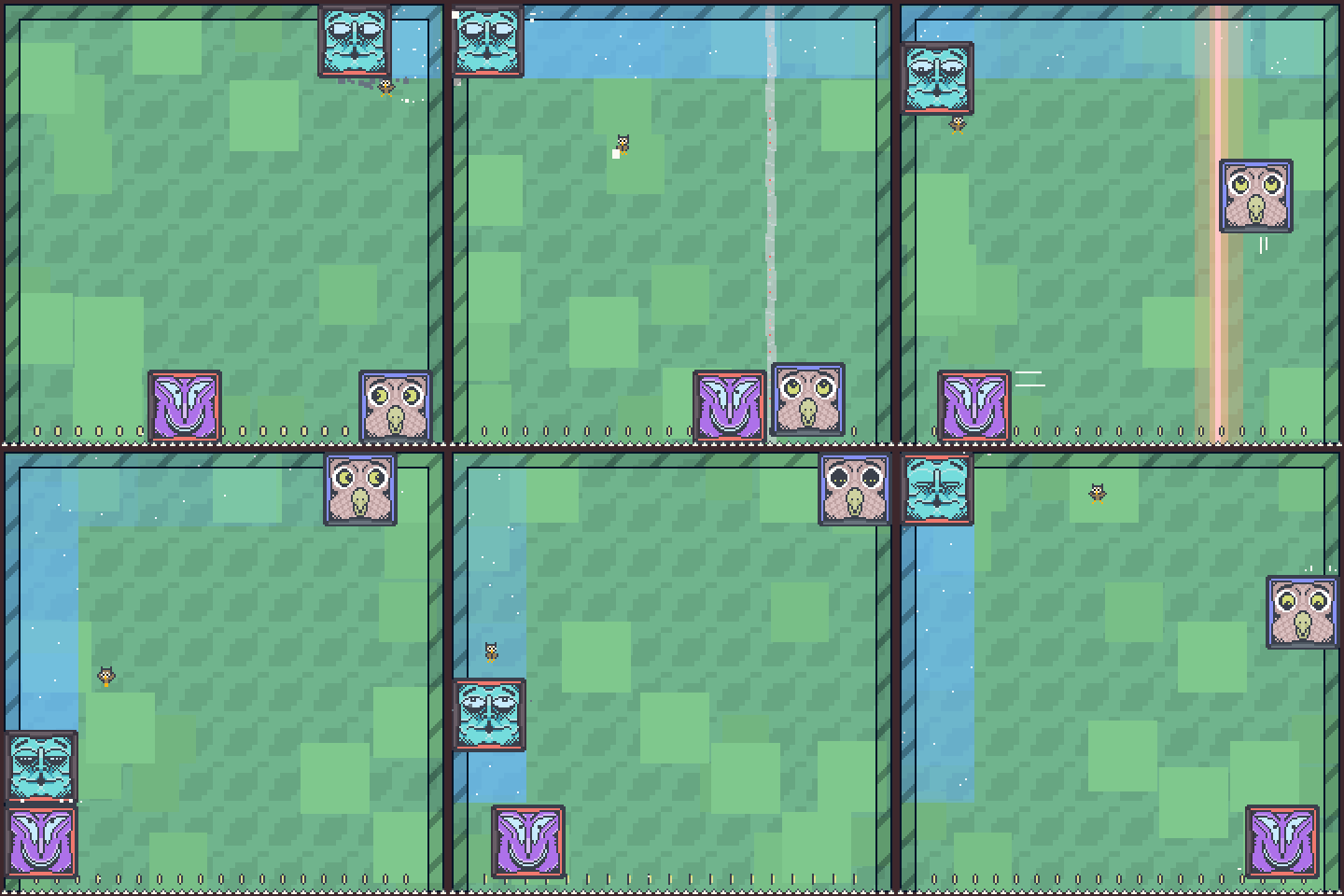
Check out our latest community showcase built entirely around the 2D sprite system:
https://sbox.game/facepunch/blockparty/
The project features integrated leaderboards with ghost replays, a robust level editor featuring Steam Workshop support, GIF export capabilities, and several other creative mechanics.
Map Mesh Flipping
Block Tool – Align To Face
Open Block Tool Alignment Video
Serialization Performance Improvements
GameObject cloning is now approximately 2.6x faster, achieving roughly 38% fewer memory allocations in synthetic benchmarking. Any systems heavily spawning prefabs at runtime will immediately benefit.
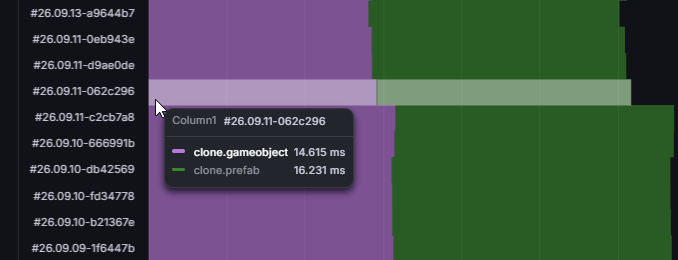
In production environments, real-world gains may feel less dramatic because cloning bottlenecks are predominantly tied to model instantiations and physics collision generation rather than pure serialization overhead.
Additionally, network snapshots are now less taxing on the host. While scene states are still captured on the main thread, JSON, blob, and packet encodings have been offloaded to worker threads, significantly lowering the performance cost of players joining or loading into a server.
Mac and Linux Improvements
We’ve rolled out a sweeping series of platform fixes for Mac and Linux environments:
- Resolved Mac issues concerning game-view input processing, editor DPI scaling, Finder directory navigation, and scene staging.
- Added geometry shader support on macOS, resolving Highlight component crashes; procedural render callbacks also received important lifecycle fixes.
- Code editor detection and build publishing/export controls now function reliably on both Mac and Linux.
- Linux native builds have been upgraded to utilize the Steam Linux Runtime 4.0.
- Color emoji fallbacks now gracefully rely on Twemoji across macOS and Linux platforms.
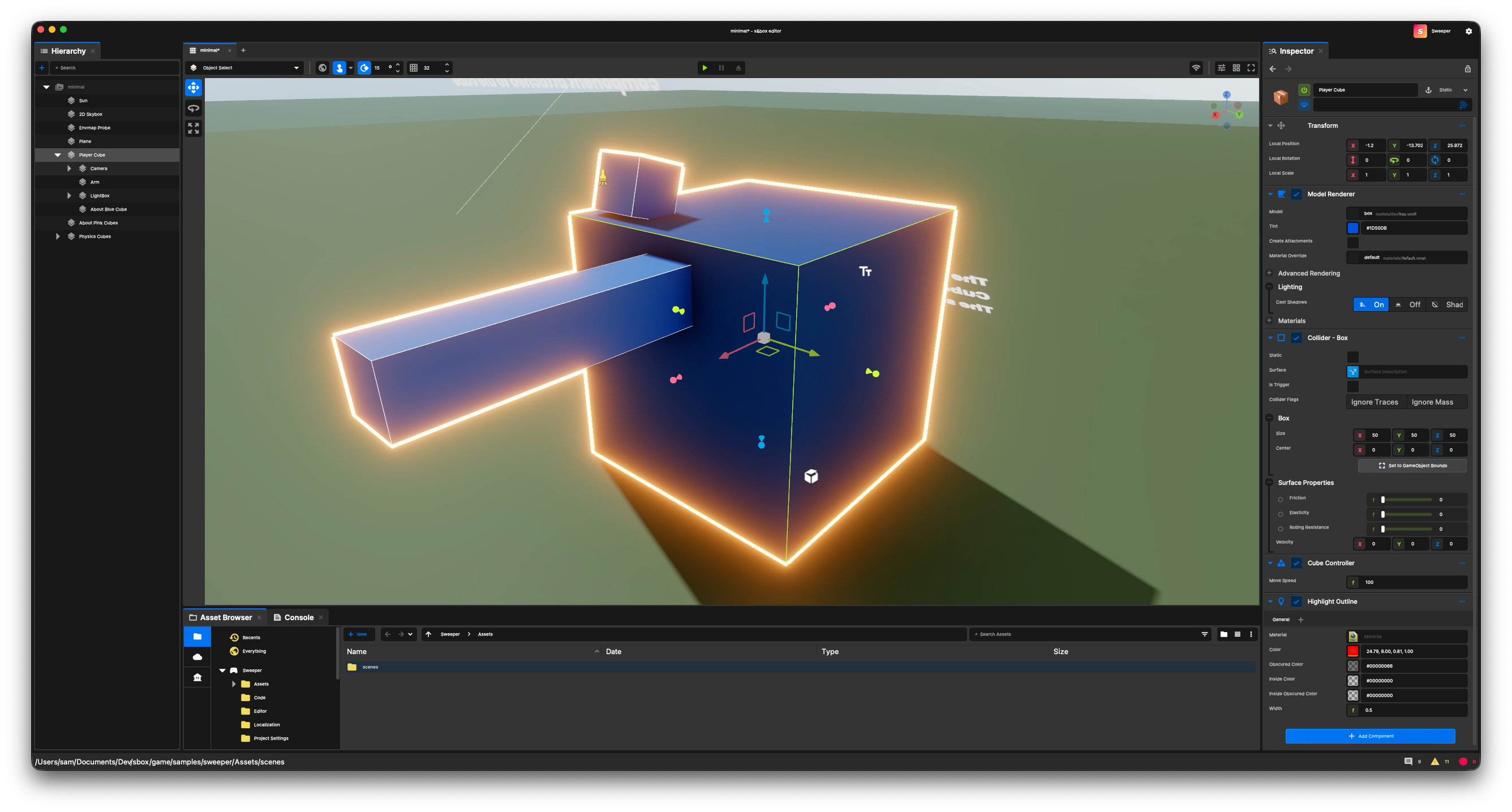
Open Source Workflow
We’ve refined our open-source contributor workflow by introducing a streamlined Setup.bat script alongside a new Setup.sh utility tailored for Linux and macOS.
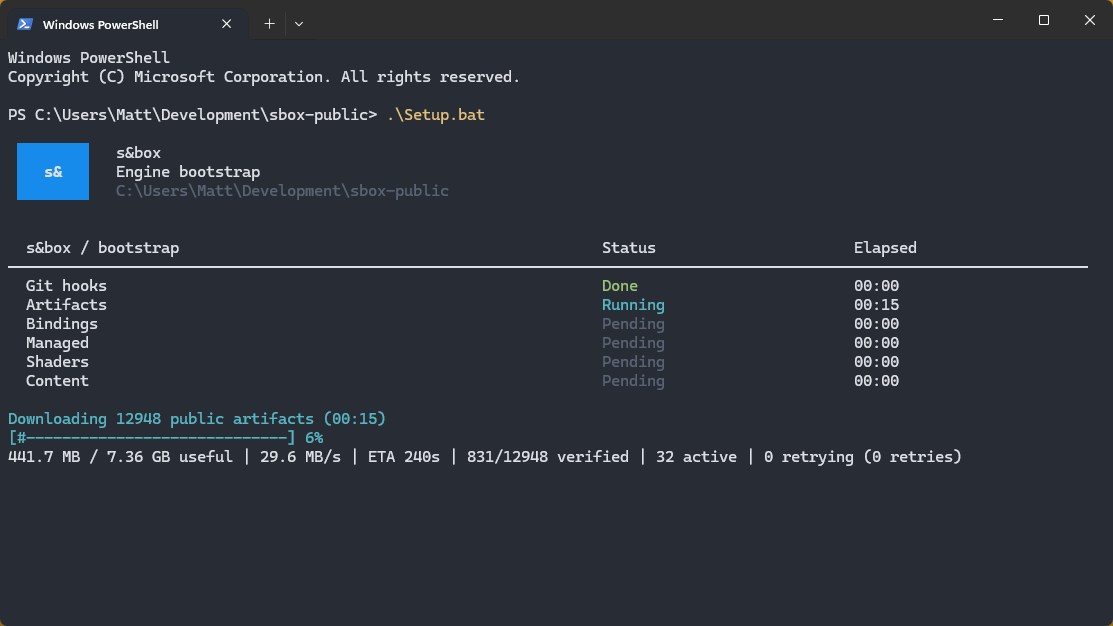
The updated Windows script now includes real-time progress reporting—particularly during lengthy download steps—giving you clear visibility into transfer speeds and estimated wait times.
Furthermore, the setup process now automatically installs Git hooks. Every time you pull changes or switch branches, required download sequences trigger automatically, removing the need to run Setup.bat manually.
Storage Settings
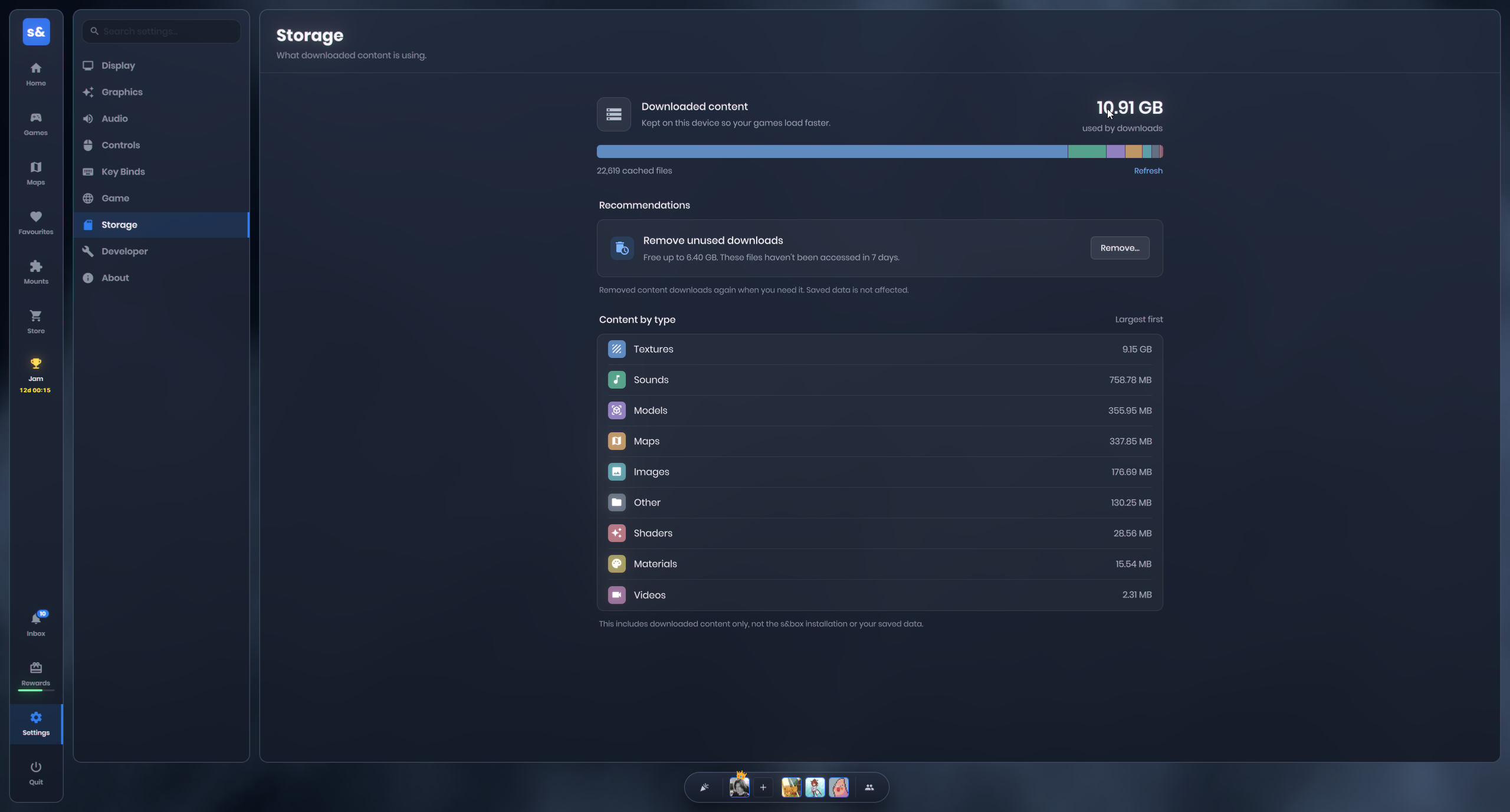
We have completely redesigned the storage settings panel for improved clarity.
CSS: overscroll-behavior
We have implemented support for the standard CSS property overscroll-behavior. This allows developers to gracefully disable edge-bounce scrolling effects and prevent scroll events from cascading up to parent panels.
Open Overscroll Behavior Video
Price Drop
We have permanently slashed the entry price in half, dropping it from $20 down to $10 this week.
There has been plenty of public speculation online suggesting this is a desperate measure to inflate player counts. Well, obviously! Of course it is. We need a larger player base, and player feedback in user reviews consistently highlighted that the previous price point was too restrictive. Lowering the barrier to entry is a direct step toward encouraging adoption.
Our top priority right now is cultivating a thriving, active community. We are aggressively optimizing engine performance, improving content discovery, and nurturing the right types of games. Pushing in multiple directions simultaneously is vital to scaling our active player metrics, and adjusting the pricing structure is an important piece of that strategy.
 Rethinking
 Neck and Neck
 Update 26.09.08
 Update 26.09.01
 Update: August 26, 2019
 Update 26.08.05
 Update July 26, 2022