Creating a Stir
Sandbox Mode
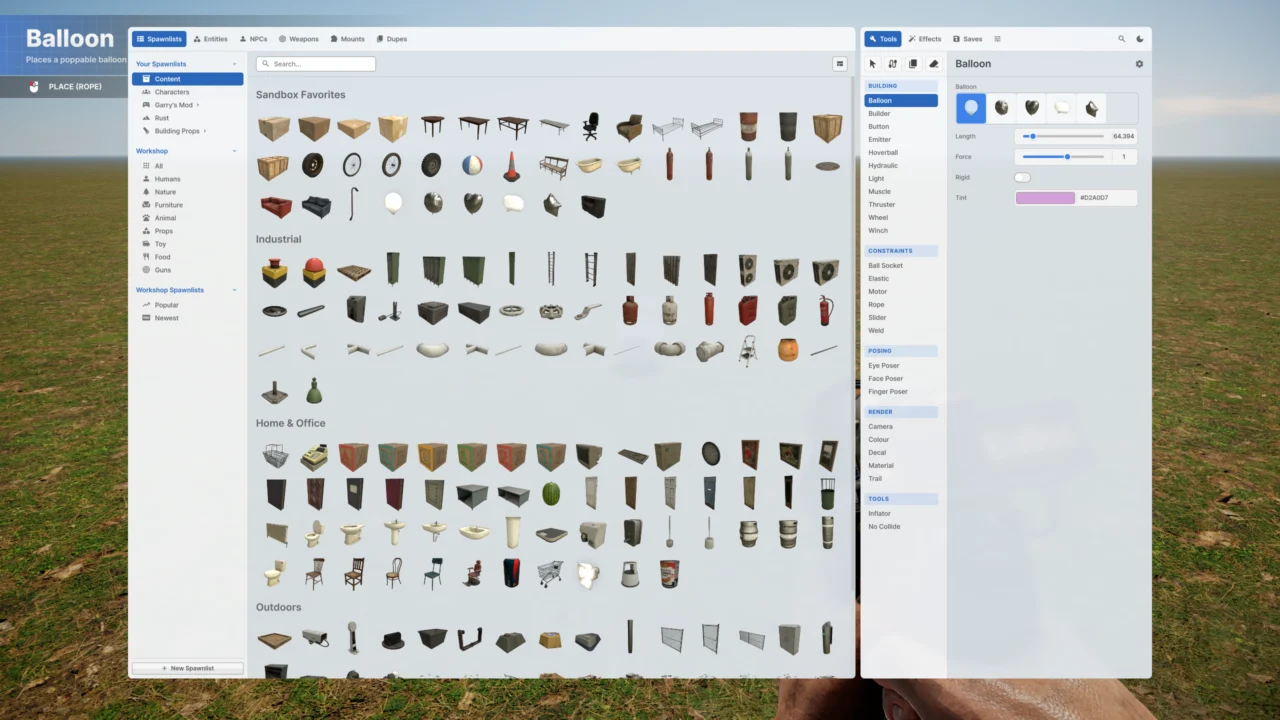
We’ve been refreshing and modernizing Sandbox Mode, our flagship game on the platform. It’s been a major focus of my time lately.
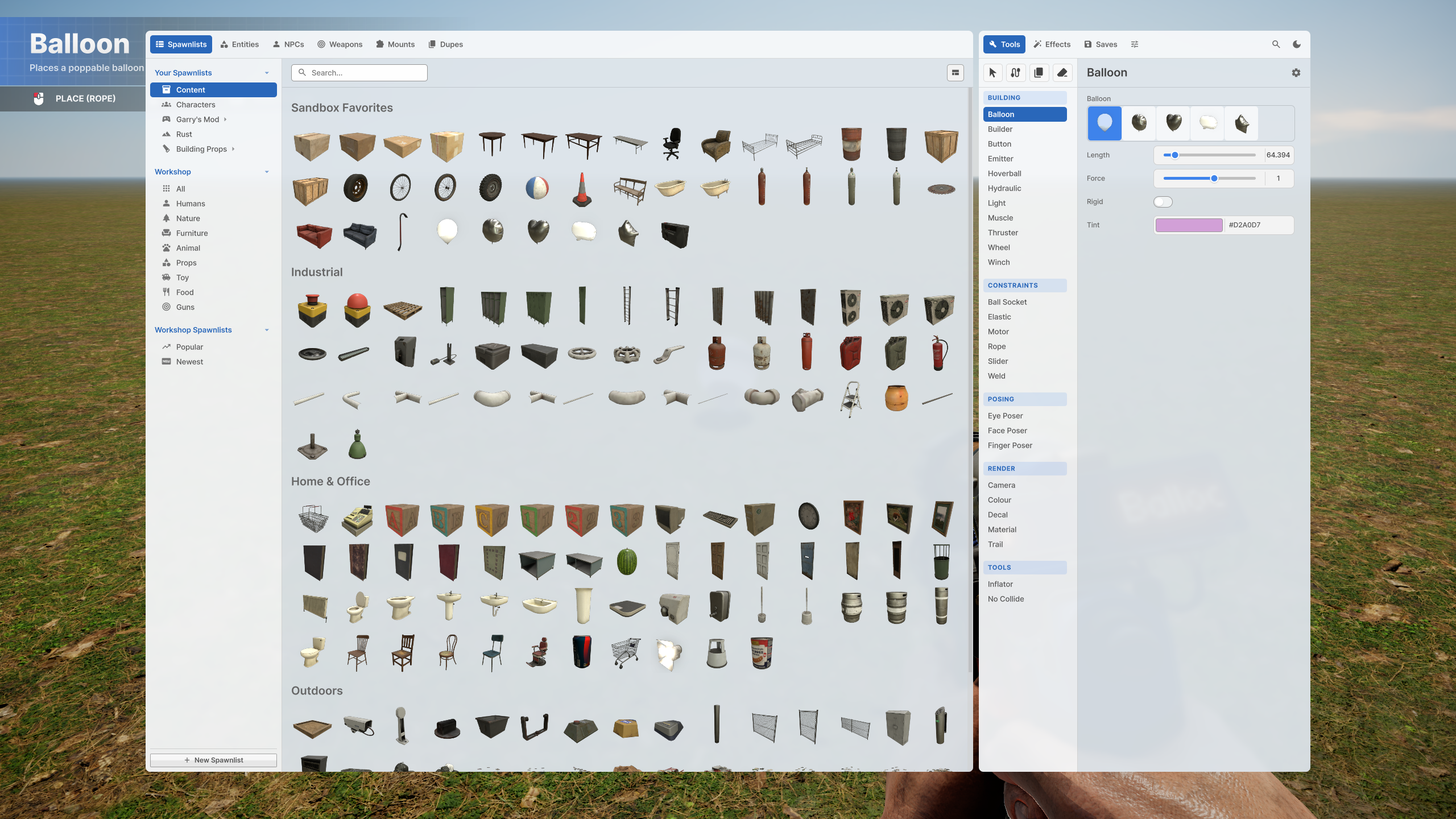
I’ve been having a great time working on it. I think we’re striking a good balance between creating a modern Garry’s Mod and preserving what made it special. There are so many possibilities ahead.
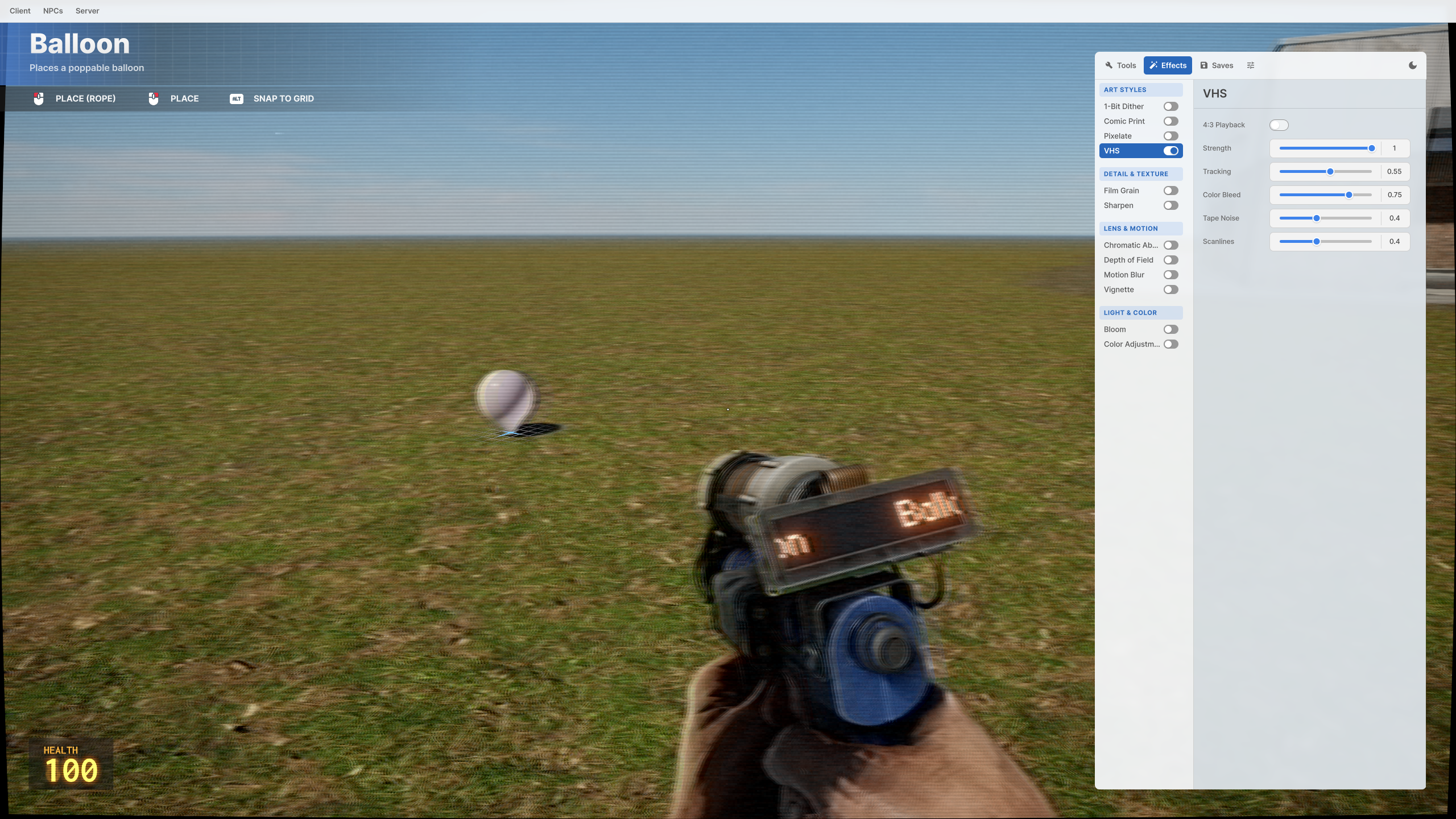
There aren’t many addons yet, but the ones available already show enormous potential, and that selection will continue to grow.
I’ve also been revisiting features that feel dated or awkward. I don’t want to change so much that the game becomes unfamiliar, but the new engine gives us room to make some worthwhile improvements.
And yes, there’s a dark mode toggle!
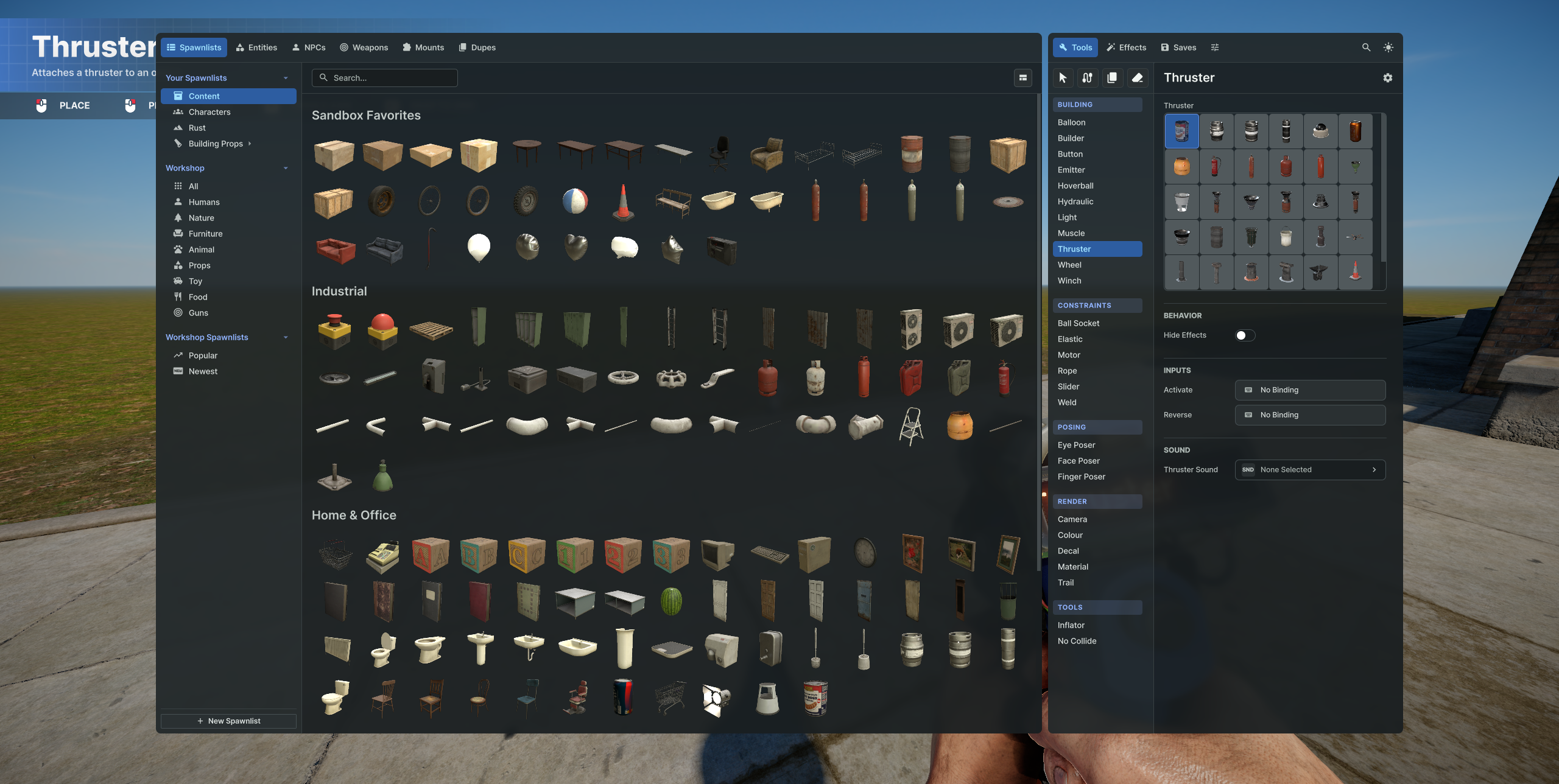
New Menu
The old menu is gone, and its replacement feels like a breath of fresh air. It’s simpler, easier to navigate, and puts more emphasis on the game you’re actually playing.
Workshop Addons
You can now install or subscribe to addons through the Workshop. They’re installed before you start a game and loaded alongside it. Previously, addons were downloaded at runtime when you selected them in the spawn menu.
The system works just like the one in Garry’s Mod. I thought spawning content from the cloud was the better approach, but I was wrong. There’s something much more convenient about installing a large model pack and having everything ready to use. I’m sorry it took me so long to recognize that.
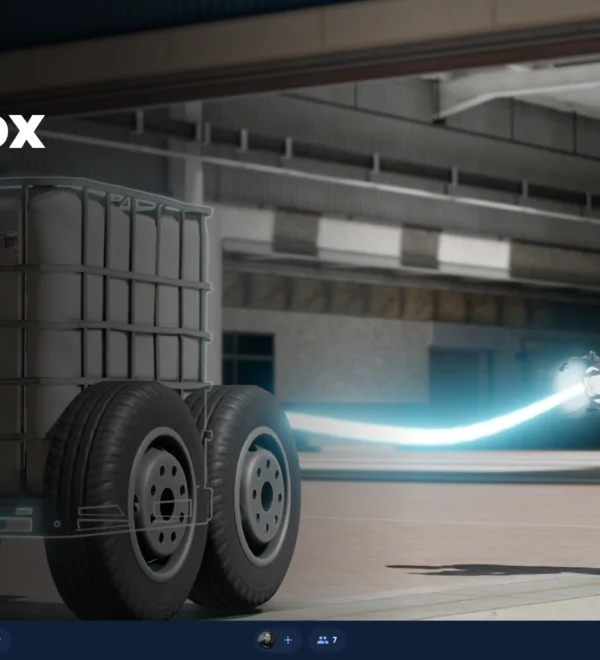
This Rust vehicle addon is a Workshop addon:
Scripting
The engine now includes built-in scripting. It’s still early days, but we’ve been putting it through its paces and it’s working well.
The scripting language is essentially C#. It uses the same APIs as regular C#, and you can create classes and implement components in much the same way. That means there’s no need to relearn the language or maintain a separate set of documentation.
So why use scripting instead of compiled C#? Compiled addons can run into reference problems when a game update changes something they depend on. The addon may then need to be recompiled, increasing load times. Allowing addons to reference one another introduces another layer of complexity.
Our scripting system works more like Lua while using C# syntax. Code is passed to the scripting runtime, which does its best to load it. It’s additive and permissive, allowing patterns that wouldn’t work in standard C#, such as:
foreach ( object thing in thingsToReset )
{
    thing.Reset();
}

void Refill( object gun )
{
    gun.Ammo = 30;
}
You can use the scripting system however you like in your own games. Build a custom scripting system or add strings to components that execute as C# code. It’s open-ended, and we have bigger plans for it in the future, including solutions to other problems we’re excited to explore.
Bundled Content
Sandbox Mode, Flatgrass, and a selection of models now come bundled with the game. Previously, they had to be downloaded from the cloud or Workshop, which wasn’t the best experience.
This feels much better for both players and developers. We should have done it years ago, but I was committed to an entirely cloud-based system. I’ve moved past that now, and the change feels great.
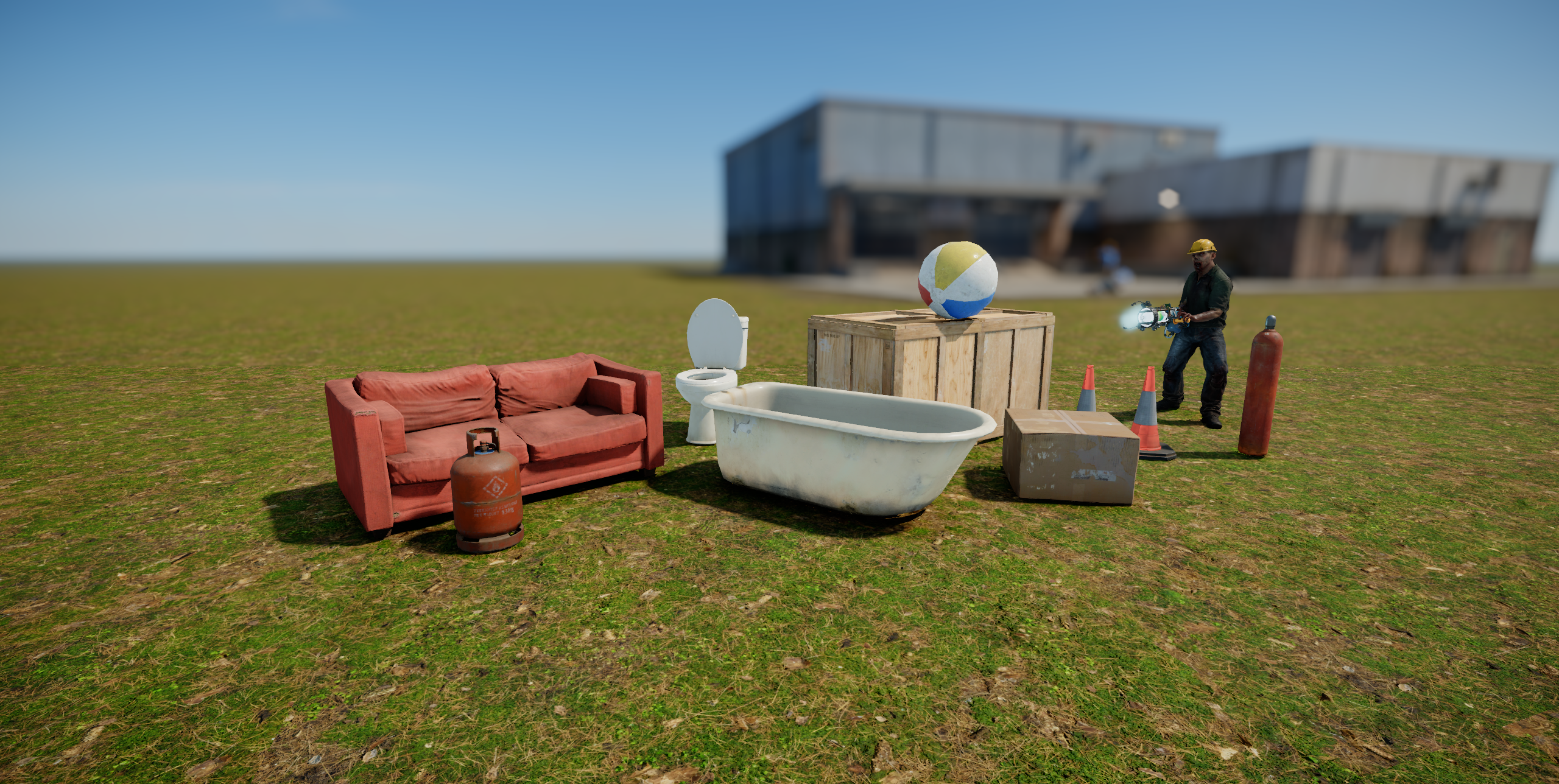
Sandbox Builder Props
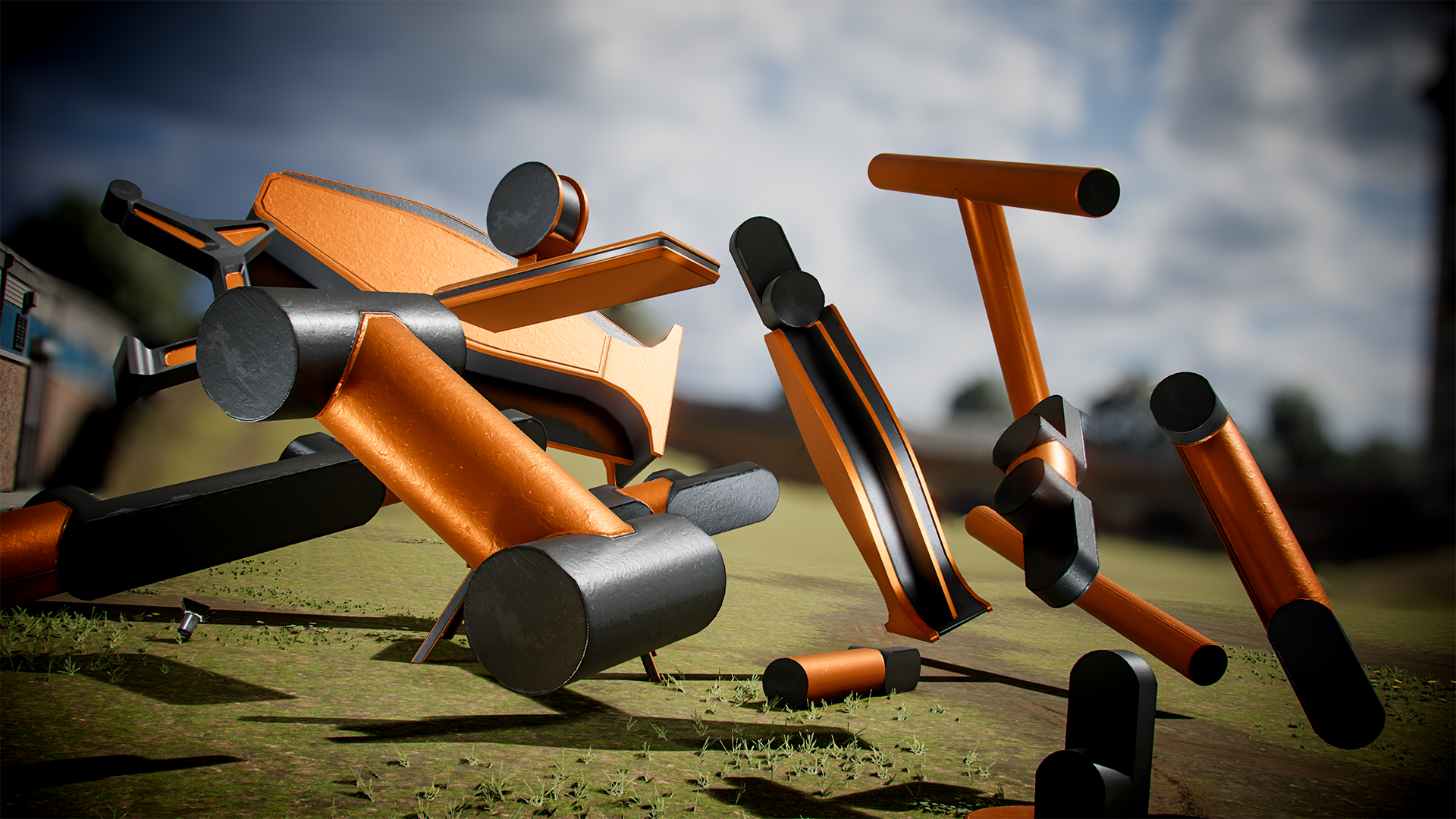
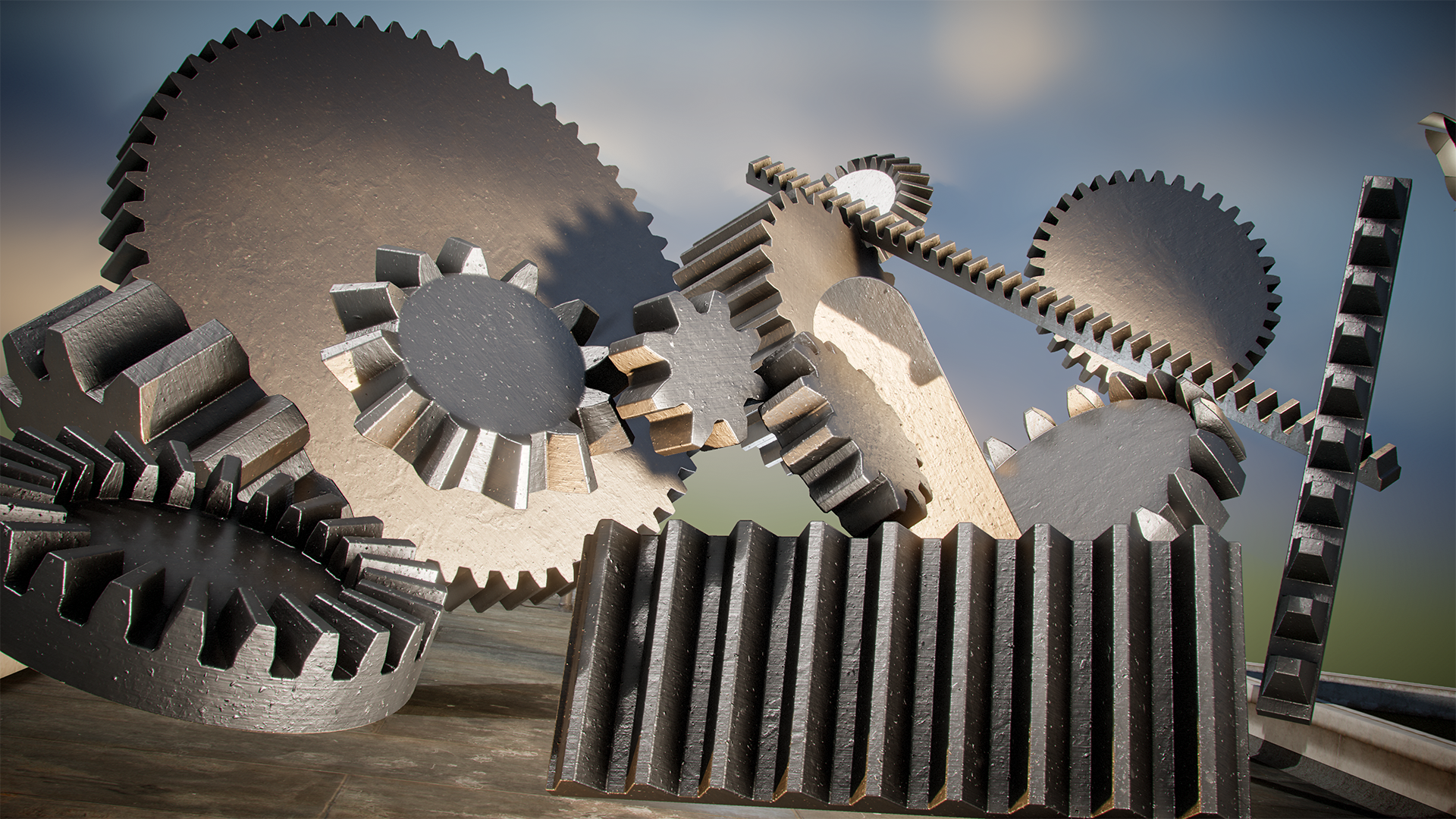
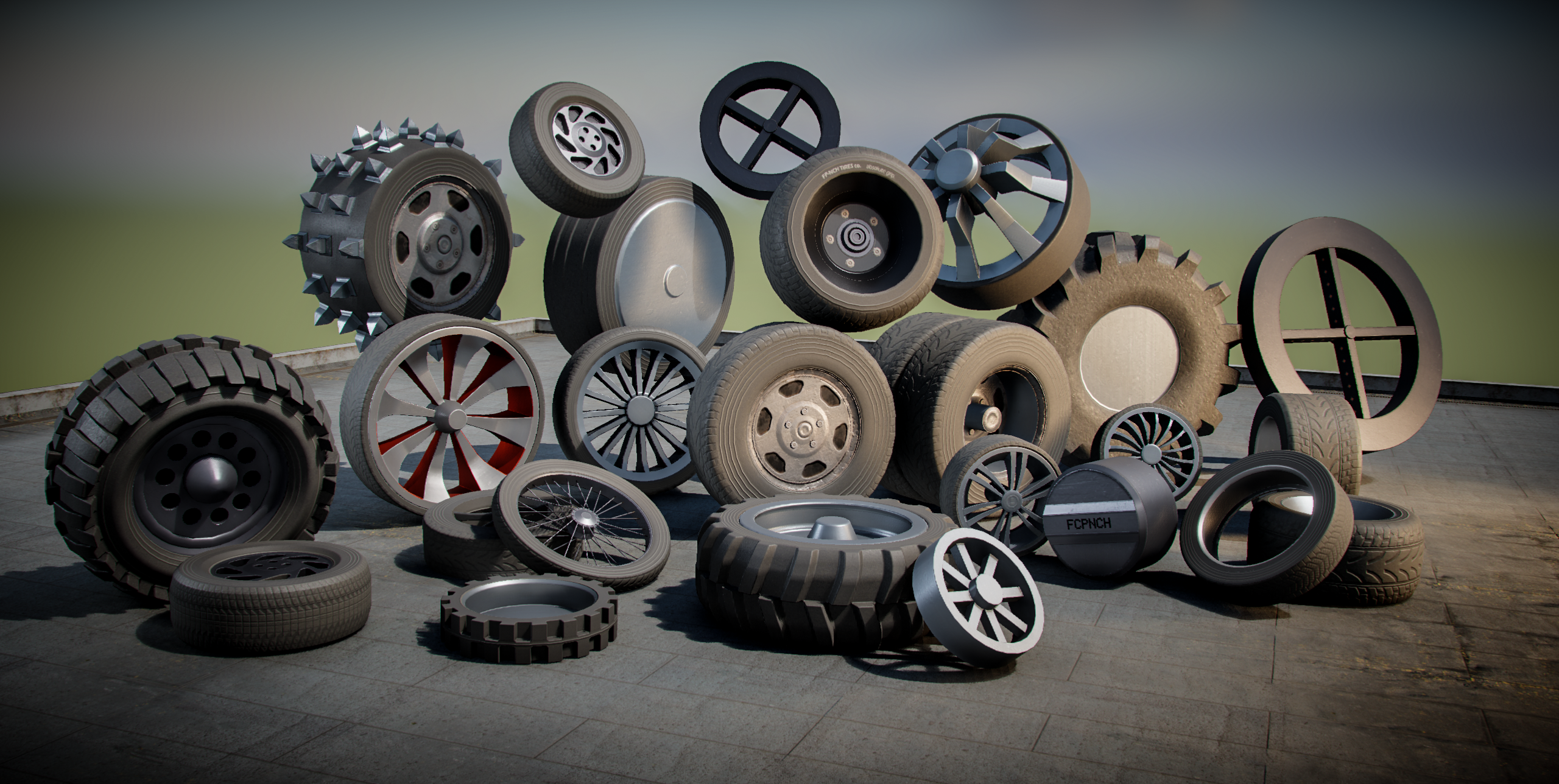
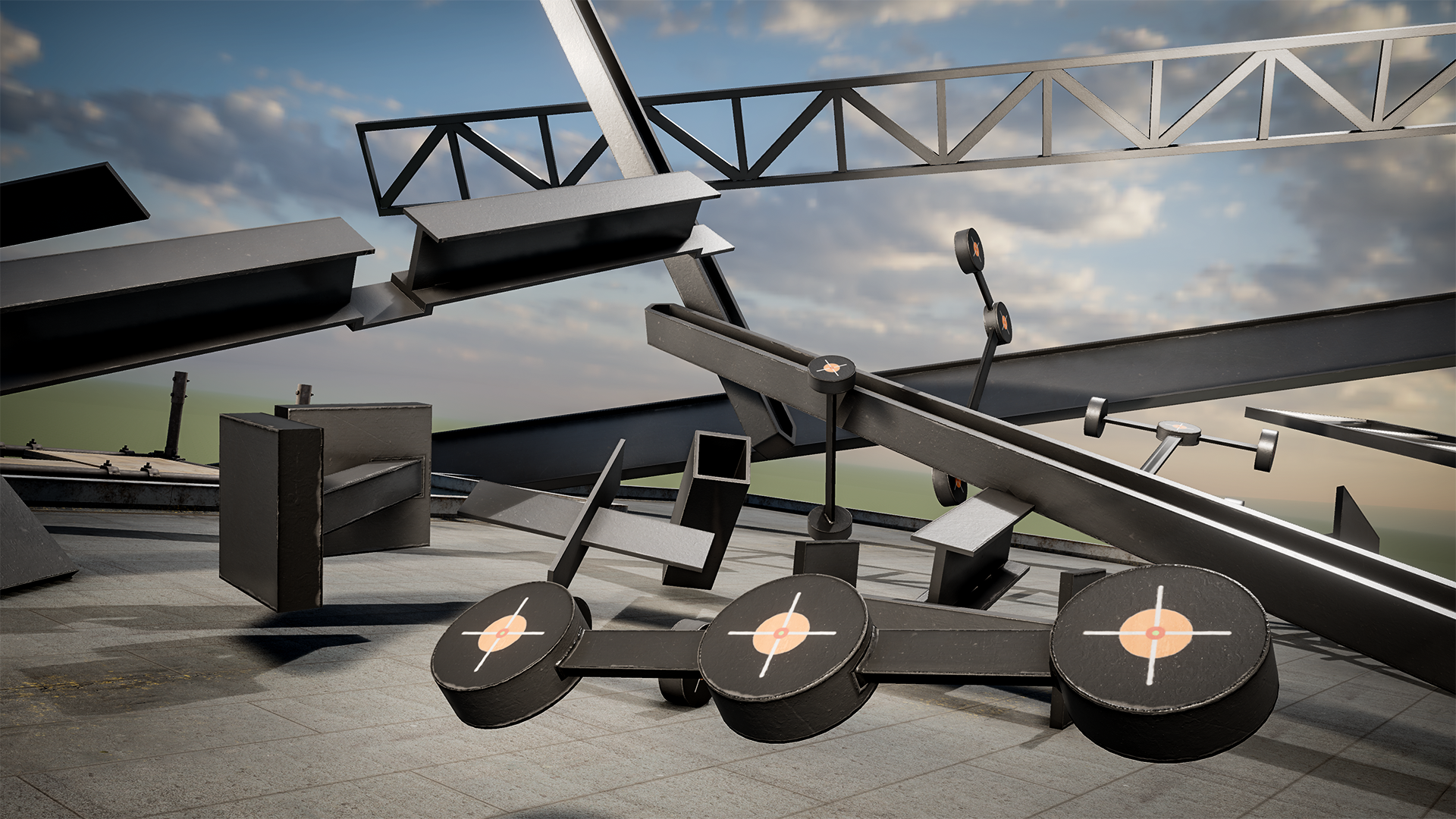
Earlier this month, I reworked a selection of classic Sandbox props, including robotics parts, wheels, gears, and steel components. They now feature refreshed geometry and a new coat of paint. You’ll find them in the “Building Props” spawnlist category.
Game Performance Pass
We’ve run and profiled fully simulated lobbies in several popular games, including Sandbox, TTT, Murder, and My Summer Cottage. This helped us identify bottlenecks and other engine performance issues.
It’s difficult to express the improvement as a single figure because results vary considerably by game and scenario.
The biggest improvement is fewer hitches: the engine now creates 1.6 to 12 times less garbage across different scenarios, so garbage collection runs much less often. Frame times have improved too, by up to 1 ms in games such as TTT.
Water
We finally have water. It probably should have arrived a year ago, but the challenge was creating a system versatile enough for everything from a toilet bowl to an ocean.
It has waves, and those waves can toss physics objects around.
You can swim underwater, with caustics, fog, particles, and post-processing effects adding to the experience.
A water decal component also lets artists add details such as leaves, scum, and foam on the water’s surface.
Mount Everything
Our Game Mount system lets you use content from Steam games you own and have installed. This week, we introduced an easier workflow for developers.
Official mounts have moved out of the engine and into their own repository, sbox-mounts. You can work on and contribute to them directly from the .sbproj, with hot-loading and its other benefits. Our build tool handles packaging and compilation for the client.
It’s all open source. If there’s a game you love, you can add support for it or improve an existing mount. We’d love to support as many games as possible, and mounts offer plenty of room for experimentation.
This week, we added support for models and maps from Quake III Arena, Return to Castle Wolfenstein, Wolfenstein: Enemy Territory, and DOOM + DOOM II. As Lorenz mentioned, we’ve also shipped NPCs and weapons for Half-Life, Half-Life 2, and Counter-Strike: Source. There’s plenty more to come.
Workshop and Mounts for Servers
Servers can now be configured to use Steam Workshop games, maps, and addons. Much like in Garry’s Mod, you can create a Collection for your server and supply it through the command line using +host_workshop_collection. You can also list individual Workshop IDs in a config file.
The previous package download method still works for now, but server admins should make the switch sooner rather than later. Expect the new approach to become a requirement soon. Read more about server Workshop configuration.
Game Mounts also work on servers, allowing you to play on maps from supported games. Learn how to configure them in the server mounts documentation.
Engine NPCs
As a child, I spent hours spawning random NPCs in Garry’s Mod and watching them fight. I even made an entire gamemode centered on NPCs.
s&box already had the building blocks for NPCs, but it lacked a common way to bring them together. That made it difficult to share NPCs between games or distribute them in addons.
NPCs now live directly in the engine, combining the convenience of SNPCs with the extensibility of NextBots.
Here’s a basic demonstration of their behavior and capabilities:
Subclass BaseNpc, choose a faction, and define how the NPC responds to others and what it should do:
public sealed class CuriousNpc : BaseNpc
{
    public override string Faction => Factions.Citizen;

    protected override void SetupRelationships()
    {
        SetRelationship( Factions.Enemy, Disposition.Fearful );
        SetRelationship( Factions.Monster, Disposition.Fearful );
    }

    protected override BaseSchedule SelectSchedule()
    {
        if ( Senses?.Disturbance is { } disturbance )
        {
            var investigate = GetSchedule<InvestigateSchedule>();
            investigate.TargetPosition = disturbance.Position;
            return investigate;
        }

        return GetSchedule<WanderSchedule>();
    }
}
Learn how to create your own NPCs in the NPC documentation.
NPC and Weapon Mounting
Mounts can now bring NPCs, weapons, and other components into the game. Instead of being limited to static models, you can use functional weapons and NPCs that fight one another.
Faster Volumetric Fog
I’ve made another optimization pass on the volumetric fog system, using techniques similar to those applied to clustered light culling and the new particle lighting system.
It’s 43% faster with 64 lights and only dispatches where fog is present.
VRAM Fragmentation
After switching games or maps, leftover textures could keep large chunks of VRAM allocated, leaving the game holding more than 1 GB of unused memory.
That memory is now released after every game or map change. On an 8 GB graphics card, VRAM usage after switching games drops from 3.1 GB to 2.3 GB.
VRAM Developer Tools
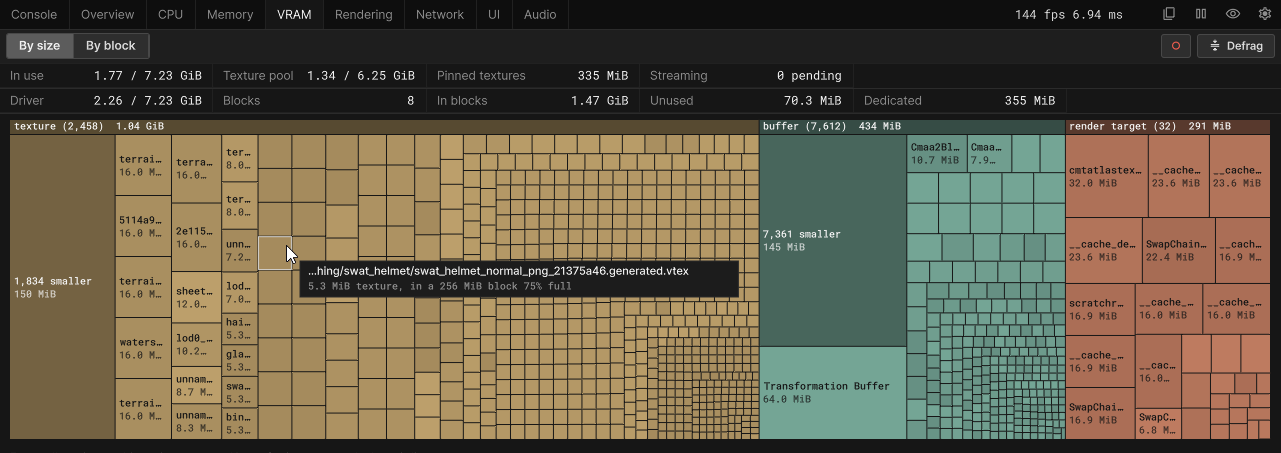
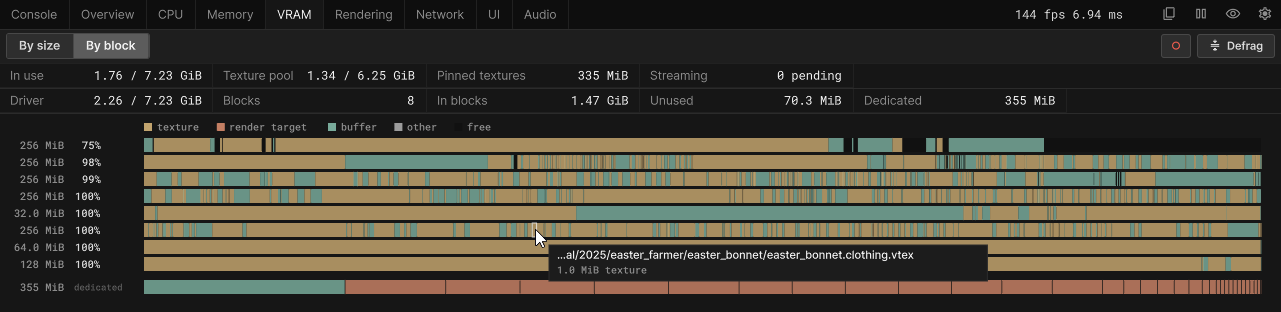
We’ve added a VRAM tab to the developer tools, making it easier to see what’s consuming memory and investigate fragmentation.
Navigation Performance Improvements
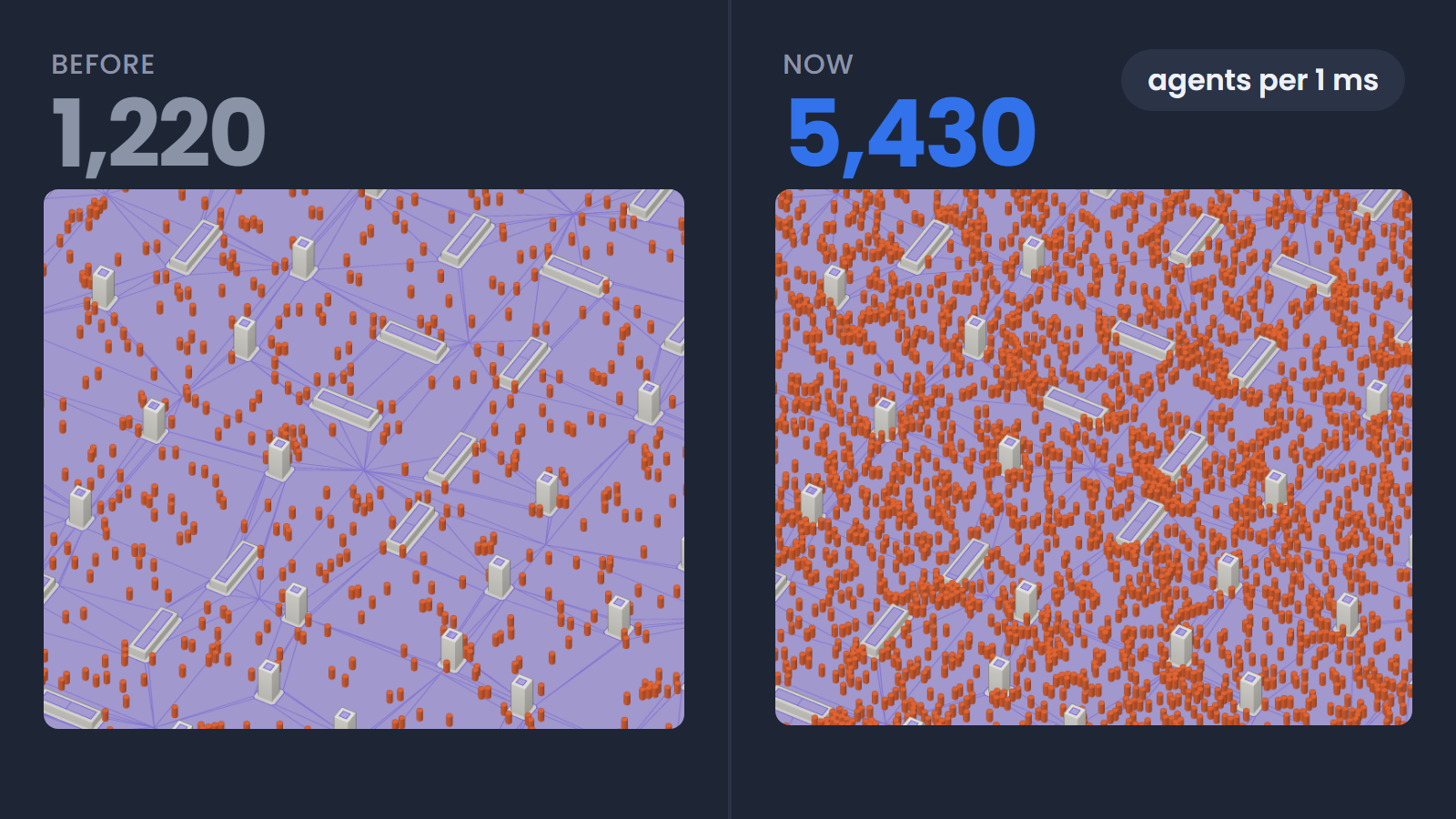
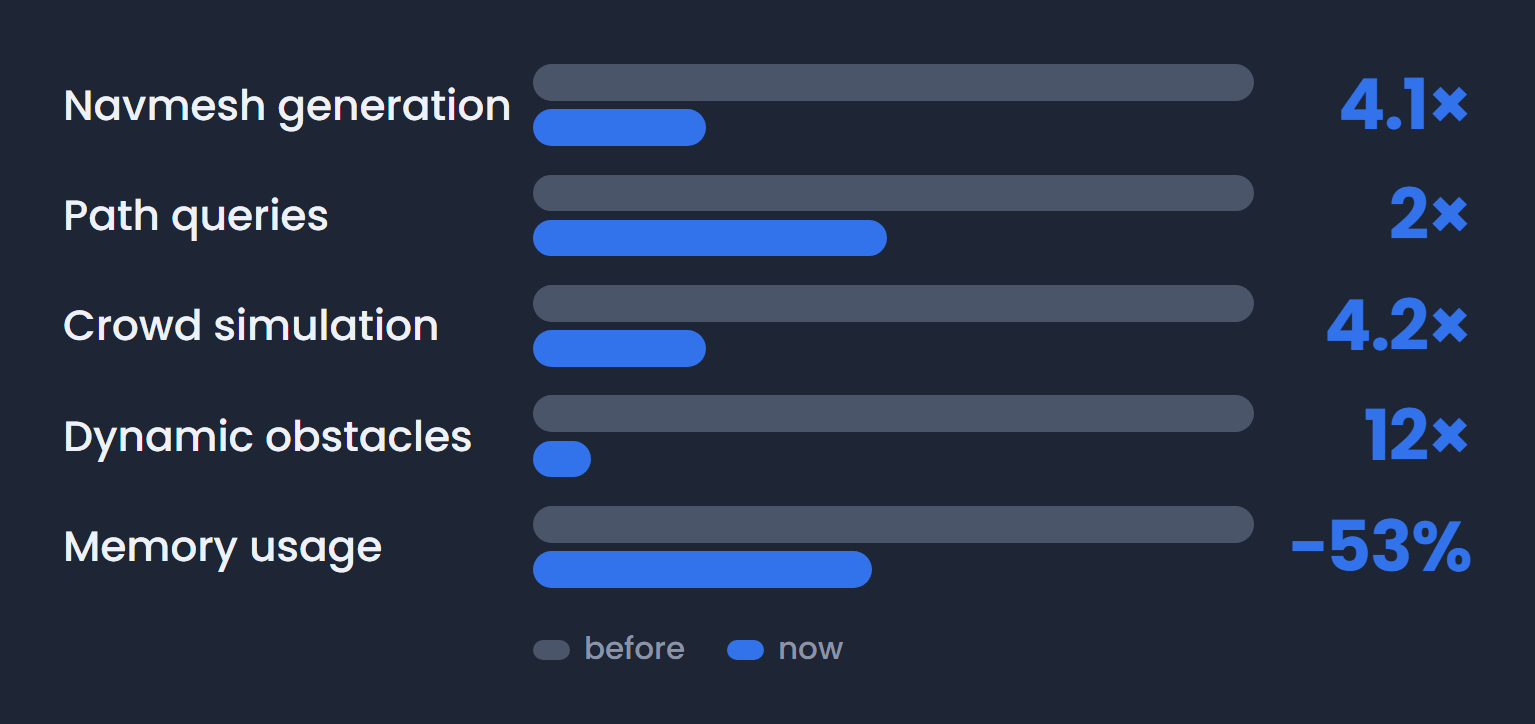
Navmesh generation is approximately four times faster, and crowd simulation is significantly faster too.
Generated and Typed Navigation Links
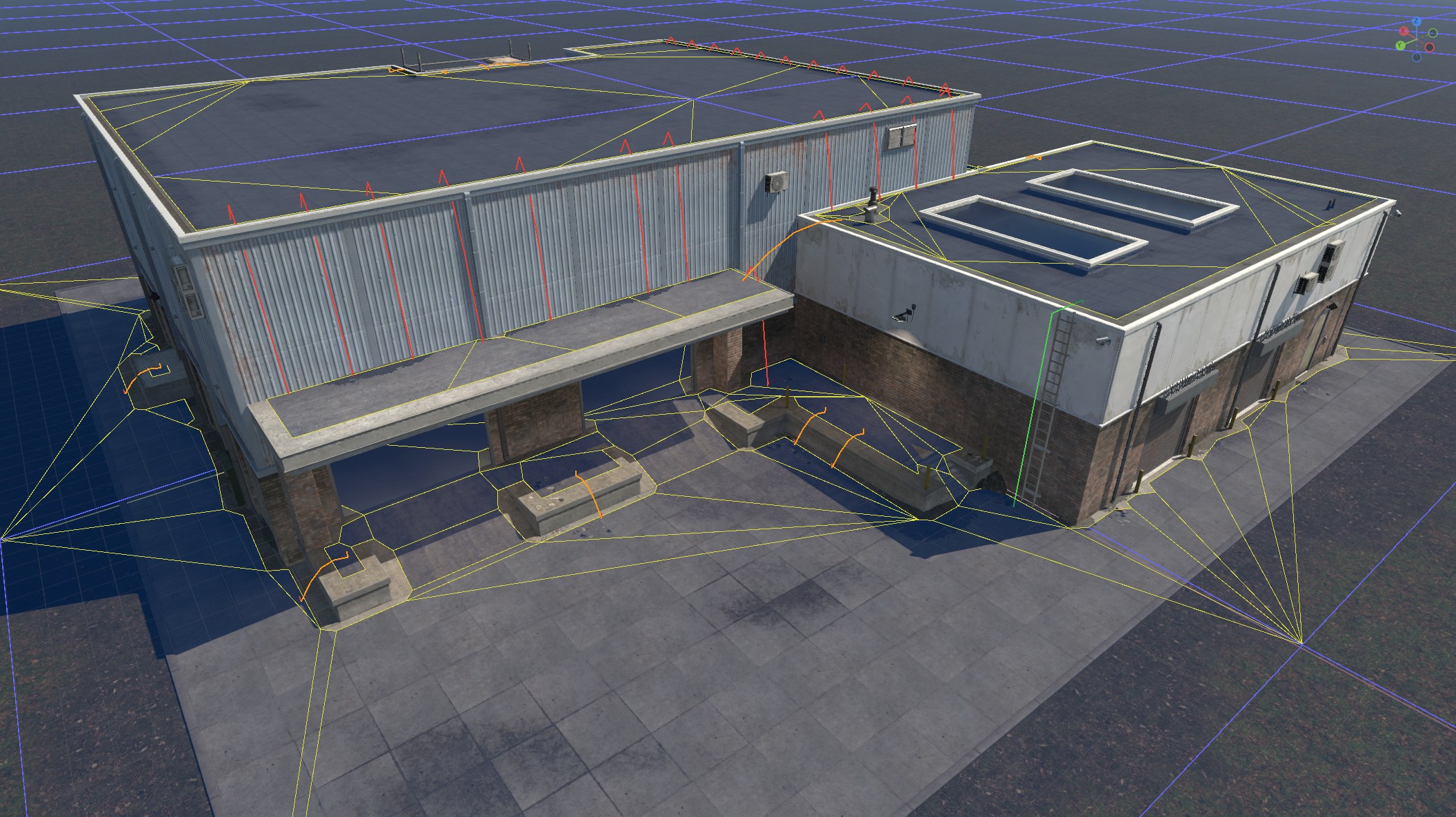
The navmesh generator can now automatically place jump, drop, and ladder links, allowing agents to navigate maps without requiring someone to place every link by hand.
Links now have types such as Jump, Drop, Ladder, Climb, and Teleport. These core types are shared across games, so NPCs from different games can use them on any map. You can also create custom link types for game-specific needs.
Hammer Map to Scene Conversion
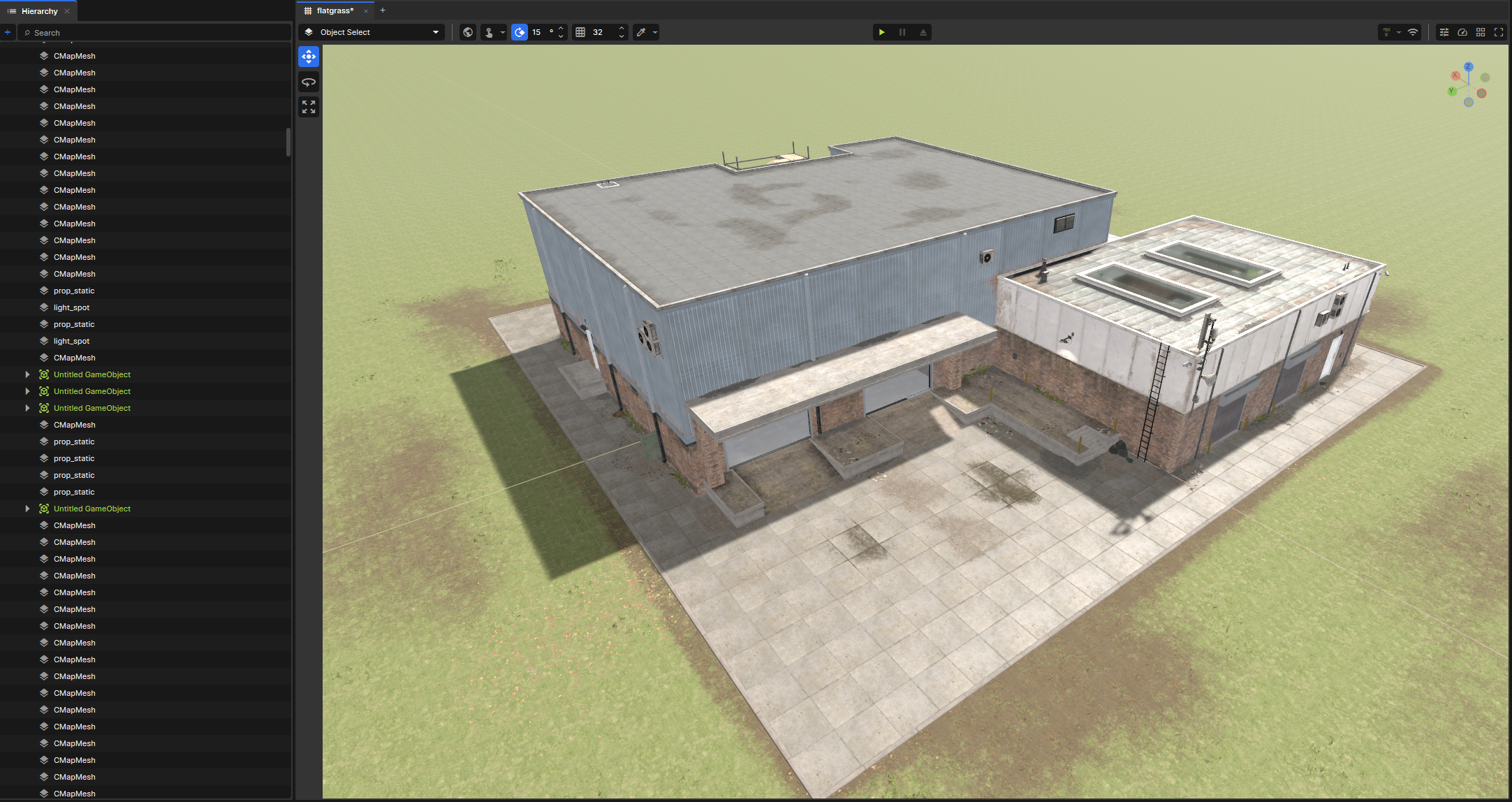
To make the move to the scene editor easier, a new VMAP converter turns uncompiled Hammer maps into scene mesh geometry.
Linked Scene Instances
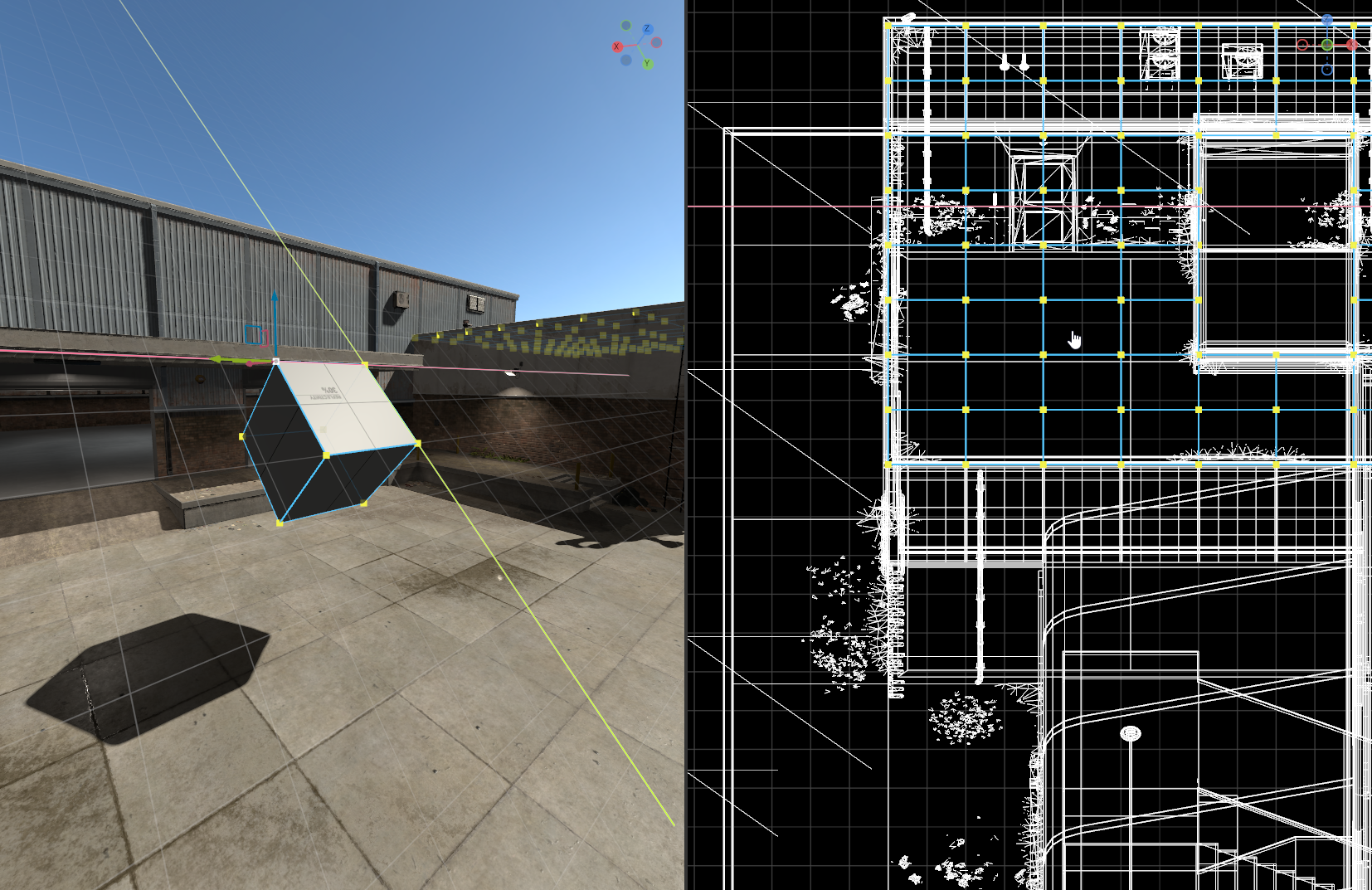
You can now create Hammer-style linked copies within a scene without having to create prefab assets.
Hammer-Style Views
The scene editor now includes Hammer-style 2D wireframe views and workplanes.
AG2 Improvements
Animgraph2 now supports IK swivel modes.
Scene Compiler
Although scenes could already be compiled, there wasn’t a single place to manage the process. The new scene compiler brings it together, letting you compile DDGI and bake envmaps at the same time.
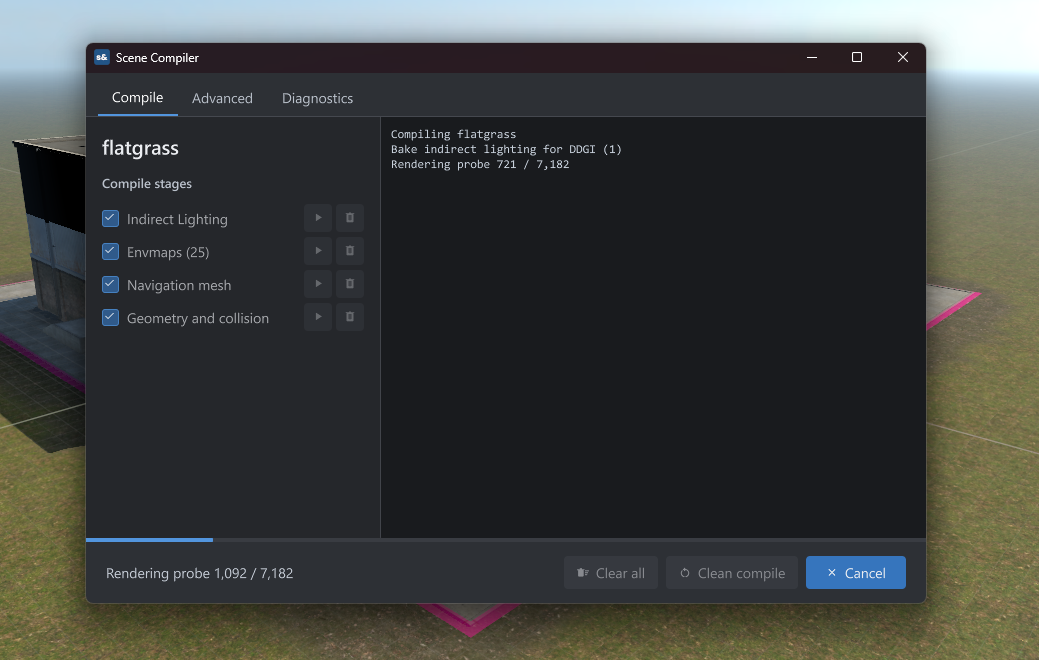
You can implement Editor.ISceneCompile on a component to add new systems that need to compile alongside the scene.
Material Symbols
We’ve updated Skia and replaced Material Icons with Material Symbols, giving us access to a much larger selection of icons. Some icons may be missing or have different names, so you may need to update a few things.
The UI system also gained support for font-variation-settings and font-optical-sizing, allowing it to use fonts with multiple axes, such as Material Symbols.
 Fresh Moves
 Rethinking
 Neck and Neck
 Update 26.09.15
 Update 26.09.08
 Update 26.09.01
 Update: August 26, 2019