
ETS2 & ATS: 1.61 Experimental Beta
While the 1.60 update for Euro Truck Simulator 2 and American Truck Simulator only arrived last week, our team is already deep into development for future releases. To ensure these upcoming features—specifically the Multi-Function Display and the refreshed In-Game Menu—truly resonate with our #BestCommunityEver, we are launching an experimental beta phase well ahead of the official rollout. We need your sharp eyes and dedicated feedback to help us refine these additions before they reach the public.

Because we are opening this beta at such an early stage, expect a “work-in-progress” experience. Stability and polish may not yet meet the high standards of our typical Open Betas. However, we firmly believe that involving our community this early is the best way to identify hidden issues and improve the overall experience.
We invite you to dive into this experimental build to test the new mechanics. Your insights are invaluable, so please share your thoughts on our official forums and submit bug reports in the dedicated sections for ATS and ETS2.
Multi-Function Display (MFD)
The MFD is designed to modernize how you interact with your vehicle. Our objective is to consolidate complex vehicle controls into a single, intuitive interface, allowing you to manage essential systems without breaking your immersion or memorizing an endless list of keyboard shortcuts.
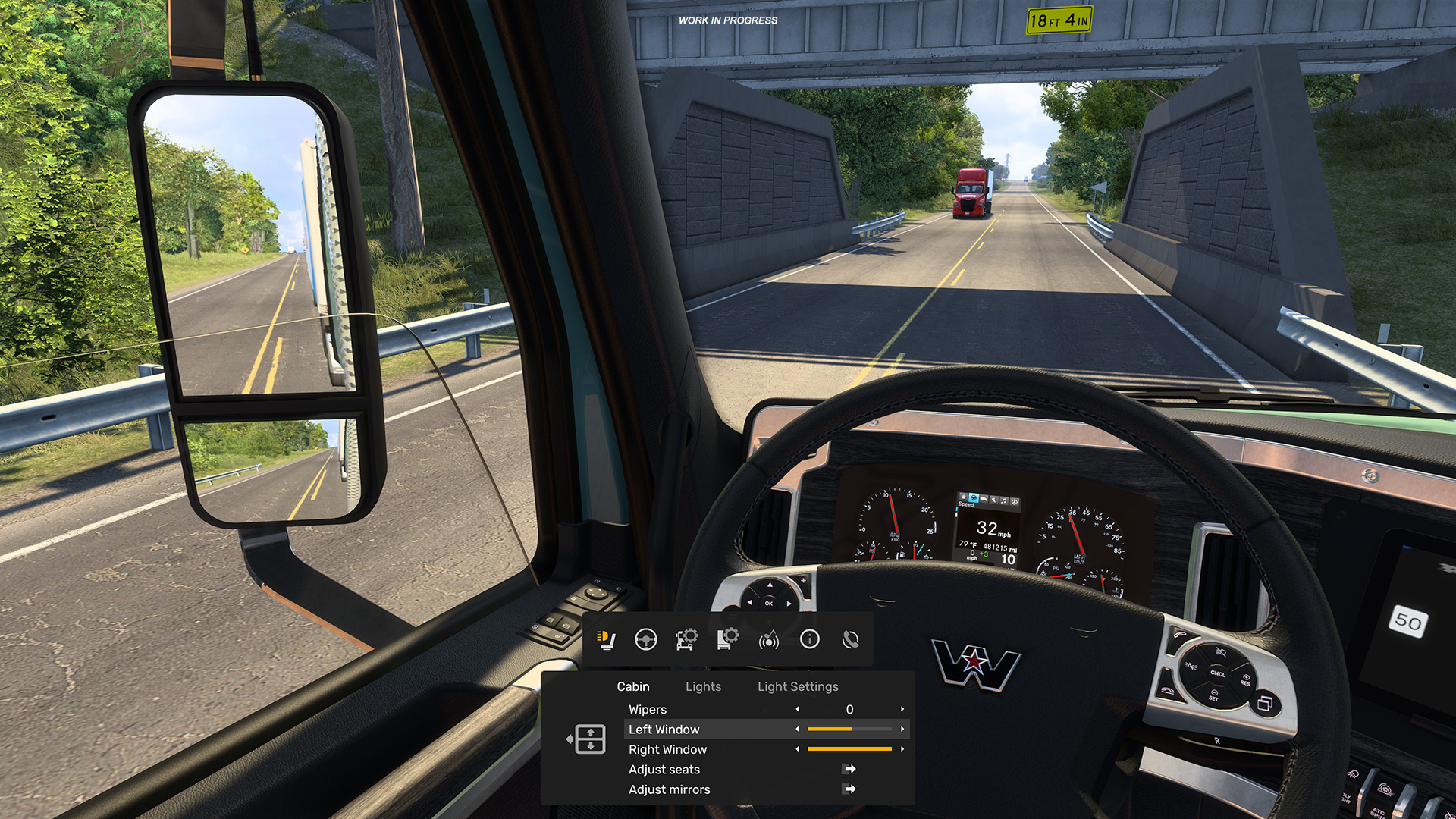
Available in both interior and exterior camera views, the MFD lets you seamlessly toggle through categories like driving assists, lighting, vehicle diagnostics, media playback, and trip data. Most importantly, it is designed to be non-intrusive; opening the menu typically won’t pause your gameplay, keeping the driving experience fluid.
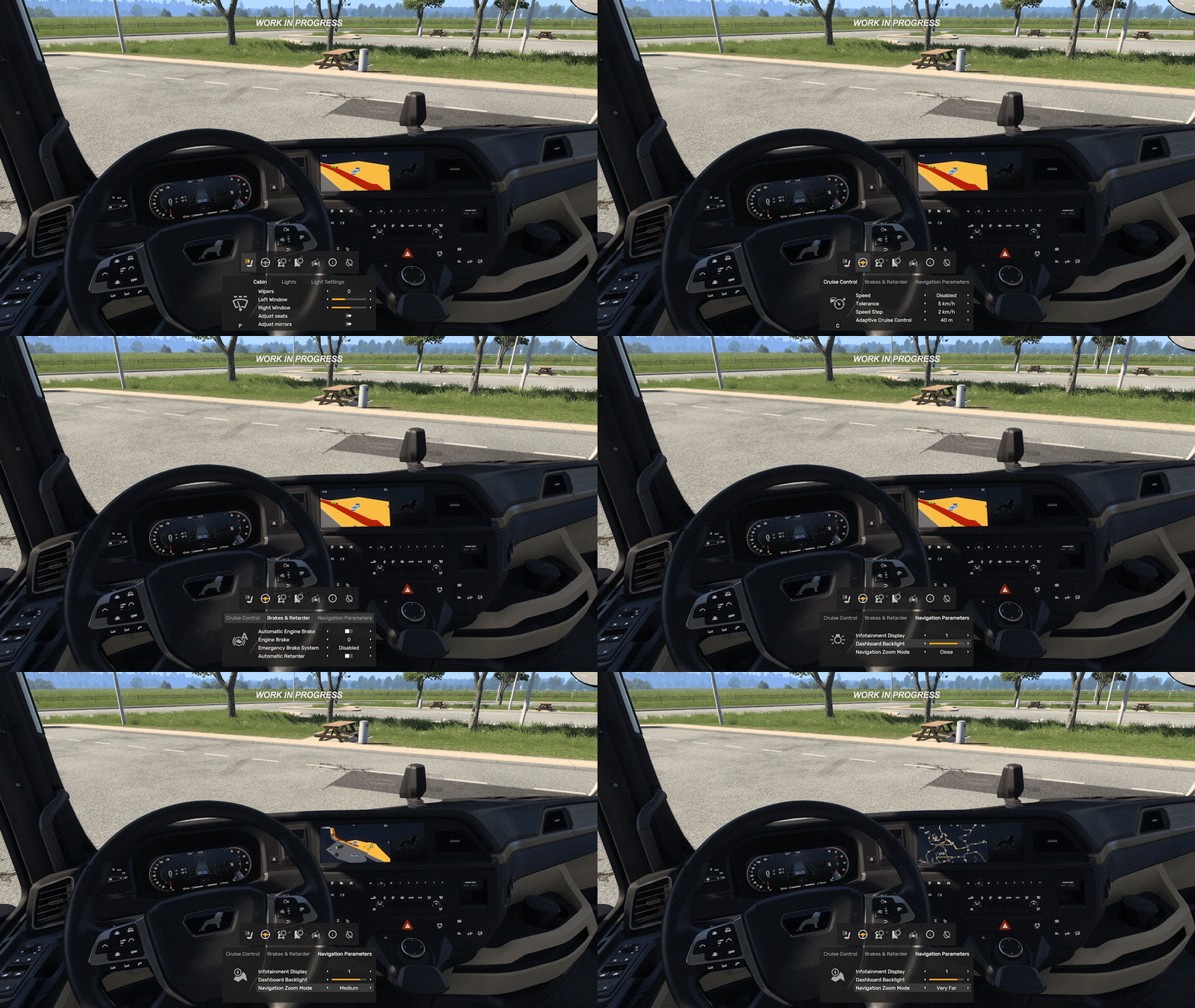
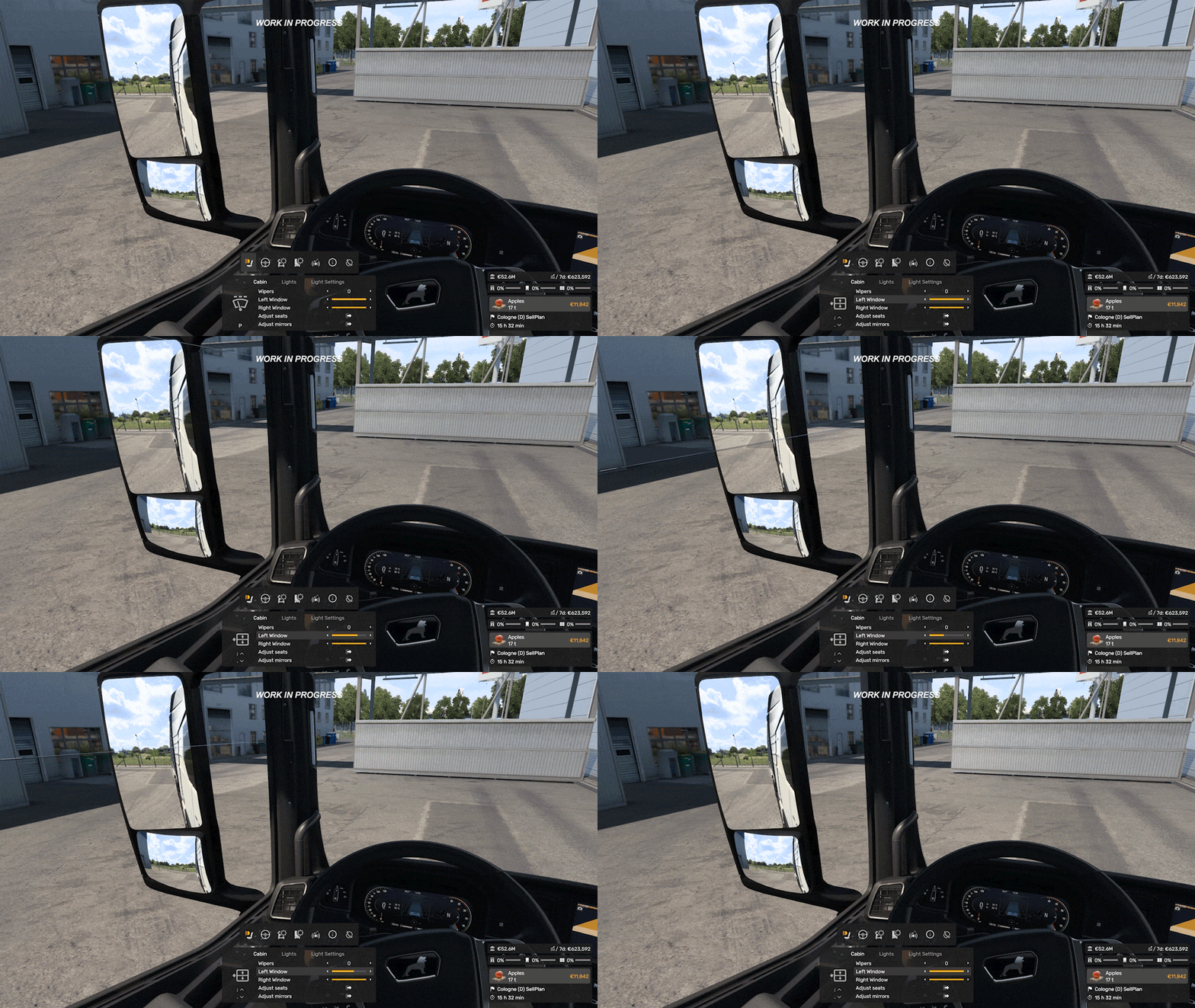
We also want to improve feature discoverability. With years of content packed into our simulators, some functions often go unnoticed. The MFD highlights these tools in context, displaying relevant keybinds directly on the screen.
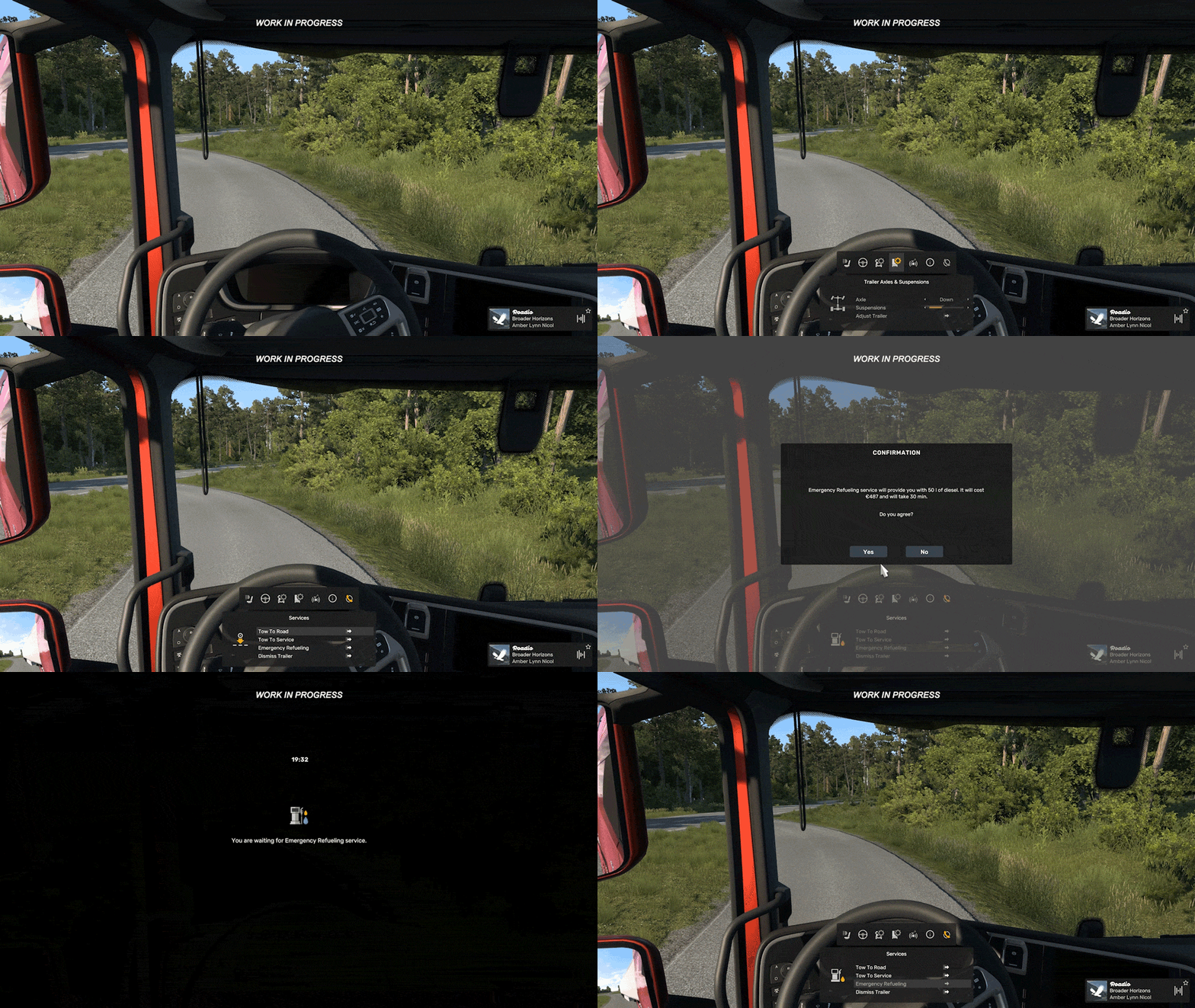
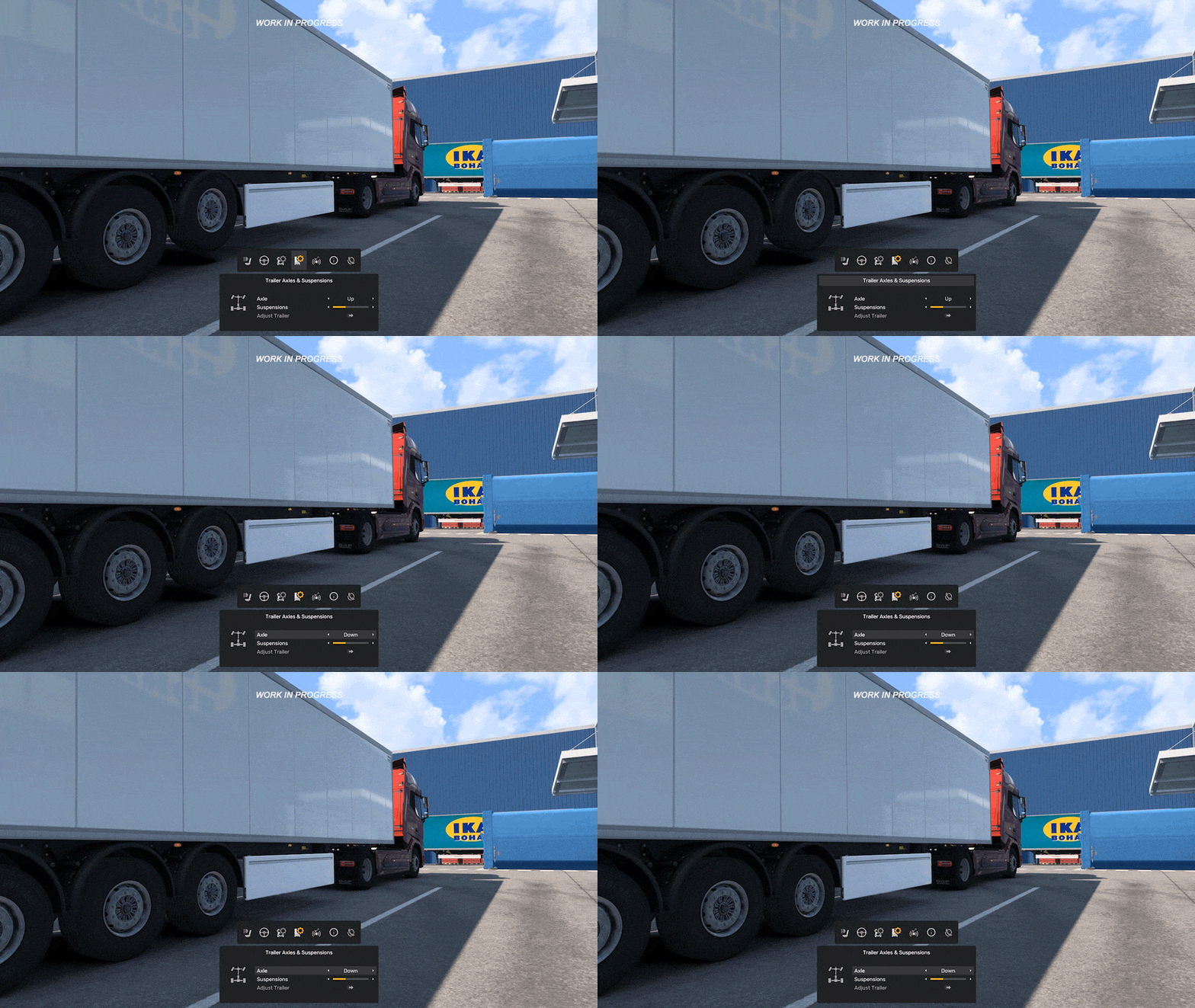
The MFD supports wheels, controllers, mice, and keyboards with fully customizable navigation. Read more about its functionality here. Note: For this experimental phase, controllers default to “In-Game Mapping Mode.” Steam Client Input support will be integrated for the final release.
In-Game Menu
The new In-Game Menu acts as a streamlined, horizontal taskbar at the top of your screen, providing instant access to vital gameplay shortcuts.
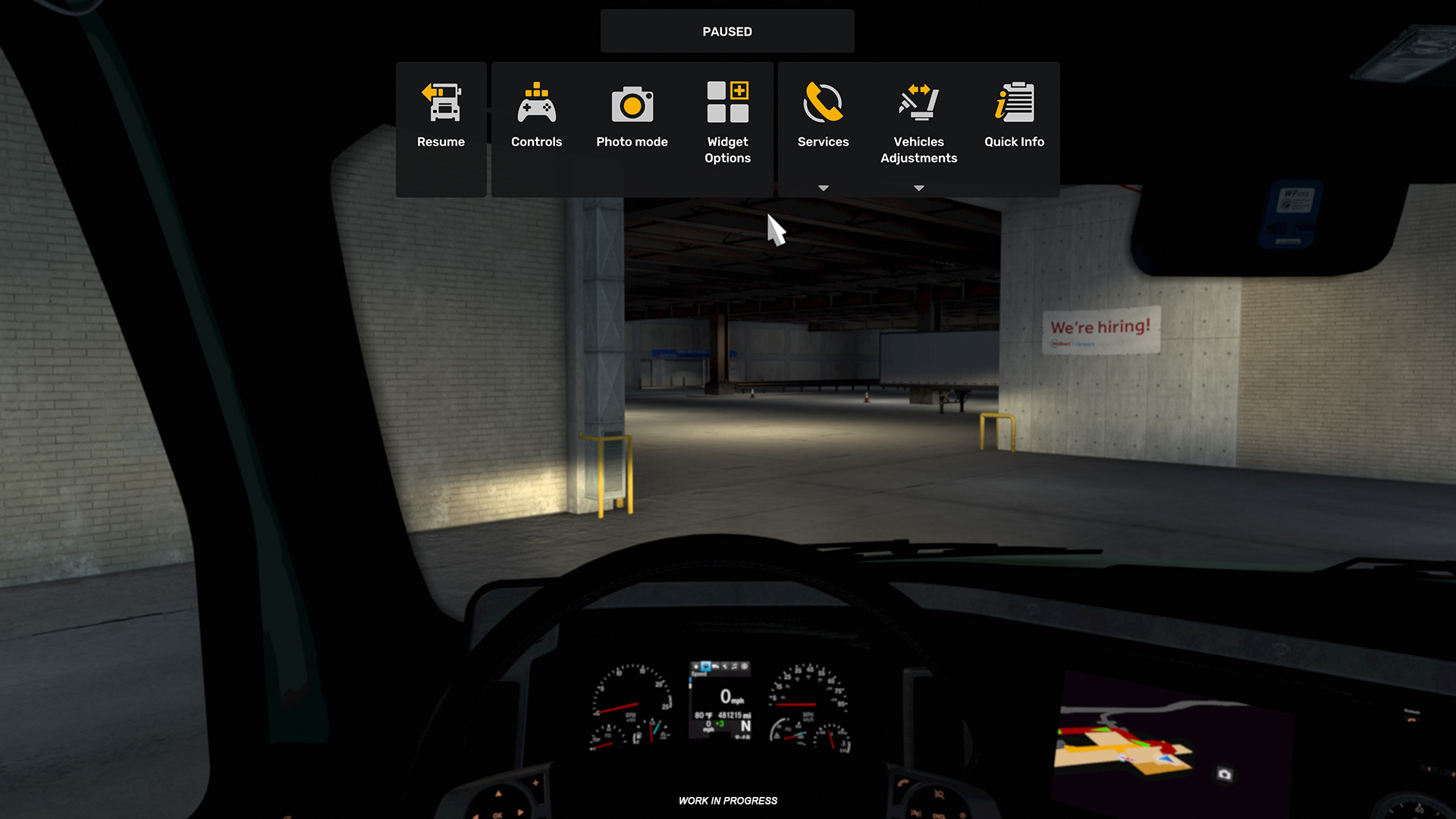
Accessed via the F1 key, this interface consolidates functions previously scattered across F1, F4, and F7, giving you a centralized hub for photo mode, service access, vehicle adjustments, and status widgets.
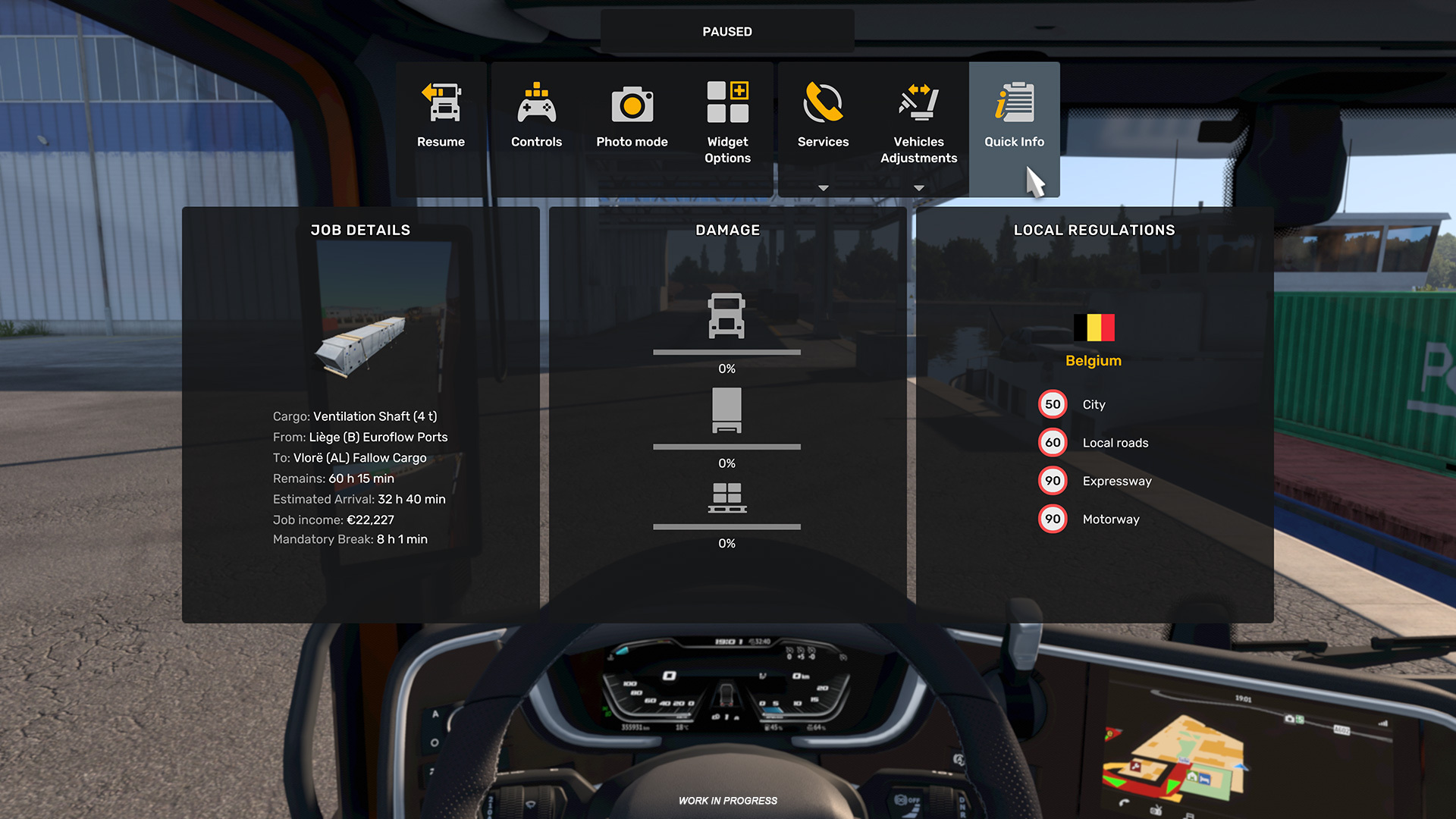
While the menu currently pauses single-player sessions, it remains inactive during convoys. We are investigating ways to introduce specific menu functions to multiplayer driving in the future.
Important Reminders:
- This is an experimental build, not a stable public release. Expect potential crashes or bugs—your reports are the key to fixing them.
- Features are currently in English only.
- If you prefer a stable experience, feel free to wait for the standard Open Beta.
How to Access the Experimental Beta:
Open your Steam Library → Right-click Euro Truck Simulator 2 or American Truck Simulator → Select Properties → Go to the Betas tab → Select experimental_beta from the drop-down menu. No password is required. You may need to restart Steam to trigger the update.
Thank you for your ongoing passion and support as we work toward the 1.61 update. Stay tuned for further updates by following us on X/Twitter, Instagram, Facebook, Bluesky, and TikTok. Happy trucking!
Related articles
 South Dakota: Bigger Than Life
 Road Trip Ready: Vehicle Configuration and Buying Guide
 Vehicle Ownership and Job Scheduling for Coaches
 Update 1.61: Volvo FH Series 6 100th Anniversary Edition
 Iceland Research Expedition
 Mount Rushmore: South Dakota’s Iconic Landmark
 ATS Road Trip: Atlas Feature Trailer
 Tokyo Game Show 2026