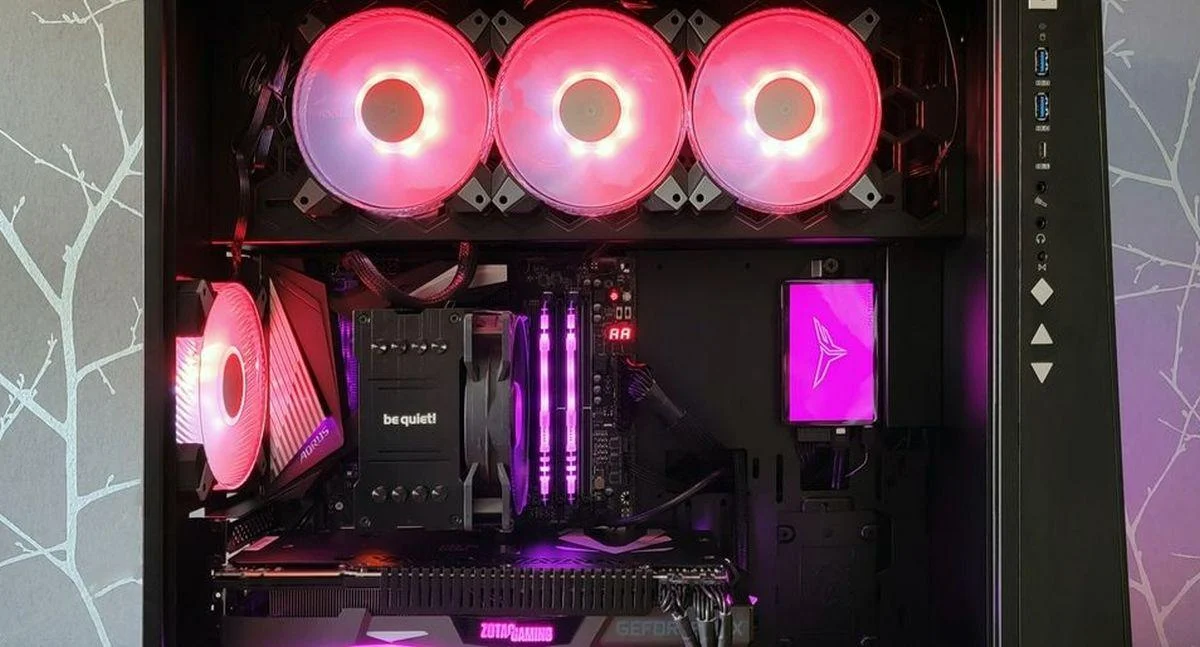
Windows 11 Breaks RGB Lighting, Crashes Games, and Causes Blue Screens for Some Gamers
Windows 11 update KB5121003 is triggering Blue Screen of Death crashes for players running online multiplayer games alongside RGB peripheral software.
The issue stems from a failure in the low-level driver Inpoutx64.sys. Third-party software uses this driver to communicate with motherboards, cooling hardware, and lighting controllers. For reasons not yet fully understood, the driver crashes in specific scenarios, presenting an “EXCEPTION_ACCESS_VIOLATION” error screen that requires a system reboot.
The crashes occur when users launch online titles such as Arc Raiders, Marvel Tokon: Fighting Souls, and The Finals while running software for RGB accessories.

Certain peripheral drivers use names similar to the system’s inpoutx64.sys. After installing KB5121003, Windows 11 can misidentify these files, resulting in memory management errors and system crashes.
A temporary workaround involves opening the Windows Registry, navigating to HKEY_LOCAL_MACHINE\SYSTEM\CurrentControlSet\Services\inpoutx64, and setting the Start value to 4. This disables Inpoutx64.sys, which prevents the crashes but disables some hardware management features.
Source: iXBT.games
Related articles
 Capcom Shows Demon from Onimusha: Way of the Sword
 GTA VI Details Leak 3 Days Ahead of Official Gameplay Reveal
 Phantom Blade Zero Has Reportedly Sold Hundreds of Thousands of Copies on Steam
 Early Marvel’s Wolverine Impressions Praise Story, Raise Doubts About Combat
 Gamescom Opening Night Live 2026: All the Biggest Announcements and Reveals
 DC’s Black Lightning Leaving Netflix Next Week
 Gamers Mock Netflix Over GTA VI Post
 Star Wars: Galactic Racer Multiplayer to Feature Racing, Betting, and Legendary Rewards