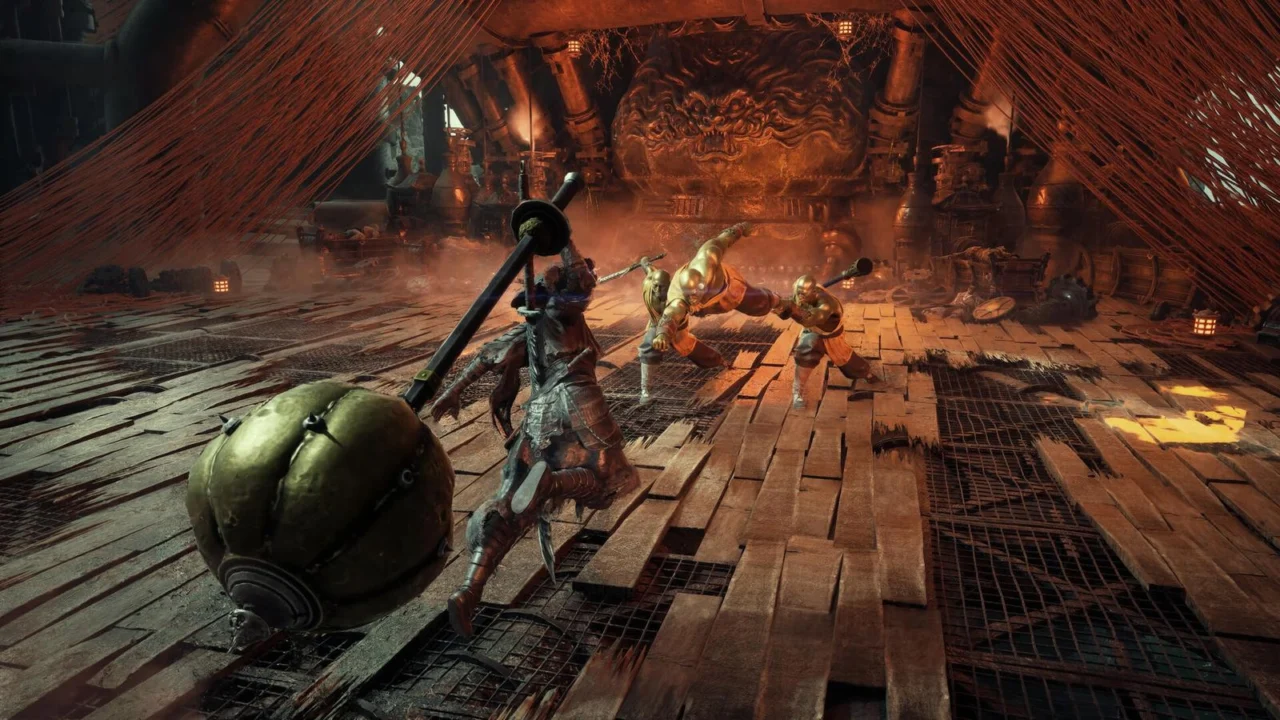
Phantom Blade Zero Setting Adjustments Boost Performance Significantly
Phantom Blade Zero can run nearly 40% faster without any noticeable loss in graphic quality. Specialists at Wccftech tested the settings to find out which parameters can be lowered from Ultra.
The journalists at Wccftech tested the performance of the PC version of Phantom Blade Zero and highlighted settings that can be lowered with virtually no impact on visual quality.
First, lowering shadow quality, lighting, effects, materials, draw distance, and environment detail is recommended. The most noticeable result comes from turning off the High-Quality Hair character option.
At the same time, reflection quality, ambient occlusion, textures, character models, and environment models are best left on Ultra because lowering these parameters does not provide a tangible performance boost.
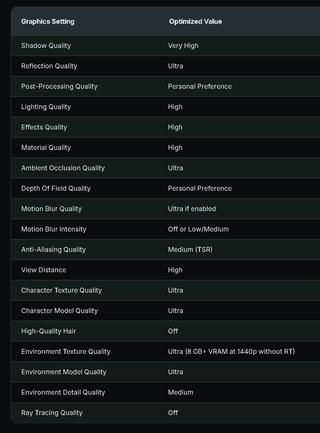
According to the test results, Wccftech’s optimized settings deliver nearly 40% more frames per second compared to the Ultra preset at 1440p resolution.
Source: iXBT.games
Related articles
 Reports Warn PS6 and Next Xbox Risk Unaffordable Pricing Amid Industry Crisis
 NVIDIA Showcases RTX Remix Capabilities for Minecraft
 The Video Games And More You Should Play This Weekend – October 30, 2026
 Silent Hill: Townfall Receives Major Update with New Difficulty Mode and Graphic Enhancements
 Tomb Raider: Legacy of Atlantis to Offer Unusual Difficulty Customization
 Sega Shows New Virtua Fighter Crossroads Fighter with Possible Classic Character Connection
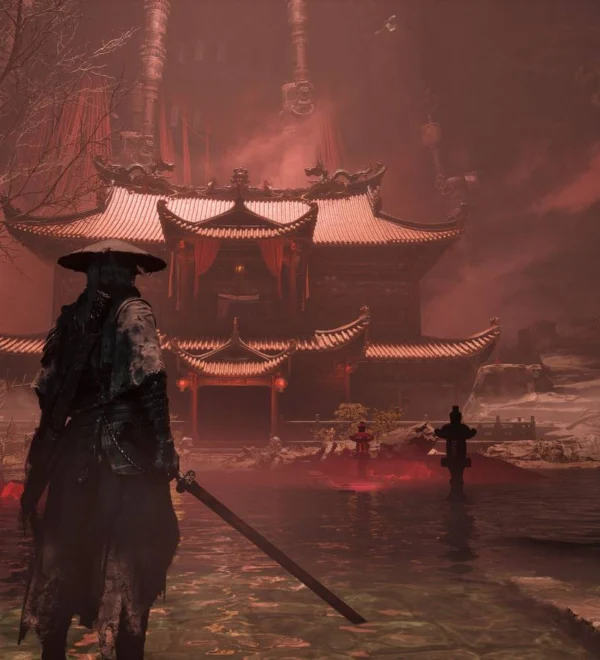 How to Unlock the Crimson Manor in Phantom Blade Zero
 Actor’s Social Media Post Sparks Speculation About New Mafia Game or The Old Country DLC