How to Play Resident Evil Requiem at High FPS: Digital Foundry Reveals Best Settings
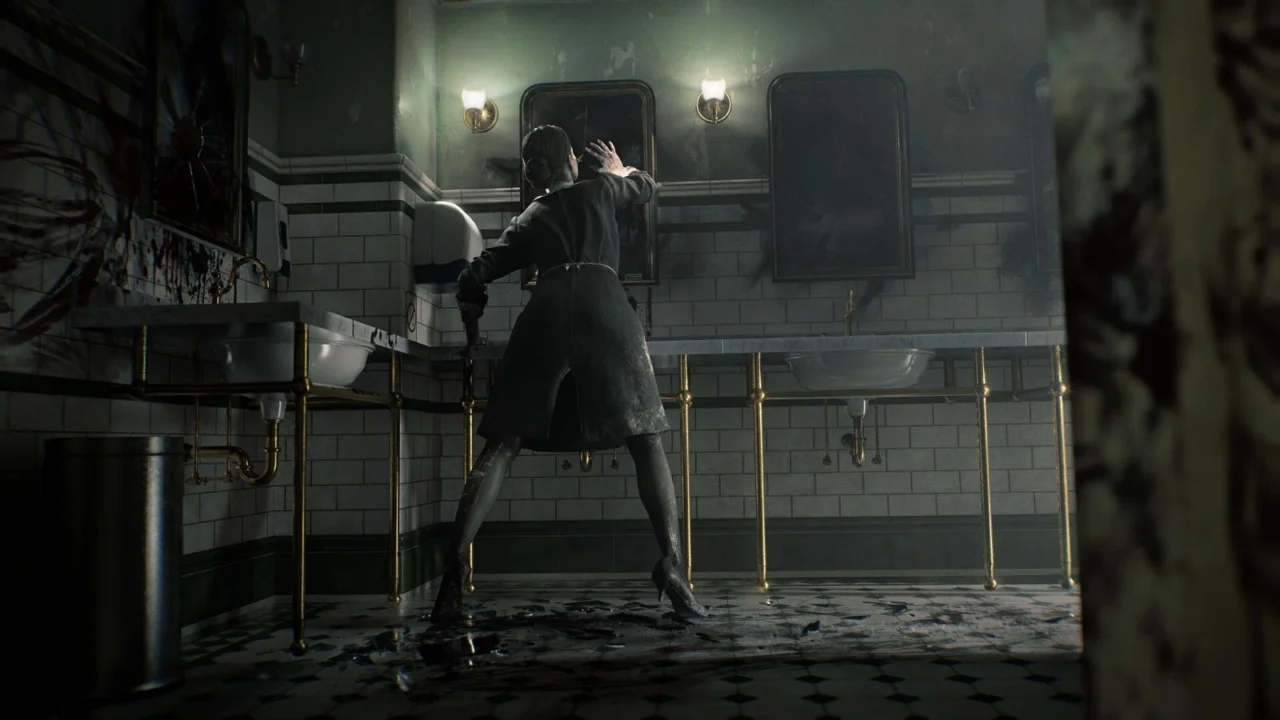
The technical experts at Digital Foundry have conducted an in-depth analysis of Resident Evil Requiem, providing a side-by-side comparison of the PlayStation 5 visuals against the various graphical configurations available on PC.
The analysts also detailed a set of optimized settings for PC users to maximize their experience. They largely commended the quality of the port, noting that the game remains highly playable on more modest hardware configurations, provided that ray tracing remains disabled.
However, the performance profile shifts dramatically once ray tracing is engaged. In this mode, hardware equipped with only 8GB of VRAM may struggle with significant framerate inconsistencies. Consequently, the team suggests that most players will find a better experience with RT features turned off.
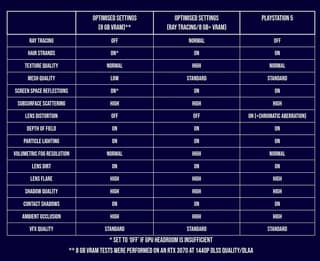
Digital Foundry’s custom settings aim to strike the perfect equilibrium between aesthetic fidelity and fluid performance. Their recommendations are specifically tailored for two tiers of hardware: those with 8GB of video memory and higher-end GPUs with larger VRAM capacities.
On the downside, the PC version was criticized for the absence of a Field of View (FoV) slider—a major oversight for a modern first-person title. Additionally, the lack of a toggle for film grain and the missing option for ray reconstruction when using ray tracing were noted as disappointing omissions that limit user customization.
Source: iXBT.games
Related articles
 Silent Hill 2 Remake Developers Want to Find the Next Hideo Kojima
 AI Agents Used to Build Co-Op Versions of Single-Player Games, Including Fallout: New Vegas and Deus Ex
 Hacker voices38 Returns and Cracks Denuvo in Several SEGA Games
 Angel Series Now Streams Free 27 Years After Its 1999 Debut
 Enthusiast Reports 40% Performance Boost in The Elder Scrolls IV: Oblivion Remastered Using AI
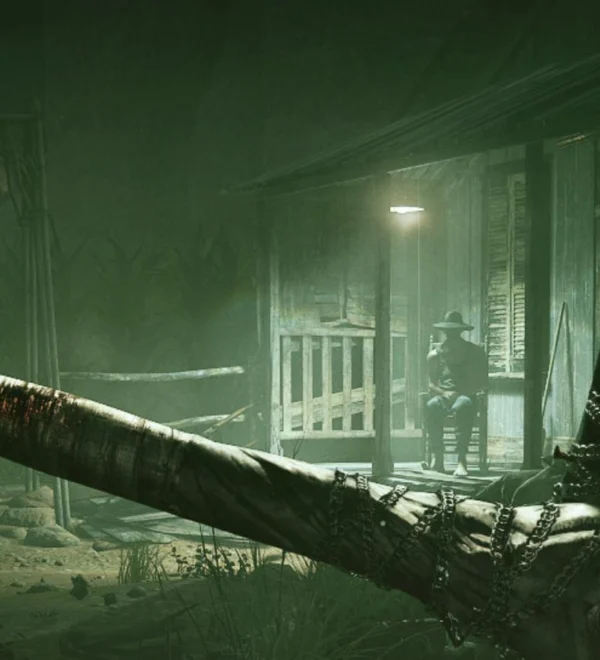 Outlast Testers Reportedly Ran Out of the Office to Cry and Refused to Return
 Modder Turns Diablo Into a 3D Shooter With Multiplayer and Scalable Interface
 Calvin and Hobbes Halloween Strip Remains Controversial 31 Years After Publication