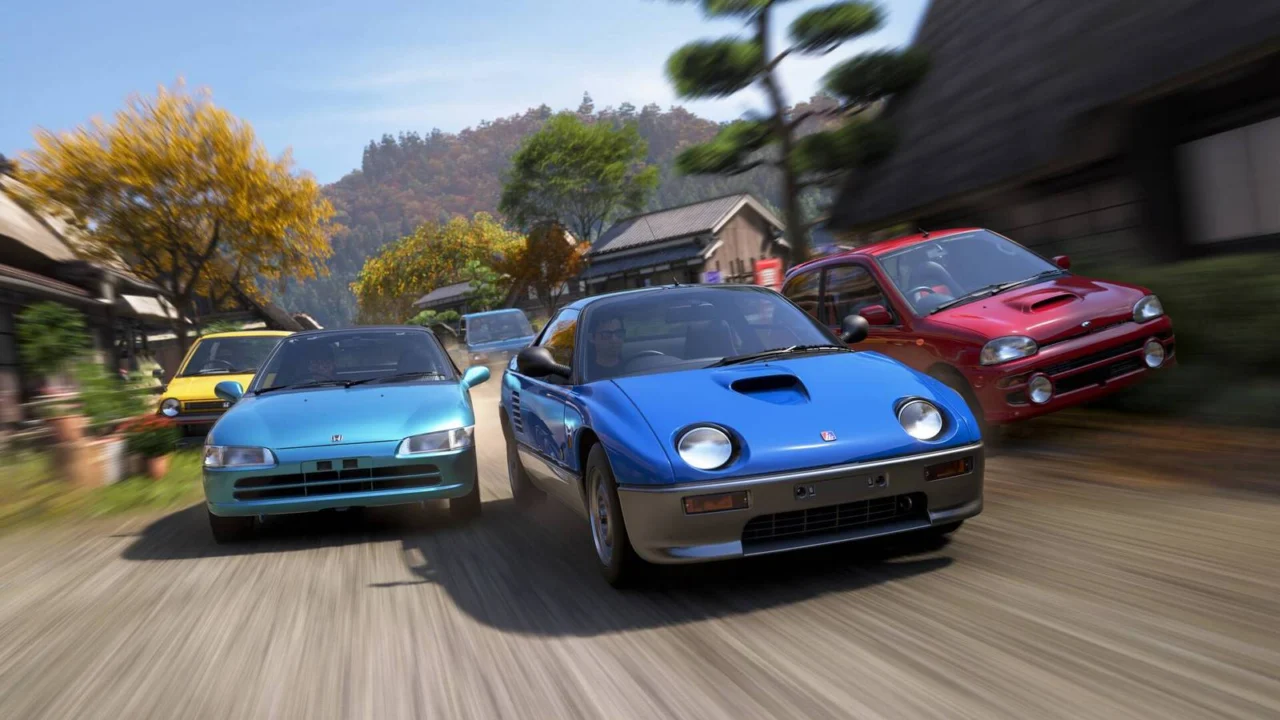
Does Forza Horizon 6 Support Cross-Play?
Cross-play is an essential feature for those looking to explore the vibrant landscapes of Forza Horizon 6 alongside friends. Embarking on a convoy cruise through the scenic vistas of Japan is infinitely more rewarding when shared with others. Fortunately, regardless of your hardware, you can seamlessly navigate the streets of Tokyo with companions and drivers from across the globe.
Below, we break down how cross-play functions in Forza Horizon 6 and the simple steps needed to get your group on the road.
How to enable cross-play in Forza Horizon 6
Yes, Forza Horizon 6 fully supports cross-play. Whether you are gaming on a PC or an Xbox console, you can team up with friends effortlessly.
Since the game requires an Xbox account to function, connecting with players on different platforms is straightforward: simply add them to your Xbox friends list. Once you are both in-game, open the menu, pause, and navigate to the “Online” tab.
On the right-hand side, select the “Social” option and toggle over to your “Friends” list. From here, you can invite any online friend directly into your convoy. Just ensure you aren’t currently in “Horizon Solo” mode; if the option to the left of “Social” is labeled “Horizon Life,” select it to switch back to online play and begin your session.
While Forza Horizon 6 is not currently available on PlayStation 5—with a release slated for later this year—the official FAQ has confirmed that cross-play will be fully supported across all platforms upon launch.
Source: Polygon
Related articles
 Warhammer 40,000 Novel Throne Questoris Announced
 First Review Published for Castlevania: Belmont’s Curse
 Crimson Desert Nominated for Golden Joystick Awards 2026
 Last Chance to Claim Free Epic Games Store Game Today
 Three New Games Join Xbox Game Pass on Launch Day
 Physical Edition of Phantom Blade Zero Appears Unlikely for PS5
 Hacked PS5 Consoles Banned by Sony, Owners Warned of Risks
 Wuthering Waves Developers Propose Solution to Large Game File Sizes