
How to Fix “Invalid Gaming Services Detected” Error in Forza Horizon 6
If you are running into the “Invalid Gaming Services” error while launching Forza Horizon 6 on your PC, rest assured that you aren’t alone. This issue has become increasingly common for players across both Steam and the Xbox app, and fortunately, it is quite straightforward to resolve.
Below is a simple, step-by-step guide to troubleshooting this error and ensuring your system components are fully optimized for gameplay.
How to Update Gaming Services for Forza Horizon 6
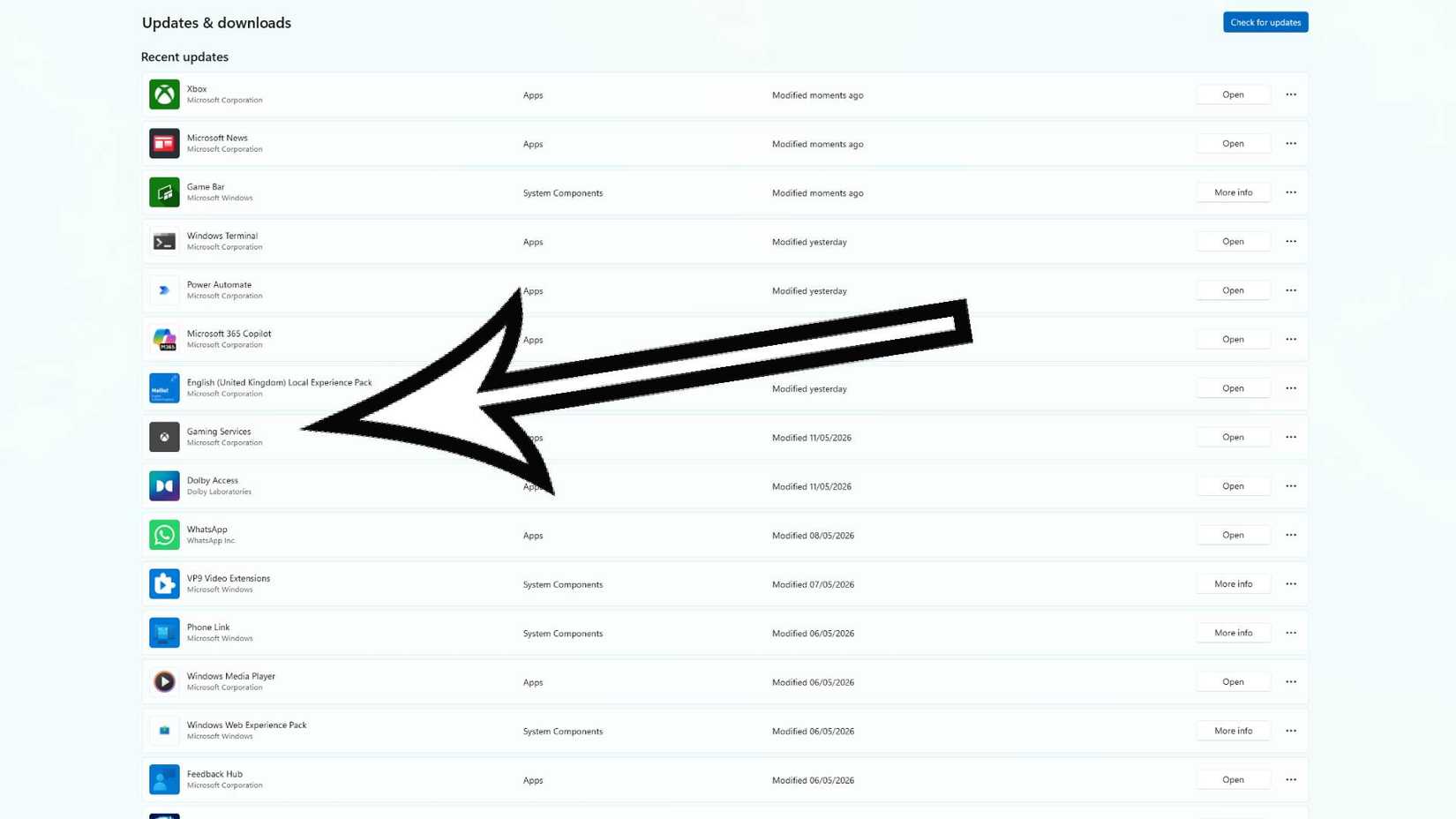
To fix the error, you simply need to verify that your “Gaming Services” application is running the latest version. Follow these steps:
- Open the Microsoft Store via your taskbar search.
- Select the Library or Downloads icon in the bottom-left corner.
- Click the “Get updates” or “Check for updates” button in the top-right corner.
- Locate “Gaming Services” in the list and select “Update” if the option is available.
If you do not see an “Update” button, you are already using the current version. If Gaming Services is missing from your library entirely, you can download it directly from the Microsoft Store.
Note: To ensure Forza Horizon 6 functions correctly, your Gaming Services version must be 36.113.2002 or higher.
With your software updated, the error should be resolved, allowing you to jump back into Forza Horizon 6 without further trouble. If you continue to experience technical difficulties, we recommend checking the official Forza Support portal for additional guidance.
Source: Polygon
Related articles
 GTA Developer Recreates Original Driving Model for Series’ 30th Anniversary
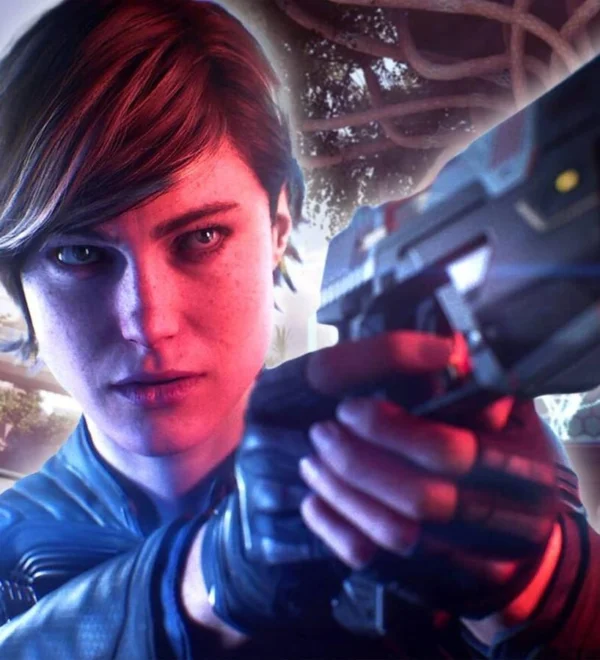 Gameplay footage of Xbox’s Perfect Dark surfaces online
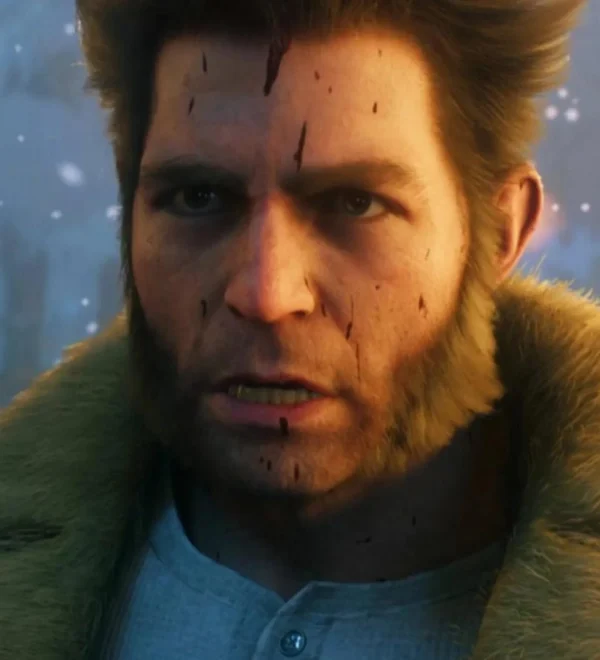 Insomniac Altered Marvel’s Wolverine Mechanic After Player Criticism
 Mafia III Receives Surprise 60 FPS Update for PS5 and Xbox Series X/S, Free for Current Owners
 Forza Horizon 6 On PS5 Delayed To 2027, Will Launch Alongside Game’s First Premium Expansion
 13 Years Later, One of Telltale’s Greatest Games Is Officially Making a Comeback
 Xbox Chief Promises to Restore Console Owners’ Trust and Alter Game Pass
 Paramount Is Making A Live-Action Cyberpunk 2077 Movie With The Producer Of Transformers One