
Why Satisfactory earned Steam Deck Verified status
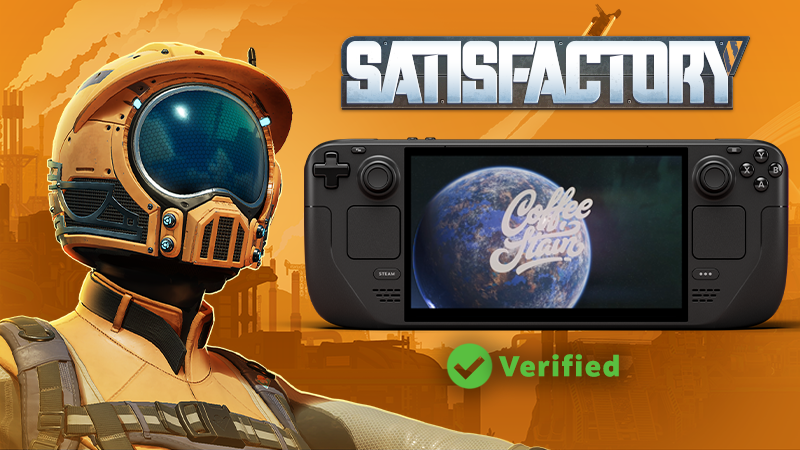
Coffee Stain Studios announced in February 2026 that Satisfactory had received Steam Deck Verified status. The result followed handheld-focused work that began alongside Update 1.1 and covered interface scaling, graphics defaults and controller behaviour.
What changed for handheld play
The developer highlighted better out-of-the-box UI scaling and graphical presets, plus improvements to controller compatibility. Those areas matter on Steam Deck because text must be readable, default settings must work appropriately and the game’s main functions need to be accessible without requiring a keyboard and mouse.
Coffee Stain credited Fishlabs, which had collaborated on platform work since the console release, and Valve for feedback during the verification process. The announcement did not claim that every large factory would maintain one fixed frame rate or that community mods had been certified.
What the Verified badge means
Valve’s programme checks input, display, seamlessness and system support. Verified is the highest compatibility category, but it remains a compatibility assessment rather than a performance benchmark for every save. Very large factories, alternative power limits and later game updates can produce results that differ from the default test conditions.
Checking the current status
The live Steam store and the Deck compatibility panel are the authoritative places to confirm the current badge and any developer notes. Players should keep Satisfactory and SteamOS updated before troubleshooting controls or rendering. Problems caused by unsupported mods need to be isolated on an unmodified profile before they are treated as Deck compatibility defects.
Coffee Stain announced the Verified result through Satisfactory’s official Steam News feed; the linked Steam store carries the current compatibility status.
Sources
- Steam News: official verification announcement
- Steam Community: official Satisfactory announcements
- Valve: Deck compatibility criteria
- Coffee Stain Studios: developer video
- PCGamesN: independent verification report
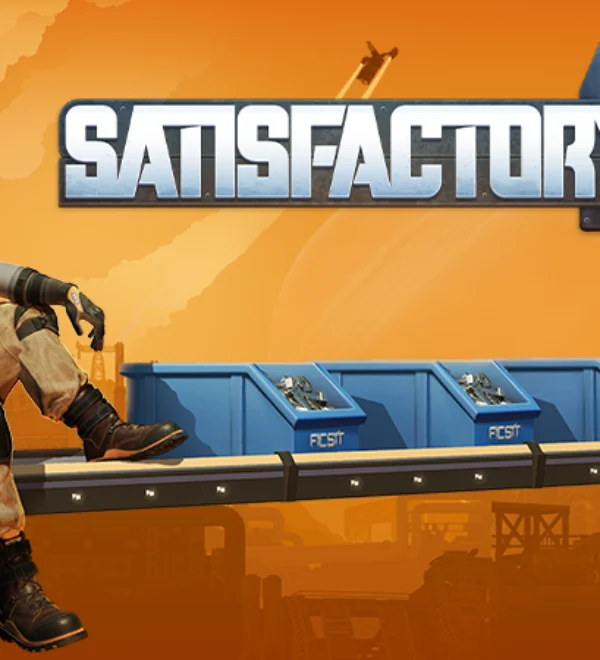
Featured image credit: Coffee Stain Studios via the official Steam Community asset.
 Update 1.2 Fixes v1.2.4.1
 Another Satisfactory Announcement
 Satisfactory 1.0 – 2nd Anniversary!
 Update 1.2 Fixes v1.2.4.0
 Update 1.2.3.1 Fixes
 Update 1.2.3.0 Fixes
 Satisfactory 1.2 Update is Available Now!