Behind the Scenes of the Multi-Function Display
To our incredible #BestCommunityEver, today we are pulling back the curtain on a project currently in the works for both Euro Truck Simulator 2 and American Truck Simulator: the Multi-Function Display (MFD).
As our simulations have expanded over the years, so too has the depth of our gameplay. With a growing array of driver assists, intricate vehicle systems, and advanced controls, managing your truck on the road has become increasingly complex. We want to ensure that navigating these settings feels like a seamless part of the journey rather than a chore.
With the MFD, our goal is to consolidate these controls into one intuitive, centralized hub, eliminating the need to memorize dozens of individual keybindings or interrupt your drive to access essential menus.
Introducing the Multi-Function Display
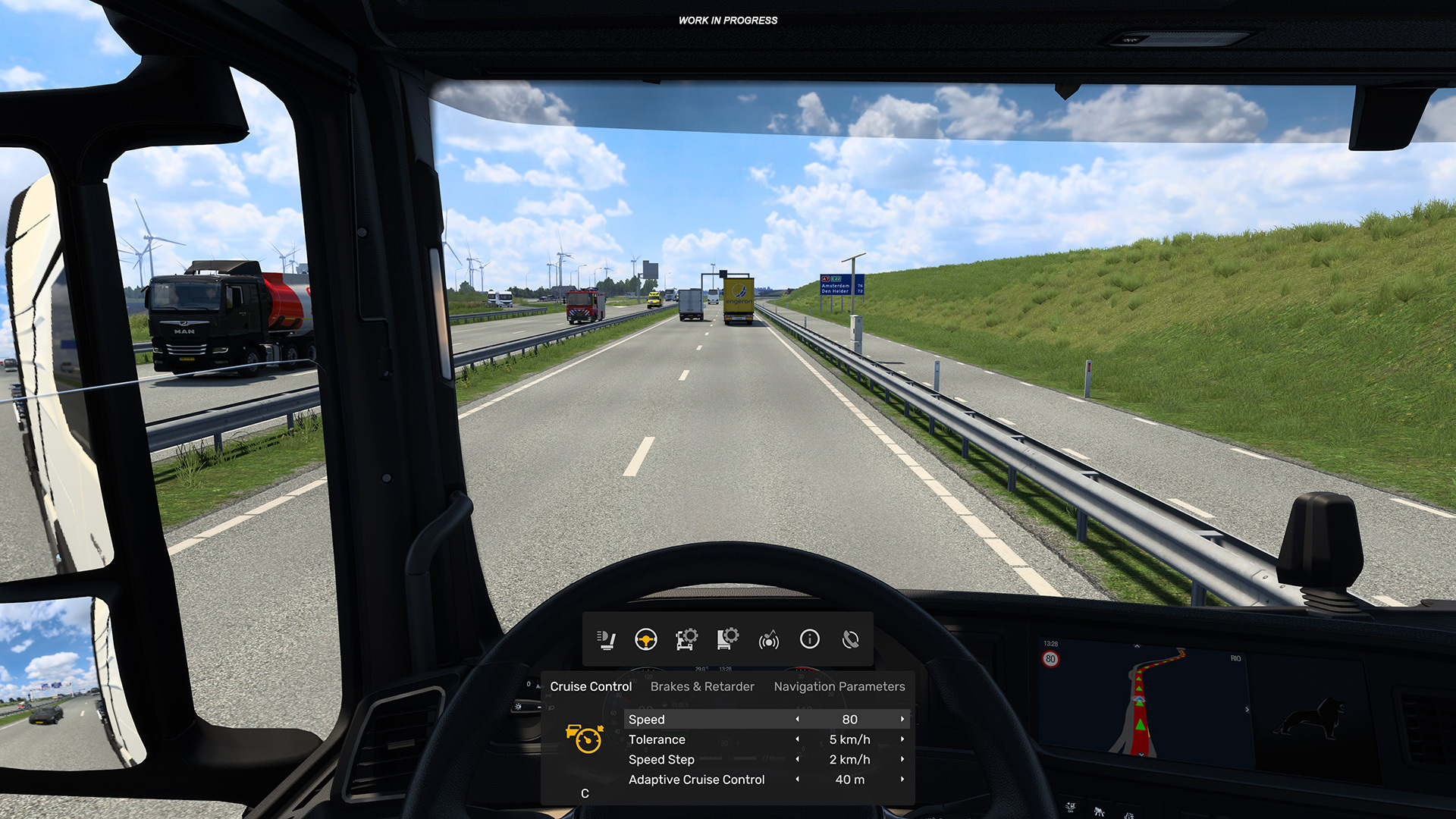
The MFD acts as an in-game digital dashboard available in both interior and exterior camera views. From here, you can effortlessly cycle through categories such as lighting, driver assists, media playback, vehicle diagnostics, and trip statistics.
Crucially, the MFD is designed to keep you on the road. In most scenarios, opening the display will not pause the action, ensuring your vehicle remains fully under your control while you interact with the menu. We’ve prioritized readability and ergonomic design, drawing inspiration from contemporary automotive technology to ensure the interface feels both authentic and distraction-free.
Designed for Accessibility and Ease of Use
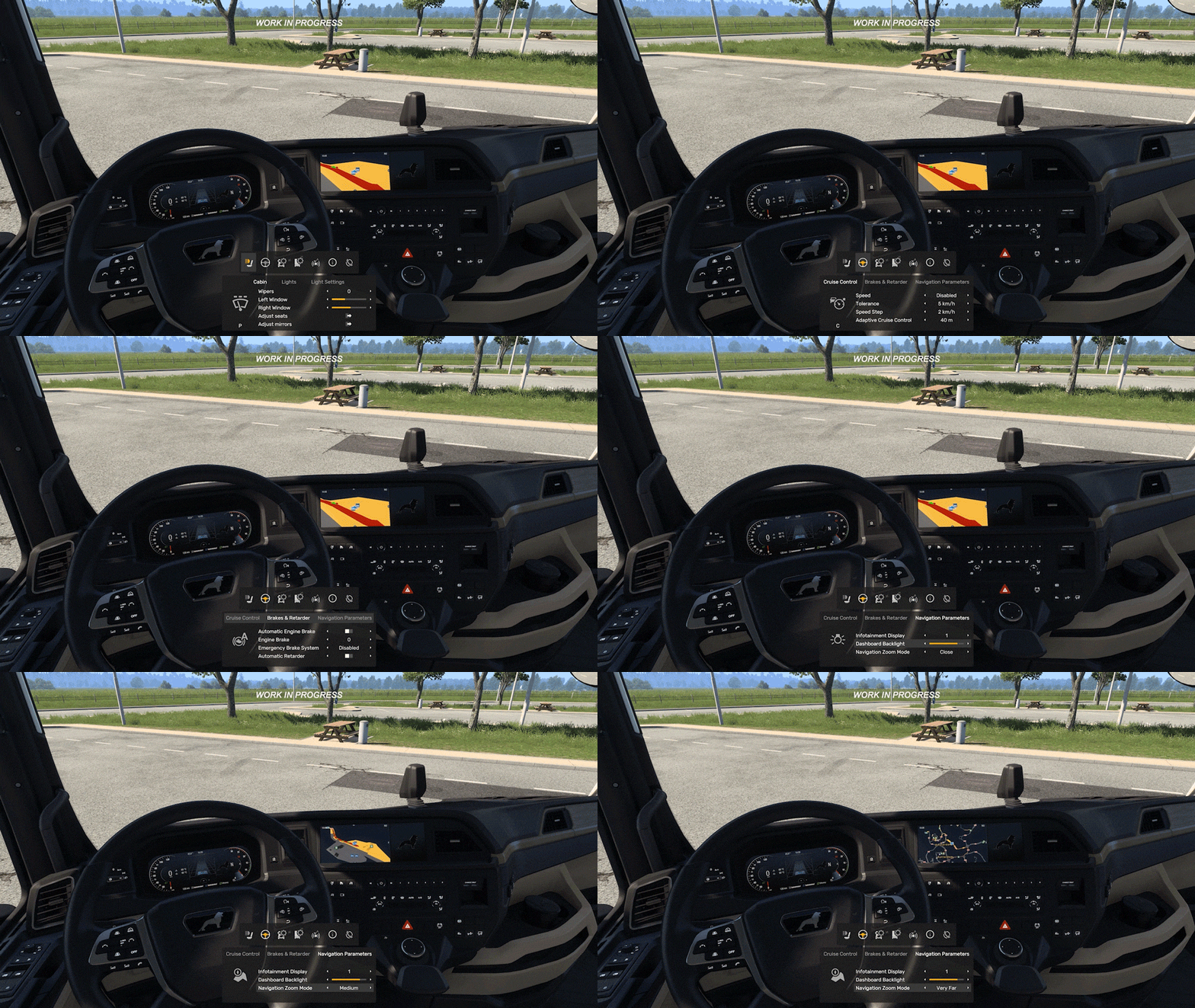
A key pillar of this update is “discoverability.” Over time, ETS2 and ATS have accumulated so many features that some options remain underutilized simply because they are buried in menus. The MFD brings these tools to the forefront, grouping related functions together and clearly displaying their corresponding keybindings, making the games more approachable for veterans and newcomers alike.
We understand that many players rely on muscle memory and specific hardware setups. The MFD is intended as a supplementary layer of convenience, not a replacement for your preferred playstyle. Whether you use a keyboard, mouse, gaming controller, or a high-end steering wheel, the system features fully customizable navigation to suit your rig.
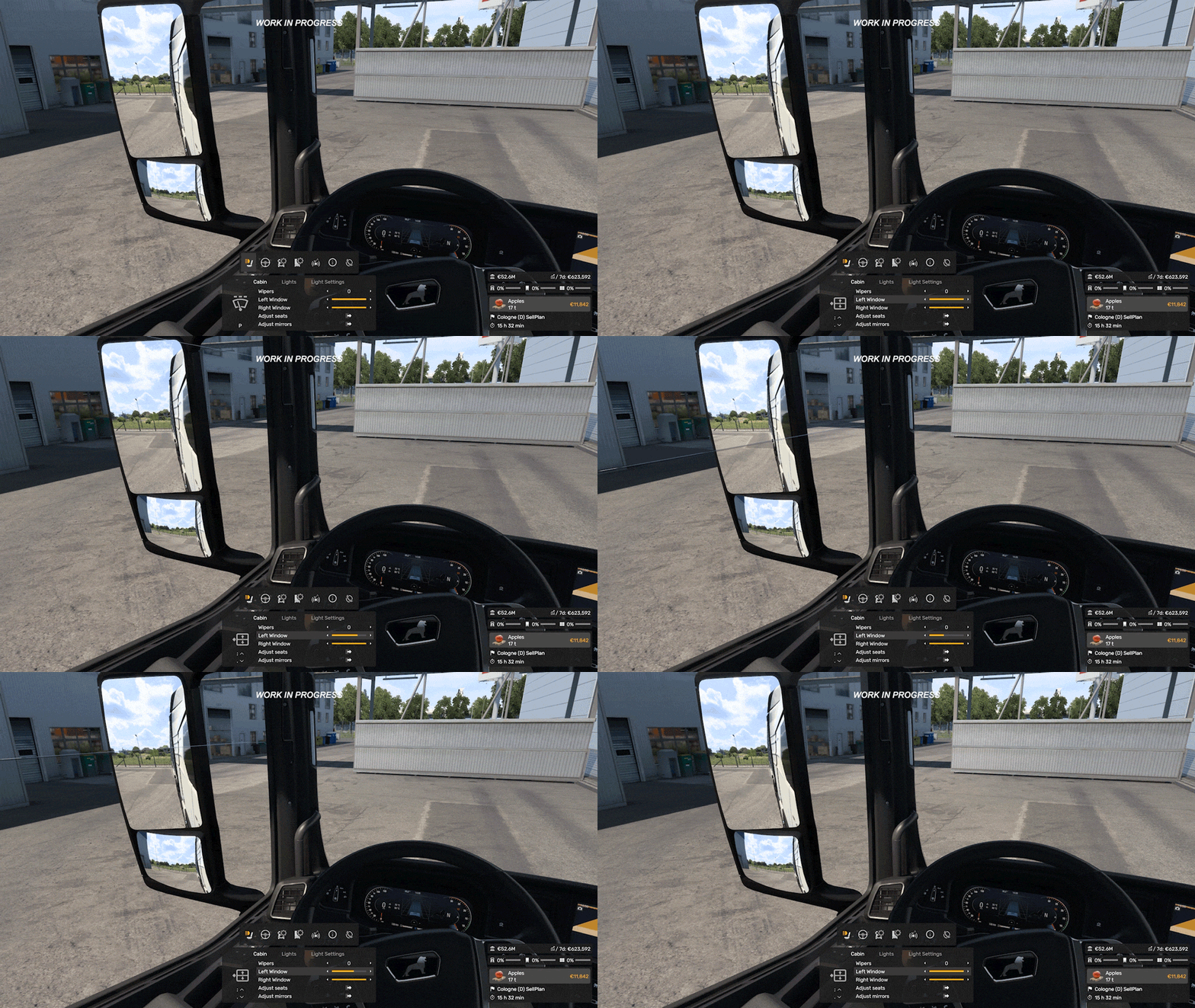
Building on Your Feedback
The MFD represents the latest step in our commitment to refining the driving interface. Your community feedback has been vital in shaping recent improvements, such as the additions to the Route Advisor: the Damage Widget, the Finances Widget, and the Job Info Widget. We are also currently reworking the Quick Info menu to ensure it stays unobtrusive while providing instant access to essential tools like Photo Mode and Service menus, which will eventually be integrated into the MFD as well.
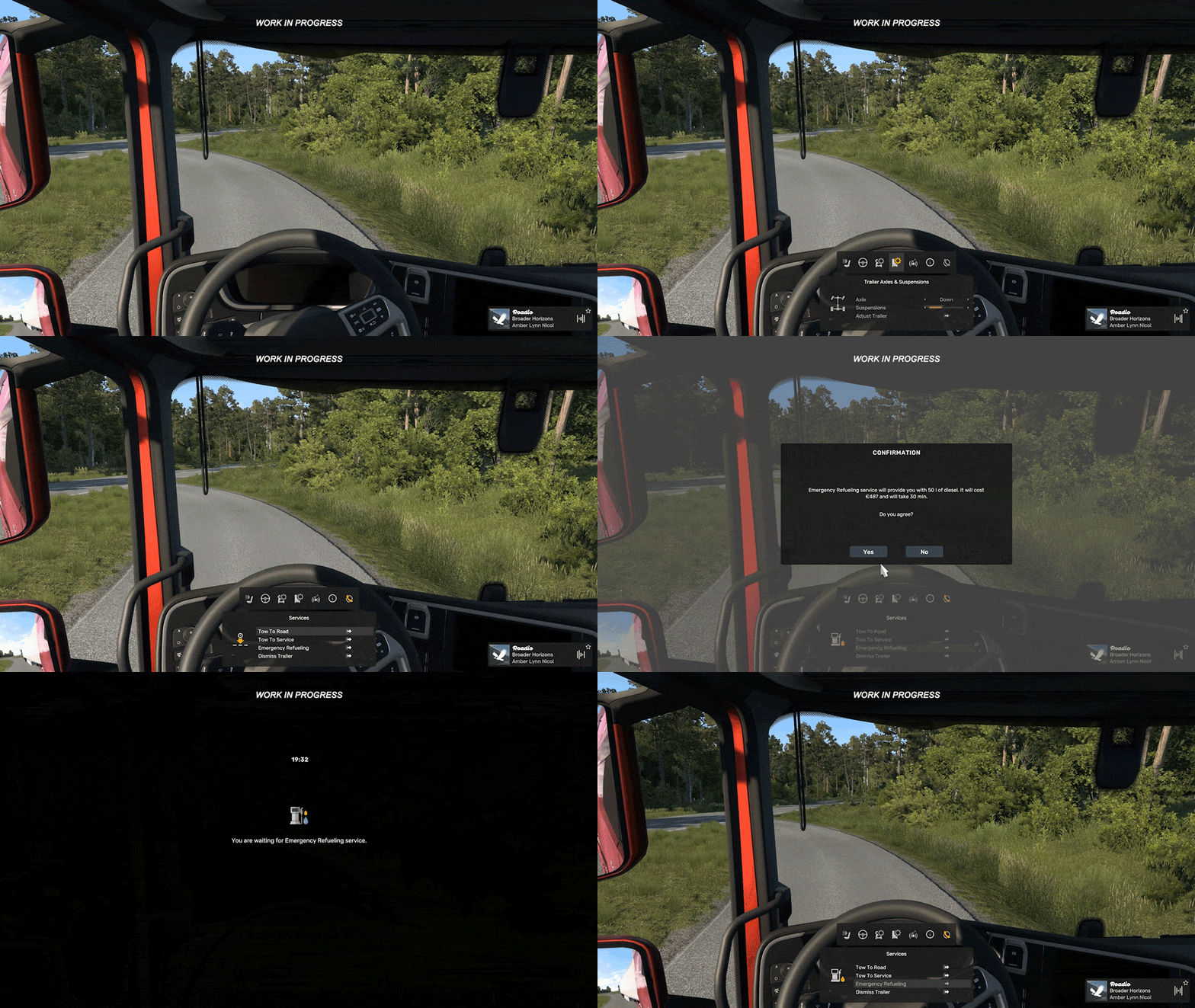
Still a Work in Progress
Because the MFD is currently in active development, these visuals represent a work in progress. We are sharing this early preview to demonstrate our core vision, and we expect many fine details to evolve based on internal testing and your eventual feedback.
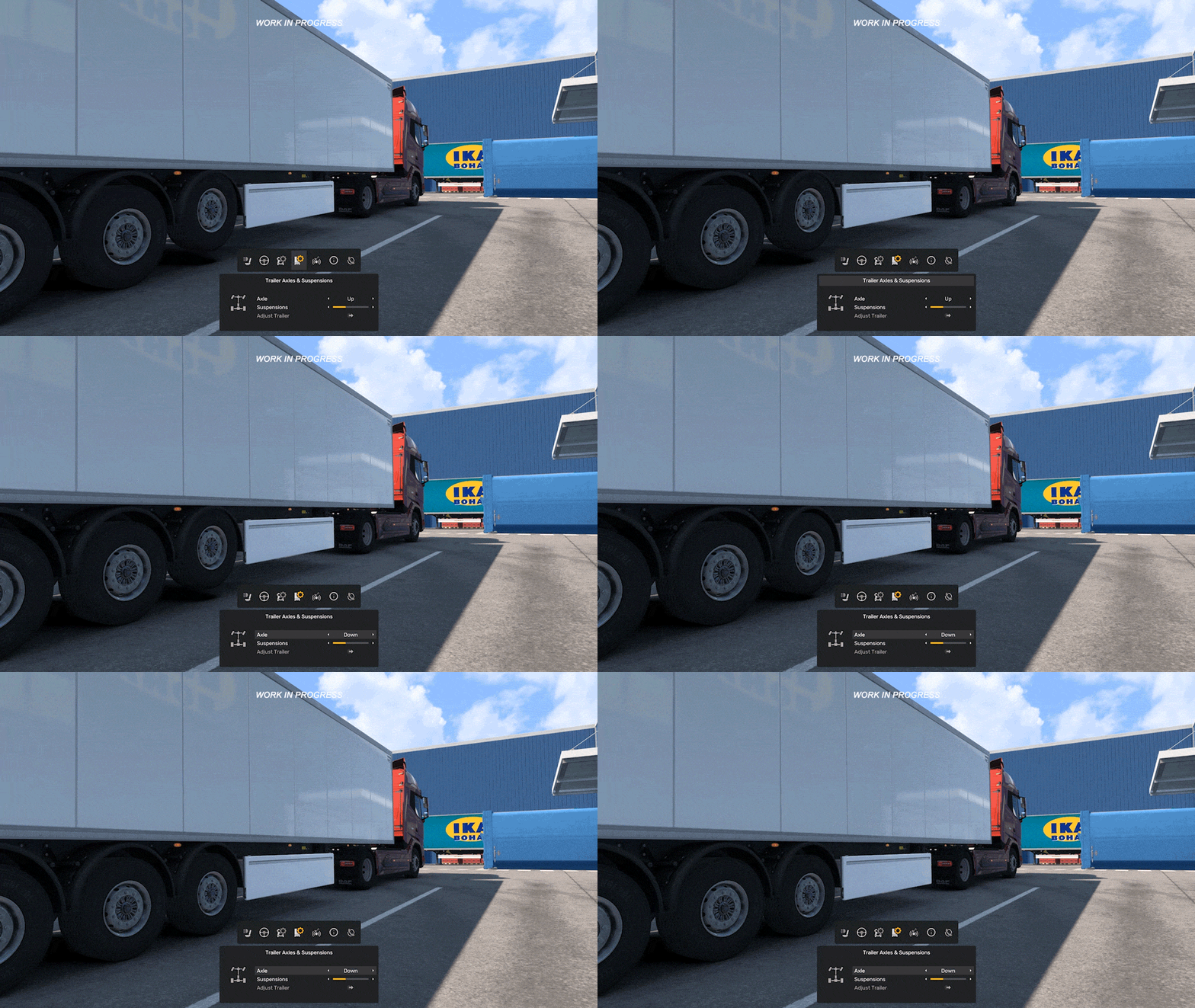
We are incredibly excited about the potential this system holds for the future of our vehicle interfaces. We look forward to hearing your thoughts as we progress—until then, happy trucking!
 American Truck Simulator: Update 1.61 Released
 Freight Market & Quick Jobs Road Trip
 World of Trucks: Events Resume
 World of Trucks: Resuming Events
 Community Stories: Trucker Cassie
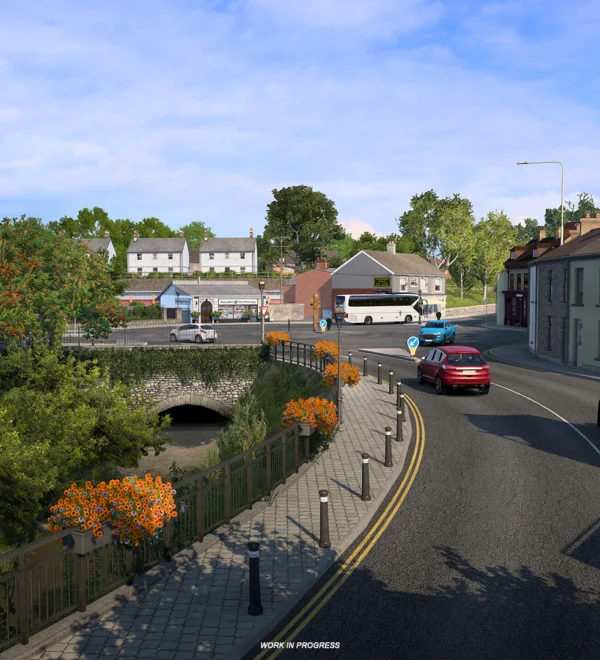 Cavan: Ireland’s Lake District
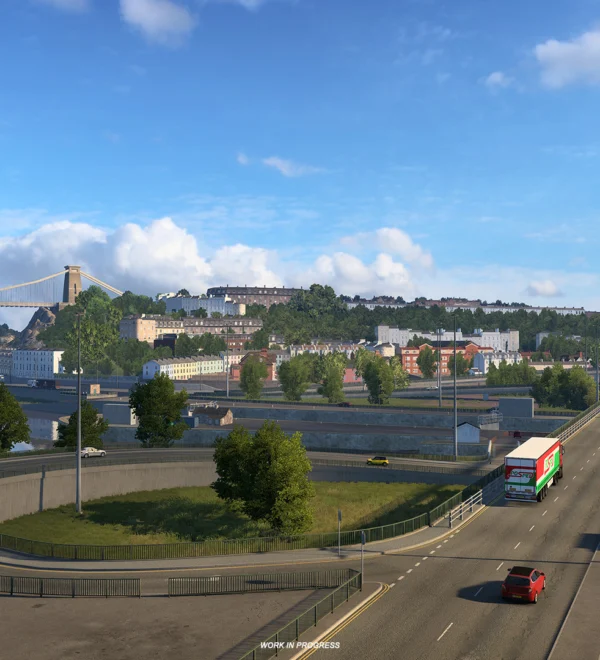 UK Rework: Historic Bristol
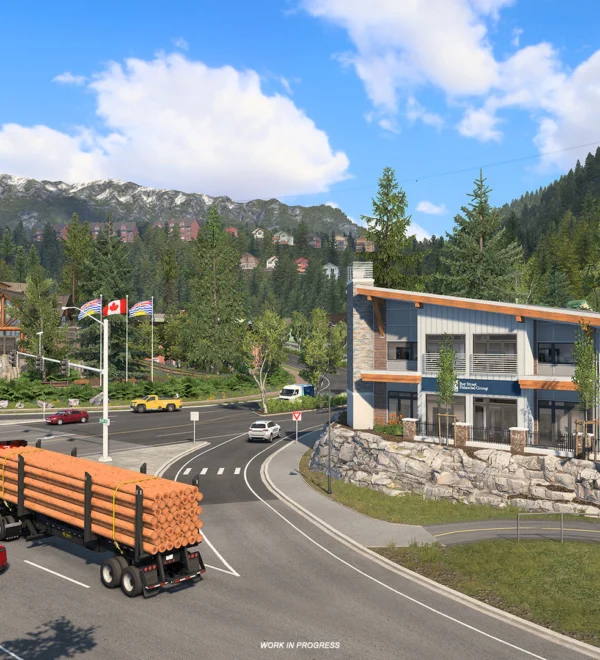 Whistler, British Columbia