
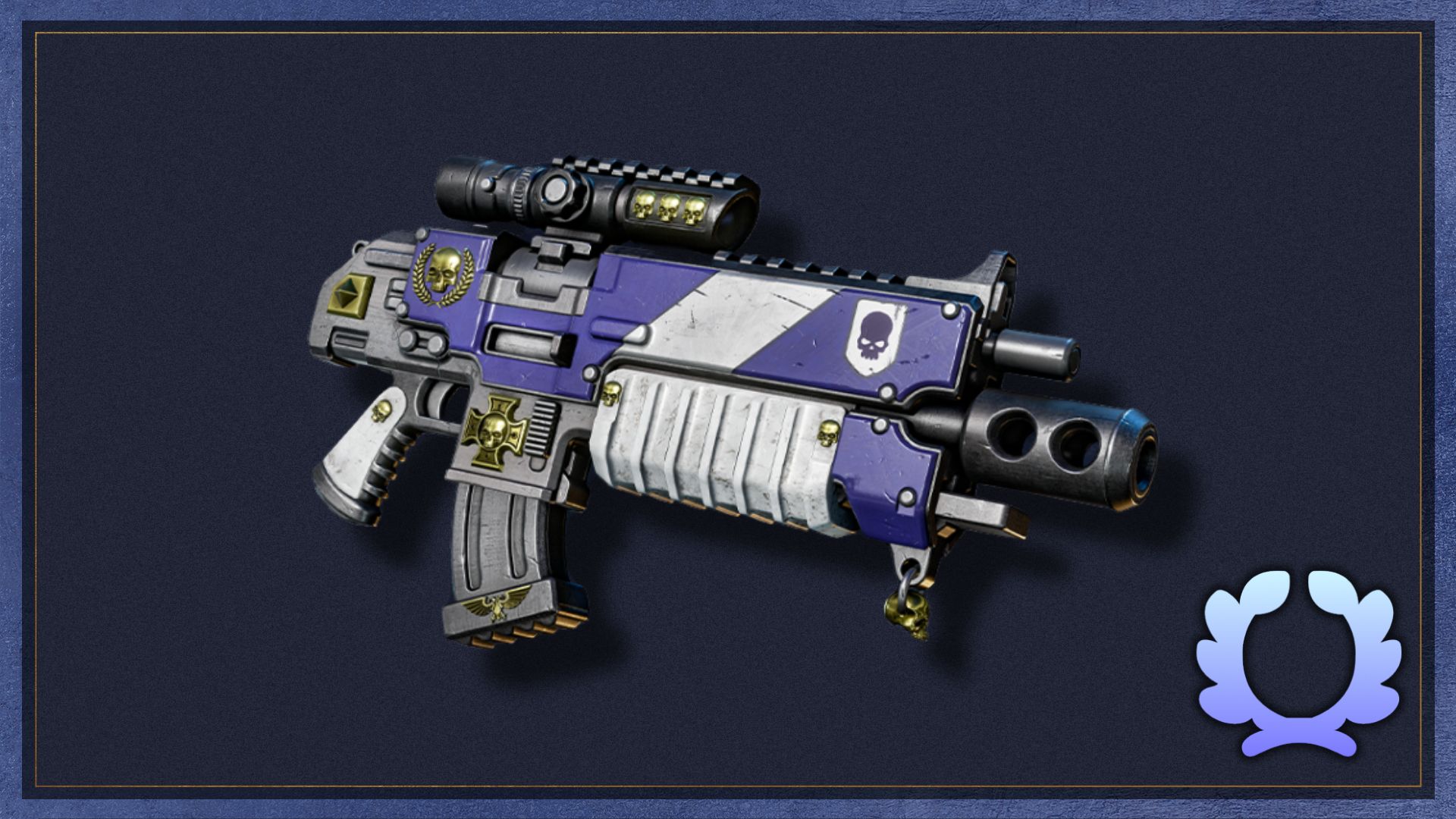
Discord Quest — Redeem Your Code in Just a Few Easy Steps
Hello everyone! 🫡
Quick, easy steps to join the Discord Quest and redeem your reward as soon as you finish.
1. Join the Discord Quest
-
Accept the quest on Discord by following this link: Accept the Quest on Discord. 🔗
-
Play Warhammer 40,000 on Steam for at least 15 minutes.
-
When the quest completes you will receive an in-game Redeem Code as your reward.
2. Redeem your code
-
After you receive the Redeem Code, go to the game’s Steam news page to sign in (or create) your Steam account and redeem the code: Steam news & redemption page.
-
In your Steam account, choose the option to redeem a code and paste the Redeem Code you were given.
-
Once redemption is successful, open the full game and link your PROS account by scanning the QR code in-game. The reward will then appear in your account.
-
Validity window (UTC): October 16, 2025, 9:00:00 AM — October 23, 2025, 8:59:59 AM.
 Community Highlights: August
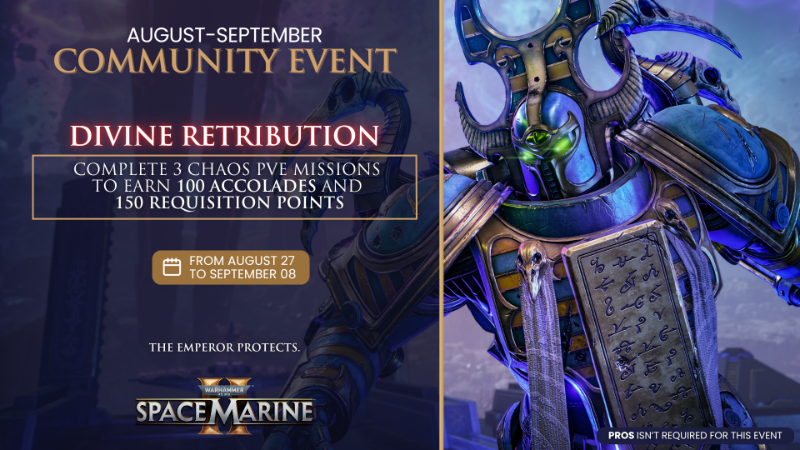 Divine Reckoning: Community Event
 Hotfix 14.1
 Space Marine 2 Steam Workshop: rules for modded play
 The Confrontation Update Is Out Now!
 Patch Notes 14.0
 June Community Update
 Patch Notes: Hotfix 13.2