DisPatch 1.0.17470 – 06/17/2026
Introducing Optional Censorship Preferences
We have implemented customizable visual censorship filters, which you can manage by navigating to Game Menu > General Settings > Filters.
The uncensored experience remains the default setting on Steam (excluding Japan).
Coverage Options: Partial or Full
-
Partial: Masks genitals and mutes explicit audio, while leaving breasts, buttocks, and middle-finger gestures visible.
-
Full (formerly labeled as “On”): Provides comprehensive censorship for all explicit visual and auditory content.
Visual Styles: Mosaic, Chaotic, and Blackout
-
Mosaic: Applies a subtle, pixelated blur.
-
Chaotic: Conceals content using randomized items, such as denim shorts.
-
Blackout: Retains the classic, opaque censor bar for absolute coverage.
-
Coverage and Style settings are entirely independent, allowing you to tailor your experience by mixing and matching preferences.
Regional Defaults:
-
Standard Steam Default (Global): Unrestricted content; no manual adjustment is required.
-
Japan Steam Default: Configured to Full Coverage with the Blackout style applied.
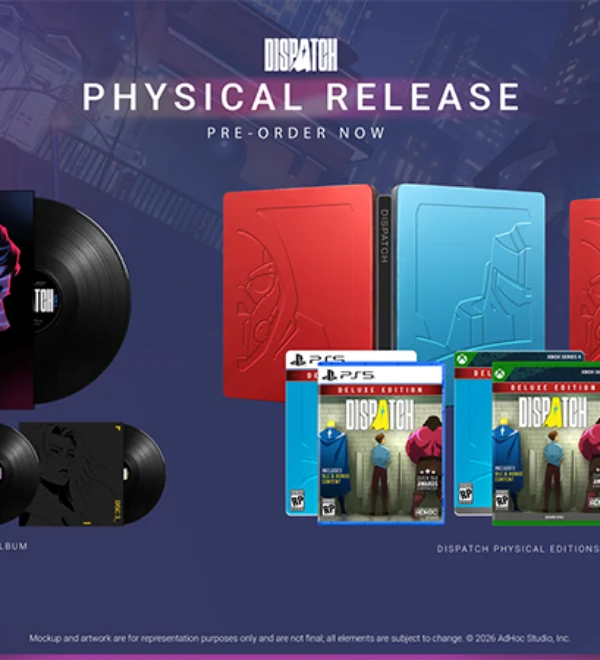 Get Your Hands on Dispatch
 Slay the Spire 2 & Dispatch Bundle
 Official Cosplay Guides
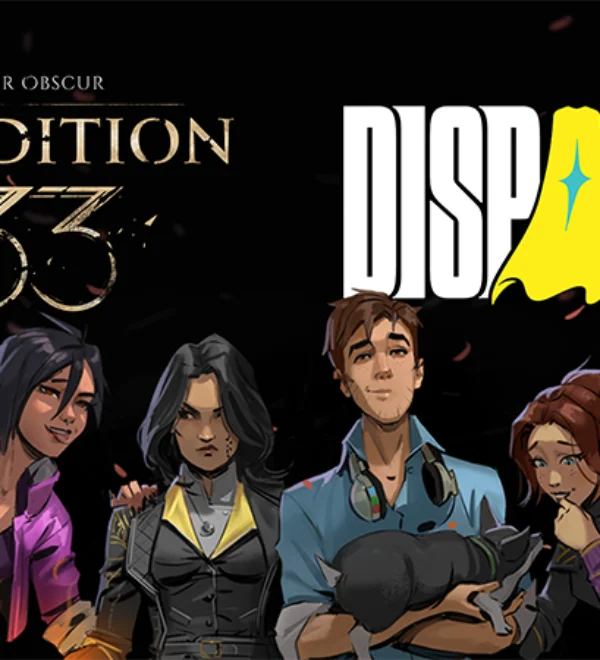 Expedition 33: Dispatch x Clair Obscur Bundle
 Dispatch Triumphs at the BAFTA Games Awards!
 Save 10% on Dispatch Deluxe Edition Until February 17