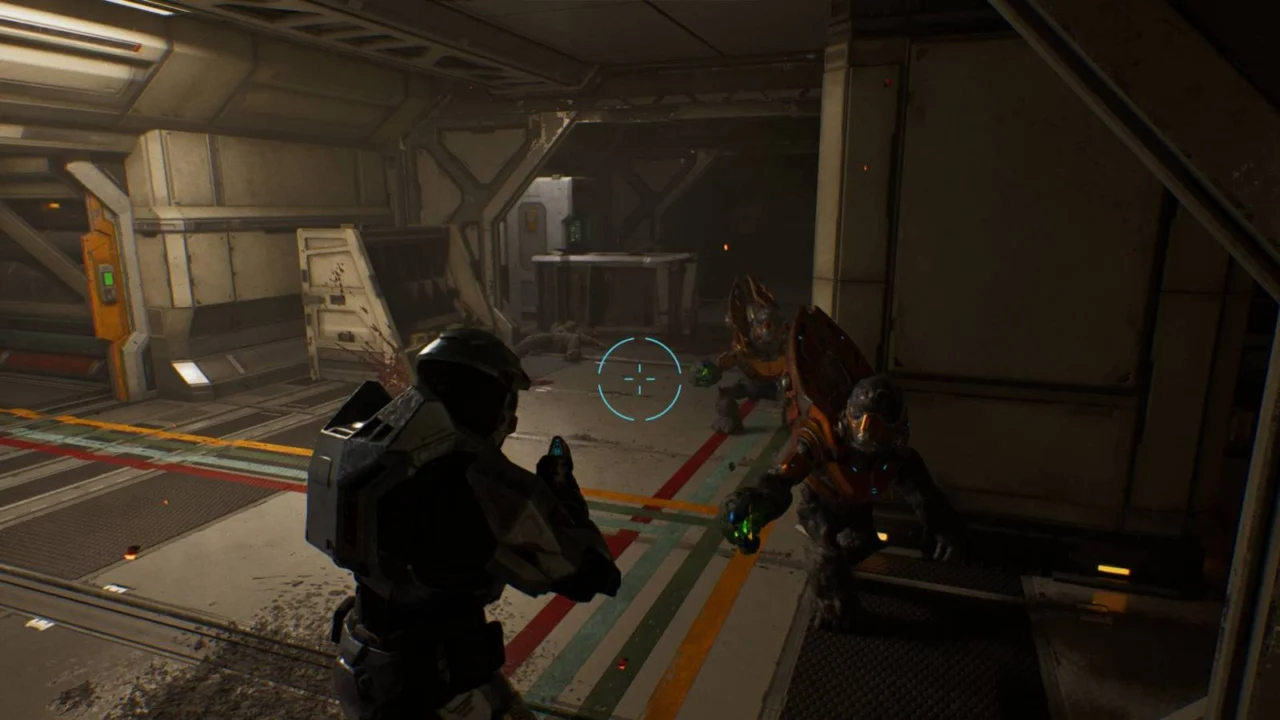
How to Enable Third-Person Camera in Halo Campaign Evolved
The inclusion of a third-person perspective in Halo: Campaign Evolved sparked considerable discourse and excitement prior to the title’s release. While the original Halo: Combat Evolved remained strictly first-person—and omitted modern mechanics like sprinting or aiming down sights with automatic firearms—this ambitious remake introduces these features to the classic experience.
Yet, searching the standard options menu yields no toggle to switch camera angles. For players eager to experience the adventure from a new vantage point, here is a comprehensive walkthrough on unlocking and activating third-person mode in Halo: Campaign Evolved.
How to play Halo Campaign Evolved in third-person mode
To activate the third-person perspective in Halo: Campaign Evolved, you must acquire the elusive Perspective skull. This reimagining incorporates 42 collectible skulls—three per mission—alongside three additional modifiers unlocked automatically upon discovering your first pair. Unsurprisingly, tracking them down demands meticulous exploration.
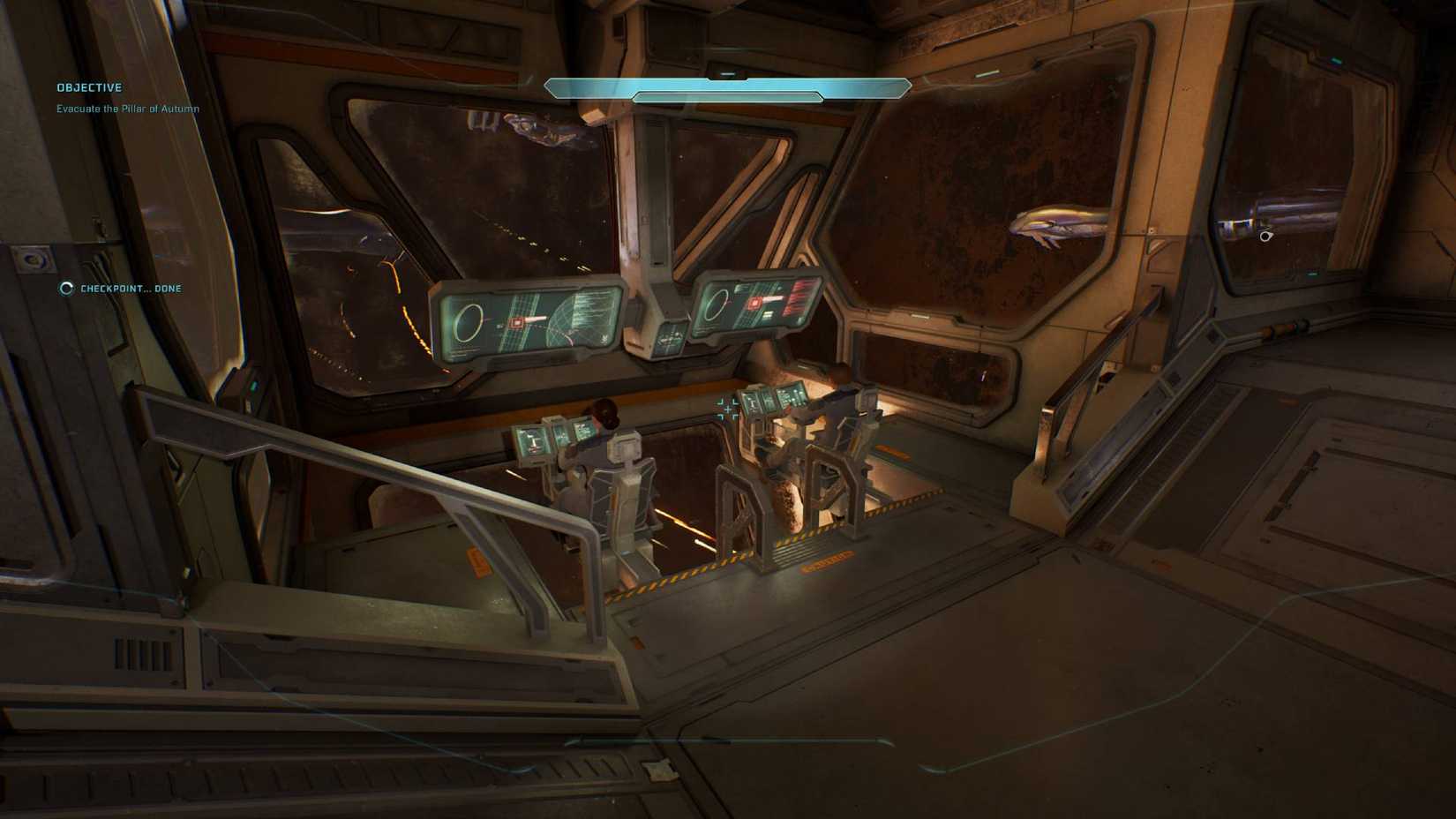 Image: Halo Studios/Xbox Game Studios via Polygon
Fortunately, the Perspective skull is available right away on the opening mission, “Pillar of Autumn.” Progress through the initial stages of the level until you reach Captain Keyes on the bridge. Once the cinematic concludes and control returns to Master Chief, pivot backward and re-enter the command deck.
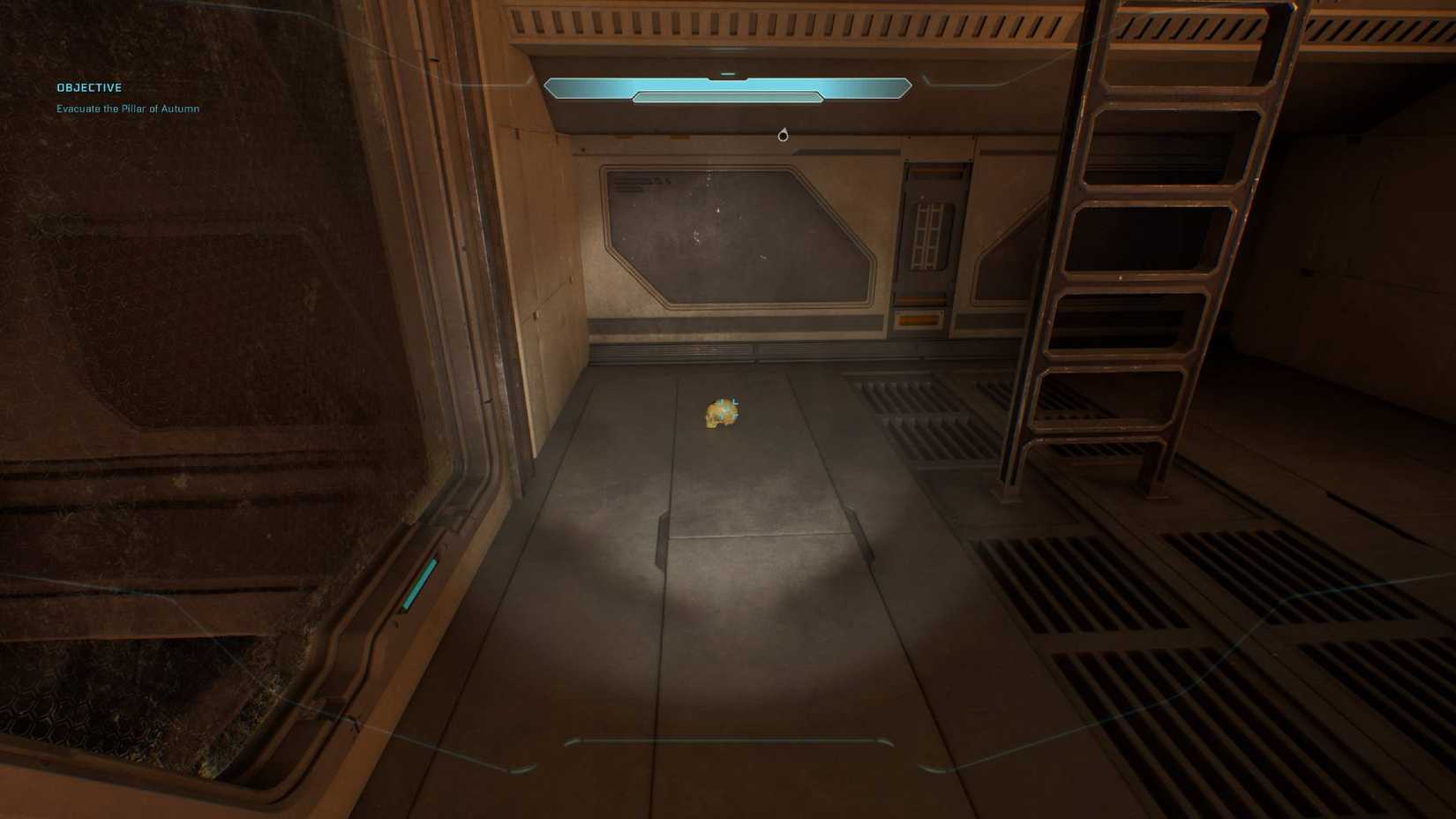 Image: Halo Studios/Xbox Game Studios via Polygon
Look past Captain Keyes to spot a pair of marines stationed at the ship’s helm. Positioned directly beneath them is a recessed trench featuring a ladder. Drop down into this alcove to secure the Perspective skull.
With the collectible safely in your possession, you are free to save and exit the mission. Simply enable the modifier from the lobby menu, and you can experience the entirety of Halo: Campaign Evolved from a dynamic third-person perspective.
Source: Polygon
Related articles
 First Details on Diablo V Emerge With Reports of New Classes and Mechanics
 Paradox Releases New DLC and Makes Surviving Mars: Relaunched Temporarily Free
 Caribbean Legend: Age of Pirates Update 1.2 Adds Story DLC and Improvements
 Zenless Zone Zero 3.3 Introduces Phoenix and Severian in First Look
 New Open-World StarCraft Shooter Announced Along with First Trailer
 First Diablo V Teaser Suggests Diablo Won and Prepares Players for a New Era
 Heroes of the Storm to Add Playable Xal’atath Content
 Blizzard Releases First New Warcraft III: Reforged Campaign in 20 Years Alongside Update