
How to Download Your Old Console Games Before They’re Gone Forever
Following Sony’s announcement regarding the shuttering of the PlayStation Store for PS3 and Vita, many enthusiasts are understandably anxious about the longevity of their digital libraries. This unease has been compounded by Sony’s roadmap to cease production of physical media by 2028, signaling a definitive shift toward a digital-only future.
While the backlash to these closures is valid, there is a silver lining. As noted on the PlayStation Blog, Sony Interactive Entertainment’s Sid Shuman has confirmed that previously acquired content will remain accessible for download for the foreseeable future. This approach aligns with the long-standing policies maintained by industry peers like Nintendo and Microsoft.
Titles purchased on legacy systems—from the Wii to the Xbox 360—are currently sitting in the cloud, awaiting your re-download. However, the digital landscape is notoriously fluid; corporate strategies and technical support can change overnight. If you have a collection of classic digital titles, there is no better time than the present to secure them on your local drives. Be aware, however, that retrieving these files is rarely intuitive, and aging hardware can complicate the process.
3DS and DS
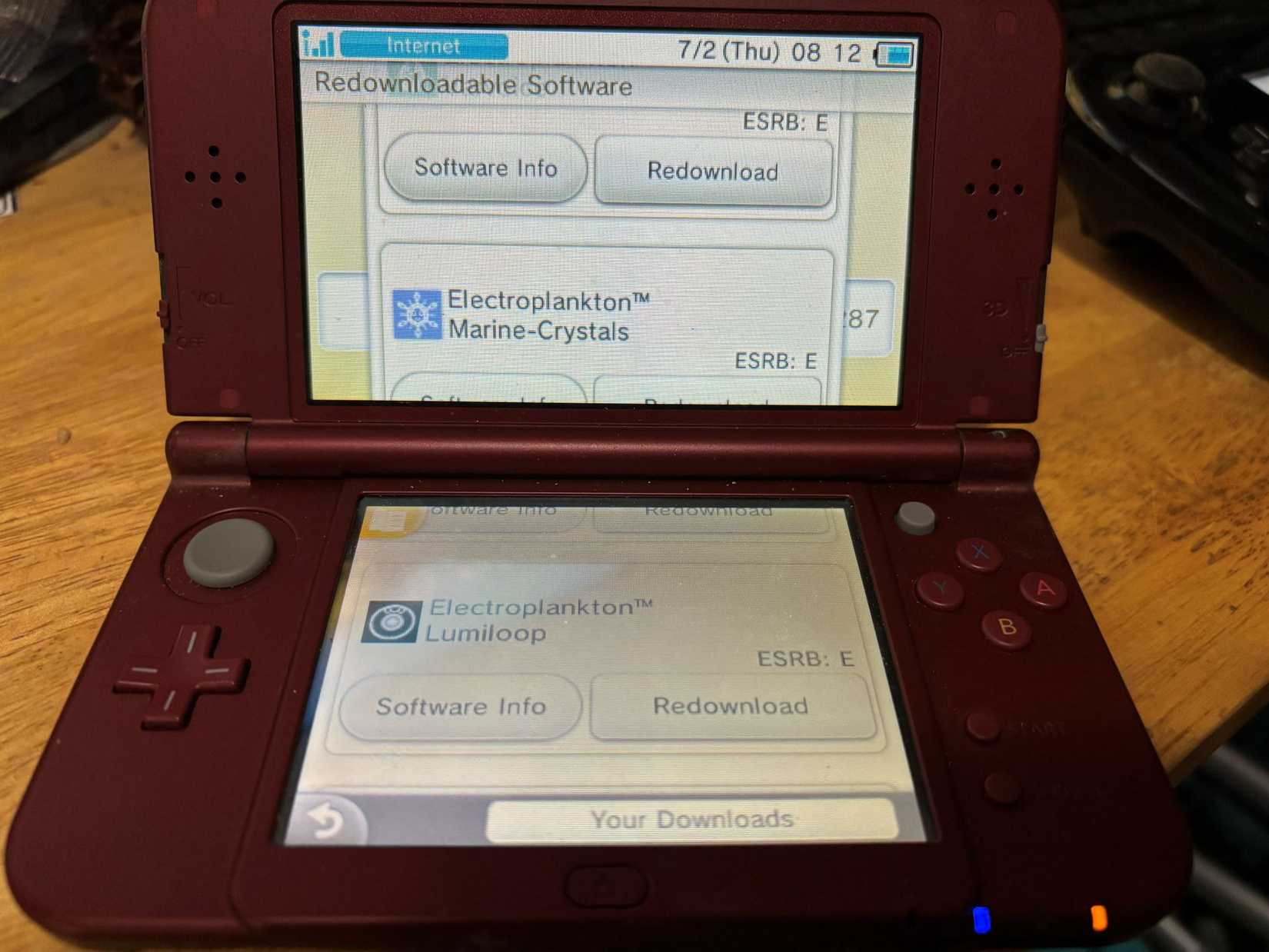
Even though the 3DS was officially retired in 2020, it remains a beloved handheld. While many of its games are available physically, a treasure trove of digital-only indie titles risks being lost to time. Fortunately, the eShop’s closure hasn’t severed access to your purchased history.
According to Nintendo’s official support documentation, you can still reclaim your games by following these steps:
- Open the Nintendo eShop via the orange shopping bag icon.
- Navigate to Settings / Other to open the menu.
- Scroll down to access the History section.
- Select Redownloadable Software to view and retrieve your titles.
The interface limits display to 20 titles per page, making this a time-consuming task for those with extensive libraries. While tedious, the system remains functional for the time being.
Wii U
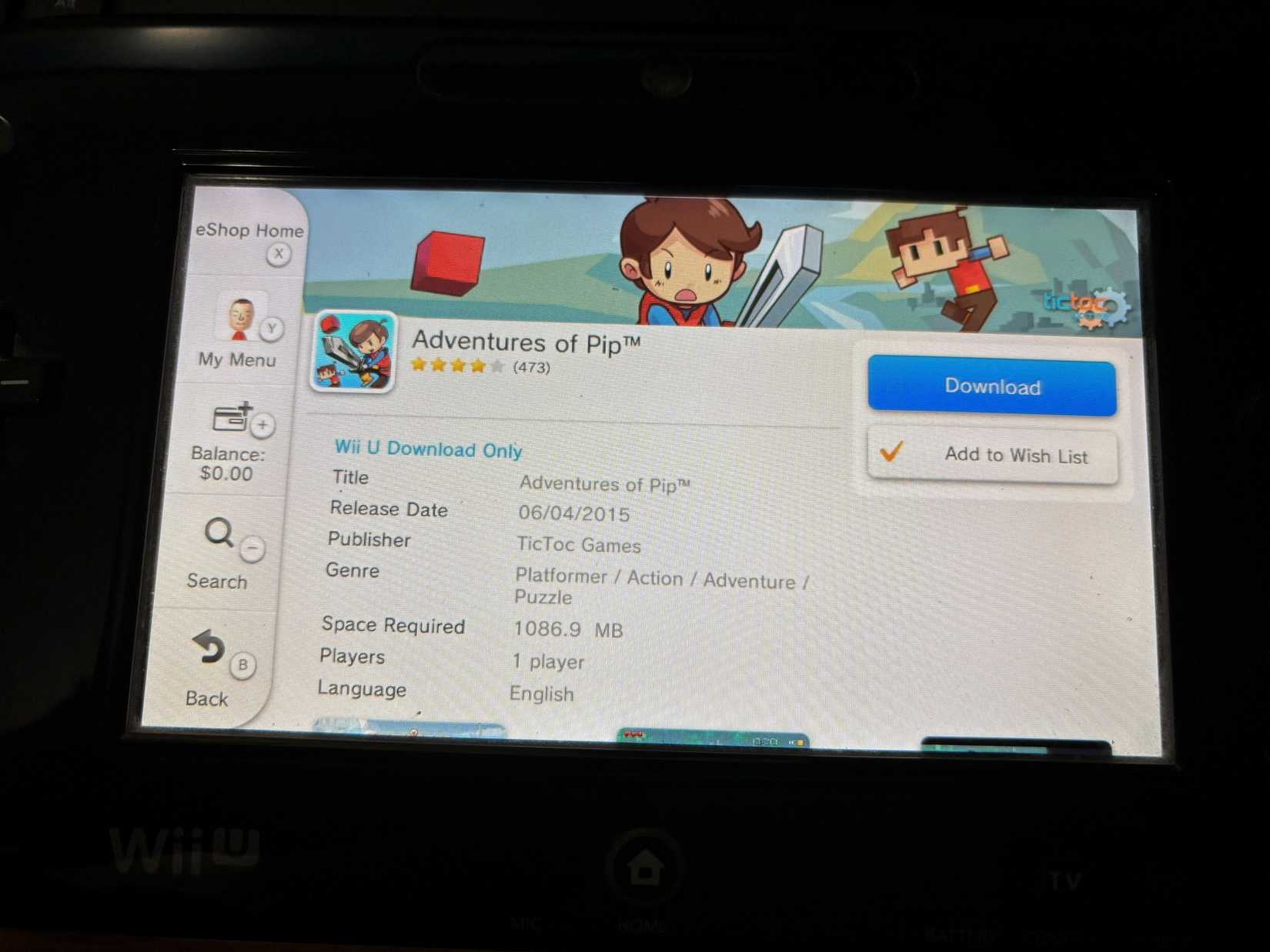
Retrieving your Wii U library follows a similar, albeit distinct, procedure:
- Select the Nintendo eShop from the home screen taskbar.
- Tap My Menu (or press Y).
- Select Your Downloads.
- Choose Downloaded Software to access your library.
Keep in mind that the Wii U hardware has a hard cap of 300 installed titles. If your collection exceeds this, you will need to manage multiple external hard drives. It is highly recommended to inventory your games across different drives before you begin the download process.
Wii
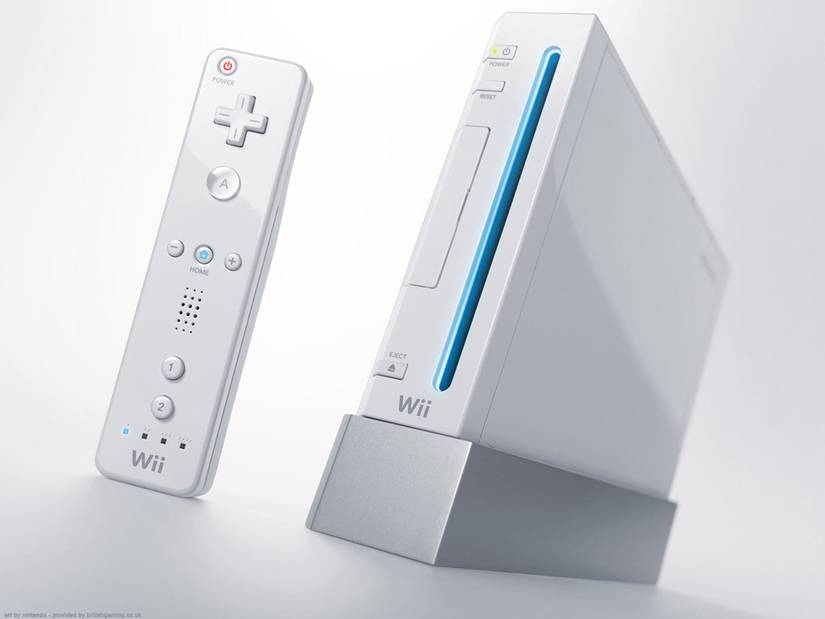
Original Wii content can still be accessed through the Wii U’s virtual Wii environment. To redownload these titles, you must:
- Enter the Wii Menu.
- Launch the Wii Shop Channel.
- Select Start Shopping.
- Navigate to the Titles You’ve Downloaded menu.
Connecting to the Wii Shop can be temperamental with modern routers. If you encounter network errors, you may need to adjust your router settings to support older security protocols, use a wired LAN adapter, or tether to a mobile hotspot.
Xbox 360
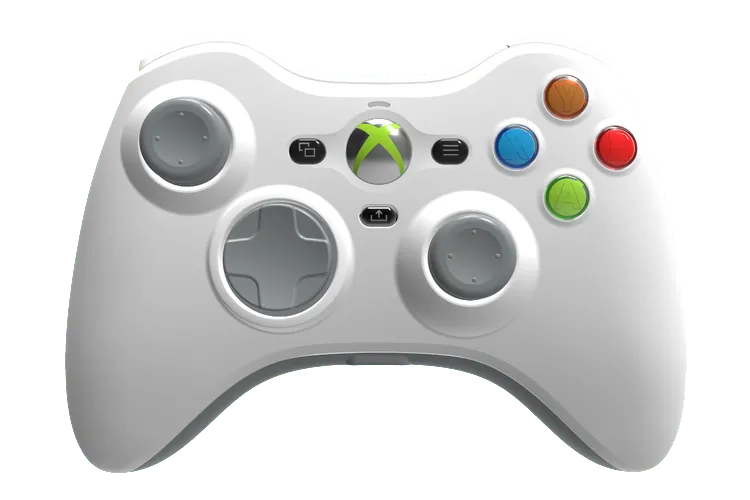
Most Xbox 360 titles remain playable on modern hardware via backward compatibility, but if you prefer the classic experience, simply sign in to your Microsoft account on the original console. Note that failing to sign in will often limit your full games to demo versions.
If you experience login issues due to modern network security, consider deleting and re-downloading your profile. Warning: Ensure you have your credentials handy, and be aware that modern passkeys may not be compatible with the legacy console interface.
Once logged in, simply go to Settings > Account > Download History to restore your purchases. Even titles previously delisted or purchased via the web browser should appear here.
Digital distribution has become the industry standard, and while this transition challenges the traditional notion of ownership, companies have—at least for now—maintained paths for users to reclaim their libraries. It remains a cumbersome reality, but it is better than the alternative of losing access entirely.
Source: Polygon
Related articles
 Blood of Dawnwalker 2 Might Not Feature a Timer, Director Explains Decision
 Games Workshop Unveils Warhammer Necromunda Cargo-8 Ridgehauler Conversions
 New Solo Leveling Game Shown at Tokyo Game Show 2026
 Zach Cregger’s Resident Evil Movie Sets Streaming Release Date
 Leaked Phil Spencer Emails Reveal Game Pass Challenges and Uncertainty Over Game Valuation
 Remedy Entertainment to Release Control Resonant Reviews Ahead of Schedule
 Apex Legends to Feature Street Fighter 6 Crossover and New Mode
 Gundam Rogue Orbit Could Be the Next Great Mech-Action Game