Free Up Space for GTA VI by Deleting Your PS5 Trophy Clips
With Grand Theft Auto VI approaching, PS5 storage space may be more valuable than ever. The game requires a hefty 209 GB, and purchasing it ahead of launch lets you preload it before release. That could be worthwhile given the potential demand on servers: GTA VI is reportedly the most pre-ordered game ever on both PlayStation and Xbox.
Deleting games you no longer play is the most obvious way to make room. Before making that decision, though, check your PS5’s automatically saved trophy videos. Those short clips can accumulate over time, and clearing them out may recover some useful space.
If you have already disabled trophy video capture, you may not have many clips to remove. To turn it off, go to Settings > Capture and Broadcasts > Captures > Trophies, then change Save Trophy Videos to None.
How to Delete PS5 Trophy Videos
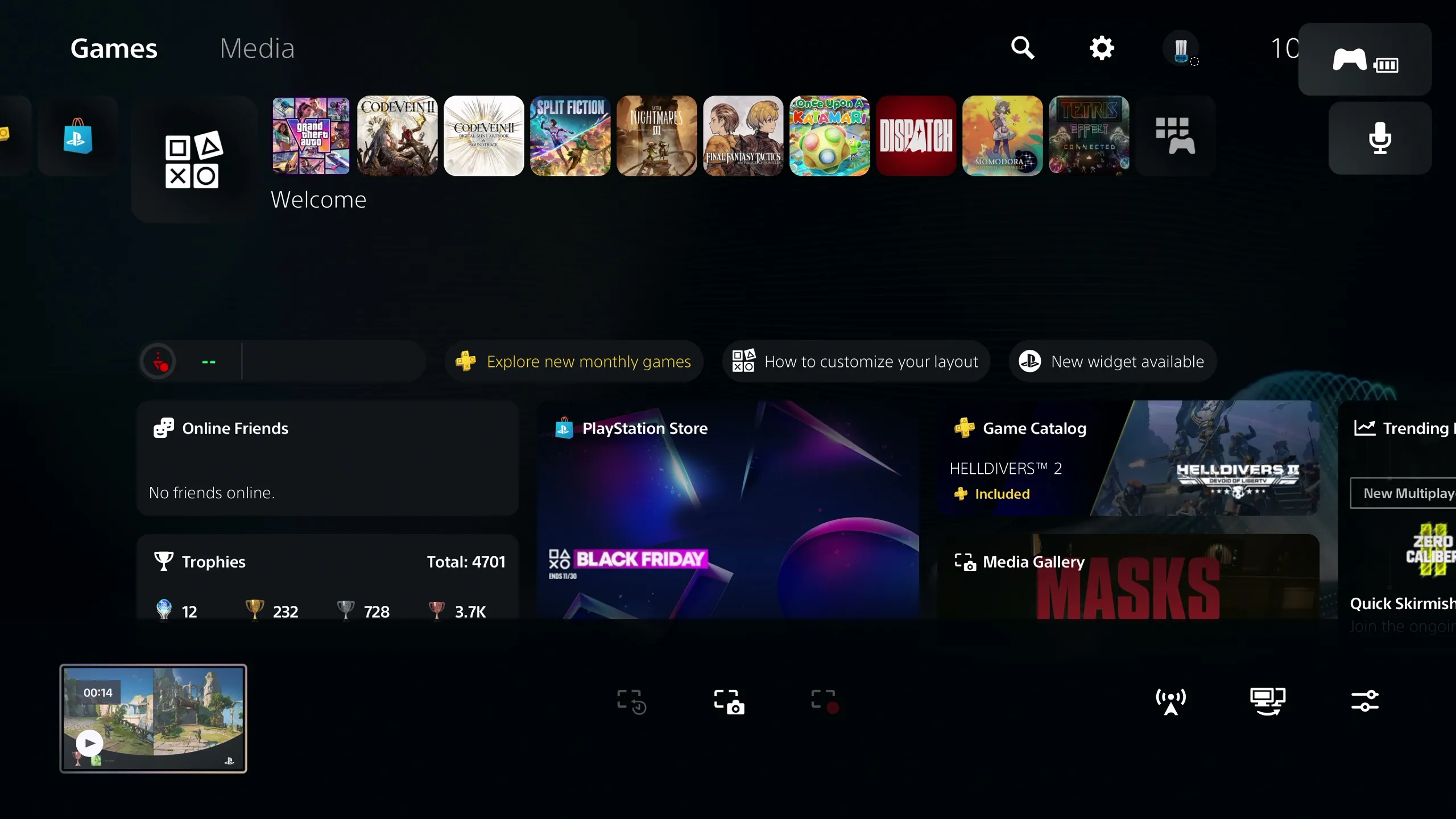
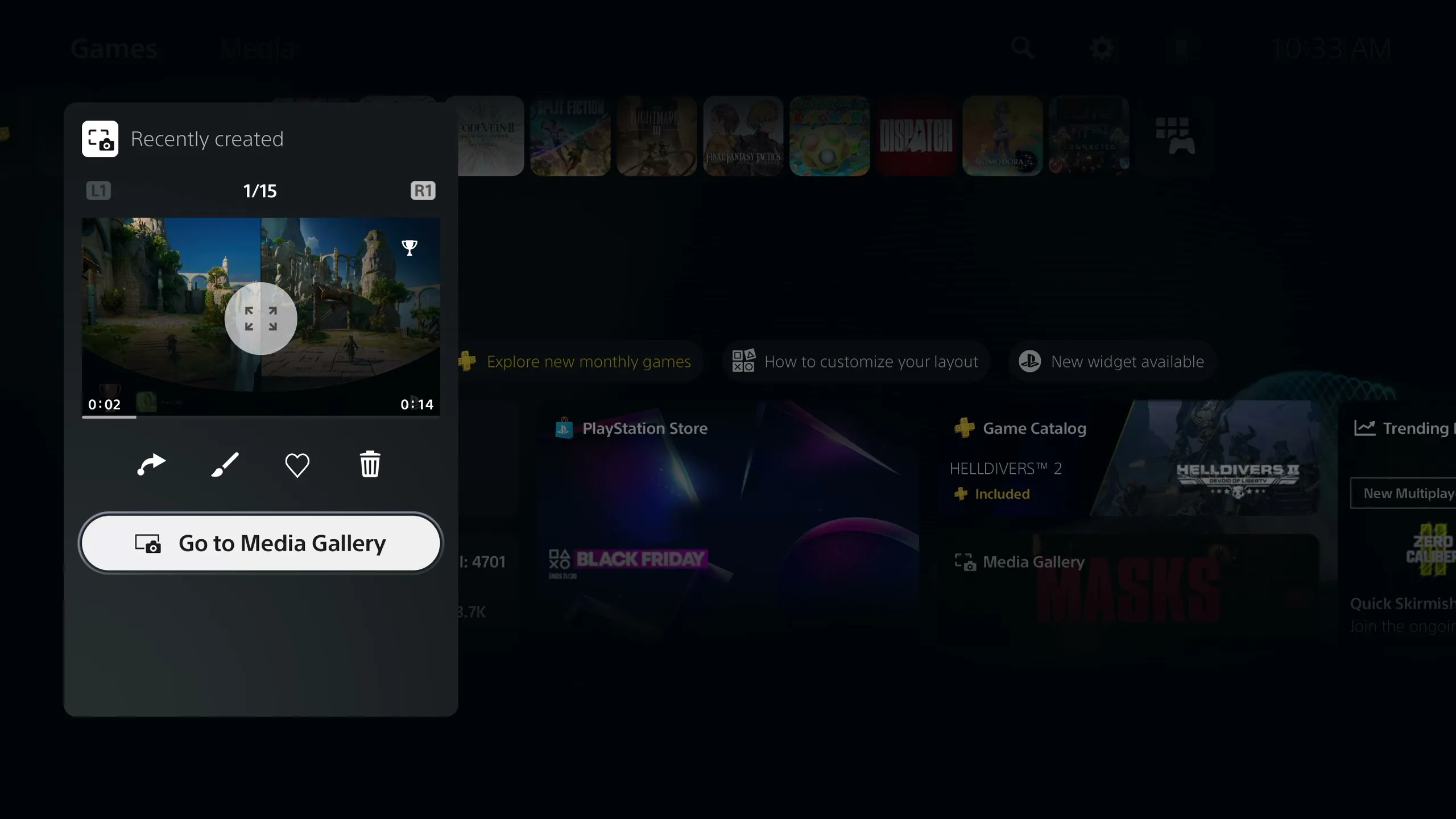
Start by opening the Media Gallery. Press the Create button to the left of the touchpad, navigate to your most recent capture on the left, press X, and select Go to Media Gallery.
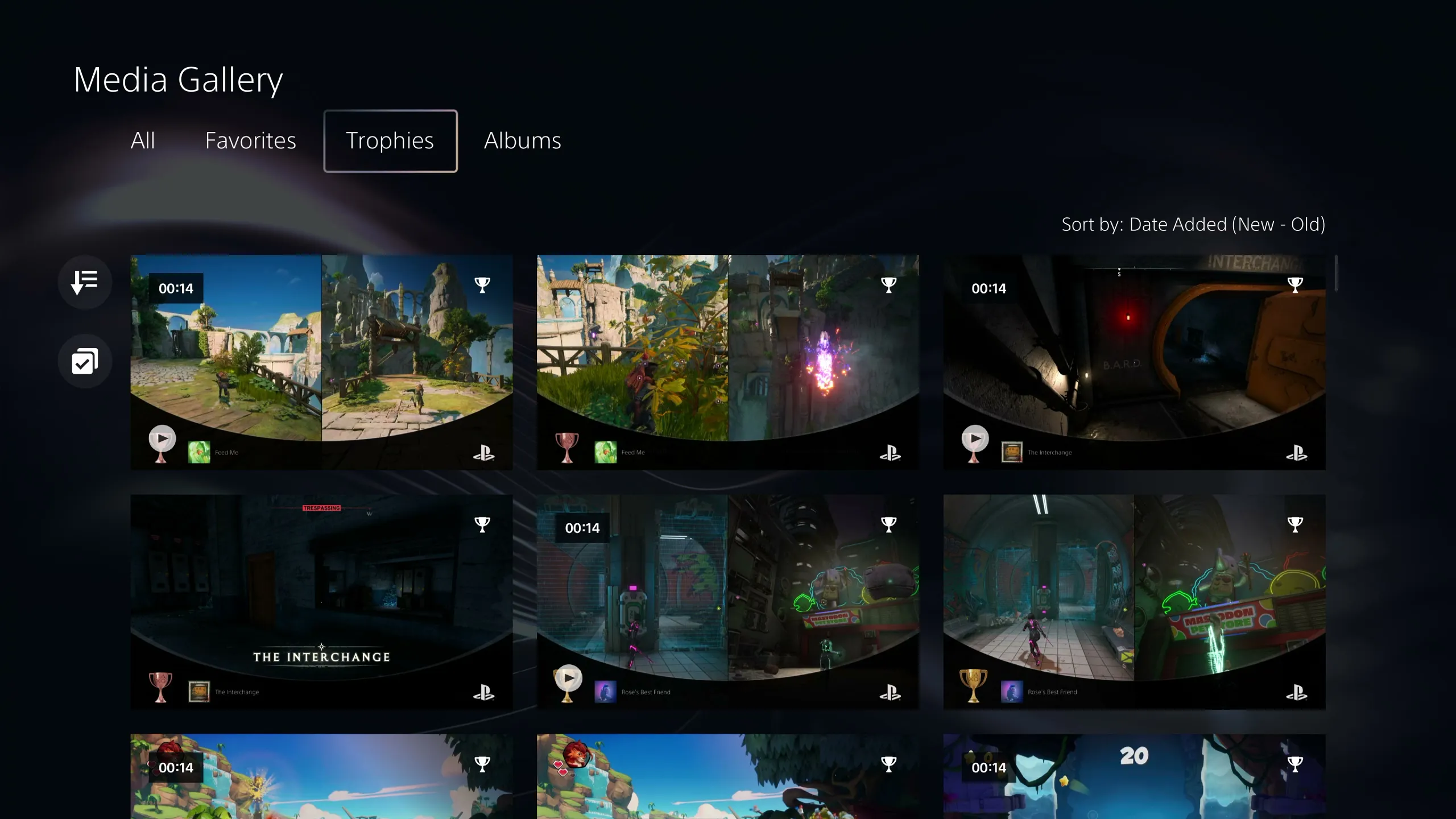
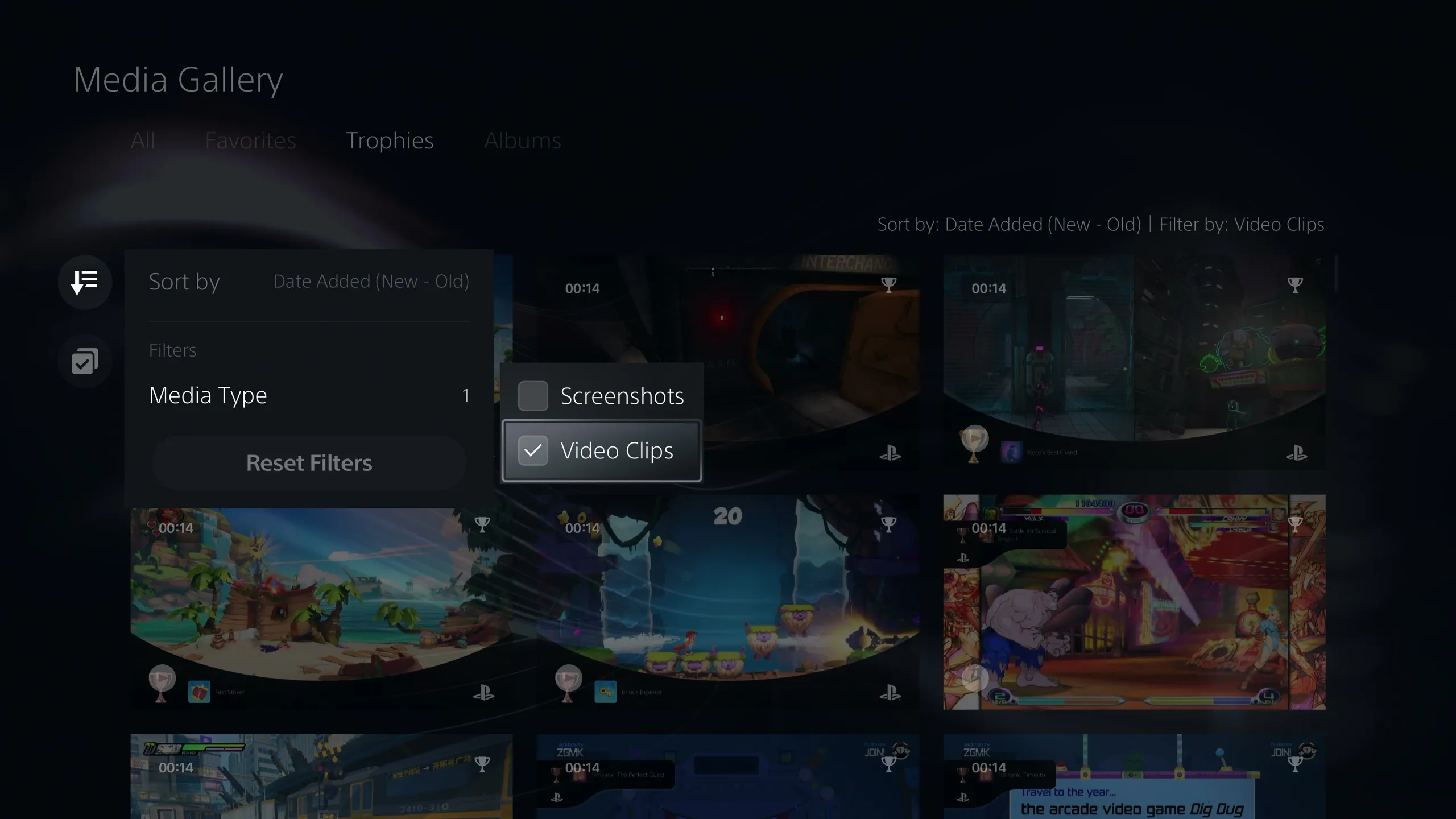
In the Media Gallery, open the Trophies tab. Select Sort and Filter, represented by a downward arrow and three lines, then set Media Type to Video Clips.
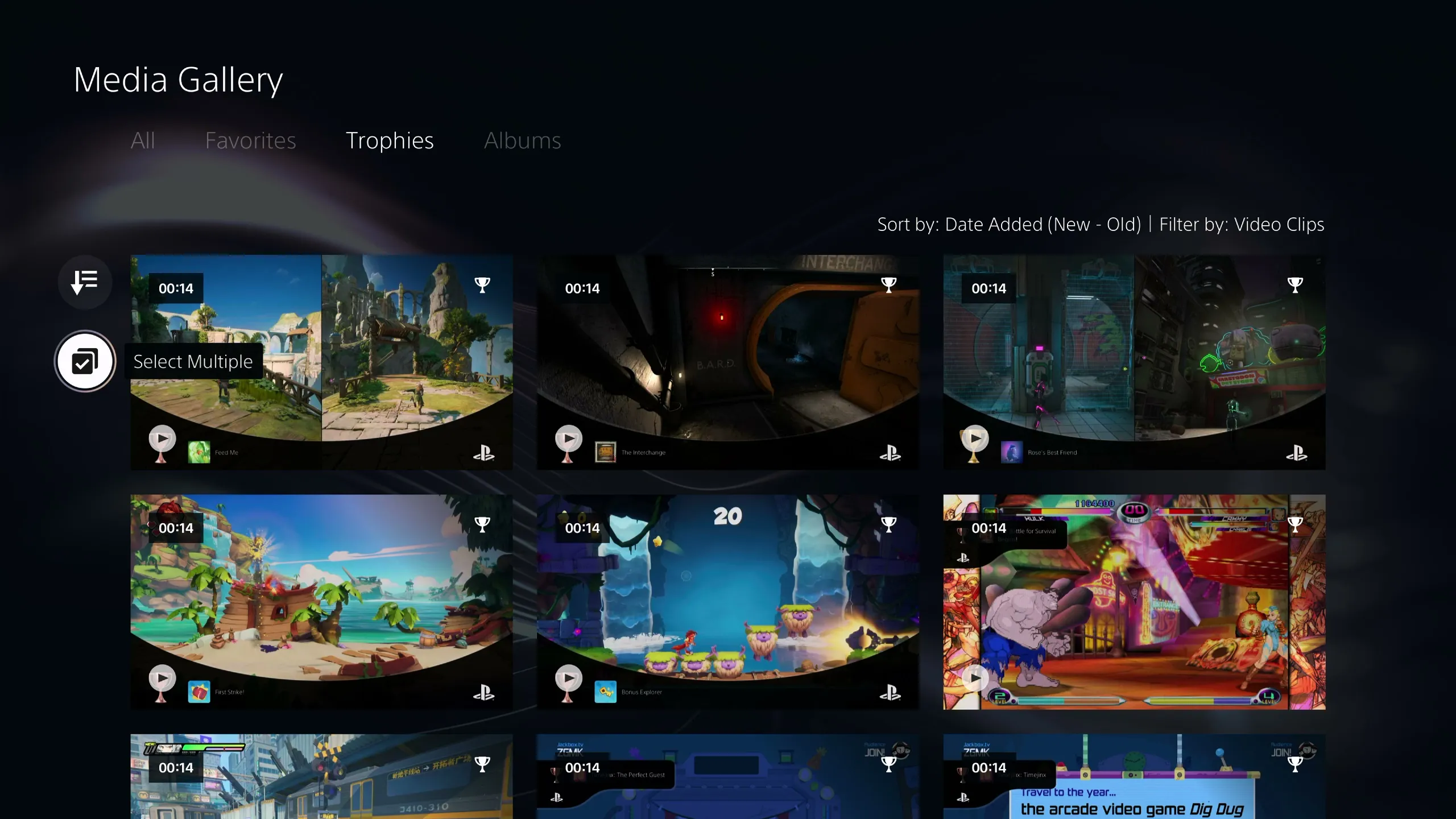
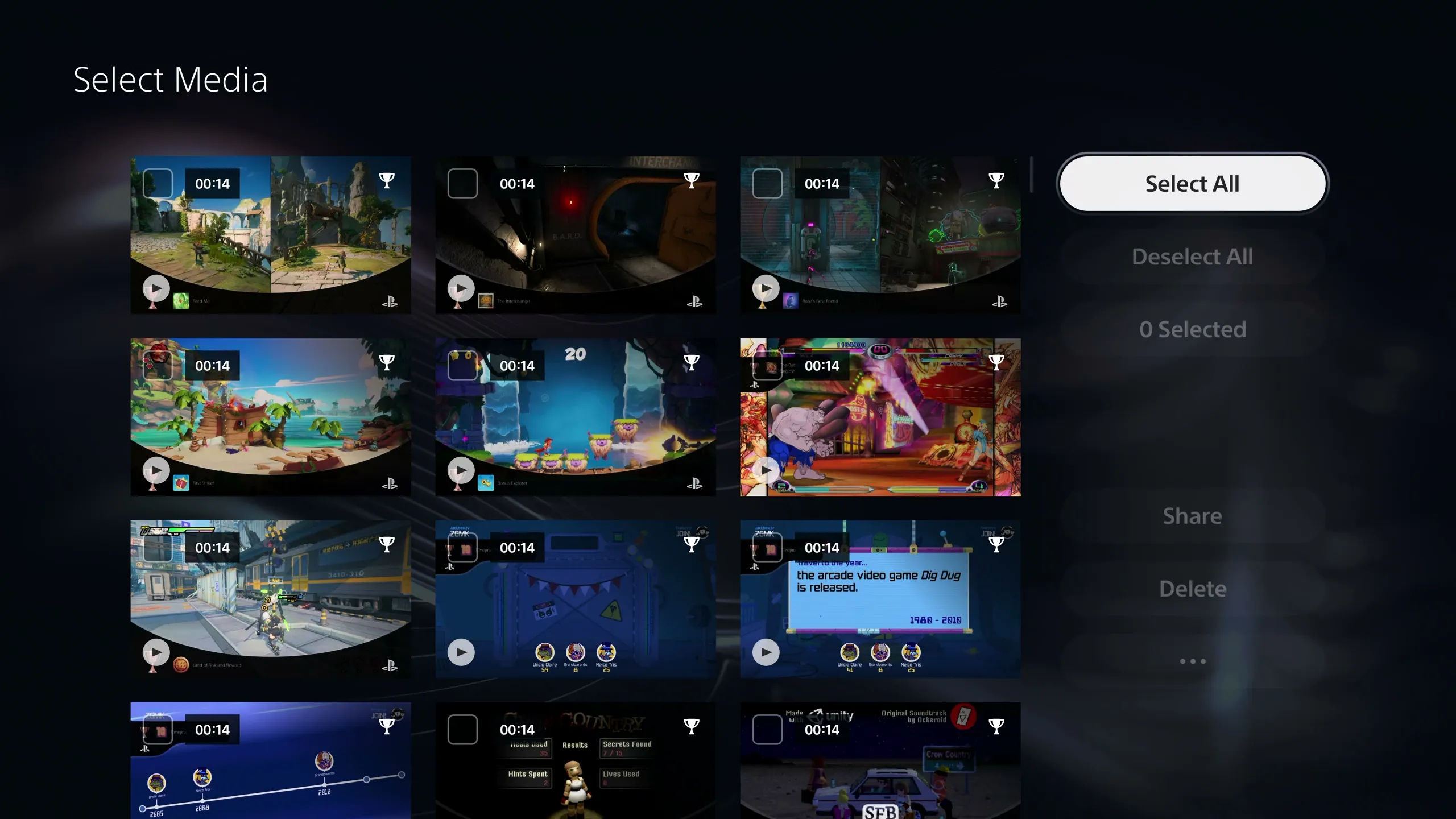
Return to the gallery and choose Select Multiple, the icon with overlapping squares and a check mark. Select all the clips, choose Delete, and confirm your choice. Check the selection first if there are any trophy videos you want to keep.
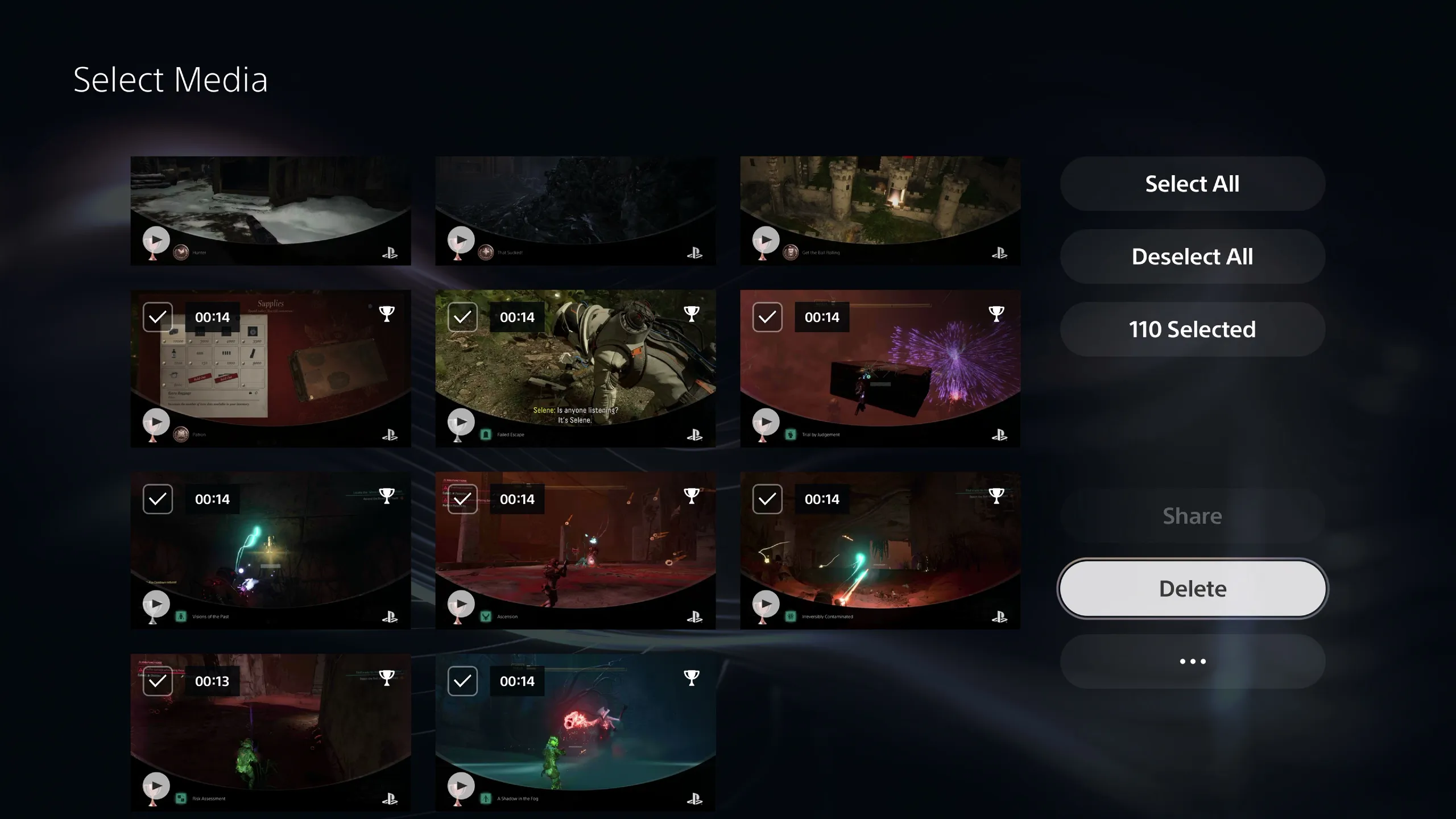
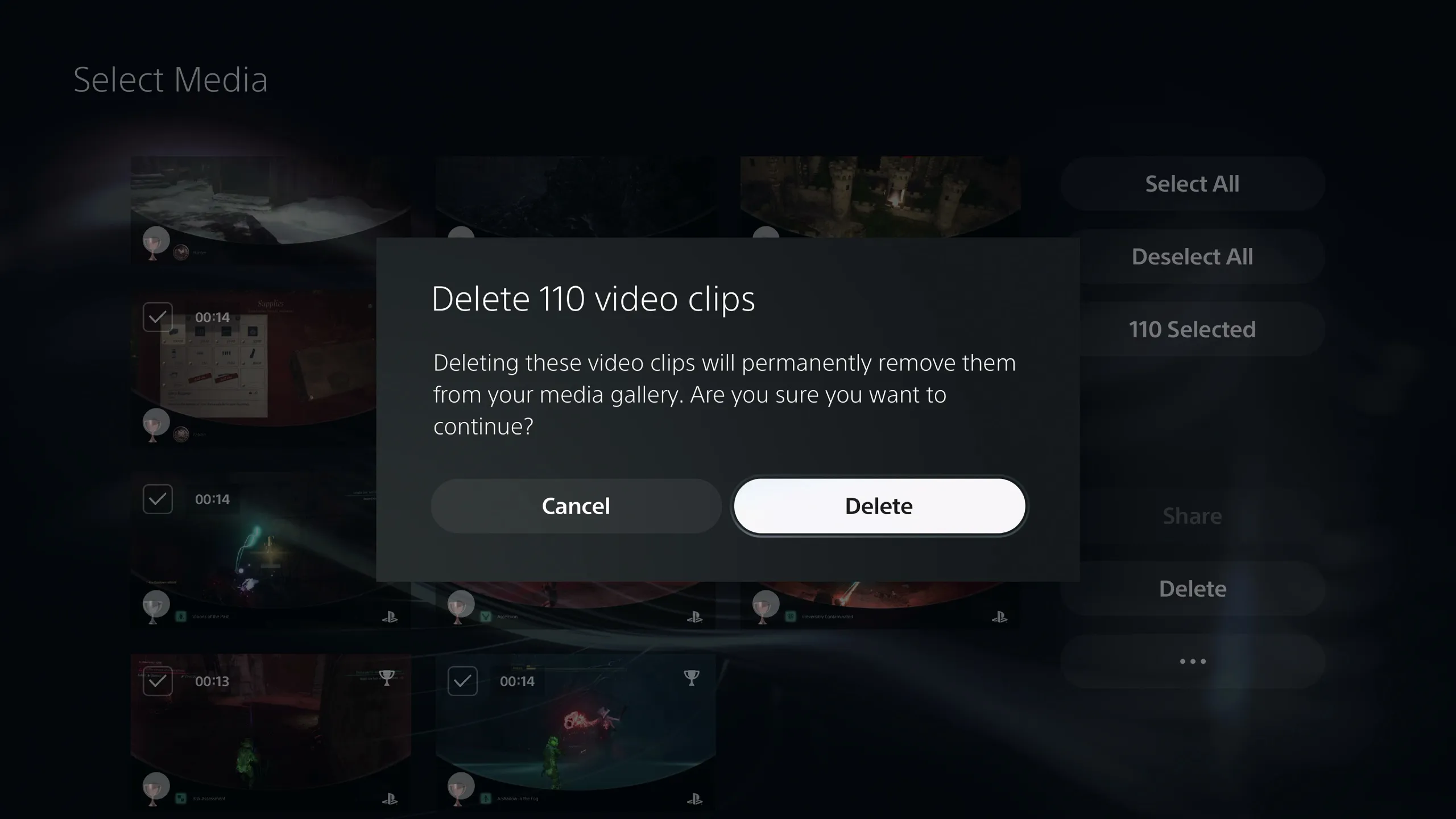
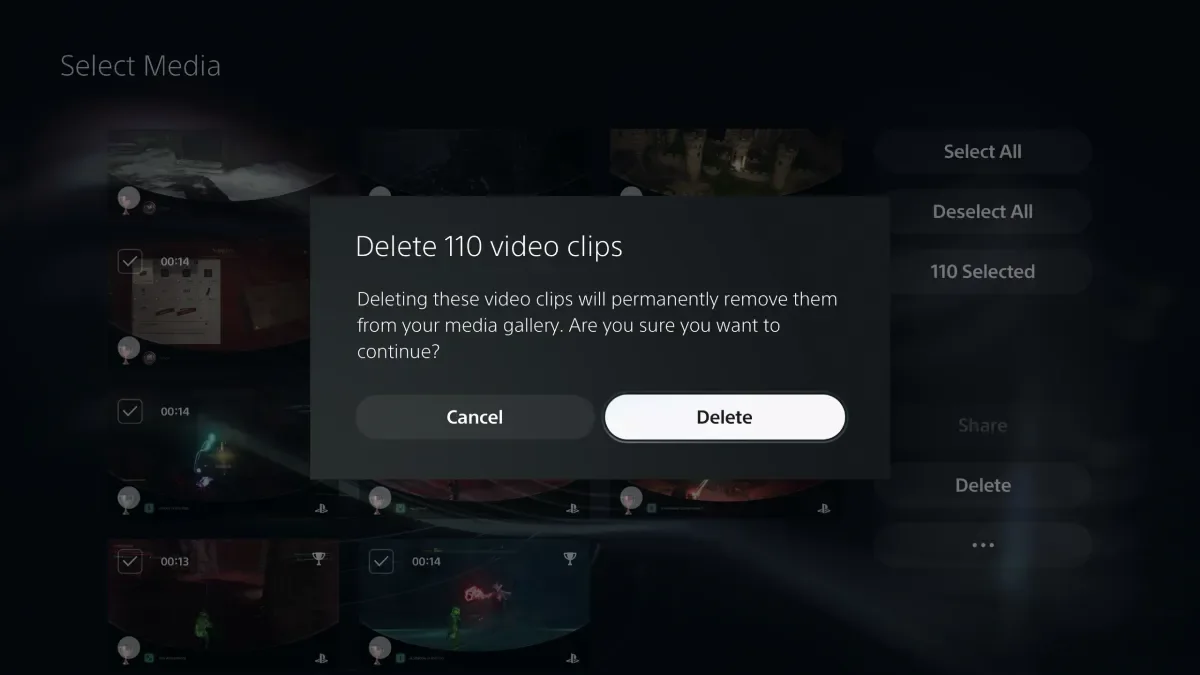
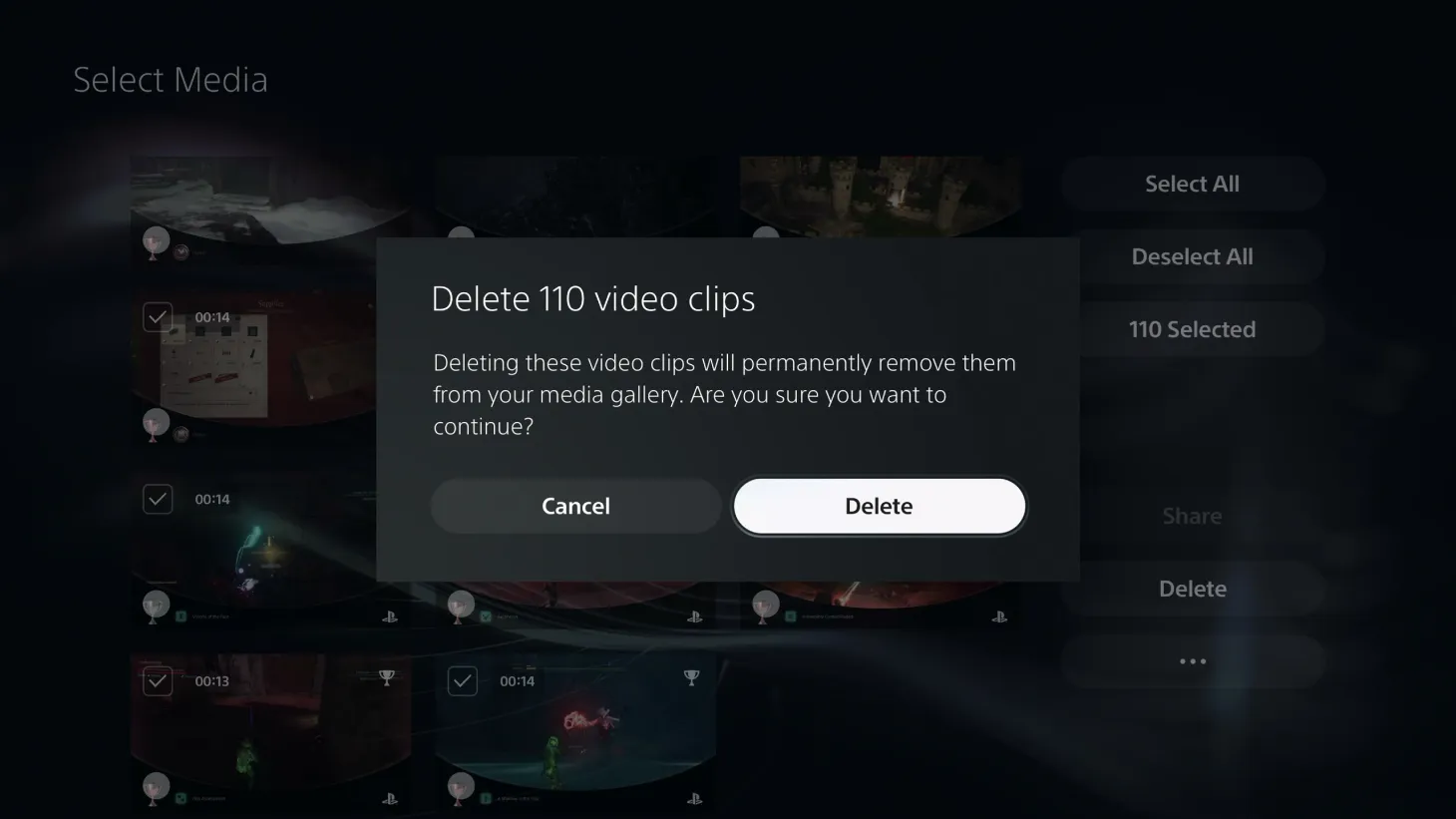
The space you recover will depend on how many clips you have saved. In one cleanup, 110 clips lasting 14 seconds each added up to roughly 25 minutes of footage. It may not solve every storage problem, but it could help you hang on to a game you still intend to finish.
Related articles
 Japanese Composer Calls for Dragon Quest Series to End
 Xbox Chief Says Gaming’s Future Will Resemble Its Early Days, With Microsoft to Give Developers New Tools
 Nintendo Fans Slam New Switch 2 Release as a ‘Paid Downgrade’
 Obsession Director Curry Barker Casts Matthew Lillard in Anything But Ghosts
 Take-Two CEO Compares Future of Game Discs to Vinyl, Says Physical Copies Won’t Disappear
 Players Pick Best GTA VI Trailer by a Wide Margin
 Persona 6 Website Update Sparks Rumors of Imminent Reveal and Atlus Trailer for The Game Awards 2026
 Steam game reviews take over two weeks as developers blame influx of AI projects